


The best programs for designing 3D models: There are many 3D programs available, and it can be challenging to identify the right one for you that you'll spend time learning.
Each 3D program has its own strengths and weaknesses. Unfortunately, it can be difficult for beginners without the necessary technical knowledge to distinguish between the various programs.
Fortunately, many artists enjoy experimenting with new software.
Most artists use multiple programs for their 3D work. Combining techniques from Photoshop, ZBrush, and Maya can lead to stunning results.
This article provides a comprehensive analysis of the most popular 3D programs available. We will take a detailed look at each program and compare their features to help you determine which one best suits your needs.
Top 3D Programs.
1-Maya

Simply put, it is the best 3D animation package on the market. This is the program that most studios rely on.
If you take any digital animation course, you will likely use Maya.
The reason Maya is so popular is its power and flexibility.
Maya can handle a wide range of applications and can be used at almost every level of animation.
Maya is capable of modeling, rigging, animation, lighting, rendering, and more. It performs these tasks better than most other 3D animation programs.
This doesn’t mean Maya is the end-all for 3D work. There are some features, like sculpting and compositing, that other programs handle much better.
3ds Max has better tools for 3D modeling, and most artists today use external packages like Substance Painter for their textures.
But for a single massive toolkit, you rarely find a better program.
Maya is also the most expensive program on this list. Due to its price, it will simply be out of reach for many small studios and independent artists.
However, students and teachers can obtain a limited license for Maya using their school email address.
The truth is that most professional 3D artists use Maya in some capacity.
Maya has been used in game development since the mid-90s when Naughty Dog used it to create models for Crash Bandicoot. Today, you’ll find Maya artists working on best-selling AAA titles like the Halo series.
With this program, you can define your workspace and workflow. Maya uses a node-based graph structure for procedural workflows where scenes in Maya rely on nodes, with each node having its customizable attributes.
This way, users can create complex scenes and "maintain workflow easily."
2-Blender
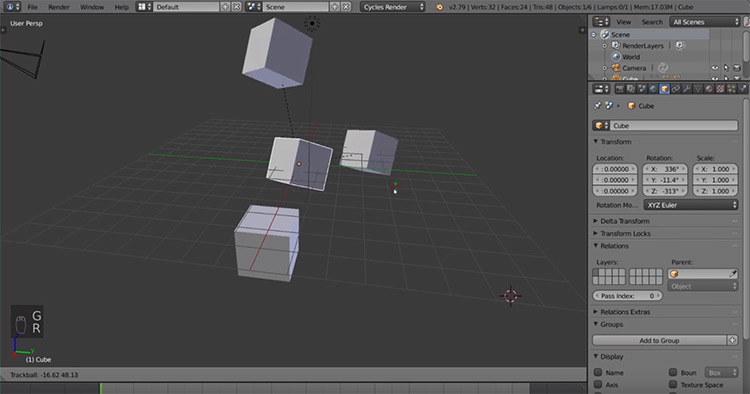
It is the free and open-source solution for 3D software.
As an open project, Blender was created by hundreds of artists and developers from around the world.
Like Maya, Blender comes equipped with everything you need for 3D animation.
It has tools for modeling, sculpting, rigging, visual effects, lighting, and much more. The Cycles rendering engine that comes with Blender offers very powerful and realistic renders and real-time previews.
Since Blender is open-source, it is easy to customize to fit your needs. Blender uses Python for scripting, and there are many plugins available to extend the program. These can be used to enhance Blender in numerous ways, including additional tools and modifying existing features.
Blender is a cross-platform application and works on Windows, Macintosh, and Linux computers.
Unfortunately, Blender has a reputation for being difficult to learn. While it can be overwhelming for new users, it is a fantastic solution for artists who have the time to learn it.
It is highly customizable and has many built-in options to expand functionality. Blender is not only popular among film studios and game designers but is also used by medical researchers, interior designers, and others looking to take advantage of Blender's many features at a fantastic price of $0.
Since Blender is open-source, it lacks a dedicated customer support team.
But what you lose in customer service, you gain in a passionate community of 3D artists.
Blender has a massive dedicated fan base of artists and designers who share tips, answer questions, and provide advice through forums across the web. You’ll find plenty of online resources to learn and troubleshoot Blender, making it a great starting point for beginners.
3ds Max-3
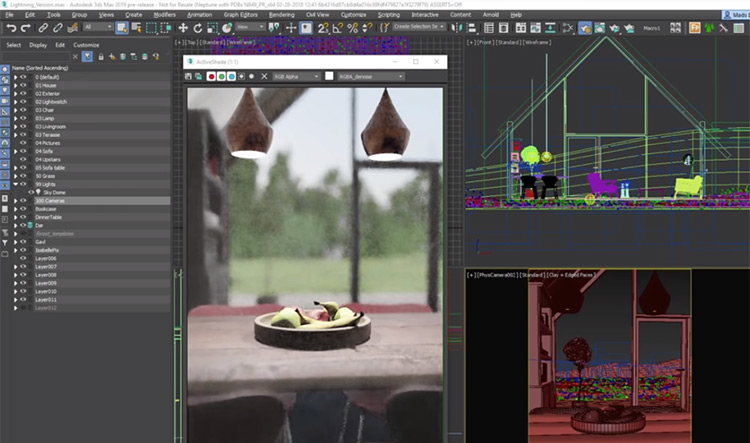
A popular tool for creating models and other 3D assets.
When it comes to modeling, 3ds Max is unmatched in its flexibility and ease of use. That’s why it’s a popular choice for game artists.
Professionals use it daily to create stunning 3D worlds, objects, and characters.
If you’re looking for a program focused on asset creation, 3ds Max is the right program for you.
It’s user-friendly and comes with a fantastic set of UV mapping tools, along with other features that make the modeling process easier.
It is also known for its user-friendly interface and excellent UI design.
3ds Max is the easiest for beginners compared to other 3D programs.
Unfortunately, 3ds Max is a Windows-only application, meaning MacOS or Linux users will need to look elsewhere.
Choosing a 3D program can be tough. Having flexible budget options can be a significant factor in the decision-making process.
Autodesk offers a variety of payment options for 3ds Max, which is really great. Users can pay a monthly or annual fee, or they also have the option to purchase the software outright for a one-time payment.
Modo-4
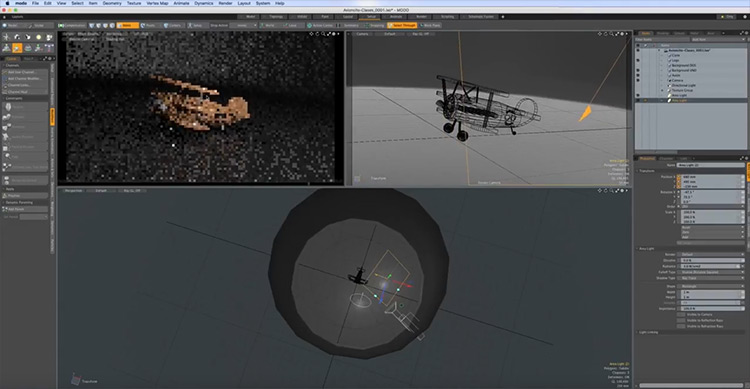
It is a flexible 3D modeling program designed to help artists by simplifying the modeling process.
Many beginners struggle with the technical barriers and complex workflows found in other 3D software.
Modo makes unleashing your digital creativity easier.
This program differs from other 3D applications in that it offers a relatively smaller toolkit.
Programs like Blender and Maya provide vast libraries of tools that can be overwhelming to learn. Modo artists typically use fewer tools and combine different tools using the Tool Pipe feature.
The workflow here is customizable and easy to learn. Modo also allows users to paint directly on their 3D models using a variety of brush types. Artists can easily combine available brushes to achieve a multitude of effects.
Modo 3D is a 3D design program that helps you achieve creative results. This 3D program includes modules that assist you in drawing, sculpting, shading, animating, and much more. It has a user-friendly interface and has become the preferred choice for many users.
5-ZBRUSH
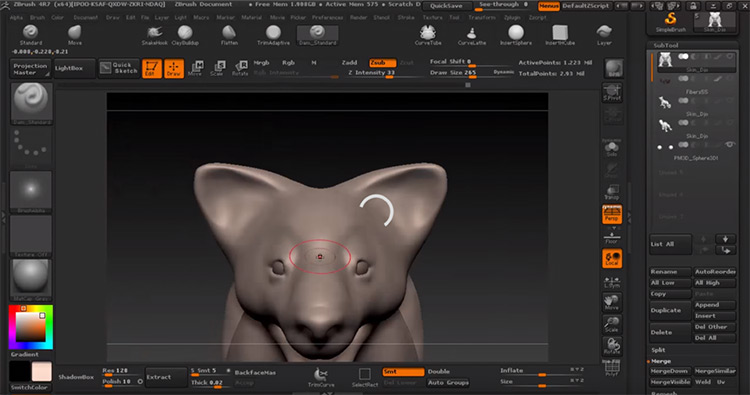
ZBrush is the modern sculpting tool available today.
It has single-handedly changed the way artists approach the craft of 3D sculpting by making it easy to create high-resolution models with organic shapes.
With ZBrush, you can push, pull, scratch, carve, and manipulate the surface of a 3D object on your computer screen.
ZBrush comes equipped with a variety of brushes and customization options during the sculpting phase.
This program is very popular because it is designed for creating high-resolution models. These models can be integrated with other tools like Maya or Adobe After Effects to create stunning visuals.
Objects can also be detailed using ZBrush, but it’s common to use other programs for this purpose. Artists often import a low-poly object from another program and use ZBrush to add more detail and finishing touches.
ZBrush is a professional and versatile sculpting program used worldwide.
You can run ZBrush on both Windows and Mac, and even older versions still work very well.
With your serial number, ZBrush can be installed on two computers per license, which is great too. One for desktop and another for laptop.
If you’re looking to work as a professional artist in the digital FX field, you’ll likely want to learn ZBrush as soon as possible. The same goes for anyone interested in 3D modeling for video games or animation.
It’s a fantastic program to learn for any 3D sculpting jobs.
6-Sculptris
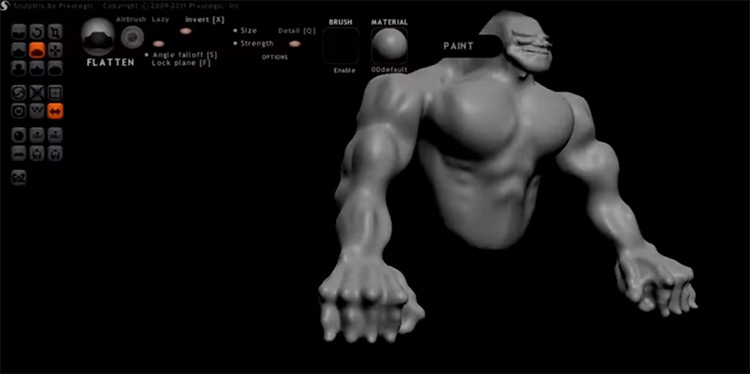
It is a lightweight, easy-to-use, and completely free sculpting program developed by Pixologic (the same team behind ZBrush).
This free alternative is designed to give beginners a perfect starting point for learning 3D sculpting.
Sculptris is definitely an excellent gateway to 3D art and animation. With its easy-to-learn features and intuitive interface, even those with no experience can quickly create basic objects.
Sculptris also offers some detailed features, such as dynamic


