

Best Optimization Tools for Windows 11 in 2025: Have you ever found your computer running sluggishly? Don’t worry! If you’ve ever felt frustrated by slow device speed or encountered common performance hurdles, you’re in the right place.
In this article, we’ll reveal the best PC optimization tools for Windows 11 - why they are essential and how you can choose the perfect tool to enhance your system.
Say goodbye to slow performance and hello to a smooth, optimized experience. Let’s embark on the journey to a faster, more efficient computer.
Best Optimization Tools for Windows 11 in 2025
Using the right optimization tools is crucial for streamlining and enhancing Windows 11 performance. Here are some highly recommended tools that can help keep your system running smoothly.
1. Rambox
Using Rambox is like giving your computer a powerful boost! It’s not just an application; it’s your secret weapon against a slow computer. Here’s how Rambox helps you:
The primary goal of Rambox is to simplify your user experience by eliminating the need to juggle multiple desktop applications or open numerous websites at once. This practice tends to increase resource usage over time, leading to slowdowns. Rambox solves this issue. Instead of using various different applications or opening multiple websites simultaneously, Rambox consolidates everything you love into one sleek desktop app, reducing CPU consumption and preventing resource overflow. This not only speeds up your computer but also keeps it from getting cluttered with too many things.
Have you ever wished you had more control over what’s happening on your computer? Rambox provides that. It comes with an app manager that shows you what’s going on with each application. You can stop apps or processes from using your computer’s power. Just use the quick search panel (Alt+Shift+K) and type “App Manager” to find it.
No more letting apps run in the background! With Rambox, you can quickly turn off apps you’re not using. Right-click on the app and toggle the “Enabled” switch to activate or deactivate it. This simple trick keeps your computer running smoothly by managing resources intelligently.
Rambox takes it a step further. It can automatically put apps to sleep after a period of inactivity. This fantastic feature stops the app from using your computer’s memory and temporarily halts its background activities. You can set how long the app should take a break. Just set the minutes of inactivity, and Rambox will take care of the rest.
Are you worried about apps misbehaving and consuming too much CPU? Rambox has your back. It monitors things and alerts you if an app starts consuming too much CPU or acting strangely. This way, you can intervene or reload or disable the app before it causes issues for others or slows down the entire Rambox experience.
Rambox isn’t just an app; it’s your computer’s best friend, ensuring everything runs smoothly while you focus on what matters most.
2. Fortect

Fortect is a comprehensive solution for protecting and optimizing your computer against online threats. It offers a range of features to scan, repair, and boost your computer’s performance.
It provides real-time threat and malware monitoring, allowing you to identify and address issues affecting your computer's speed. Its capabilities include cleaning up unwanted files and resolving registry issues to free up valuable space. The tool also repairs corrupted or missing operating system files, such as registry keys and DLL files, and provides robust malware protection during downloads, installations, and executions.
Fortect addresses key areas, including:
Windows Issues: When routine tasks fail or confusing error messages appear, Fortect repairs corrupted system files and corrects misconfigured settings at the root of the problem.
Virus Damage: Even after removing viruses and malware, residual damage can persist. Fortect secures your system and restores it to its pre-infection state.
Computer Freezing: Annoying slowdowns or program freezes can render your computer unusable until it’s reset. Whether caused by a corrupted registry, missing files, or excessive unwanted files, Fortect ensures Windows and your programs run smoothly again.
Corrupted DLL Files: DLL files are essential for program functionality, but if they are lost or corrupted, your computer can face issues. Fortect automatically fills the gap, saving you the trouble of searching for DLL files yourself.
Blue Screen of Death (BSoD): A BSoD indicates a severe communication failure between the hardware and the operating system, preventing your computer from functioning. Fortect repairs DLL files, drivers, and incompatible Windows errors causing BSoDs while identifying malfunctioning devices that may need replacement.
Operating System Recovery: Fortect compares your current operating system to a healthy version. If vital system files required to run and reboot Windows are not as they should be, Fortect restores them without harming user data.
3. CleanMyPC
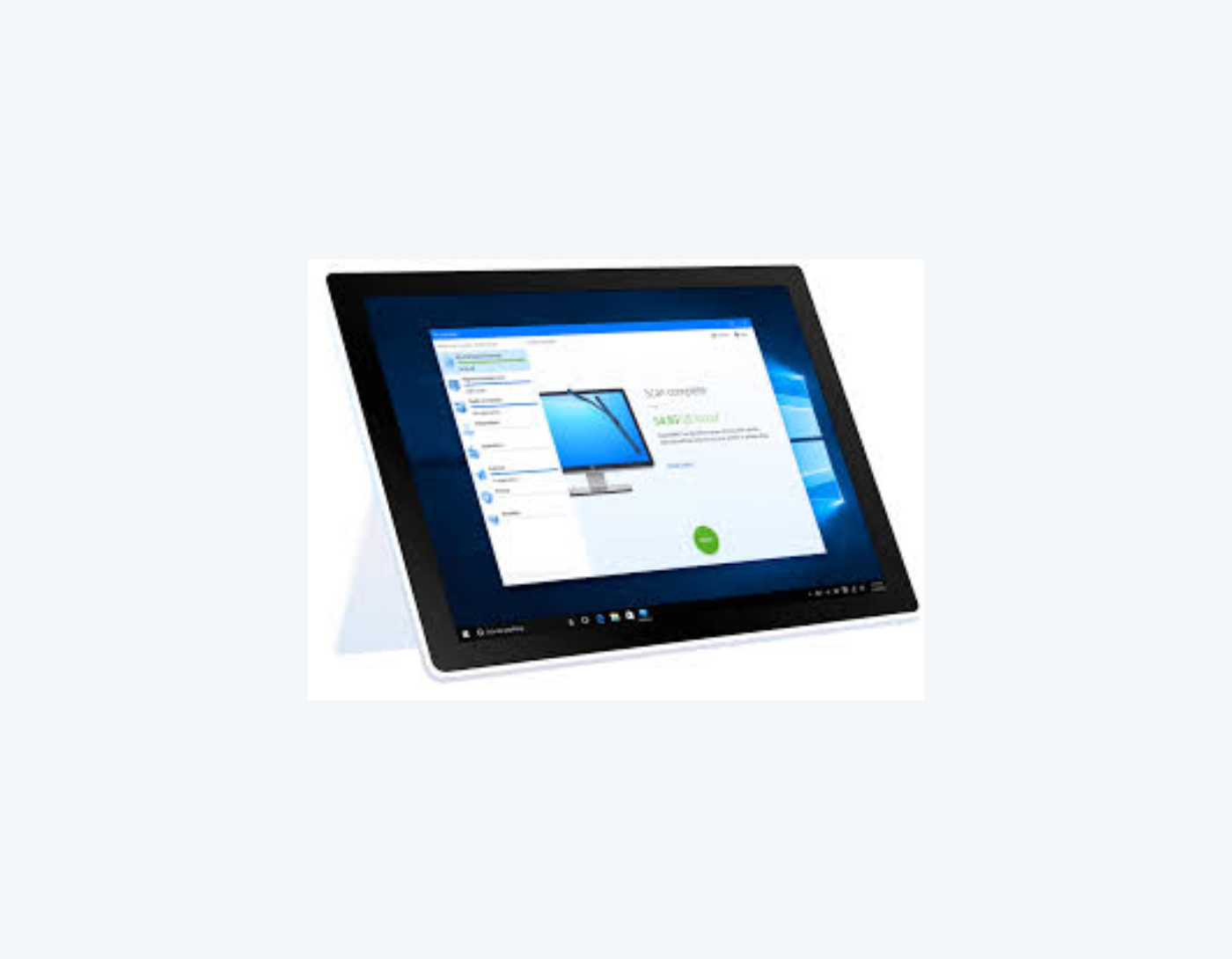
CleanMyPC is a powerful PC cleaning software designed to keep your computer in top shape. It goes beyond traditional PC cleaners, offering a comprehensive solution for decluttering and speeding up your computer’s overall performance.
Its main features include:
Cleaning Unwanted Files: CleanMyPC thoroughly scans your computer, identifying cache, registry files, and other types of unwanted files and removing them. This process frees up valuable disk space and enhances your computer's performance.
Optimizing Windows Registry: CleanMyPC targets the Windows registry, keeping it clutter-free. This optimization ensures that programs and the operating system can efficiently locate necessary data, improving overall performance.
Multi Uninstaller: Say goodbye to leftover files from uninstalled applications. CleanMyPC’s Multi Uninstaller allows you to remove multiple applications at once, including all associated files often overlooked by standard uninstallers. This ensures a thorough cleaning of your system.
Startup Optimization: Speed up your computer’s startup by efficiently managing startup programs. CleanMyPC presents startup items in one list, making it easy to disable unnecessary programs that slow down the boot process. Enjoy a faster, more responsive computer startup.
Browser Cleaning and Privacy Protection: CleanMyPC scans all your browsers to consolidate traces of online activity. You can easily manage extensions, remove unnecessary toolbars, and protect your online privacy. The tool streamlines the process of cleaning cookies and login data, ensuring a safe online experience.
4. System Mechanic Ultimate Defense
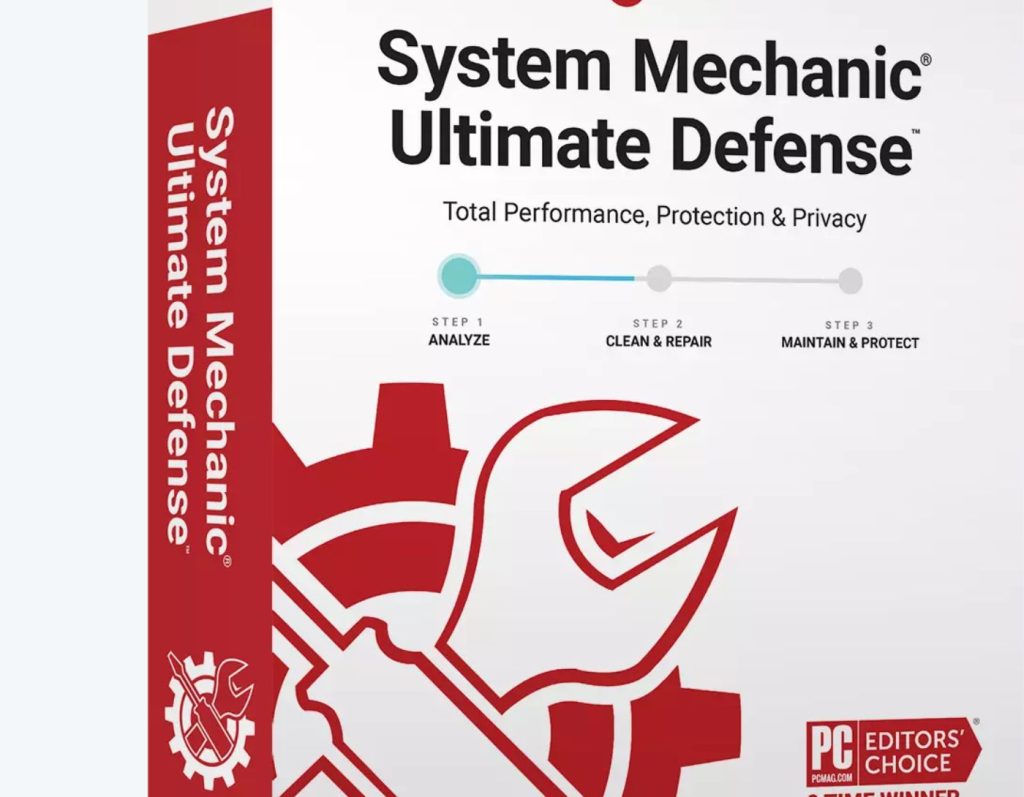
System Mechanic Ultimate Defense stands out as a comprehensive solution, offering a range of best-in-class features designed to boost PC performance and ensure robust protection against viruses and malware, along with online privacy protection.
Its main features include:
Stopping Hackers: Remove and block malware, viruses, and ransomware through real-time threat protection.
Password Management: Keep your passwords and banking information secure from falling into the wrong hands.
Enhancing PC Performance: Quickly clean and optimize your computer for faster startup, internet downloads, and a more stable system performance.
Online Privacy: Rest assured that your personal information is protected from falling into the wrong hands thanks to easily configurable privacy settings.
Conclusion


