

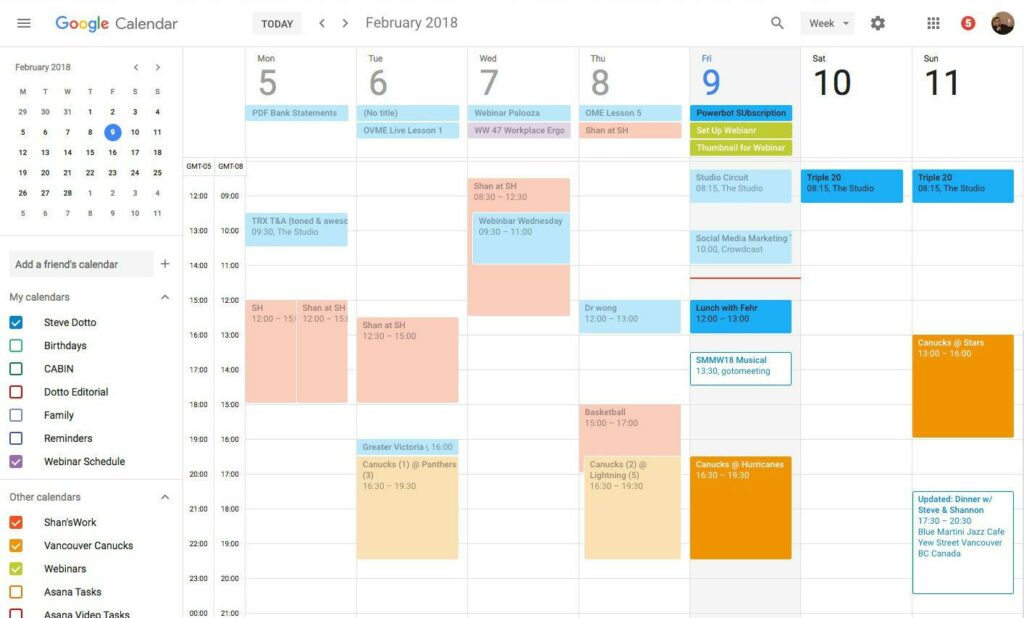
The best tools for scheduling video blog content on YouTube: You can read this article to discover the top video content scheduling tools on YouTube to attract more views and engagement in your posts.
Do you know the best time to post videos on YouTube? Yes, all social media platforms have peak times for better engagement. For YouTube, the days with high interactions are Thursday, Friday, and Saturday, from 9 AM to 6 PM.
However, with so many tasks to manage, social media marketers often miss the opportunity to engage a larger audience. Moreover, waiting and posting on YouTube takes a lot of time that could have been spent creating better content.
Therefore, marketers use video blog content scheduling tools to automate repetitive and tedious tasks and take advantage of the best posting times.
If you are also looking for a video blog scheduling program on YouTube to publish your content on time without hassle, this article is for you.
In this article, we review the best scheduling programs for YouTube videos, which have been compiled after in-depth research and comparison of all available tools based on their features, ease of use, customer support, and other factors.
List of the Best Video Blog Content Scheduling Tools
Here are the top YouTube video scheduling tools we selected after thorough research and analysis of various available tools.
1. SocialBee

SocialBee has made a significant impact among users worldwide due to its post-creation and AI-driven sharing features. It is a comprehensive social media management platform that offers creative integration with applications like Unsplash and Canva and GIPHY, organized post categorization, comprehensive account growth analytics, and the following features that make it one of the best video blog scheduling tools on YouTube.
Key Features of SocialBee
- The AI-powered post creator helps you create engaging captions and images for your social media.
- You can effortlessly connect your blog's RSS feed to import content.
- It helps you easily recycle and repurpose your content.
- You can create a calendar-like publishing schedule for your posts across all your profiles.
- It allows you to preview your next 100 social media posts.
- SocialBee lets you monitor the performance of your links with over 5 URL shortening tools.
- You can interact with your followers' mentions and comments directly through SocialBee.
2. Sprout Social
Next, we would like to draw your attention to Sprout Social. It is another popular tool for scheduling video blog content with countless features and integrations. The best features of this program include AI-supported caption and alt text creation, increasing audience engagement by suggesting optimal posting times, and more.
Key Features of Sprout Social
- It features a collaborative content calendar so you and your team can manage and publish content across different accounts.
- Sprout Social offers AI-based content suggestions so you can create videos that resonate with your audience.
- The asset library helps you create new assets or import from Canva, Bynder, Adobe Experience Manager, or Dropbox, or Google Drive.
- You can track URLs to analyze social traffic through Google Analytics, monitor campaign performance, referral traffic, and post conversions.
- There is a campaign planner to help you strategize, plan, execute, and manage your campaign and project effectiveness.
3. Brandwatch Social Media Management
Next on our list, Brandwatch Social Media Management is much more than just a regular YouTube video scheduling program. It is a comprehensive solution for collaboration, scheduling, editing, previewing, and publishing all content in one place. Its ease of use, clean interface, drag-and-drop functionality, notes, digital asset library, and the following features justify its inclusion in this list.
Key Features of Brandwatch Social Media Management
- It features a unified and integrated content calendar.
- You can customize your inbox.
- Brandwatch Social Media Management helps you grow your channel with AI-supported analytics.
4. CoSchedule
Let us introduce you to CoSchedule, one of the best blog content scheduling tools to help you and your team get more work done, collaborate, and organize all marketing content in one place. This tool justifies its position among others in this list with its content calendar (allowing you to group multiple related projects, set promotional timelines and project plans, and strategize promotional offerings), AI-supported idea generation, first draft creation, social media message creation, and high-quality image generation, along with the following features.
Key Features of CoSchedule
- The Kanban board helps you prioritize and assign high-priority projects effortlessly.
- You can view all your scheduled and unscheduled projects in a spreadsheet-like calendar view.
- It allows you to measure performance through easy-to-understand reports.
5. Sendible

Here comes Sendible in our list of the best video scheduling programs on YouTube to grow your audience. In addition to scheduling, this tool assists you with video analytics, reporting, inbox management, and offers the following features.
Key Features of Sendible
- The smart queue option allows you to create a recurring schedule and queue posts to automate the process.
- It makes it easy for you to generate ideas, create, schedule, and manage posts.
- RSS feeds allow you to automatically schedule social media content whenever you publish new content.
- It automatically determines the best time to post based on your account's historical data.
6. Loomly
Loomly is another video blog scheduling program on YouTube and an easy tool for social media management. It is a comprehensive solution for creating social media content, scheduling, and seamless collaboration with your team/clients. Moreover, we love this tool, especially for its clean and user-friendly interface, post ideas sourced from the web, useful integrations, automatic posting on social media, and the following features.
Key Features of Loomly
- It allows you to store and organize videos, images, links, notes, and posting templates in an easy-to-use library.
- Loomly features automatic post and ad preview generation.
- There is a commenting system and workflow for post approvals.
- This tool provides detailed analytics for all your posts.
7. Planable
Everything is planable, including scheduling your video blog content on YouTube. On a more serious note, Planable is another video scheduling program on YouTube that we would recommend. It features strong collaboration options, content scheduling directly across all eight major social media platforms, ease of creating and approving ads, and the following features.
Key Features of Planable
- It allows for effortless content creation, previewing, and editing for different platforms, adding hashtags/icons/tags/page tags/animated images to enhance the content's aesthetics.
- There is an easy-to-use calendar that supports multiple views.
Conclusion
This article has helped you discover the best video blog content scheduling tools on YouTube. So you can publish the right content at the right time to gain more views and engagement. You can choose the right tool from the list above based on your specific needs. However, if you have any questions regarding this guide, feel free to let us know in the comments section.


