

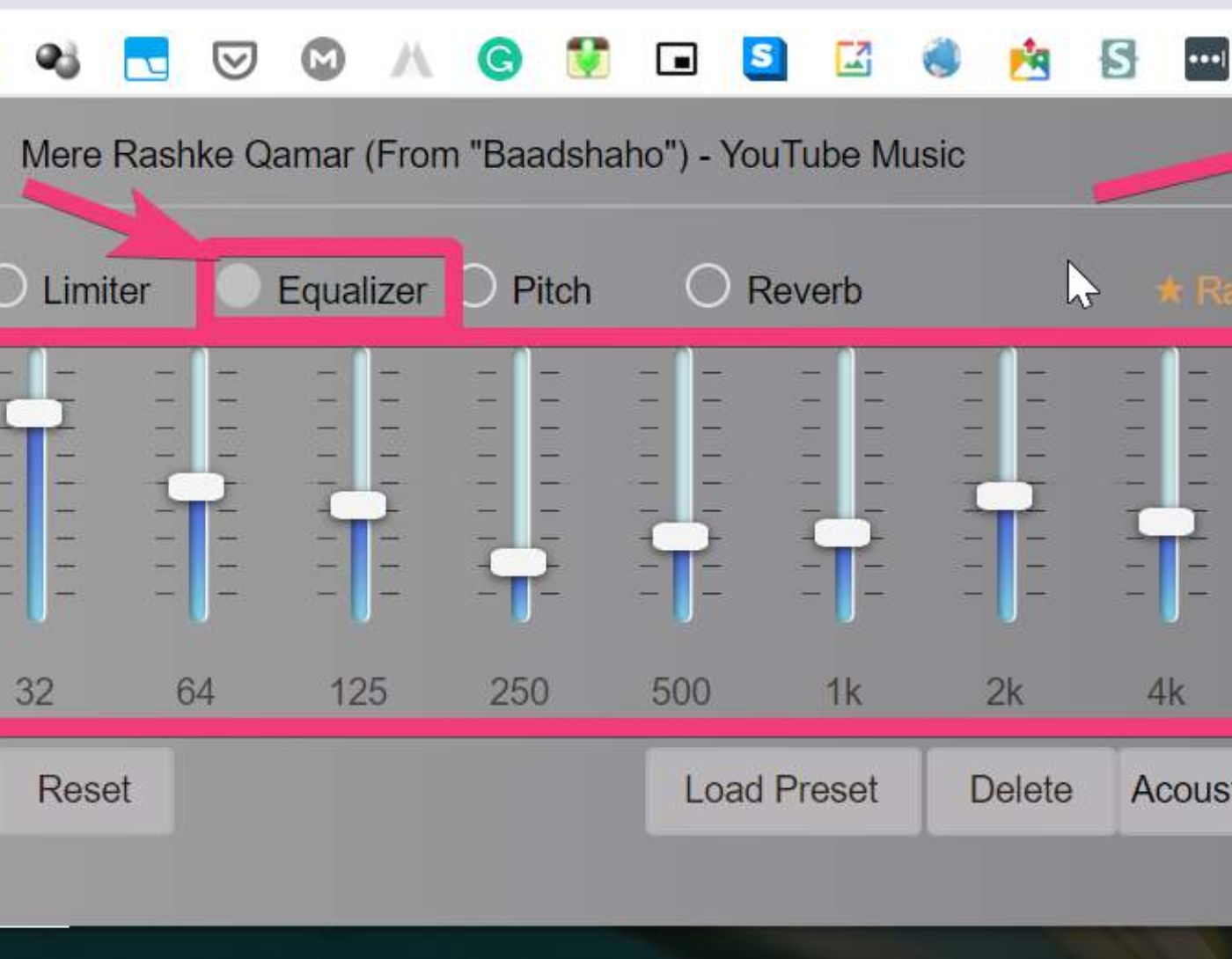
The best audio equalizer extension for Google Chrome: Are you looking for the best audio equalizer extension for Chrome? If so, this article will be very helpful. Here, we will discuss a selection of outstanding audio equalizer programs that are worth considering. For more information, keep reading!
An audio equalizer is defined as the process of adjusting the balance between different frequency components. In the past, equalization was a complex and challenging process, but with the advancement of technology, it has become simple with the use of audio equalizer extensions. These equalizer extensions not only balance frequency components but also enhance the overall sound output.
The Best Audio Equalizer Extension for Google Chrome
In this list, we have compiled a selection of Chrome equalizer extensions that you can use to enhance your audio experience on your computer, as follows:
1. Audio EQ
Audio EQ is well-known; it is one of the best equalizer extensions available for Chrome. The Audio EQ interface easily surpasses competitors in terms of usability and smart functions. Moreover, the program works accurately and effectively on HTML5 sites.
With this extension, you will be able to achieve a higher volume level than what you have heard before. Note that the audio equalizer operates by controlling the audio and video tags in HTML5 format, meaning its effect will never impact services or pages using Flash or any other non-HTML5 technologies. The 12-band parametric equalizer, ease of switching between mono and stereo sound, and a volume boost of 3 times are some of the standout features of this free audio equalizer extension for Chrome.
2. Equalizer For Google Chrome
Here comes the second choice for the best audio equalizer for Windows, which is Equalizer For Google Chrome. It is one of the most popular programs you can use to enhance audio quality on your smartphone or computer. To get started, simply install it on your device, and once the installation is complete, the equalizer will automatically appear on the Google Chrome extensions panel. Regardless of the audio source, the tool works well with all types of audio files, allowing you to customize the sound using 10 bands, and it has a vast array of audio presets.
3. Ears: Bass Boost
Equalize any sound you find on the web, YouTube, or any other audio streaming platforms in just a few minutes using the free Chrome extension Ears. With this program, you can easily and quickly raise the volume and adjust the sound according to your preferences. Just go to any site with audio, open Ears Bass Boost, and then drag the points to increase or decrease the filters. It comes with a unique feature called Spectrum Visualizer that allows you to see the sound and adjustments in real-time. Moreover, you can adjust the equalizer for multiple tabs simultaneously.
4. Equalizer for Chrome
Equalizer is the best equalizer extension for Chrome available online. It is undoubtedly user-friendly and beneficial, especially for Google Chrome users. It gives you the ability to control the overall sound of HTML5 videos using a 10-channel audio equalizer. However, it is worth noting that this extension will not work with websites that use Silverlight or Flash. Additionally, the modified settings will only apply to the current tab or a single tab.
5. Sound Equalizer
Last but not least, the Sound Equalizer is another user-friendly audio equalizer that allows you to control volume levels and audio presets. This free Chrome extension enables you to enhance audio quality so you can have a better experience while listening to audio streams and watching videos.
The extension includes a 10-band equalizer and audio filters to adjust sound frequencies. It comes with a set of 14 presets for sound types and full volume control, allowing you to quickly adjust the volume according to your personal preferences. Not only that, but you can also create custom presets. This is one of the best Chrome equalizer extensions you can try to boost the volume up to 400% of the standard sound level.
6. Audio Equalizer
This is the next recommendation for the best audio equalizer that Chrome offers. You can enhance sound quality on your computer or smartphone using the Audio Equalizer, which is well-known and generally considered one of the most deserving programs. With this application, you can customize the sound using a number of different bands, and the tool also comes with a large collection of audio presets.
To get started, all you need to do is install it on the designated device. After the installation is complete, the equalizer will automatically appear on the Google Chrome extensions panel. The tool performs satisfactorily with all types of audio files, regardless of the audio source.
7. Stylish Audio Equalizer for YT
Stylish Audio Equalizer for YT is a Chrome browser extension developed by Free _ apps. This free program allows you to customize audio and videos on YouTube. After a simple installation, you can easily enhance the audio experience of your favorite content.
Once installed, you can find the audio equalizer button next to the like/dislike button below the YouTube video. By clicking on it, you can access a range of settings and options to adjust the sound to your liking. There are over 10 default settings you can try for different audio equalization effects.
Whether you are a fan of audio streaming or simply want to enhance the audio quality of your YouTube videos, this extension provides a unique and user-friendly solution. Test your favorite audio equalizer effect and enjoy a remarkable audio experience.
8. Bass Booster
This is a powerful Chrome extension that allows you to customize and enhance audio quality on websites. Whether you are watching videos online or listening to audio streams, this extension will elevate your audio experience to new heights.
Thanks to its simple and clear design, using this equalizer is extremely easy. Just adjust the sliders to organize the sound in the current web tab. The extension also features a one-click boost option, allowing you to instantly enhance the sound with just one click. Additionally, it automatically turns off in normal mode, so you don’t have to worry about disabling it manually.
One of the standout features of the Bass Booster audio equalizer is its collection of audio presets. For more discerning users, this extension also includes a bass boost feature. By enabling this feature, you can further enhance low-frequency sounds and create improved audio for your favorite videos.
Conclusion
That's all! We hope the above list of the best audio equalizer extensions for Google Chrome helps you choose the best one for your device. Let us know in the comments which one you choose. Also, if you think we missed your favorite audio equalizer extension, feel free to leave your suggestions below.


