


Creating a CV is essential when applying for any job, and not everyone has the knack for writing it well. Even many professionals struggle to design an impressive CV. If you're looking to apply for your dream job but worry that your writing and design skills aren't up to par, I recommend you keep reading to discover the best CV design software available.
Why Many Prefer Using CV Design Software
The few minutes your potential employer spends reading your CV can significantly influence your chances of landing the job. Therefore, the quality of your CV design is crucial. Additionally, these programs offer various other benefits, such as:
-
Time-Saving
These programs provide ready-made templates and designs along with tips that help speed up the CV writing process, making it less stressful.
-
Writing Tips
No matter how many strengths you have, you need to promote your skills and experiences to secure a good job. Not everyone possesses strong writing skills, so these programs can assist you in choosing the best words and phrases to showcase your abilities.
-
Stunning Designs
The appeal and beauty of your CV design can open many doors, which is why the designers of these programs provide free templates to make your CV look as impressive as it should.
-
ATS Compatibility
Employers, especially global companies, may use ATS systems to scan CVs. Using the best CV design software will ensure that your CV is easy for these systems to read.
Top CV Design Software
If you need assistance in crafting your CV design, we've compiled a list of the best CV design software along with information about the top 5 applications.
1- Resume Star
One of the best and most popular programs, compatible with both Android and iOS. All designs and templates are available for free. It uses artificial intelligence to create standout CVs, making it particularly suitable for job seekers who are beginners or students. It helps you create a professionally designed CV, free of ads, automatically saves your data, and while the app's interface doesn't provide extensive guidance on writing your CV, if you need extra help, click the information icon in the bottom left and select the resume writing guide. This will open a comprehensive course on CV writing in your device's browser. It offers paid job opportunities, but payment is only made after scheduling an interview with the employer. The site does not collect personal information without user consent, making it trustworthy for many.
2- CV Engineer
A newer program that has gained significant popularity due to its ease of use, designed for Android and iOS users. It creates a professional-looking CV and features 16 templates to choose from. You select one that suits you and fill in the usual sections - profession, education, skills, etc., then send it to your desired recipients. The app also includes models of interview questions and their best answers. The app is free but offers some paid services.
3- Resume Builder
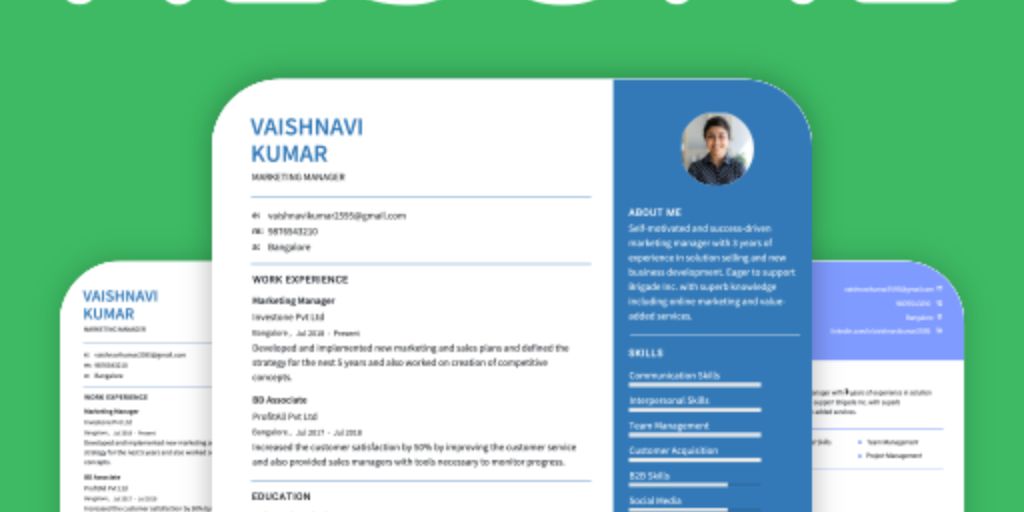 Image of Resume Builder
A fantastic app that is easy to use, lightweight, and free. It features a spell-checking process and offers over 60 different CV templates suitable for all jobs. You can create CVs in various formats, including Word, DOC, HTML, and PDF, choosing the one that suits you best. After preparing your CV, you can send it directly from the app via email, preserving the CV's design. It allows you to change font colors, and displays each CV section in a list, making it easy to navigate through the sections after saving your data. It gives you the option to add, delete, or rearrange sections like education, experience, and skills. When you click on the "Instructions" in each section, you can get additional guidance. It does not collect any personal information from users, so you don't need a privacy protection program, but on the downside, the app does display ads, which may distract users, making it less suitable for beginners. You might need a ad-blocking app.
4- Cvitae
Describing this program as exceptional is an understatement. It is one of the oldest programs dedicated to CV writing, known for being lightweight and completely free. It contains many attractive and distinctive templates. This program can provide real services for job seekers, making Cvitae the ideal tool for crafting a standout CV. The program also offers a large number of formats to present yourself and highlight your skills and experiences. When writing a cover letter to accompany your CV, this program can run on computers with all Windows systems for free, except for some paid services.
5- Glever
 Image of Glever
This program relies on artificial intelligence and allows you to design a unique and attractive CV. It is available for both iPhone and Android devices, and if you have a computer, you will need an Android emulator for PC. It features many templates for different job CVs, and you can search for your specific profession among them to choose the most suitable CV. It helps you search for jobs by matching keywords in your CV with various job sites, and you can send your CV directly through it.
In this article, we discussed various programs for designing CVs and mentioned some of them, along with the reasons many prefer using CV design software. To determine the best CV design program for you, first decide whether you want a free or paid program, and whether your CV content is ready or if you need assistance in writing it. If your content is ready, in this case, opt for a program that offers great and attractive CV templates. However, if you need help with the content, you should choose a program that provides guidance and writing tips, along with pre-written phrases for you to use.
Here are some tips that may help you before you start writing your CV: your email address should be simple and include your first name. We also recommend choosing a white background and simple designs, as this will help the employer focus on your important information. Additionally, writing your CV in PDF format is the best option. Creating a CV can be daunting for many due to the time and effort required and the difficulty in expressing experiences and skills effectively. However, with these programs that offer suggestions for keywords, pre-prepared phrases, and attractive designs, the process has become much easier. These programs also enable you to create a CV compatible with global job sites. We made sure to select the best and easiest options in this list, focusing on free programs and providing information about each program's privacy policy to ensure that personal information is not accessible to everyone, thus protecting you from theft or fraud if the site is not secure. You may also need virus protection.


