

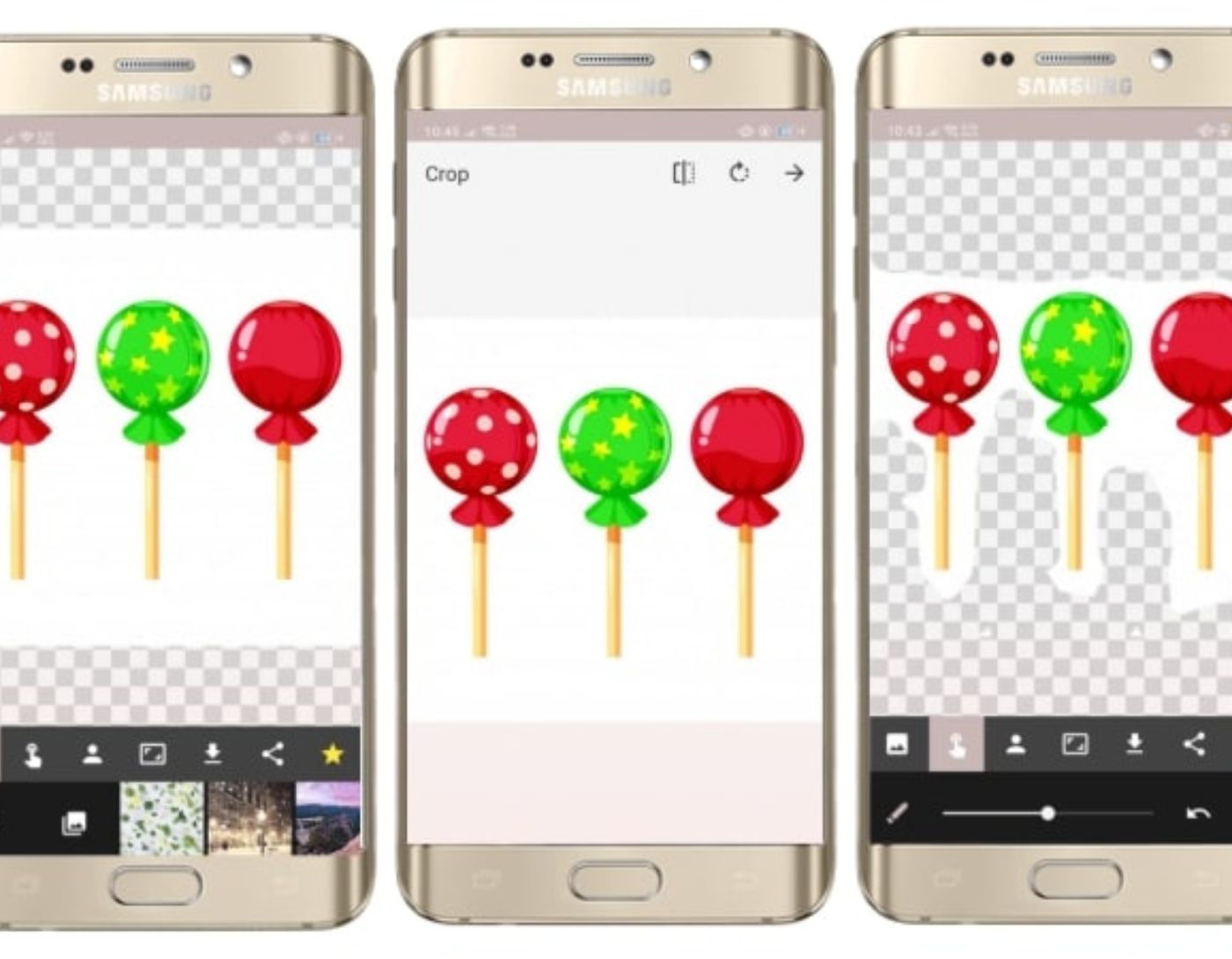
The white background is versatile and free from distracting elements, allowing for a constant focus on the subject. Additionally, the color white enables the creation of various design contexts. Applications that create white backgrounds are extremely popular among photographers, bloggers, and active social media users. This guide covers several tools that can transform your colorful background into a white one.
Best Apps for Creating a White Background
The complexity of the image and its level of detail are two main aspects that determine the effectiveness of background removal applications.
Most of the tools mentioned in this article can be installed for free on both Android and iOS systems. Some offer a more comprehensive toolkit for an additional cost.
1. Adobe Photoshop Express
Multiple editing configurations
Professional tools
User-friendly interface
Powerful automatic background removal
Free only for Adobe subscribers
Confusing navigation
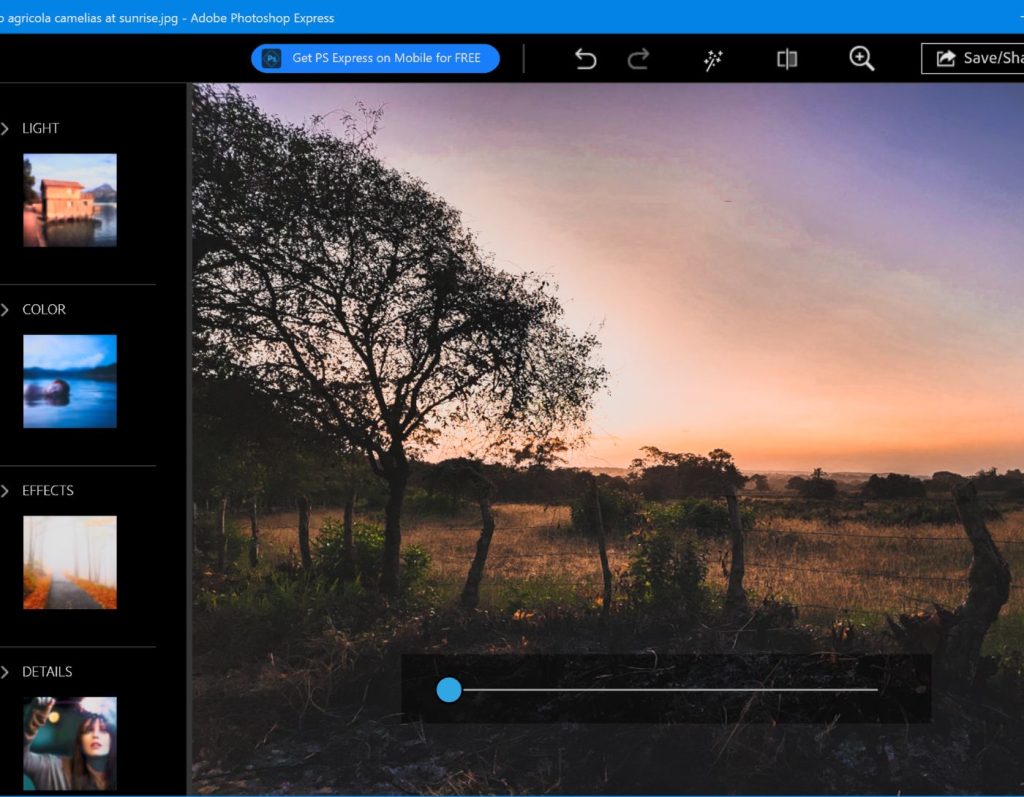
In comparing Photoshop Express and Photoshop Elements, you'll find that the former is a simplified option for creating a white background. To achieve good results, it's essential to ensure that the subject remains intact. For this, a special set of tools and layers should be used.
The editor can see the area being deleted and adjust accordingly. After that, multiple layers can be used for compositions and adjustments.
Photoshop Express is available for free for those with an Adobe subscription. If you're new to the Adobe ecosystem, you'll need to pay.
2. Lightx
For manual editing
Free version available
Intuitive operation and excellent organization
Multiple features
Output is saved in the aspect ratio of the background
Challenging to work with small details
Using this app, making the background white is straightforward; you just need to select the “cut” option and then “automatic” or “smart.” The automatic cropping feature accurately detects the areas to be removed.
The “magic brush” tool is another feature of the program. It allows you to change the background without altering the foreground. This means that the background removal process will only take a few minutes.
LightX outshines competing tools by offering a built-in editor for performing basic operations without needing other photo editing software.
3. Fix The Photo Editor
Professionally replaces backgrounds
Free trial available
Wide range of photo enhancement services
Helpful customer support
Annoying ads
Fix The Photo Editor is a comprehensive app for white background images that includes multiple features for enhancing, refining, and altering your photos.
The app was developed by a team of professionals, ensuring realistic results. All you need to do is upload a photo and describe the desired outcome in detail.
In addition to the white background feature, the editor allows for the refinement of photos regardless of their complexity, and it also provides a background removal function. Professionals will handle any task to deliver satisfactory results.
The app uses a credit-based payment system. Additionally, you can access it for free by watching ads.
4. Superimpose

Double exposures
Comprehensive toolkit
Easy to use
One-time payment
Allows text addition
Slow Android version
Poor choice for beginners
Superimpose is a straightforward solution for creating a white background. Unlike other apps, this tool features a wide range of advanced capabilities. It offers various blending modes and double exposure.
This photo editing app comes with a direct background eraser tool. Additionally, there are functional masking tools to delete certain parts of images and manually blend them with another image. Furthermore, the toolkit also includes a magic lasso tool that extracts a portion of the image from roughly drawn boundaries.
Although the app is not free, it is indeed special.
5. Magic Eraser
AI-supported background removal
Excellent choice for beginners
Intuitive background changer
Powerful
No watermarks
Pop-up ads
Many features require additional payment
This is one of the powerful apps that uses AI to change the background, making it white with just a few clicks.
The app allows you to perform basic edits on the image, so you can use it to adjust colors, contrast, and exposure.
6. YouCam
Pastel colors
Beautiful stickers
Options for smoothing photos
Limited background selection
Accounts often get banned
YouCam is a white background app that attracts users with its functional “object removal” tool. With it, you won’t have trouble isolating your selfies from the background or removing distracting elements. Since the app leverages advanced AI algorithms, it’s possible to create stunning social media images using AI filters or magical avatar photo filters with just one click.
Moreover, the entire process is very intuitive: import a photo, access the background feature, and select the white background on the bar. The tool will do the rest automatically.
On the downside, the free version has many limitations and includes annoying ads.
7. Auto Background Changer
Intuitive performance
Smoothing features
Uncomp


