

The Best GIMP Brushes for Drawing and Painting (All Free): This Photoshop sibling is a fantastic option for digital art and design. With GIMP, you can access every tool from the Adobe library without spending a dime.
If you're doing any digital drawing or art using GIMP, you'll be on the lookout for some standout brushes.
This article has everything you need, featuring a list of free brush sets to choose from.
Also, note that you can import .abr files directly into GIMP, which means many Photoshop brushes can work here too. It’s not a perfect program, but it’s worth trying if you’re transitioning from Adobe to GIMP.
1-K04sk Brushes
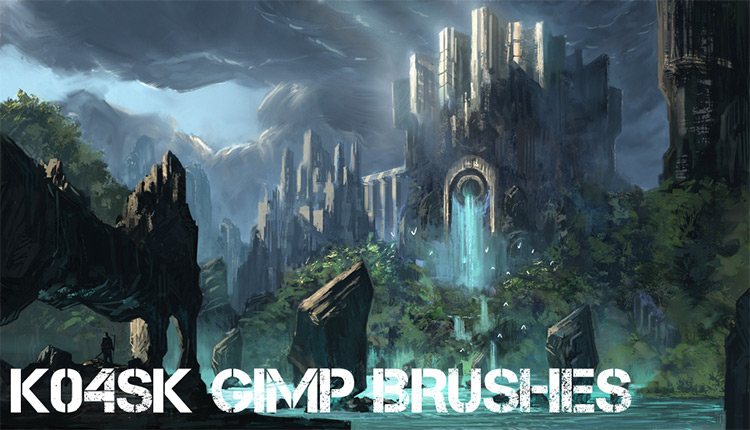
If you’re into any form of art, illustration, or digital drawing in GIMP, you’ll want to check out these brushes.
The pack is completely free to download and includes a decent number of gems. They can all work wonders in your digital canvases, and the creator has released these brushes from their personal collection.
In fact, these brushes were converted from a PS set to GIMP. It takes a bit of effort, but the end result can be exceptional.
I highly recommend this set to any digital artist; while it won’t make you a talented artist overnight, it will help you get there with practice.
2-Digital Oil Brushes
I can’t say enough good things about this oil brush set.
It was technically designed for Photoshop but works flawlessly with GIMP; just make sure you’re running the latest version of the software to avoid import issues.
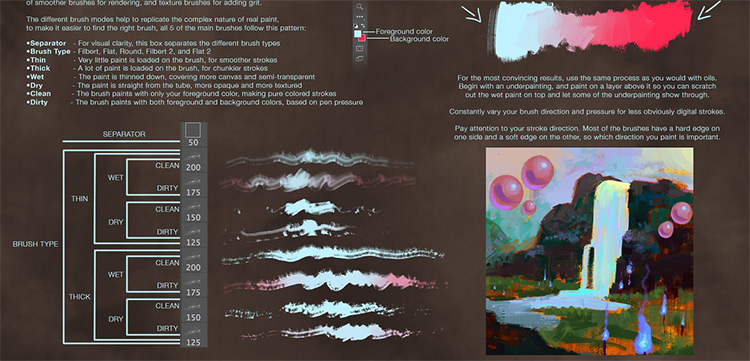
Anyone who frequently paints and wants to mimic the texture of real paintbrushes will love this brush set. There’s plenty to choose from, including wet/dry brushes, thick and thin designs, as well as some dirty and clean paint brushes.
There’s so much to love here, especially if you’re a painter.
With a total of 13 brushes, all 100% free, you’ll never run out of ideas.
3-Texture Set
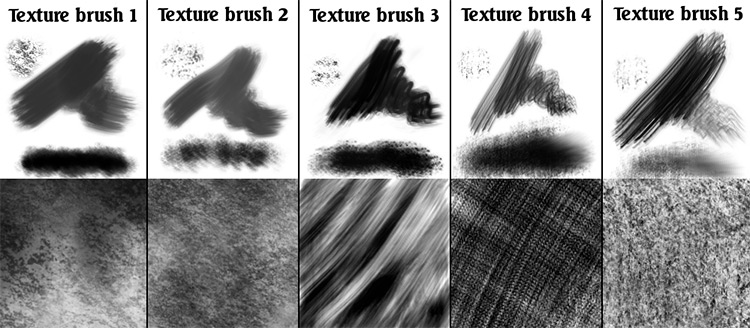
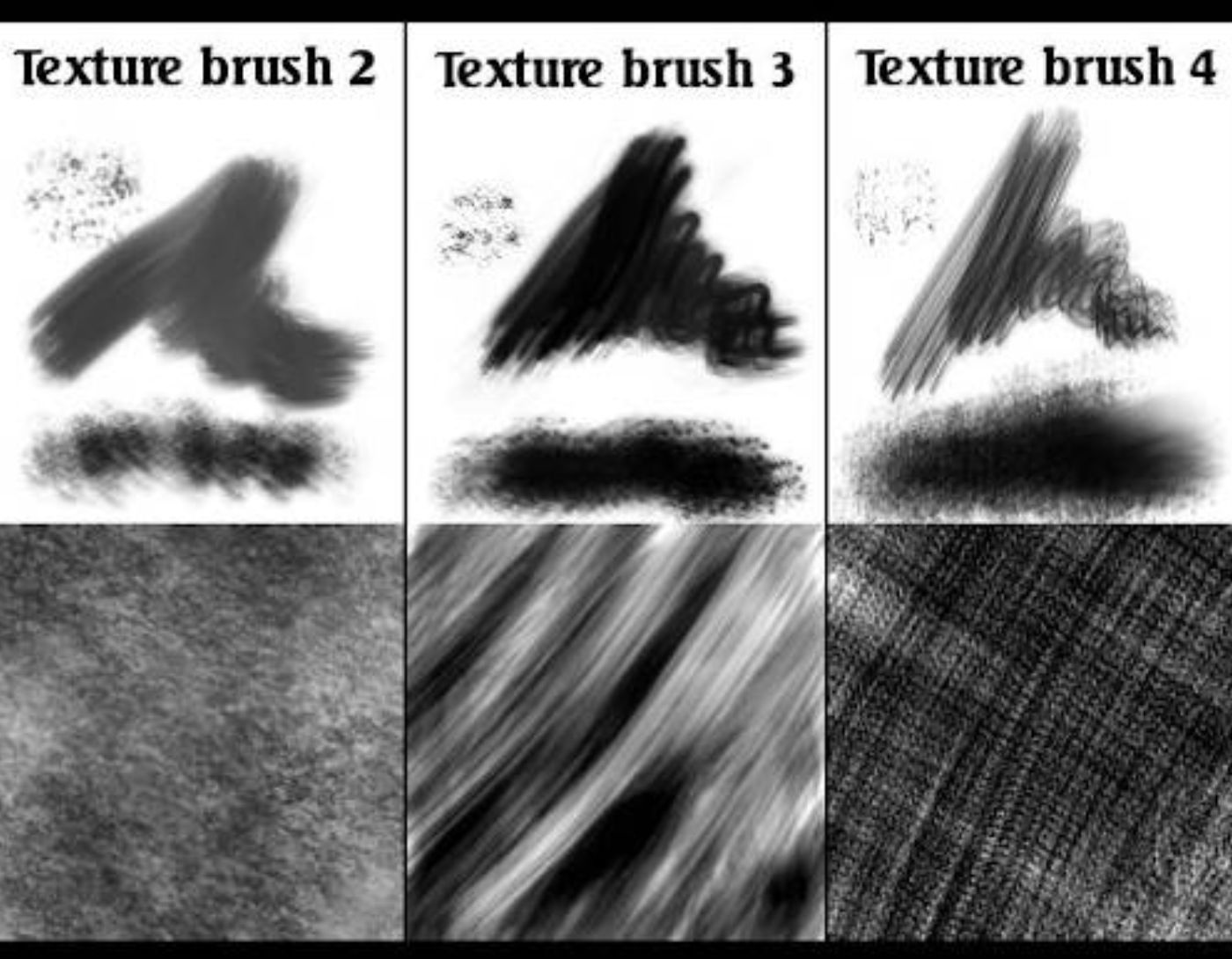
Texture brushes are incredibly popular in digital art and graphic design. They serve many purposes, and having a good variety gives you plenty to work with.
This is exactly what you’ll find in this set. It’s relatively small, containing only 5 brushes, but they’re all very unique and super easy to set up.
If you’re doing any kind of graphic design alongside art, this is worth downloading.
Decorative brushes can be versatile with the right settings, opacity, and blending modes.
Overall, a fantastic set of textures with practical use for just about anything.
4-Artistic Brushes
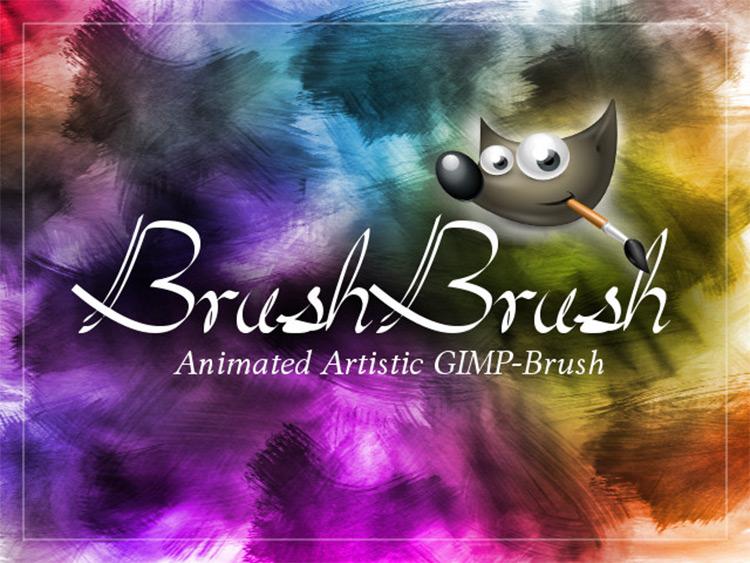
It’s tough to match traditional mediums like watercolors in a digital program.
But with the right brushes, you can get pretty close. This pack is exclusively designed from watercolor brushes and is tailored to fit perfectly with GIMP.
The creator, Chrisdesign, made each brush using a dry paintbrush and real watercolors. The end result looks very accurate, so there’s a lot of brushwork you can achieve from this pack.
However, this may not suit all your digital art, so it’s worth rotating through other brushes to see what you think.
5-20 Count Brush Set
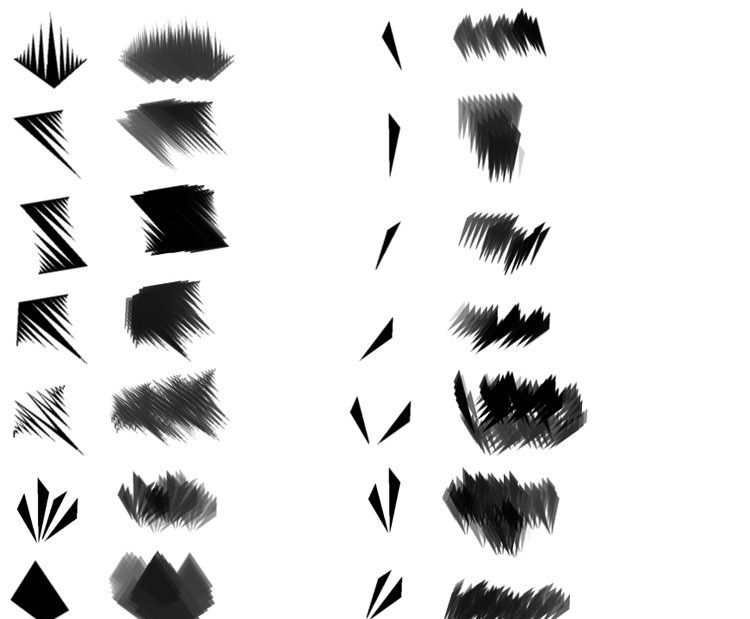
Need some variety in your art? Well, take a look at this set of 20 different brush styles, all designed for GIMP.
Most of them won’t be used just for painting. They offer a variety of textures and are best used for adding finishing touches to a piece.
In fact, the creator specifically mentions that the best use for these brushes is for experimental painting.
Give them a try if you love patterns. Or jump straight to the next set if you need more variety.
6-101 GIMP Brushes
With over 100 brushes in total, I must commend this GIMP brush set for its amazing variety and size.
You’ll find plenty of brushes here with many different brush styles, textures, and patterns.
Don’t let the simple DA preview image fool you. This is a brush pack that every GIMP user should have.
It will take some tweaking, and it may take longer to sift through everything to find what you like. But it’s worth the time since these brushes can be used long-term.
Aaron Griffin Art Brush Pack
Here’s another diverse brush pack that features a great deal of flair. I’d argue that this pack is more suited for artists, and there’s a lot here that will make your head spin.
Check out the main brush page that includes a free download link. The file comes as a .abr file and is quite large (around 20 MB). It may take some time to finish downloading, but it’s super easy to import.
These brushes come as a personal pack from the artist and seem to be straight from Photoshop.
However, they will also work within GIMP while keeping all the same settings.
7-Alex Ruiz Brushes
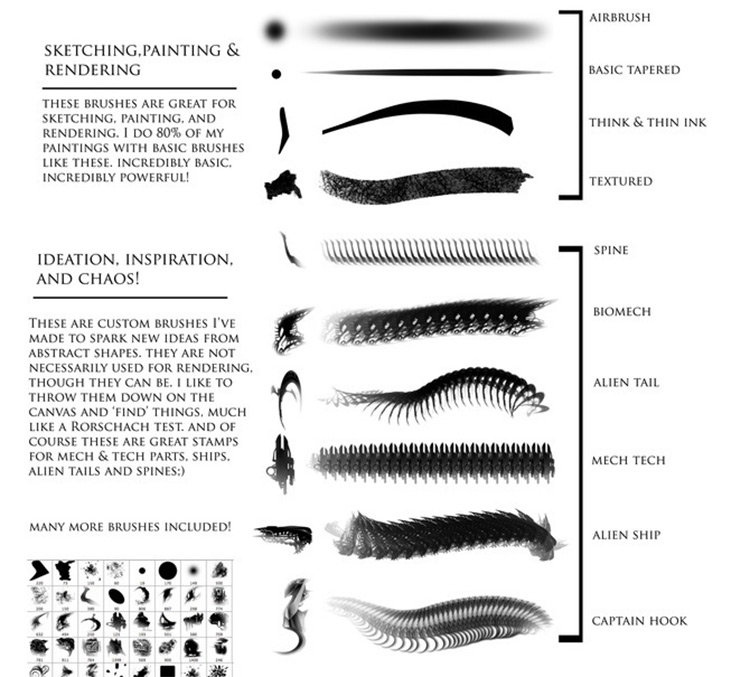
I couldn’t find many brush sets on Gumroad, but I did come across this free set released by artist Alex Ruiz.
The pack is designed for Photoshop CS3 (and newer versions), but you can use it with GIMP without any issues.
There’s actually a good variety here with a mix of pen/ink/spray style marks, along with more intricate pattern brushes.
Artists don’t often need pattern brushes, but they can still be really useful in the right context. I still highly recommend this set for any and all purposes.
8-Hair Pack
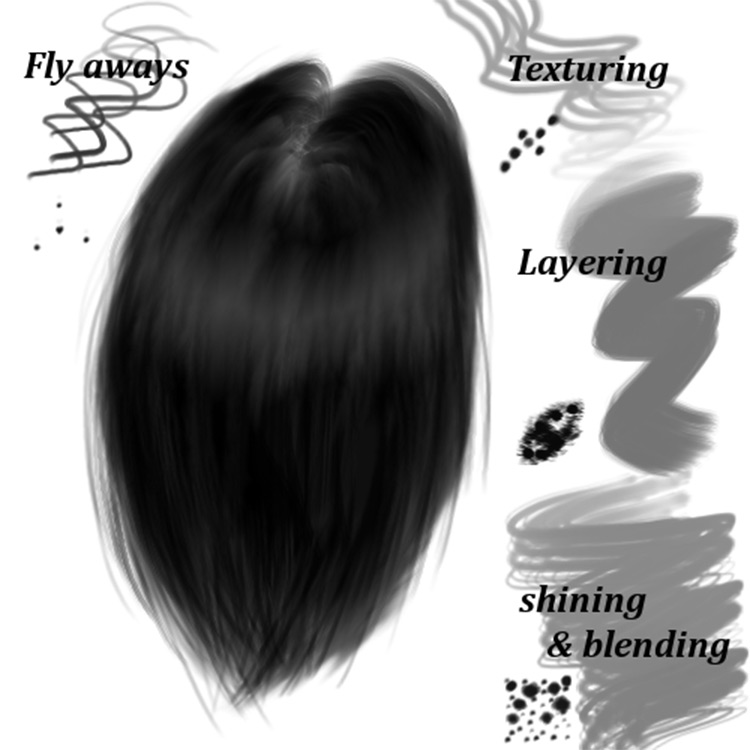
Although having the right tools and brushes makes it much easier.
Take a peek at the free Hair Pack filled with fantastic brushes.
These are specifically designed for GIMP and come in very large sizes by default. The blending brushes can reach 1000 pixels, which is quite substantial.
These should work with almost any recent version of GIMP, including any 2.x version (and above).
9-Diamonds
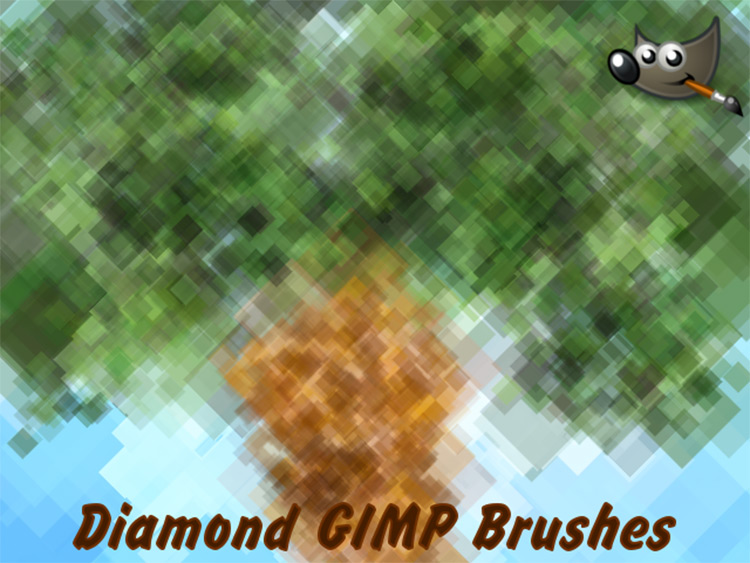
But after using these diamond brushes, I must say they feel amazing in a drawing environment.
I imagine these would also be useful for graphic designers, but the drawing styles are truly impressive. I haven’t found anything quite like this in a long time.
If you want to add some beautiful designs to your canvases, definitely give them a try.
You can also use them in your work to sharpen angles or create a unique effect transitioning from high-detail to low-detail.
10-Free Brushes from daRoz
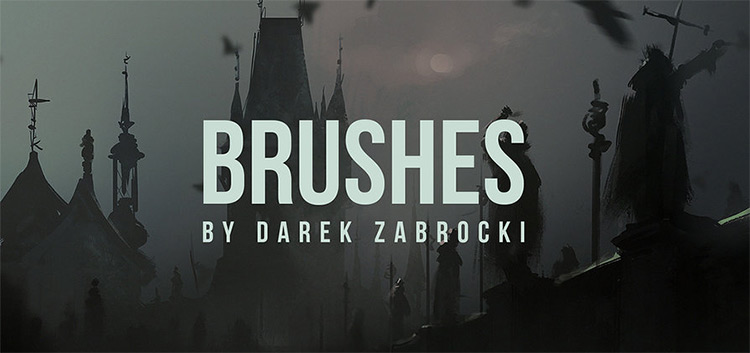
Artist Darik Zabrocki created this brush set for Photoshop and released it on DA. However, it also works with GIMP and truly deserves a spot on this list.
Darik is a professional artist who does a lot of quick paintings online. Plus, he often releases snippets of his work, many of which have comments from fans asking for his brushes.
That’s exactly why he launched this collection.
This set is a must-have for anyone working in entertainment or for anyone wanting to create stunning digital paintings, even amateurs.
Using these brushes can help you become a true professional, so there’s something to be said about the quality.
11-Mane & Tail Brushes
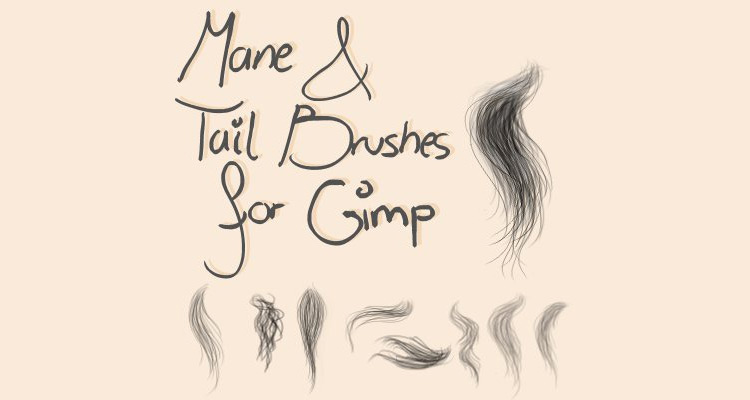
For more specificity, we have these brushes focused on animal hair.
Specifically, horse mane and tail hair, featuring a very soft and semi-transparent style.
If you draw a lot of animals, this could be helpful. It’s a free brush pack containing a few updated brushes from an older set, all bundled into one downloadable package.
It’s worth checking out, and there’s a small tutorial in the description on how to install it. Very nice!
Conclusion
In this list, we discussed the best GIMP brushes for drawing and painting (all free) and highlighted the top 11 brushes, providing a fantastic collection for artists, comic creators, painters, and character designers. Essentially, all creators using GIMP will


