


Are you looking for an alternative to Adobe Premiere for video editing? If you need a video editing program that fits your work or professional needs, this article is just for you. There are many alternatives to Adobe Premiere Pro available in the market, but we have narrowed down the options to make it easier for you. Keep reading.
What should you look for in a video editing program?
If you work in video editing or are required to create videos for sales and marketing, the editing software should fully meet your needs, from basic features to advanced capabilities.
Here are some features that should be available in a video editor:
Basic Editing: Many features won't matter if your software can't handle the basics like cutting, splitting, and merging video clips; adding and editing audio to sequences; and placing titles, captions, transitions, and more.
Multi-Camera Editing: The ability to edit footage from multiple cameras for the same scenes, allowing you to create a multi-camera sequence that enhances workflow.
Titles and Transitions: The program should be able to provide smooth titles and transitions whether you create your own or import them from an external source or choose from pre-made elements that come with the software.
Special Effects: These should be available in the program so you can automate the creation of these elements and insert them into your sequences.
Audio Management: From a single track to multiple tracks, the editing software should be capable of editing, trimming, adjusting, and syncing audio with video, controlling levels, removing noise, and more.
Support for Various Video and Audio Formats: There are dozens of video and audio file formats in use today. The program may not necessarily support all of them but should be able to work with the most common formats used in videos.
Handling HD and VR: While many video editing tools can already handle high-definition and virtual reality footage, they should also be able to work with the latest types of video media, which is 360-degree virtual reality, with compatible features like stabilization, titles, and effects.
Handling Daily Workflow Sequences: Action cameras like GoPro require specialized tools with capabilities for speed adjustment, freeze frames, motion tracking, and even color correction and other visual adjustments for underwater footage.
Template and Asset Library: It should offer a gallery of title templates, backgrounds, fonts, transitions, effects, and other elements that can be used for your video. These can either come bundled with the software or be accessible through the website.
A video editing program is one of your most important tools as a small business owner, marketer, or content publisher. We have compiled a list of the best Adobe Premiere alternatives for video editing, but first, let's take a look at Adobe Premiere and the various features related to video editing.
What is Adobe Premiere Pro?
It is a program that runs on Mac and PC and boasts powerful capabilities, being used by CNN and BBC. The software is intuitive and versatile enough to serve as a platform for creating company presentations, training videos, video ads and promotions, video marketing campaigns, and almost anything else.
With Adobe Premiere Pro, editors have access to tools that enable them to perform both basic and advanced editing. It provides them with the means to adjust color, fine-tune audio, create visual effects, add titles and graphics, and more. Additionally, it integrates seamlessly with other Adobe products like Photoshop, Story, After Effects, and Illustrator, allowing you to import data and assets into your Premiere Pro projects. You can also get the full suite of Adobe products with Premiere Pro if you purchase the Creative Cloud All Apps package.
Benefits of Adobe Premiere
Adobe Premiere Pro is packed with features and capabilities. Here are some benefits you can take advantage of:
Distinctive Interface: The interface is designed for maximum productivity and efficiency, and it is continuously updated to make it more responsive.
Integrated Workflow: The program integrates with other Adobe products for a smoother workflow while allowing you to connect with colleagues through Microsoft Teams without leaving the platform.
VR Support: Premiere Pro features new and improved capabilities to support complex virtual reality editing functions.
Simultaneous Editing: You can open multiple projects at once, switch between scenes, and drag clips from one project to another, saving you time by speeding up the process.
Multiple Formats: The program currently supports over 70 formats for video, audio, images, cameras, closed captions, subtitle files, and codecs on both MacOS and Windows.
Despite the tools offered by Premiere Pro, it may not be the right solution for you for one reason or another, likely due to price or high computer requirements. There are other options you can explore here with the best alternatives to Adobe Premiere. While these products may have similar editing tools, they also offer different levels of capabilities and unique features for each of their platforms.
Adobe Premiere Alternatives for Video Editing
1. Filmora
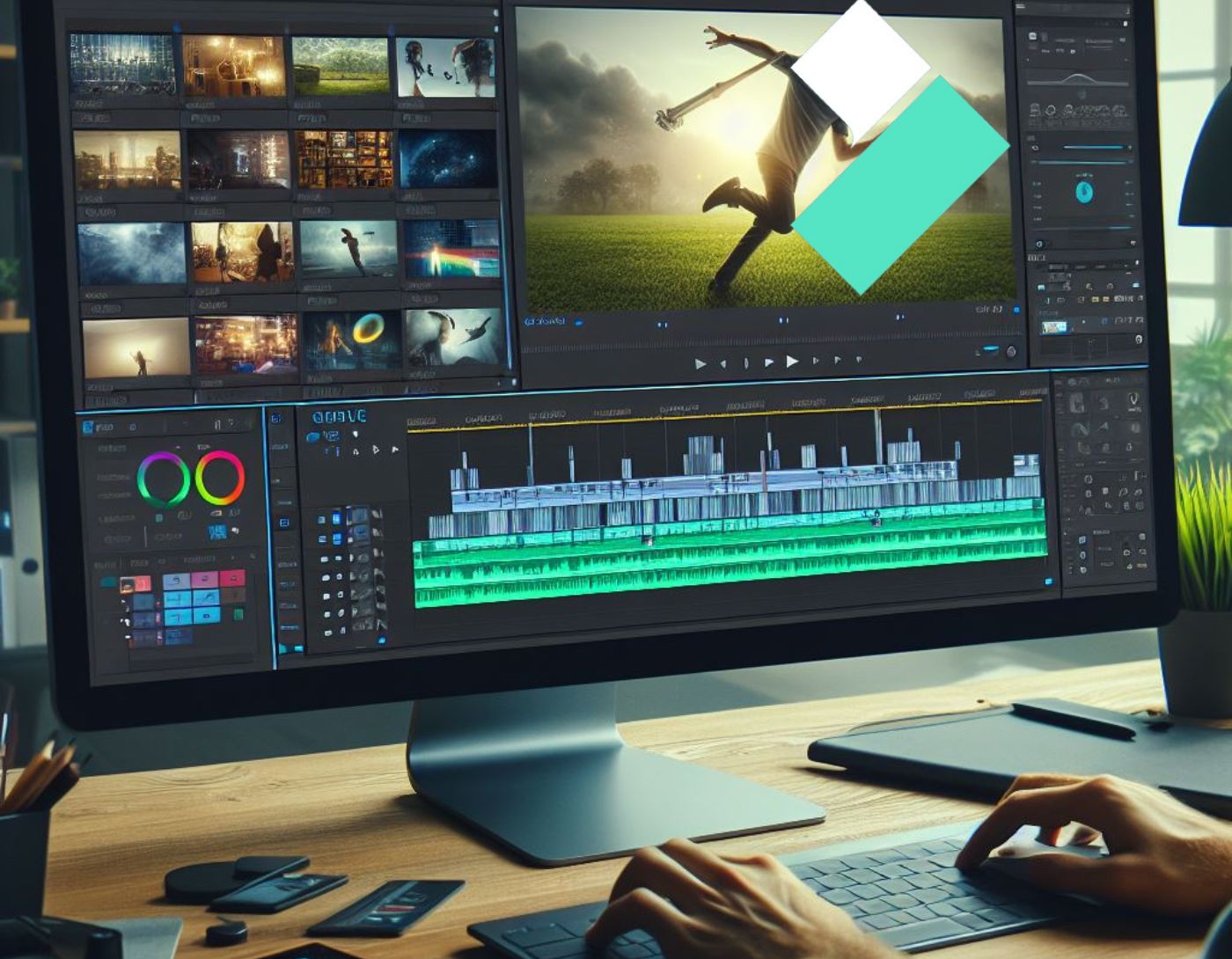
Filmora shines when it comes to speed of presentation, in addition to the large number of effects, filters, and text tools it offers. It supports editing 4K videos and provides many tools to apply video effects, styles, and customization. Filmora allows you to add overlays, animations, voiceovers, and elements like GIFs, images, music, and text.
You can also crop footage, increase or decrease video sizes to fit a specific runtime, apply tilt or blur to certain areas, and adjust video settings like rotating or flipping clips, as well as making audio enhancements like noise removal.
Filmora provides a split-screen function, which is very useful when working with multiple clips and footage playing in the same video simultaneously. Just select the split-screen icon and choose options from two, three, or four screens and how to arrange them. You can then select videos and simply drag them to the timeline. The program also has an advanced text editing function where you can change the font size and style, modify colors and borders, and split some parts of the clip to add texts.
Why choose Filmora over Adobe Premiere
- Apply your own customization beyond pre-made elements.
- Transform your video using a variety of filters and graphic overlays.
- Drag and drop animations into your video.
Why choose Adobe Premiere over Filmora
- Automatically sync audio and video.
- Applies effects and adjustments to clips while they are in the media bin, so when you use a clip from that footage in the timeline, your effects are already there.
- It allows you to clean up and trim in one go, making precise cuts to clips while watching them.
You may not want to limit yourself to this program, so here are other alternatives to Filmora.
2. Camtasia
Camtasia is a suitable alternative to Adobe Premiere for video editing. It is a simple yet versatile screen recording and video editing tool. Beginners in video editing can use it to produce videos that include everything they want to express. They can do this using video templates so they don't have to start from scratch, and they can also take advantage of the effects and other tools available on the platform.
However, Camtasia is also capable of making videos more interactive, as users can create quizzes with it. Additionally, users can highlight specific information with the help of titles, captions, and texts in callout boxes. Furthermore, they can ensure a smooth flow of content or messaging.
Moreover, Camtasia provides access to music and sound effects at no cost. With these elements, you can get a sound or effect that matches the mood of every minute of your video.
Why choose Camtasia over Adobe Premiere
- You can easily record your screen or webcam.
- It comes with video templates that allow you to start editing quickly.
- It has a library of sound effects, which you can use for free in your videos.
Why choose Adobe Premiere over Camtasia
- It has a dynamic set of tools that allow video editors to do more than just basic editing.
- It has smart features that streamline the video editing workflow.
- Live text templates for recurring videos help maintain a consistent look across a series of videos or clips.
There are still many alternatives you can consider if Camtasia didn't meet your needs.
3. InVideo
<a href="https://3almalt9nia.com/veed-io-%d9%85%d8%ad%d8%b1%d8%b1-%d9%81%d9%8a%d8%af%d9%8a%d9%88-%d8%a7%d9%84%d8%b0%d9%83%d8%a7%d8%a1-%d8%a7%d9%84%d8%a7%d8%b5%d8%b7%d9%86%d8%a7%d8%b9%d9%


