

Solve the blue screen problem in Windows 10: Your computer may suddenly fail to start for unknown reasons, or due to corrupted files or partitions. Try 4DDiG Windows Boot Genius right away to help you get your computer running if you're facing issues with Windows.
You can now enjoy a limited-time 30% discount on this amazing tool.
Tenorshare 4DDiG Windows Boot Genius is designed to help you boot any devices that are not starting correctly. It can also assist you in data wiping, backup recovery, disk cloning, data recovery, and restoring your Windows password.
You can fix a variety of Windows boot issues using Tenorshare 4DDiG Windows Boot Genius, including black screens, blue screens, screen freezes, and more. This tool has the capability to recover any data from malfunctioning Windows computers, formatted hard drives, and damaged PCs. Even if your Windows operating system crashes or you lose partitions, you can use it to back up important data like photos, videos, audio, documents, and other files.
What is 4DDiG Windows Boot Genius?
4DDiG Windows Boot Genius is a comprehensive tool designed to resolve various boot issues in Windows. It's an excellent program that can fix problems such as blue screen errors, black screen errors, system crashes, and other common boot issues. The software is specifically designed to assist non-technical users with a simple and user-friendly interface.
4DDiG Windows Boot Genius is compatible with Windows 10/8.1/8/7/Vista/XP and supports both 32-bit and 64-bit versions. The program can be created as a bootable CD, DVD, or USB drive, allowing you to fix boot issues even if your computer won't start. It also features an easy-to-use interface, making it accessible for anyone to use, even those without technical experience.
How to Solve the Blue Screen Problem in Windows 10 Using 4DDiG Windows Boot Genius?
Using 4DDiG Windows Boot Genius is easy and straightforward. Here are the steps to follow:
Step 1: Download and install 4DDiG Windows Boot Genius on a working computer.
Step 2: Create a bootable CD/DVD or USB flash drive using the program.

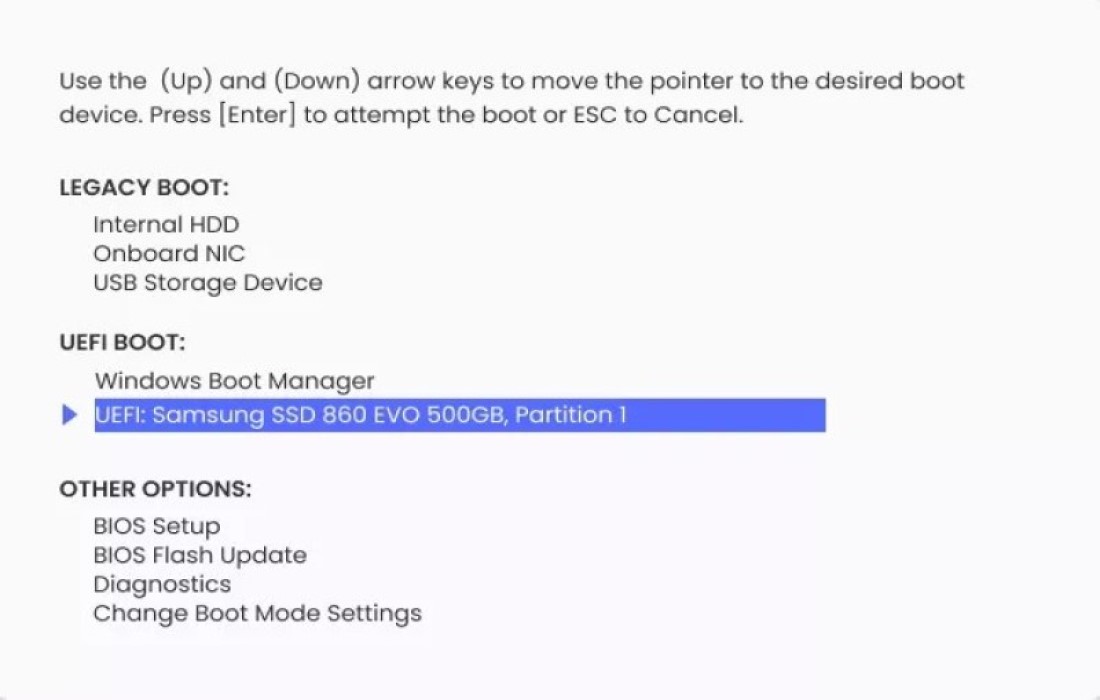
Step 3: Boot the problematic computer from the created bootable media.

Step 4: Choose the appropriate solution from the program's menu to fix the boot issue.

Step 5: Follow the on-screen instructions to complete the process.
After following the above steps, your computer should boot normally, and the boot issue should be resolved.
Hardware Requirements
- CPU: 1 GHz (32-bit or 64-bit) or higher.
- Available disk space: 200 MB or more.
- RAM: 512 MB or more.
Program Features

- Tenorshare 4DDiG Windows Boot Genius allows you to fix a wide range of Windows boot issues, including blue screen errors, black screen errors, system crashes, startup errors, and more.
- You can use it to recover lost or deleted data from hard drives, external drives, or other storage devices.
- This tool also helps you reset Windows login passwords or create new user accounts.
- With it, you can clone your hard drive to another drive, making it easy to upgrade or replace your existing hard drive.
- Additionally, you can also improve your computer's performance by cleaning up unwanted files, optimizing system settings, and more.
- Supported operating systems: Windows 11/10/8.1/8/7
Pros
- User-friendly interface
- Comprehensive boot issue solution
- Supports creating bootable media
- Can recover data from unbootable systems
- Offers a trial version
Why Do We Recommend 4DDiG Windows Boot Genius?
4DDiG Windows Boot Genius is an impressive program that provides a comprehensive solution for various boot issues in Windows. It is easy to use and comes with a user-friendly interface suitable for non-technical users. The program can create a bootable CD, DVD, or USB drive, making it easy to recover data and fix boot issues even if your computer won't start.
One of the standout features of this program is its ability to recover data from unbootable systems. It can help you retrieve your important files and documents from a system that won't boot. Additionally, its capability to resolve various boot issues such as blue screen errors, black screen errors, and boot sector problems makes it an essential tool for every Windows user.
Considering the functionalities it offers, we recommend the program as an excellent solution for anyone facing boot issues in Windows.
What Issues Does 4DDiG Windows Boot Genius Solve?

One of the strengths of 4DDiG Windows Boot Genius is its ability to identify various boot issues in Windows. The program can diagnose the root cause of boot problems and provide a comprehensive solution to fix them. Some common boot issues that the program identifies and resolves include:
- Blue screen errors
- Black screen errors
- Boot sector problems
- Missing or corrupted system files
- System crashes
- Startup repair errors
- Windows update errors
FAQs About 4DDiG Windows Boot Genius
Q1. Can 4DDiG Windows Boot Genius recover deleted files?
No, 4DDiG Windows Boot Genius is not designed to recover deleted files, but it can recover data from unbootable systems.
Q2. Can 4DDiG Windows Boot Genius work on a Mac system?
No, 4DDiG Windows Boot Genius is only compatible with Windows operating systems.
Q3. Is 4DDiG Windows Boot Genius a free program?
No, 4DDiG Windows Boot Genius is not free. It offers a trial version with limited functionality, and you will need to purchase the full version to unlock all features.
Q4. Does 4DDiG Windows Boot Genius support creating bootable USB drives?
Yes, 4DDiG Windows Boot Genius can create a bootable USB drive to fix boot issues in Windows.
Q5. Can 4DDiG Windows Boot Genius fix all boot issues in Windows?
Yes, while 4DDiG Windows Boot Genius can fix most common boot issues in Windows, some complex problems may require professional assistance.
Conclusion
In this article, we discussed how to solve the blue screen problem in Windows 10. As a Windows user, it can be frustrating when your computer doesn't start properly. This could be due to several issues such as corrupted files, virus attacks, or hardware failures. In such cases, you need a program that can help you fix these boot problems and get your computer running again. 4DDiG Windows Boot Genius is your ideal choice to get out of this predicament.
Overcome any Windows issue with Windows Boot Genius! It easily gets your computer running from over 100 tough situations and effectively resolves common Windows problems like startup failures, black/blue screen errors, stuck reboot screens, and annoying automatic repair loops. With the price of a single tool, you can enjoy Windows repair, data recovery, data backup and restore, partition management, data wiping, and more.


