


Remote access to devices has become a pressing need for both businesses and individuals. This is where AnyDesk stands out as an innovative solution that provides seamless and complete control over devices from anywhere in the world. Whether you are a technical support professional or an everyday user looking for a secure way to access your device, the AnyDesk guide offers you a comprehensive manual for that. In this article, we will highlight the key features of AnyDesk, so stay with us.
What is AnyDesk and why is it considered one of the best remote control programs?
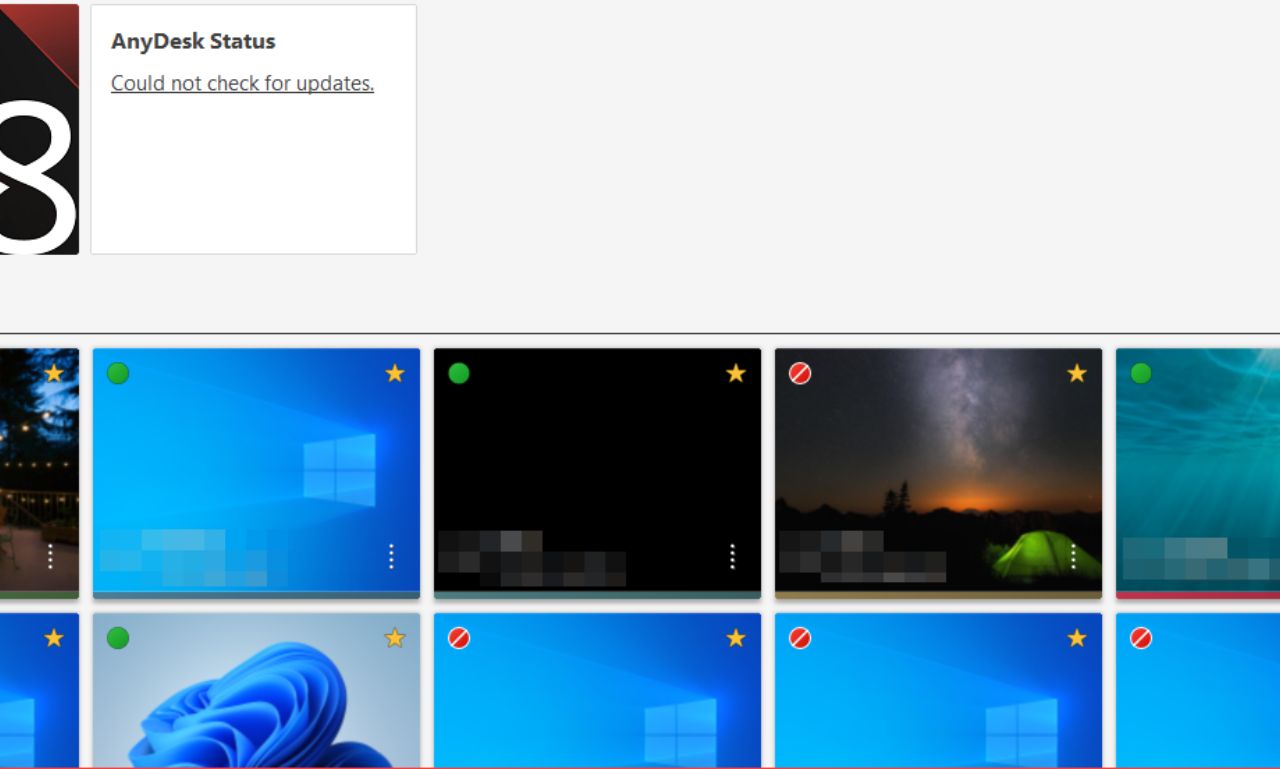
AnyDesk is a remote control software that allows you to connect to any device around the world quickly and securely. It boasts exceptional performance even in slow connection environments, relying on an advanced image compression technology called DeskRT. Through the AnyDesk guide, you will understand how to leverage this technology for technical support and remote work. The program has gained immense popularity due to its ease of use, lightweight nature, and ability to function as an indispensable application or downloadable program.
High performance with low data consumption
AnyDesk utilizes the DeskRT codec specifically designed to ensure rapid responsiveness. This means that even in weak connection conditions, you will experience a smooth session without annoying interruptions. Its low bandwidth usage makes it an ideal choice for users in areas with limited infrastructure. You don’t need a bulky full program to achieve this efficiency; just download AnyDesk and get started.
Compatibility across different systems
One of AnyDesk's greatest strengths is its compatibility with Windows, macOS, Linux, Android, and iOS. You can download the program on your preferred device and enjoy a hassle-free remote control session. This allows you to support multiple teams in a mixed operating environment. No matter the device, with direct links, you will get the right tool for you.
Security and encryption in AnyDesk
It’s natural to be skeptical about the security of any download program that controls your device remotely. Fortunately, AnyDesk offers a high level of security thanks to advanced encryption and authentication technologies. The AnyDesk guide provides a detailed look at the built-in security tools that ensure your privacy. Because security is not a luxury, but a fundamental requirement for any activated remote program.
Encryption technologies and two-factor authentication
AnyDesk relies on modern TLS 1.2 protocols along with RSA 2048 encryption to secure data. These security layers ensure that the connection is protected against any breaches or spying. Additionally, the two-factor authentication feature adds an extra layer of protection, preventing unauthorized access. Therefore, when downloading the program, make sure you are using the official version from direct links.
Access control and privacy
Through Access Control Lists (ACLs), you can specify who can access your device. This feature is essential in corporate environments that require precise permission management. Individual permissions can be assigned to each user or device, allowing for a high level of customization. When you download AnyDesk, you will have all these security tools integrated.
Collaboration tools in AnyDesk
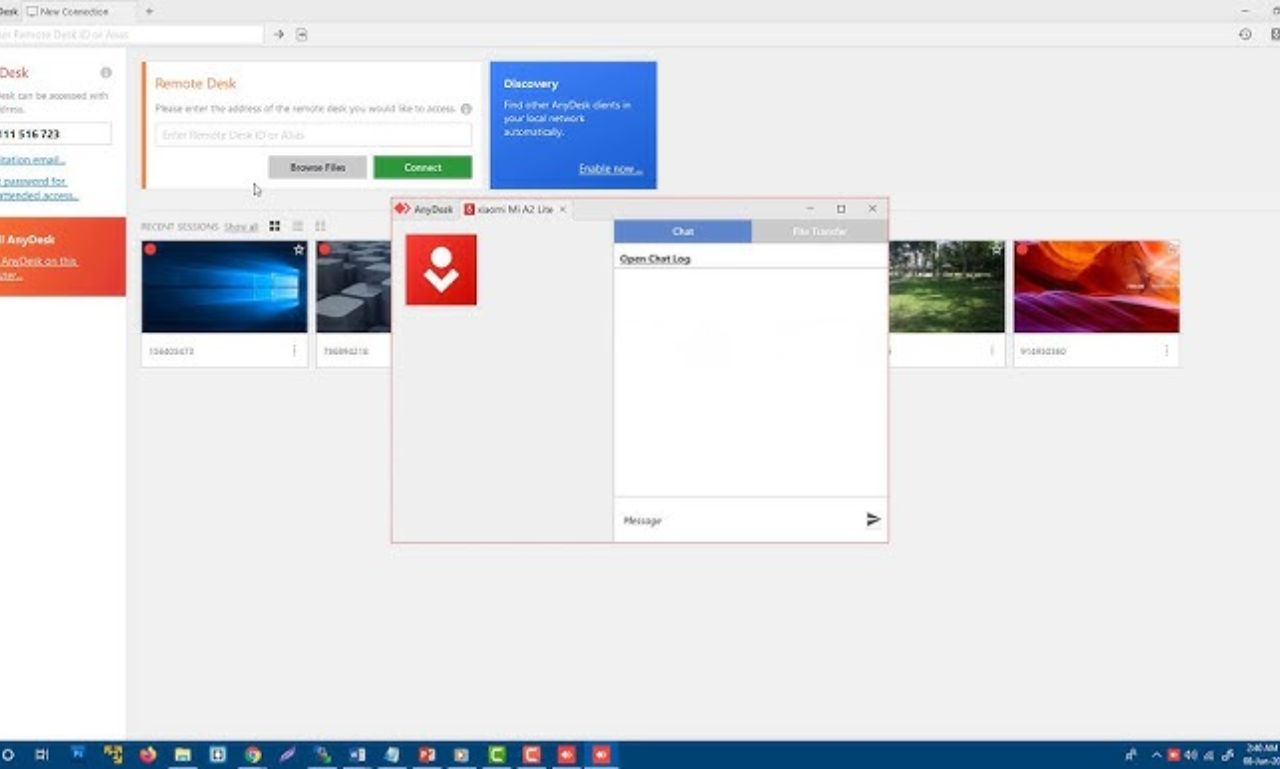
Remote control is no longer limited to technical support; it has become an essential tool for team collaboration. AnyDesk offers features such as chat, whiteboard, and file transfer to facilitate teamwork. The AnyDesk guide illustrates how these tools can make a difference in your work approach. Whether you want to download the program for your meetings or to accomplish work tasks, AnyDesk offers you more than just control.
Chat and annotations
The text chat feature allows for direct communication with the other party during the session. You can also use the whiteboard to draw clarifications or point to items on the screen. These features are important in training, technical support, and educational sessions. Therefore, the AnyDesk application is considered one of the comprehensive programs for visual collaboration.
Smooth file transfer
The file transfer feature between devices gives you complete control over sharing documents and images and applications. This feature facilitates the secure and rapid exchange of information without the need for additional software. Files can be easily transferred during or outside the control session. Just download the program and start the session to take advantage of these capabilities.
Working without needing a second party
In some cases, it is necessary to access a remote device without anyone on the other end. Here, the importance of the unattended access feature provided by AnyDesk becomes evident. According to the AnyDesk guide from experts, this feature can be easily set up to facilitate maintenance and support tasks. It is ideal for professionals who need an activated program that works continuously without manual intervention.
Setting up unattended access
All you need to do is set a password for the target device to activate unattended access. This process takes only a few minutes and gives you complete control over remote devices. This mode of connection can be used in large organizations or for ongoing technical support. So don’t hesitate to download AnyDesk from secure direct links.
Usage in server maintenance
This option is perfect for server maintenance during the night or on public holidays. Updates, backups, or repairs can be performed without interrupting service. This feature saves a significant amount of time and effort and reduces downtime. It’s one of the reasons many choose to download AnyDesk as a permanent solution.
Steps to install and configure AnyDesk
The installation process for AnyDesk is very simple and suitable for all users. After the AnyDesk guide, you will be ready to try the tool yourself in just a few easy steps. No need for complex technical knowledge; all you have to do is download AnyDesk and follow the instructions. In minutes, you will be able to control your device remotely with ease.
Installation steps on Windows
Click the download button. Then, run the installation file and follow the on-screen instructions. Once completed, your unique AnyDesk ID will appear for you to start the connection. It’s very simple; just download the activated version and you’ll be ready to work.
Customizing settings and network configuration
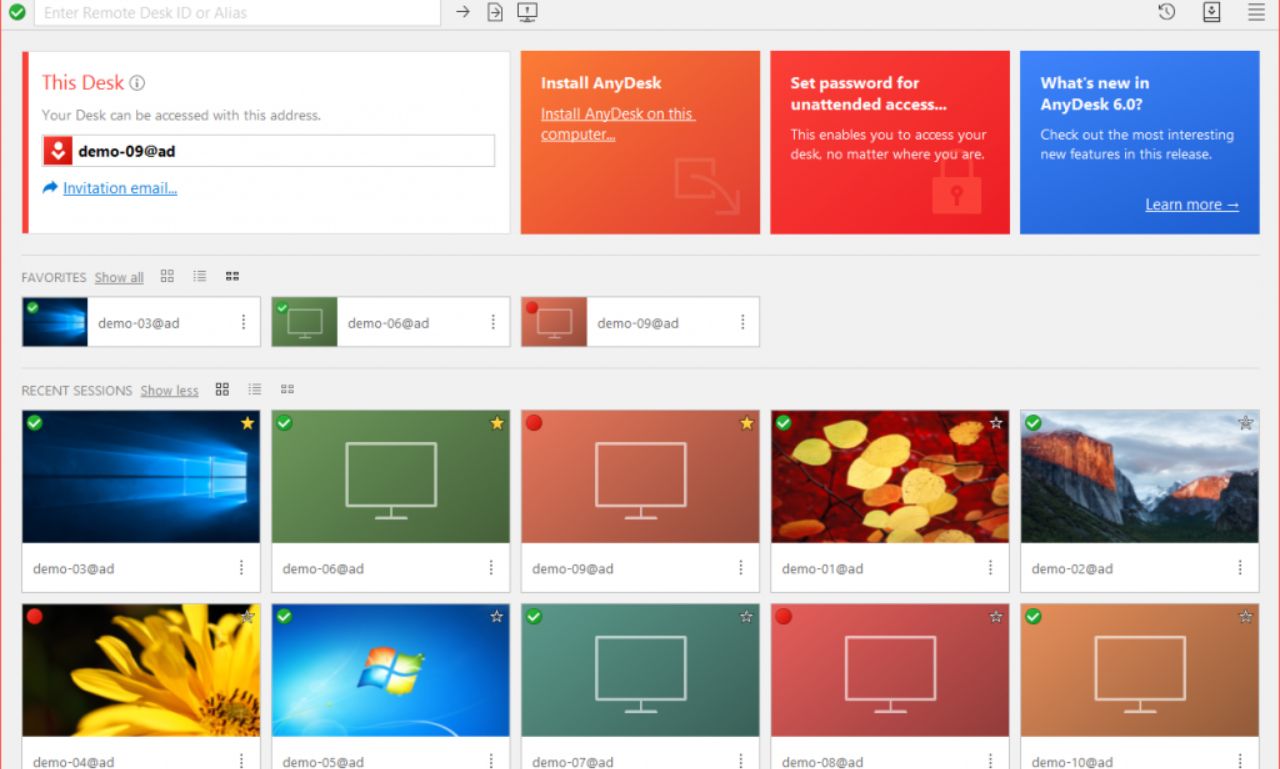
You can customize image quality, security options, and even session recording according to your needs. It is recommended to configure firewall settings to avoid blocking connections. You can enable unattended access or specify special permissions for each session. All these settings are easily available once you download the program.
AnyDesk in remote work and technical support
With the global shift towards flexible work, AnyDesk has become an indispensable tool in modern work environments. The AnyDesk guide illustrates how it can be used to access work systems, provide technical support, or execute collaborative projects. It’s not just a program but a comprehensive system for enhancing productivity. For this reason, the demand for downloading AnyDesk is increasing day by day.
Remote IT support
Technical support teams can access remote devices, diagnose faults, and perform updates. This method reduces costs and improves the efficiency of technical teams. With AnyDesk, one engineer can easily manage dozens of devices, making it an ideal download program for companies and organizations.
Enabling employees to work remotely
Employees can access their office devices from home or while traveling. This feature enhances productivity and promotes work flexibility. There’s no need to use multiple tools; just the AnyDesk application is enough to get everything done. And through direct links, you can download and activate it instantly.
Conclusion
In conclusion, AnyDesk is an excellent choice for anyone or any organization looking for a secure and effective way to control devices remotely. The program combines speed, security, and ease of use, as we explained in the AnyDesk guide above. If you need to download a fully activated program with powerful features and direct links, don’t hesitate to give it a try. Download AnyDesk now and start improving your remote work efficiency and professionalism.


