

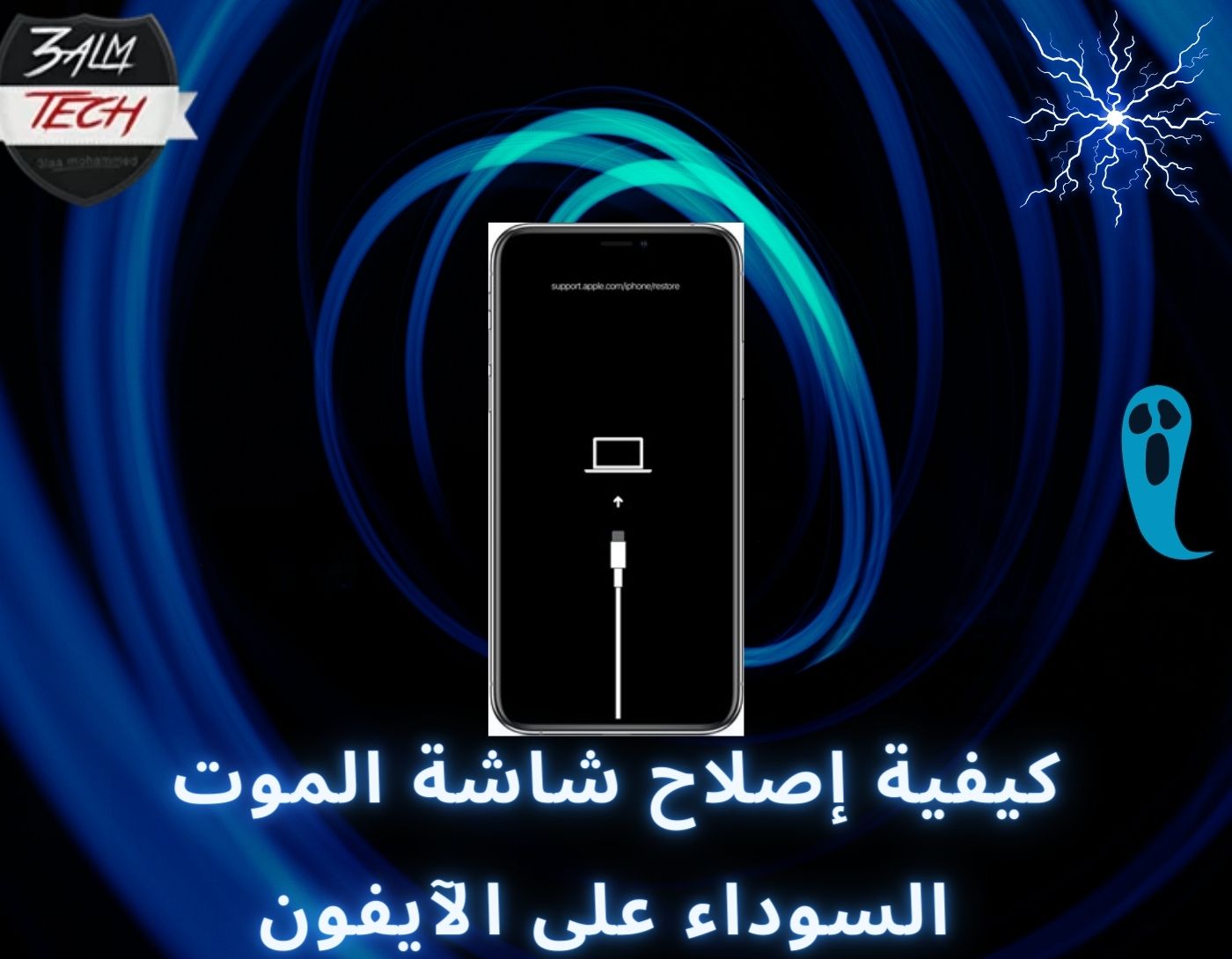
In today's fast-paced digital world, our iPhones have evolved into an essential part of our daily lives. They enable us to stay connected with others and keep up with everything happening around us; they are more than just phones—they are a lifeline. Therefore, encountering the dreaded black screen of death on your iPhone is one of the worst nightmares you can face. Don't worry, stay with us, and learn how to fix the black screen of death on your iPhone to resolve this issue.
The black screen of death on the iPhone is one of the most terrifying problems among iOS users. When your iPhone experiences this issue, the screen will not turn on even after pressing several buttons. Your iPhone may still be operational and making sounds, but the screen will remain black and unresponsive, rendering the device useless.
So, what causes the black screen on the iPhone, and how can you fix it? This article reveals the answers to these questions and everything you need to know about the black iPhone screen. Let's get started.
What Causes the Black Screen of Death on the iPhone?
The black screen of death on the iPhone is a frustrating issue that causes confusion and frustration for many iPhone users. It’s that moment when the screen of your once-bright and colorful iPhone suddenly turns completely black and refuses to respond to any touch or voice commands you give it. While there are solutions to this problem, which we will discuss in the next section, the critical question is: why does this issue arise in the first place? Some possible causes include:
1. Hardware Issues
The most common reason for the black screen of death on the iPhone is a hardware issue. If there is a fault in the iPhone's components, it may lead to a black screen. This often happens when you accidentally drop your iPhone. Additionally, if your iPhone is not water-resistant, dropping it in water can also result in the black screen of death.
2. Software Issues
If the problem isn't hardware-related, then it is likely a software issue. Software problems, such as incomplete iOS installations, can cause the black screen of death on your iPhone. If you recently downloaded an incorrect iOS update or did not complete the software update on the device, this could be the reason for the black screen on your iPhone.
Other potential causes of the black iPhone screen include a dead battery, viruses, malware, or jailbreaking. Now that we know the possible causes of the black screen of death on the iPhone, let’s explore how to fix it.
How to Fix the Black Screen of Death on the iPhone
Here are some tried-and-true solutions you can consider to fix the black screen of death issue on your iPhone, hassle-free.
Solution 1: Charge Your iPhone Battery
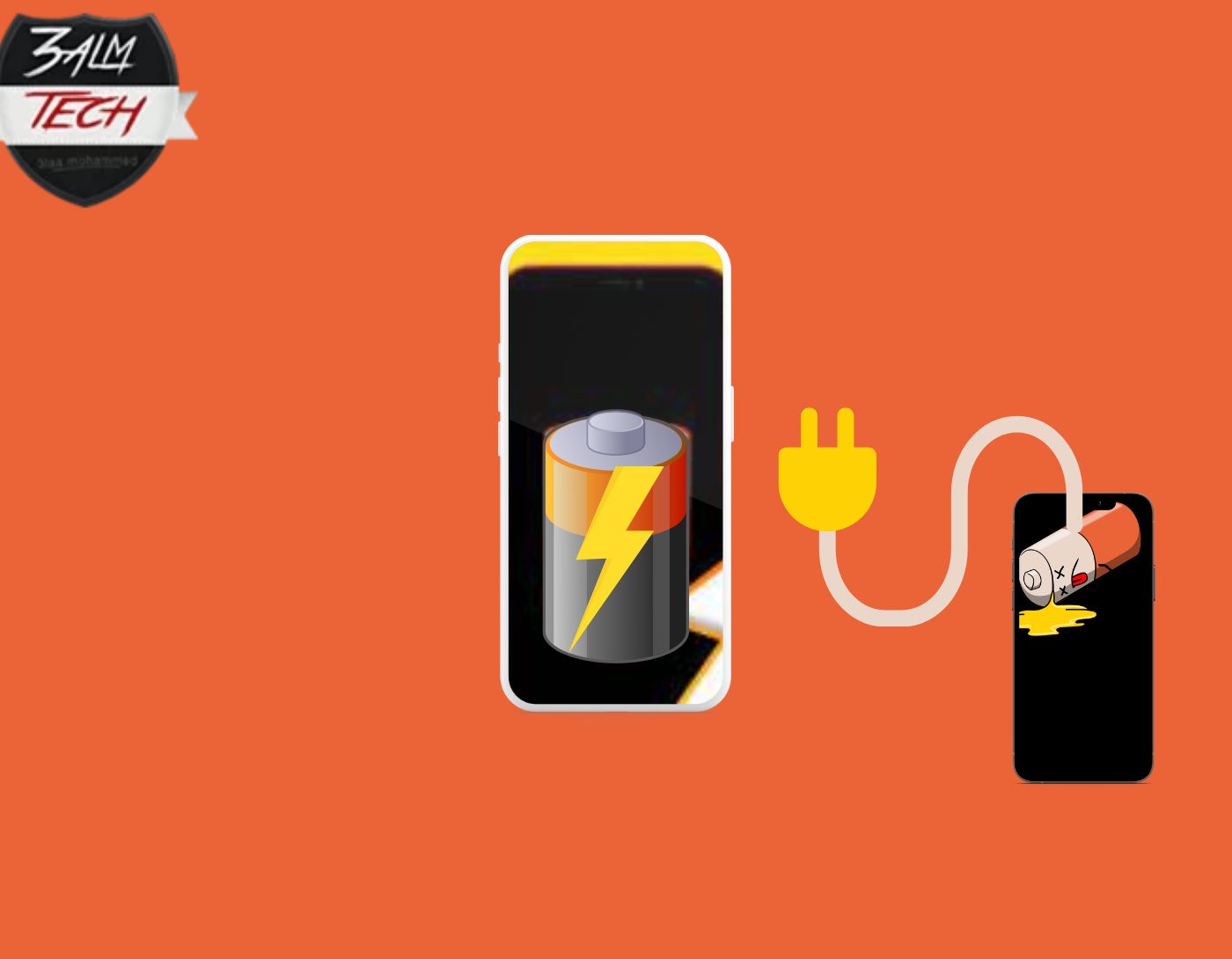
Over time, the efficiency of your iPhone's battery will gradually decline with continuous use, eventually leading to a shorter battery lifespan. There’s a chance that at some point in the future, your iPhone's battery may become incapable of providing enough power to keep your device running properly, resulting in various issues, the most notable being the black screen of death.
Connecting your iPhone to a power source using an Apple-certified cable and adapter is the only way to resolve this issue. After plugging your iPhone into the power source, wait at least 15 to 30 minutes before attempting to turn it on. If it turns out that the problem is with the battery, you should replace it immediately.
Solution 2: Check Your iPhone's Brightness
Are you facing the black screen of death even though Siri on your iPhone seems to be responding to your voice commands? There’s a possibility that this is due to a software glitch; there’s also a significant chance that the brightness level on your iPhone has dropped so low that the screen has turned completely black. Therefore, before trying any of the other methods on this list, we recommend checking to see if the light level on your iPhone is the cause of the black screen.
Solution 3: Check for Physical Damage
Conduct a thorough inspection of your iPhone to identify any signs of physical damage, such as scratches or cracks on the screen in case the iPhone has fallen for any reason. Additionally, check for any signs of water damage, as water damage is the biggest threat to your iPhone. If you discover any damage after your inspection, we strongly recommend contacting a professional as soon as possible.
Solution 4: Update Your iPhone with the Latest Firmware
We recommend checking to see if there is an upcoming iOS update for your iPhone. If there is, you should download and install the update immediately, as Apple regularly provides software updates. These updates contain bug fixes and security upgrades, which may protect you from encountering the black screen of death issue with the iPhone 12, iPhone 13, and iPhone 14 in the future.
Solution 5: Try a Force Restart
If the issue is software-related, you should be able to fix it by restarting your iPhone immediately. The app may be running now, or the process running in the background may have crashed. The only solution to this problem is to force restart your iPhone to stop the app or process. Following these steps will allow you to force restart your iPhone.
Press and hold the volume up button, then quickly release it.
Press and hold the volume down button, then release it immediately.
While holding down the side button, wait until the Apple logo appears on the screen; in case of a crash, it may take between ten to twenty seconds for the logo to appear.
You can remove any app that was responsible for the crash by restarting your iPhone, ensuring that the problem does not recur. You also have the option to upgrade the app if the issue is resolved in the latest version.
Solution 6: Contact Apple Support
If none of these methods work to resolve the black screen of death issue on your iPhone, it’s important to realize that the black screen problem may have other underlying causes. In such situations, it’s wise to seek the expertise of a professional or contact Apple Support for further assistance.
How to Prevent the Black Screen of Death on Your iPhone
Despite the fact that several factors contribute to the occurrence of the black screen of death on the iPhone, some of which are beyond your control (for example, hardware failure), here are some suggestions that may help you reduce the likelihood of encountering this issue:
- Ensure that your iOS is always up to date.
- Make sure all your apps are updated.
- Avoid jailbreaking your iPhone.
- Ensure you only use Apple-certified accessories.
- Closely monitor the condition of your iPhone's battery.
- Take precautions to prevent any physical damage to your iPhone.
Conclusion
Software and hardware issues are potential causes of the black screen of death that occurs on the iPhone. Therefore, we have provided you with possible solutions. For further assistance, you may want to reach out to the nearest Apple Store.
That’s all about how to fix the black screen of death on the iPhone. We hope you found a solution to this problem. If you have any recommendations or questions, please leave us a comment in the box below.
You might also like
How to Transfer WhatsApp Between Android and iPhone Easily and Quickly
Best Apps to Hide Apps on Android and iPhone 2024
Screen Brightness Control Apps for Android in 2024
iOS Repair: Fixing the Issue of Unable to Activate iPhone Due to Required Update


