


In this post, we present the final solution to a problem many Windows users face when installing .NET Framework, which is the error message 0x800f0906. Let's start with the necessary steps to resolve this issue.
First, go to the Control Panel and select Programs and Features.
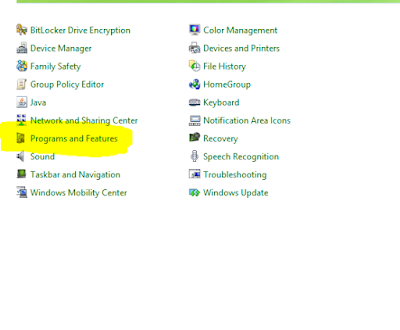
After that, choose "View Installed Updates" from the list.

Once you are on the "View Installed Updates" page, look for the following three updates in the list:
kb2966826
kb2966827
kb2966828
Click on any of these updates and choose to uninstall it. As soon as you find one of these updates, just click on it, and the uninstall option will appear.
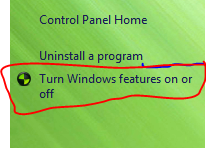
After uninstalling these updates, go directly to "Turn Windows features on or off."
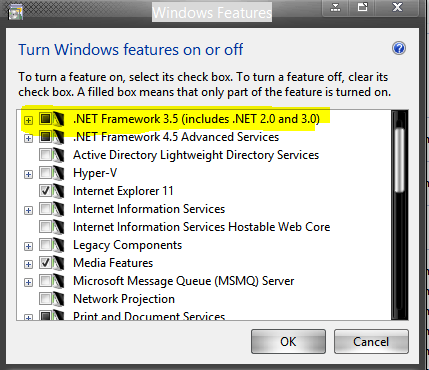
A list like this will appear; all you need to do is check the first option, and Windows will start searching for .NET Framework files and installing them, resolving the issue, God willing.


