


In the name of Allah, the Most Gracious, the Most Merciful
To begin with, what is meant by a combined Windows version? It is a single version that includes different Windows editions in one disc or ISO file. This means that with one ISO file or disc, you can install Windows 7 in all its versions, whether it is Windows Seven Starter, Windows Seven Home Basic, Windows Seven Home Premium, Windows Seven Professional, or Windows Seven Ultimate. All these versions can be combined on one disc or ISO file
without changing the file size or causing any damage.
Creating a combined version is a simple and straightforward process, which is why I chose to write this topic without a video, as it is indeed very easy.
You should know something very important: the tool we are using today is specifically designed for Windows 7 only and cannot be used with any other version besides Windows 7. The type of version in terms of architecture, whether it is 32-bit or 64-bit, will be determined based on the type of ISO disc you will be adding to. If you have Windows 7 with a 64-bit architecture, all Windows 7 versions will be added with a 64-bit architecture.
- How to create the combined version
All you need to do is download a very small tool, which is less than one megabyte, linked below this post. You will open the tool
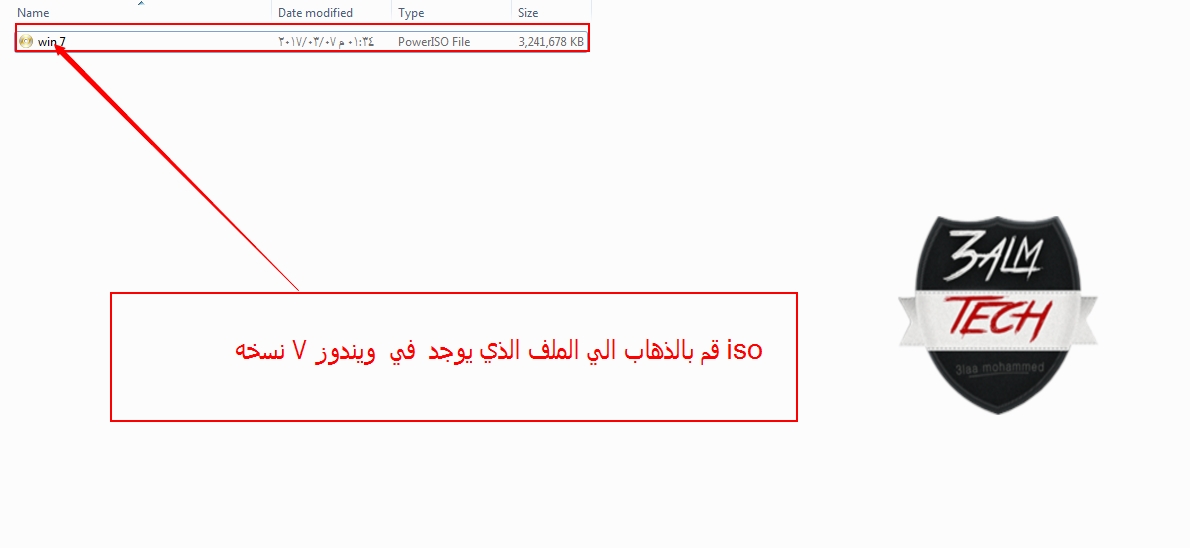
and go to the folder where your Windows 7 ISO file is located and select the version
and follow the images

After completing this step, a message will appear similar to the one in the images ----->>>
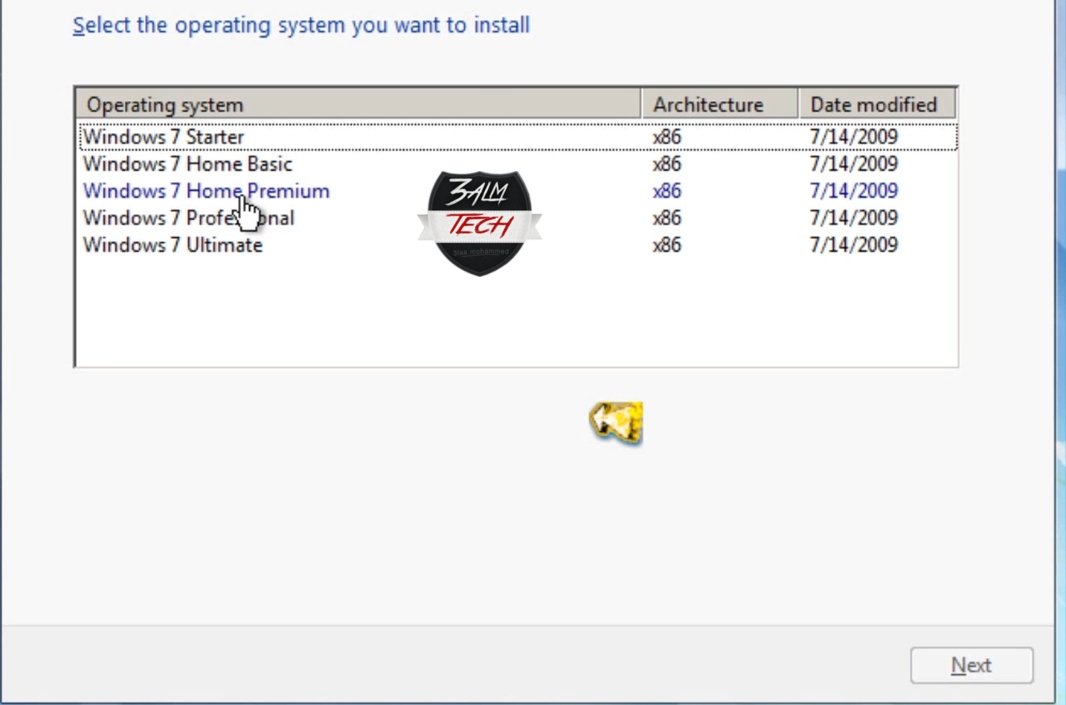
Thus, you have successfully added Windows 7 versions to your existing Windows version, and you will be able to boot and see all the Windows 7 versions mentioned at the beginning of this post.
Now we come to a question you might need an answer to: Can I revert the version back to what it was before?
My answer to you is that you can definitely do that; all you need to do is open the tool again and select the same Windows version you added.

And a message will appear as shown in the images --->>
- Download
Download the tool | here |
Articles You Might Like
- To download Windows Windows 10 Redstone 2 Enterprise click here
- To download Windows Windows 10 Redstone 2 Pro | Pro & Home Edition click here
- Activating Windows 8.1 and all Windows versions click here
- Download all Windows versions easily click here
- Download Windows 10 Pro with March 2017 updates, 64-bit and 32-bit ISO direct link click here
- Download Windows 7 with March updates ISO for all Windows versions 32-bit and 64-bit click here
- Download Windows XP for gaming Windows XP Extreme Gaming Edition 2016 November click here
- Download Windows XP for gaming - Windows XP Gamers click here
- Windows Vista all versions, two architectures (32-64) | Download Windows Vista versions click here
- Activating Windows 8.1 and all Windows versions click here
- Download all Windows versions easily click here
- A modified and excellent version of Windows 8.1 click here
- The ultimate solution to the Windows activation problem<a href="http://www.3almalt9nia.com/2016/08/blog-post_18.html" target="_blank" rel="noopener


