


File Size: ?⏬ Explanation - File Extension: ? - Best Program to Download a Playlist from YouTube
Peace be upon you
In this new topic, we will learn how to download a playlist from YouTube all at once. Let's get started.
This will be done using the amazing 4K Video Downloader, which allows you to download a collection of videos from any playlist on any channel. Not only that, but you can also download Facebook videos, which have always been a significant obstacle for many. However, with this program, I can confidently say your problem is completely solved. Let's begin with how to activate the program.
I would like to point out that the program is not free, but I searched for an activation method and found a crack that I will provide for you at the end of the post.
After downloading the program, install it in the usual way: next >> next.
Then, extract the crack and copy it. Go to the program shortcut on your desktop, right-click on it, select open file location, and paste the crack inside.
After completing these steps, we will have activated the program, and it is ready for use. Now, let's learn how to download a video using it.
Go to the playlist you want to download.
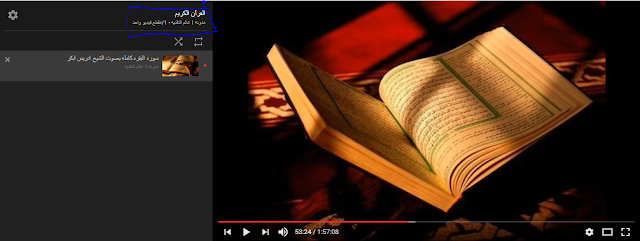
Then, click on the name of the playlist as shown in the image highlighted in blue.
After that, copy the link that appears after clicking on the playlist name, as shown in the image.

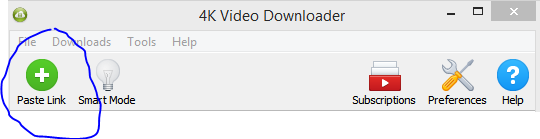
After copying the link, open the program and paste the link at the top of the browser by clicking on paste link.
As shown in the image.
Then it will start searching for the video link you want to download and will display a list containing the video formats available for download.
And the quality you want to download the video in.
Choose the quality and format, click OK, and it will start downloading.
Watch the video for more details.


