

Many diverse programs have emerged that specialize in audio editing. However, despite the effectiveness of many of these programs, they often lack various features and tools. As a result, many companies and developers have sought to release new software equipped with modern tools. With the advent of one of the remarkable technologies—artificial intelligence, which is considered one of the most significant inventions we've seen—AI has been utilized across various fields. Consequently, AI technology has been employed in audio editing by creating a program or browser extension that allows you to record your voice and request any modifications you desire. This program is known as finevoice.
Although many users rely on popular software for audio editing, today’s situation is different because we present to you finevoice, which specializes primarily in audio editing and includes all the tools you might need to modify or transform your audio into any sound you wish. It also offers some powerful effects that you can incorporate into your editing. In this article, we will provide a complete guide to the finevoice program offered by Fineshare, including all the tools available in the program, how to use it, and how to download it to your computer or use it directly through your browser.
About Fineshare
Fineshare is a software company that utilizes artificial intelligence to provide a variety of services, such as voice generation, voice changing, music creation, dubbing, and more for individuals and businesses. It helps them express themselves more vividly in the ever-evolving virtual world.
finevoice Program finevoice
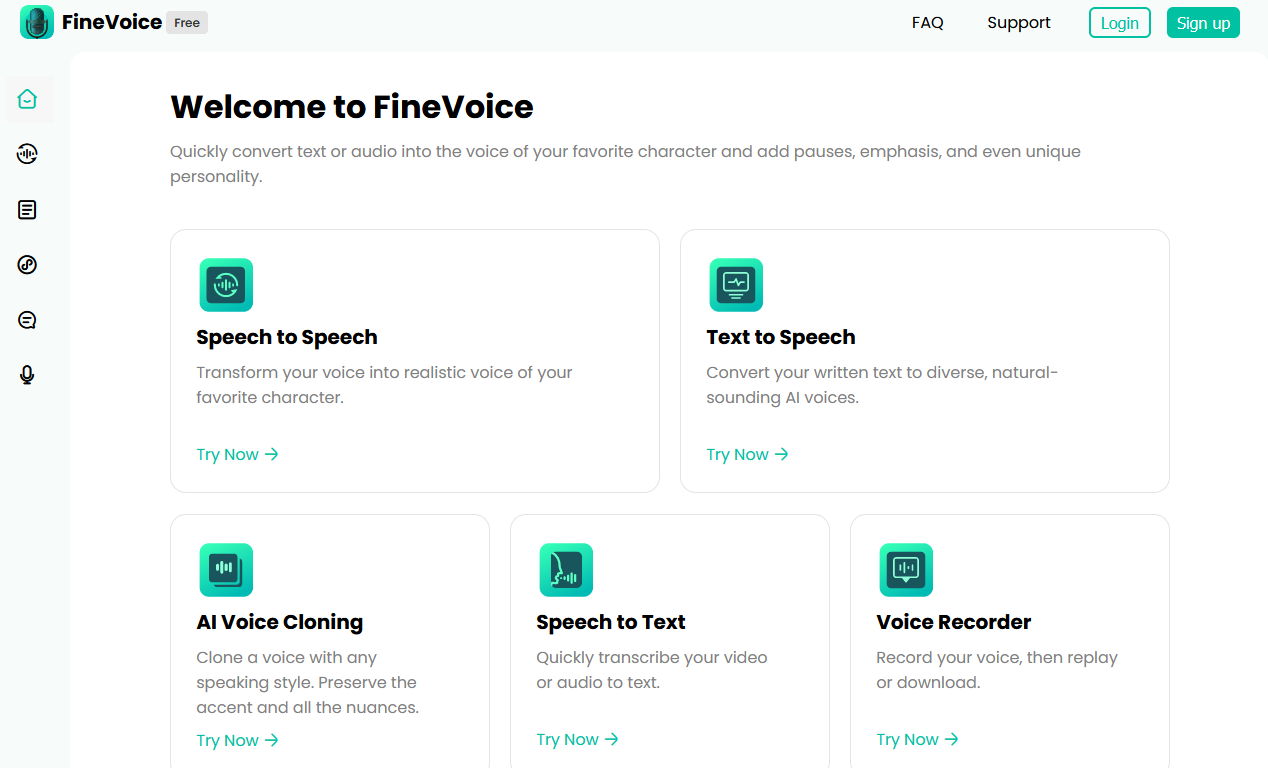
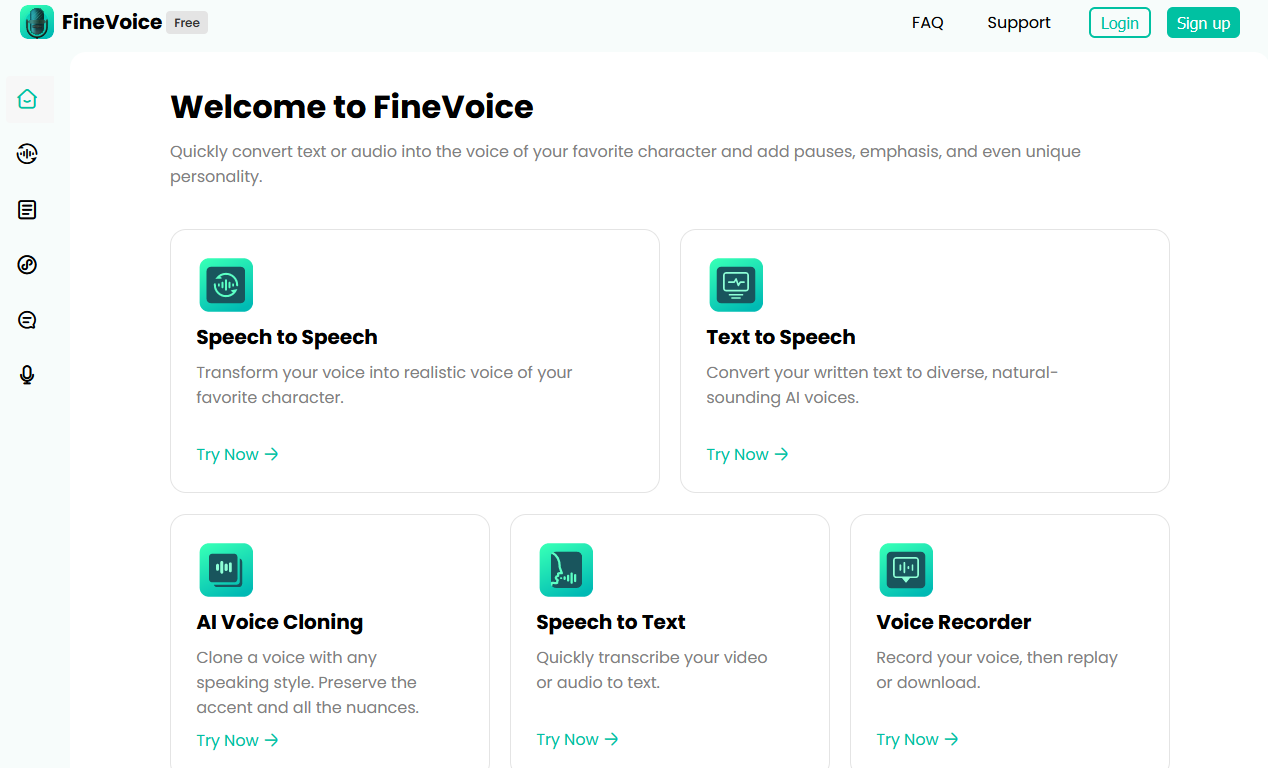
The finevoice program is one of the computer applications used for audio editing or sound transformation in general. The program contains many tools, but what sets it apart from other software is its incorporation of artificial intelligence, allowing it to offer many services not found even in the most powerful audio editing programs. Additionally, the program is designed to be very user-friendly, making it easier for users to navigate, especially since it does not feature the timeline system found in most audio programs that complicate usage. The program consists of several pages, and on each page, you will find various tools. All you need to do is record your voice using the microphone on your device, and then select the tool or command you want the program to execute, and it will begin processing the audio according to your chosen command.
Initially, you will find the program's interface simple, containing all its commands, which will be divided into five commands. We will provide a detailed explanation of each command in the next section. After selecting the desired command, you will need to input the audio in two ways: the first method is to record audio via the microphone, and the second is to upload an audio file from your device, whether it's an external sound or one you recorded earlier. After that, you can start adjusting the settings for the tool you wish to use and begin the transformation.
Tools of the finevoice Program
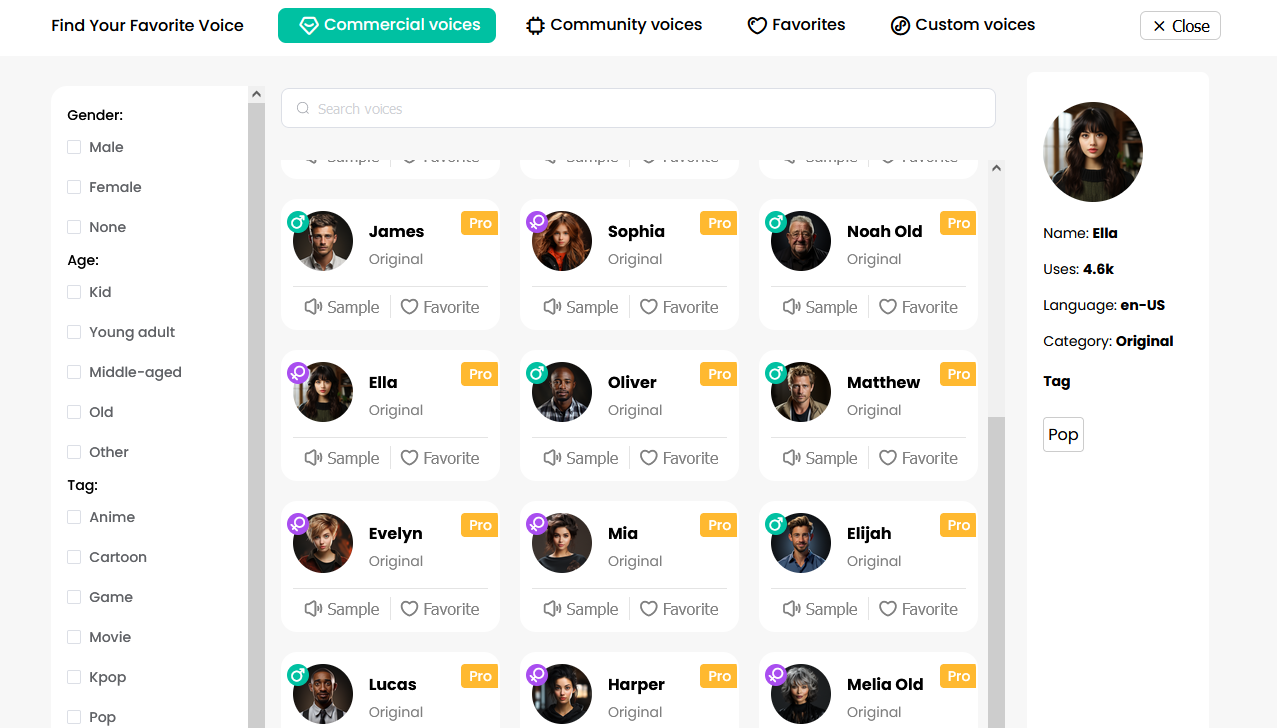
With this tool, you can transform your voice into any sound you desire. All you need to do is visit the website and access this tool. Then, you will upload the audio you want to convert using the two methods mentioned earlier, either by recording the sound or uploading an audio file. However, if you choose to record audio, the free version allows you to record a maximum of 5 minutes only. After that, you will find a voice selection option on the right side of the screen. In this list, you will find many voices to which you can convert your audio by selecting the one you prefer. You will see a large list of voices, including actors, singers, movie characters, and game characters, among others, from which you can choose.

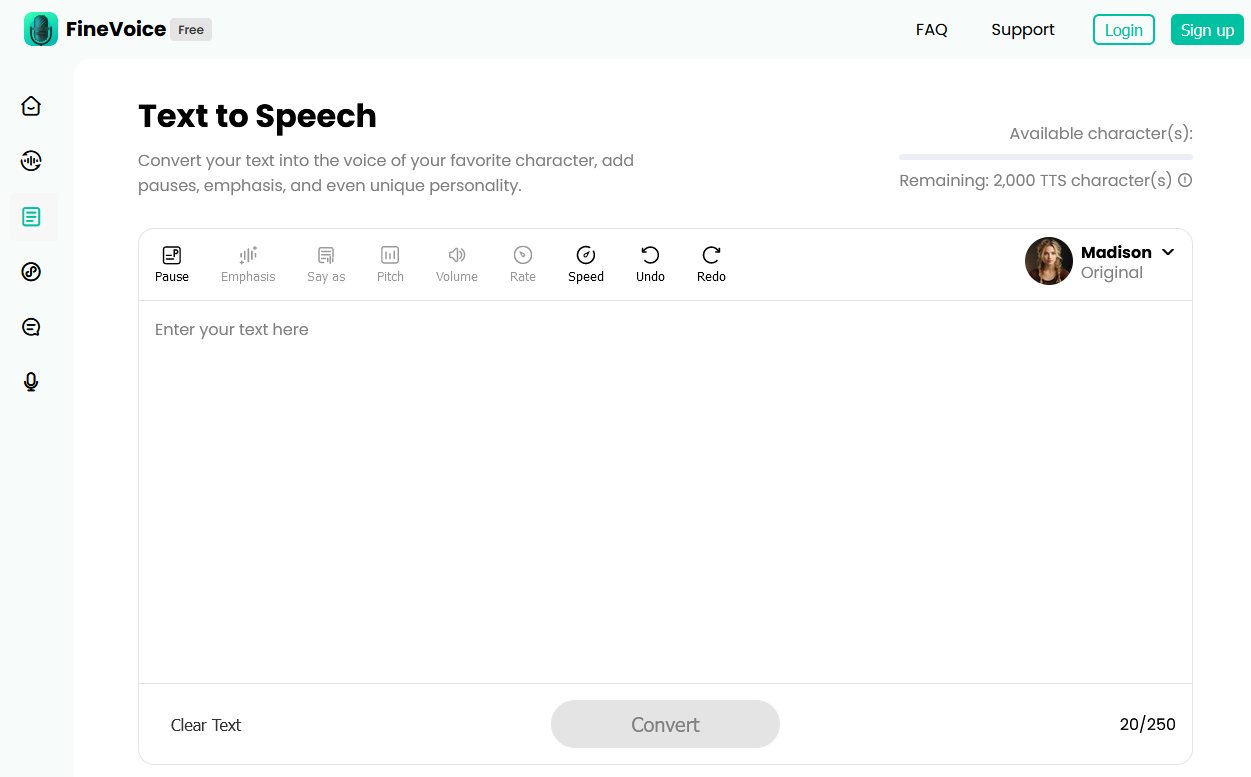
This tool is quite similar to the one mentioned earlier, but the difference is that you will not input your voice for conversion. Instead, you will find a text editor in the middle of the screen where you can type the text you want to convert to speech. At the top of the editor, you will find the same list of voices mentioned in the previous tool, where you can select the voice you want to use for the text conversion. After that, you will click on convert, and it will be transformed instantly. There are also several display and control tools at the top of the editor, such as controlling playback speed, pause, and more.
-
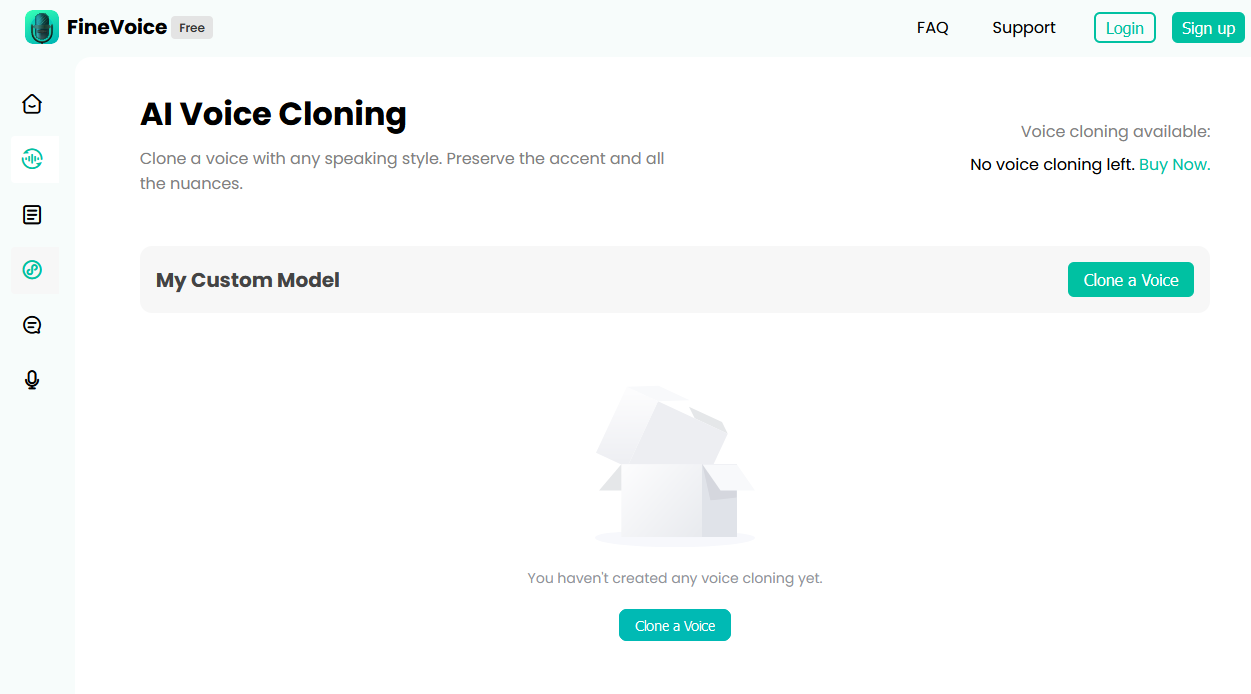
AI Voice Cloning :-
In this tool, you will upload a voice to the site, and it will clone that voice using artificial intelligence. You can also transform this voice into any other sound you desire. After that, you can export this sound to a file for your use.
-
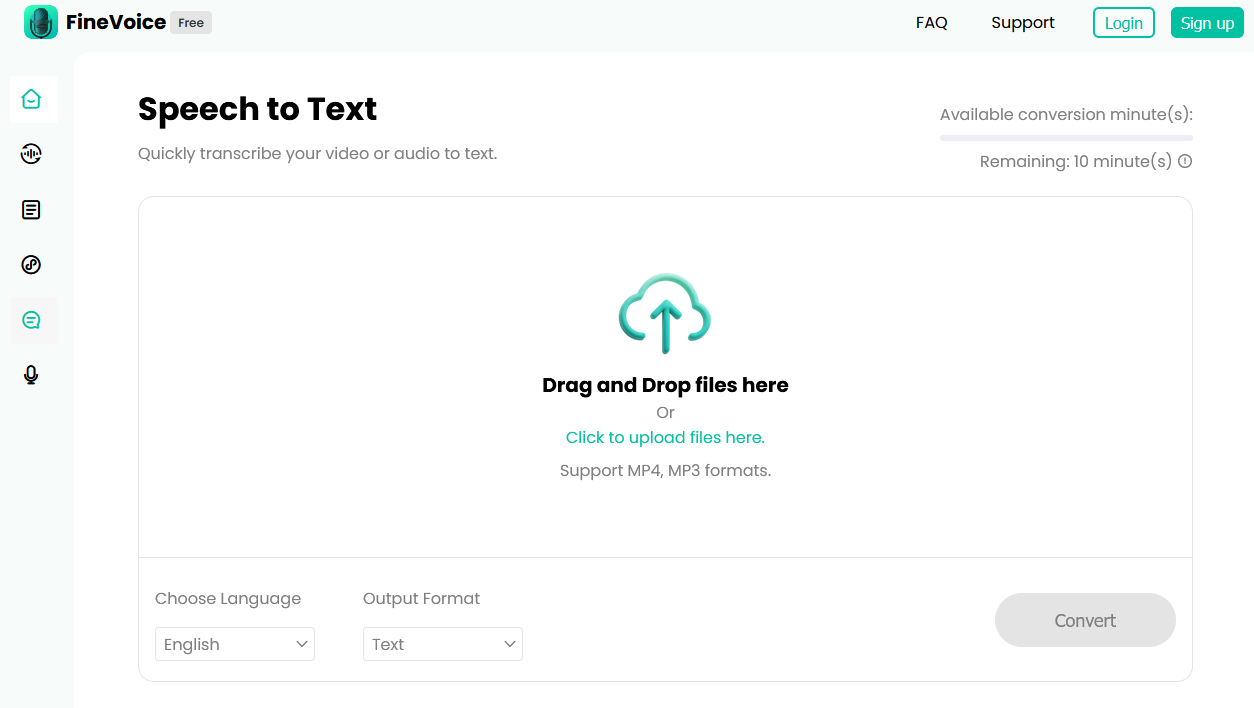
Speech to Text :-
This tool allows you to convert audio into text by passing the audio to the page, and it will be transformed into textual words that you can use.
-
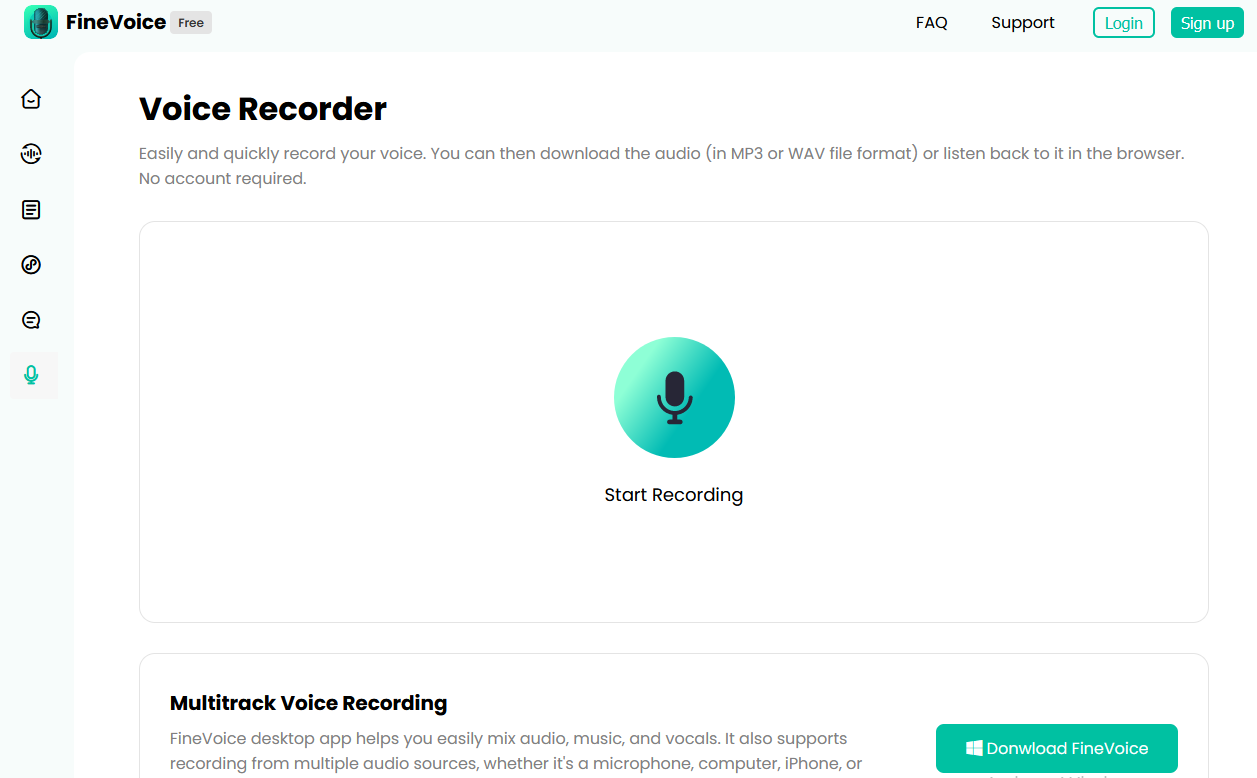
Voice Recorder :-
You can record your voice using this tool and then use it in any other tool you desire.
Auphonic Podcast Audio Enhancement Program
How to Download the finevoice Program
Method One :-
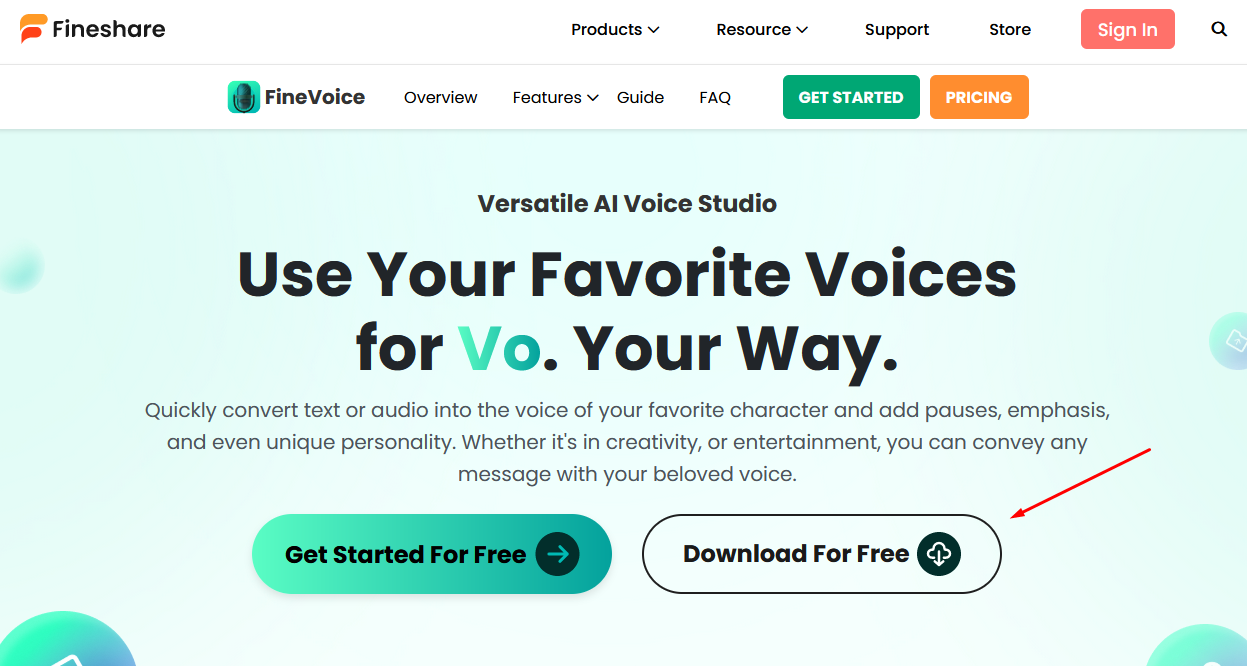
- First, click on the link provided at the end of this section, and then download the program to your computer.
- Next, install the program on your device.
- Open the program normally, and you can use it easily.
Method Two (Online) :-
- In this method, all you need to do is visit the website.
- You will find that all the tools are available online.
- Select the tool you want to use, and then you can use it directly without any installation on your device.
- This saves you a lot of space on your device.

The Amazing Voice Cloning Tool Otter
Features of the finevoice Program
- The program is lightweight and can be installed on any device.
- You can use the program from the browser without downloading and without a specific browser.
- There is a large library of free effects.
- The program interface is simple and easy to use.
- The program is very smooth.
- It includes more than one voice list, including character voices.
- All tools in the program are free.
- You can convert audio to text in any language you desire.
- There is a special tool for converting any text to speech in any language you want.
Requirements for Downloading the finevoice Program on a Computer
- Processor: Intel Core i3 or faster processor (i5 or greater preferred).
- Operating System: Windows 8.1, Windows 10, Windows 11 (64-bit)
- RAM: 2 GB.
- Storage: 200 MB on the hard drive.
- Graphics card drivers must be up-to-date.
- Microsoft Visual C++ 2019 Redistributables for Visual Studio and Microsoft .NET Framework 4.8.0 installed.


