


Free program to recover deleted files on computer: Have you accidentally deleted important files like photos, videos, or documents? Did you empty the recycle bin without realizing it and then found that the files were crucial for you? Don’t worry; take it easy, with Tenorshare 4DDiG, recovering data from a formatted drive is no longer a problem at all. Keep reading to see for yourself.
Download the program now for a fantastic opportunity as a 30% discount is available for all users.
What is the Free File Recovery Program Tenorshare 4DDiG?
Tenorshare 4DDiG Data Recovery is a data recovery software compatible with both Windows and macOS. This program is designed with a wide range of features to address data loss issues across various devices, such as internal/external hard drives, USB drives, SSDs, memory cards, and more. It supports the recovery of multiple file types, including photos, videos, documents, emails, archives, and much more.
With its preview feature, quick/deep scan options, and advanced scanning algorithms, it allows users to easily recover media. It’s a great choice for individuals looking to recover lost files due to accidental deletion, system crashes, or malware attacks. Thanks to its intuitive interface and fast scanning speed, it provides a seamless and user-friendly experience.
Why do we recommend the Free File Recovery Program Tenorshare 4DDiG?
- It’s very easy to make a mistake when formatting hard drives, SSDs, or SD cards, leading to data loss. Don’t worry; with Tenorshare 4DDiG, recovering data from a formatted drive is no longer an issue.
- You might be unable to access certain sites or files due to incorrect partitioning or deletion of a partition. Only a professional data recovery program like Tenorshare 4DDiG can help you out of these problems.
- External storage devices are great for data preservation, but data loss when these devices fail can also be frustrating. Regardless of your device type, 4DDiG makes it possible to recover lost data with a high recovery rate.
- You may easily experience a computer crash with a black or blue screen, leading to data loss. Using Tenorshare 4DDiG for Windows data recovery, you can create a bootable drive to run your crashed device and access data without any technical knowledge.
- RAW drives mean a RAW file system that you cannot access without the help of data recovery software. Don’t worry, 4DDiG will recover files from any RAW drives.
System Requirements for Tenorshare 4DDiG
- Supported operating systems: Windows 11, Windows 10, Windows 8.1, Windows 7
- Memory (RAM): At least 2GB of RAM (4GB recommended)
- Hard disk space: 200MB or more.
How to Get Tenorshare 4DDiG for Free
Open the program, then click on the "Share" icon.
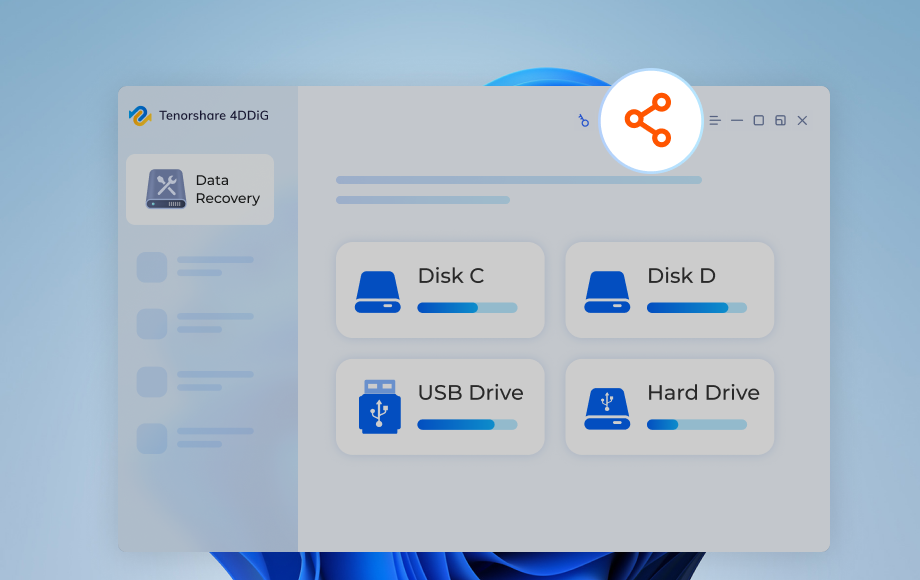
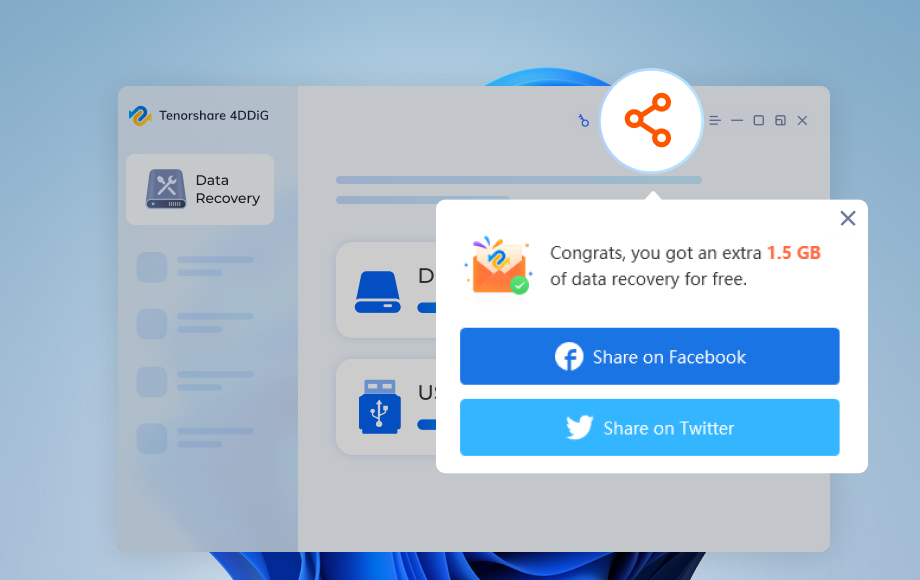
Share this amazing free program and you can also recover data on social media, like Twitter or Facebook.
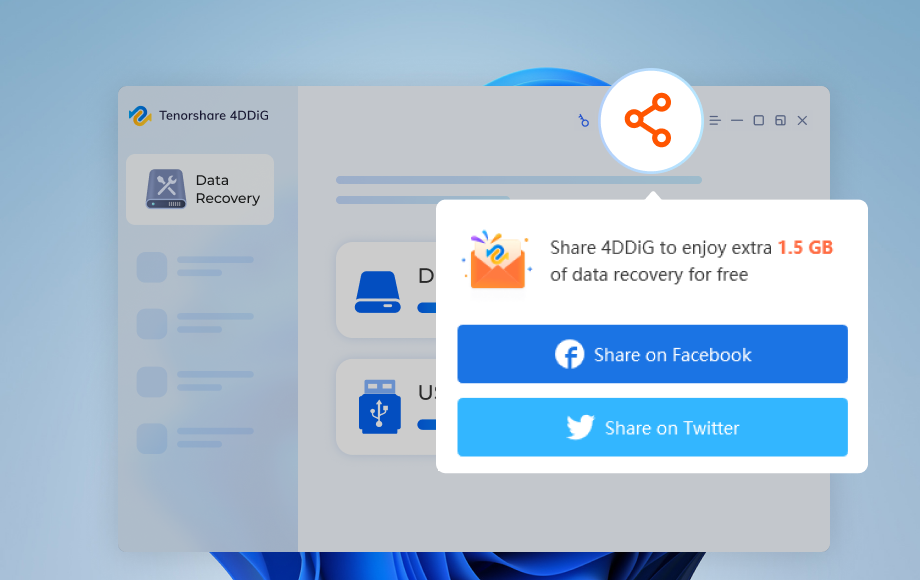
With Tenorshare 4DDiG Free, you can recover 100MB of data for free.
How Tenorshare 4DDiG Data Recovery Works
Follow these steps to recover data using 4DDiG.
Download the Tenorshare 4DDiG program for your device via one of the following links:
Download for Windows | Download for Mac
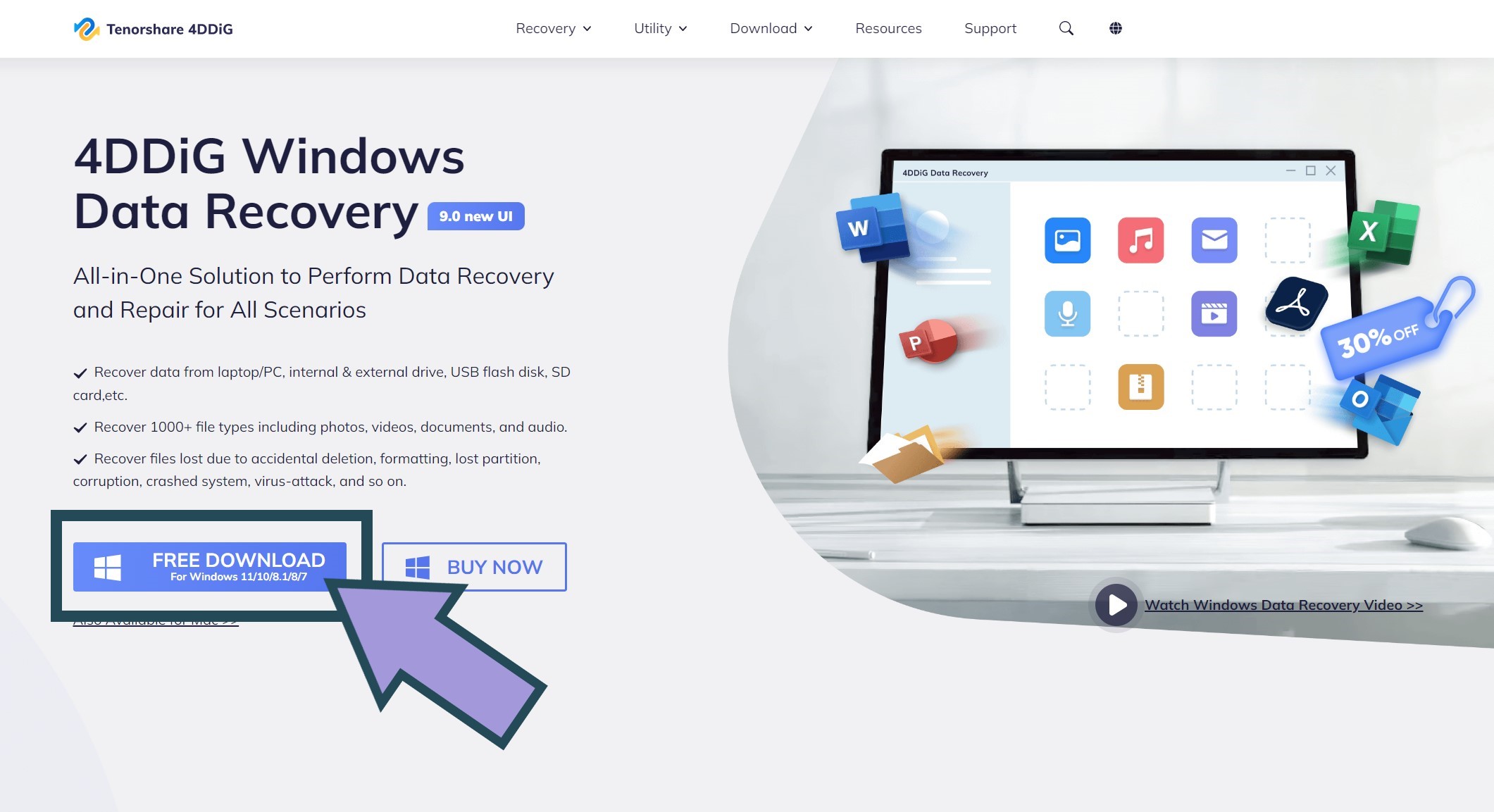
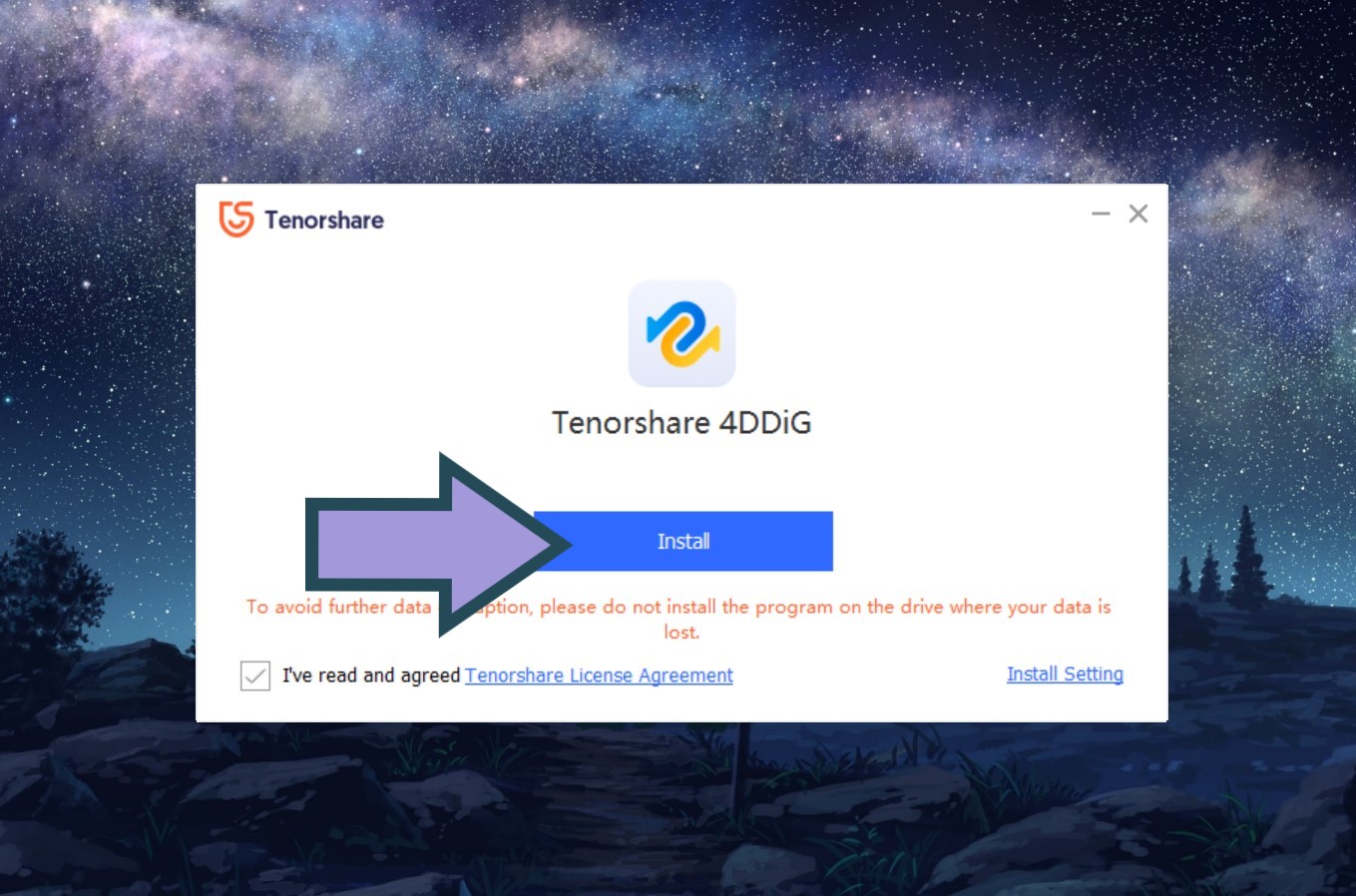
Click "Install" and wait for the process to finish, installing the 4DDiG Data Recovery tool.
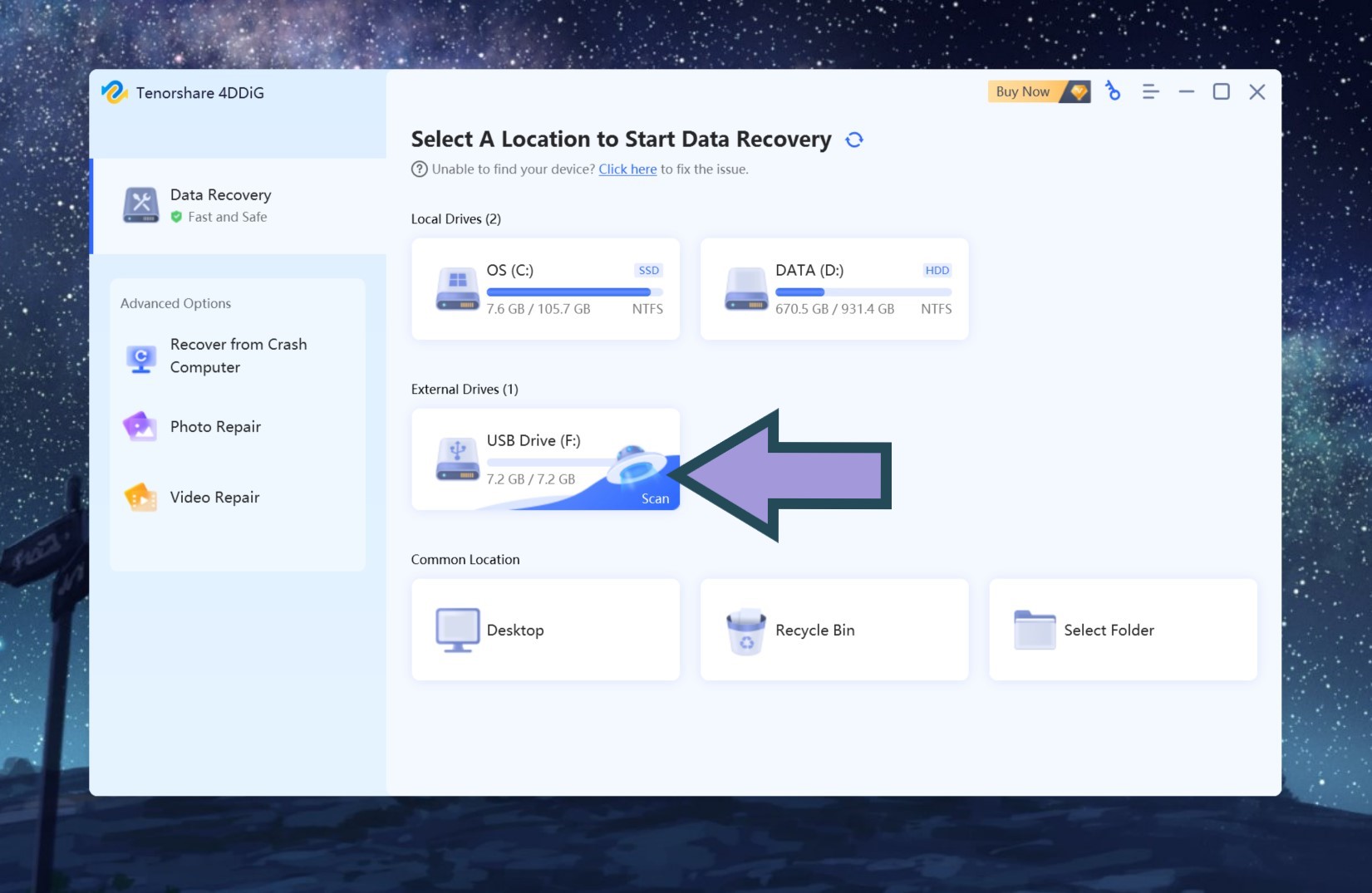
Start the data recovery process with 4DDiG by selecting the drive you want to scan for lost data.
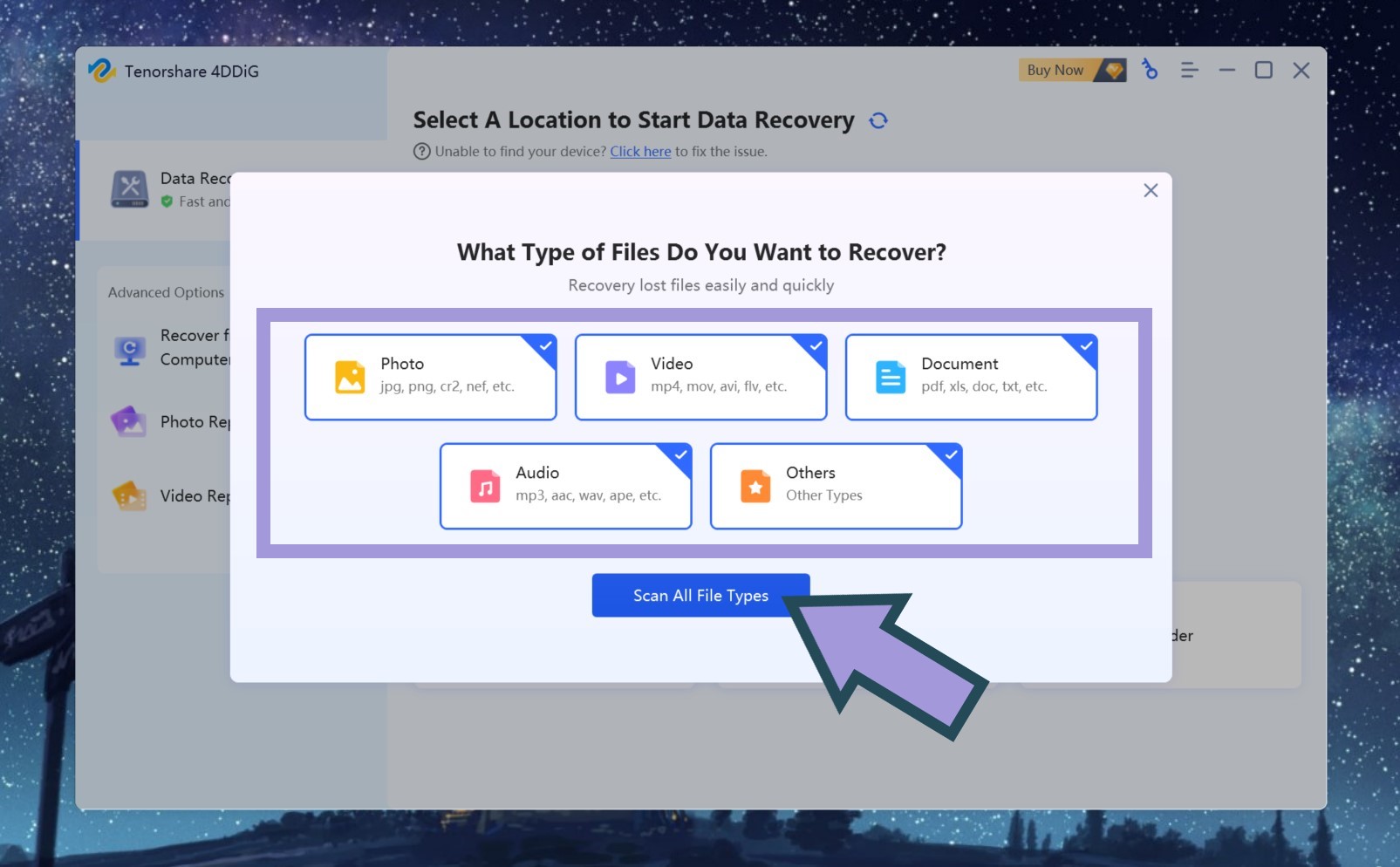
Select the types of files you want the tool to search for and start the scan using the 4DDiG scanning feature.
Browse the results to select the files you want to recover.
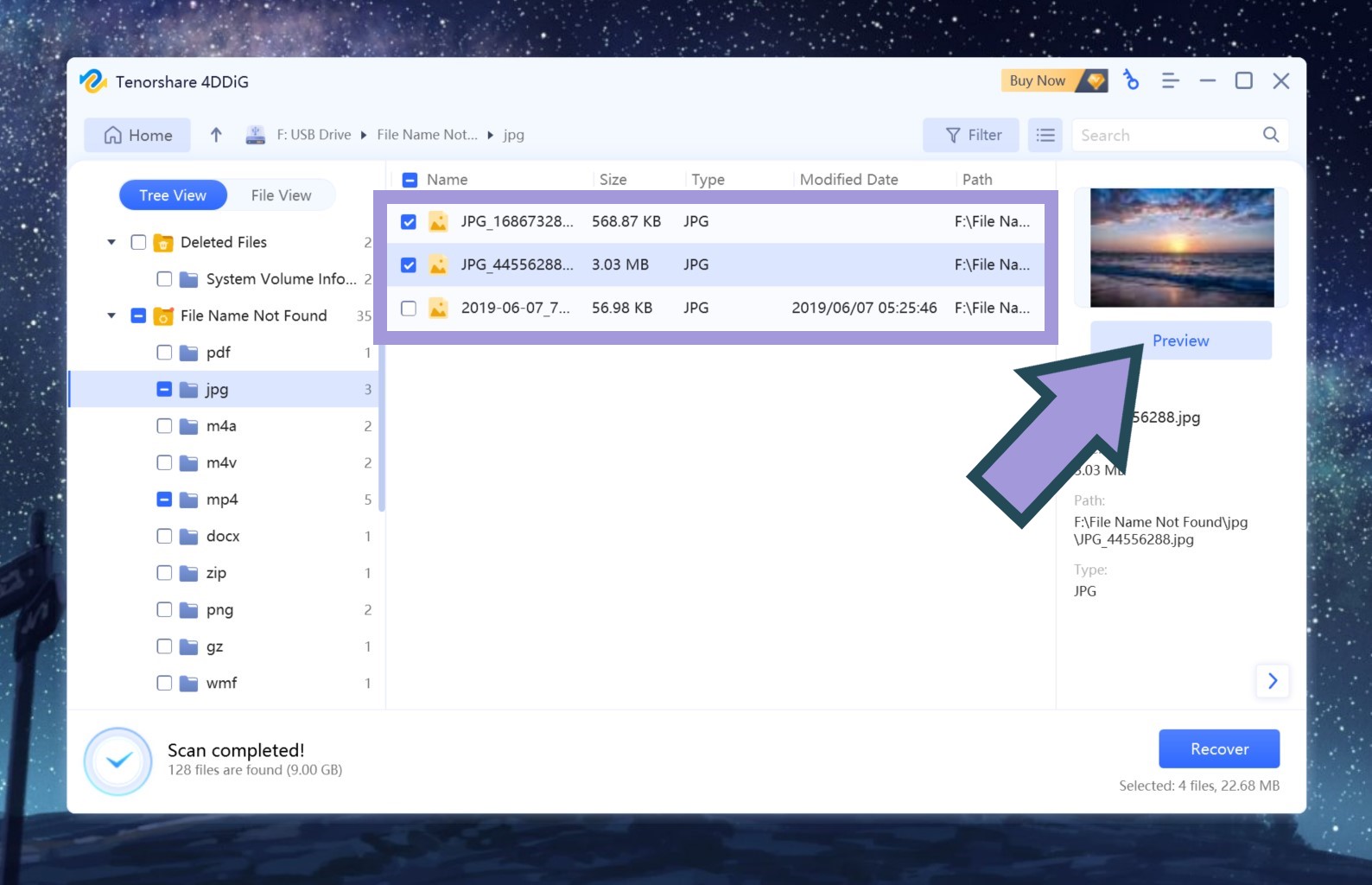
After selecting all the files you want to recover, click "Recover" to start the Tenorshare recovery process.
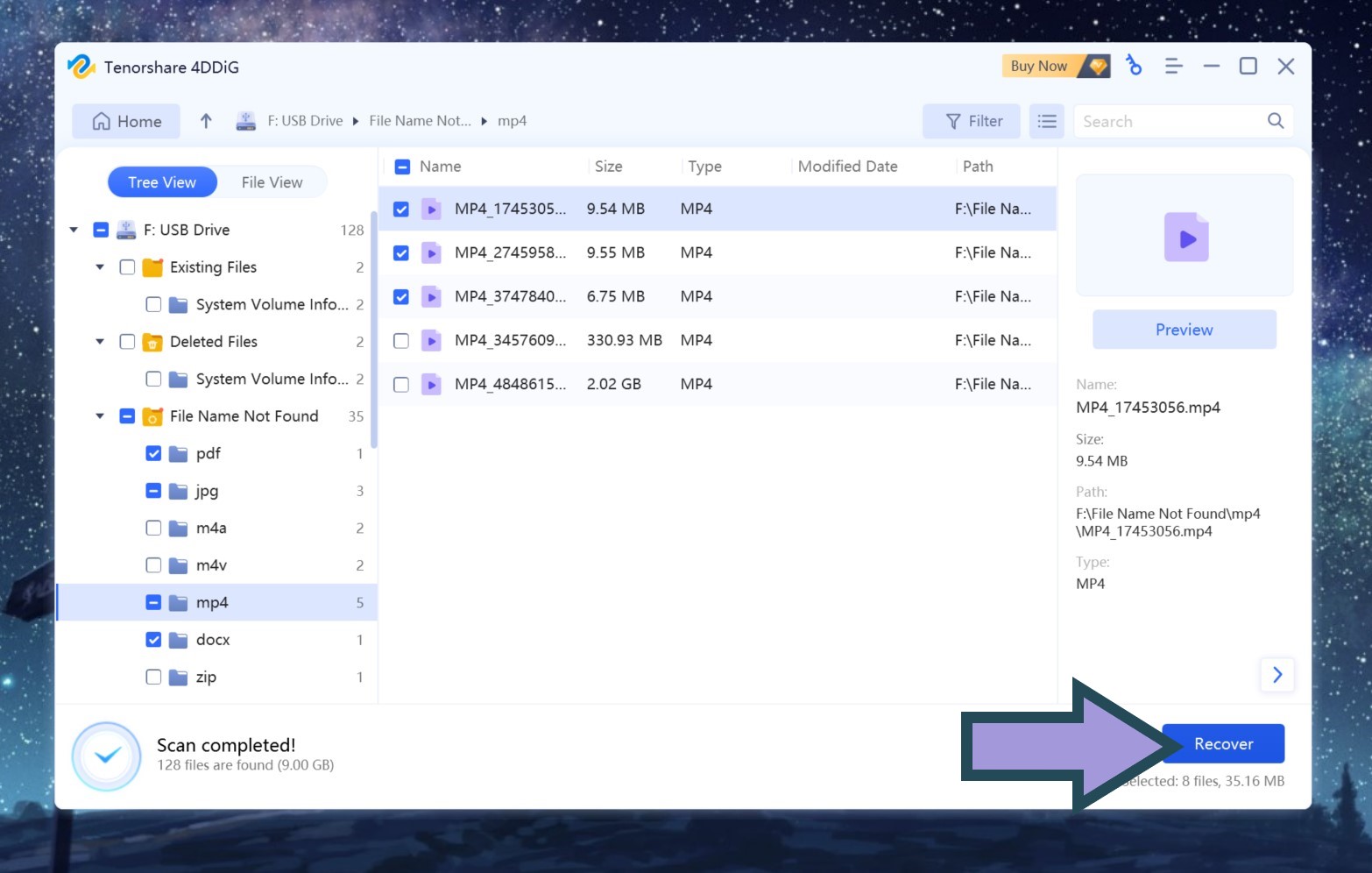
Select the location where you want to save the recovered files and wait for the process to complete.
Features of 4DDiG Data Recovery
- To save time and ensure a 100% guarantee on your data recovery, Tenorshare 4DDiG Data Recovery offers two recovery modes: quick scan and deep scan, allowing you to perform data recovery after a free preview.
- You can pause the scan midway and resume the scanning process whenever you want, without any burden of scanning time.
- Designed to meet the needs of different user levels, whether you are a beginner or experienced, you can always recover lost files with just a few clicks.
- Capable of recovering data from various devices, including PCs/laptops, hard drives, external disks, SSDs, USB drives, SD/CF cards, digital cameras, etc.
- You can recover data in most cases, such as accidental deletion, recycle bin recovery, formatted file recovery, RAW file recovery, partition recovery, and more.
- Quick and easy steps to scan, locate, preview, and recover files.
- High data recovery rate without compromising data integrity.
- A safe and authorized program from secure and reputable sites.
- Supports Windows 11/10/8.1/8/7 and macOS.
Top Pros
- Modern interface, the program features a clean user interface that not only looks good but is also easy to use.
- Create bootable disks. Tenorshare 4DDiG can create bootable disks to bypass the operating system in case the computer refuses to boot.
- Video recovery, you can use Tenorshare 4DDiG to recover content from video files that refuse to play.
- Your data will be fully recovered while retaining the original format and size using patented technology.
- All deleted data will be recovered without overwriting the original data.
- The tool offers the highest success rates in data recovery.
Is 4DDiG Data Recovery Free?
The Tenorshare 4DDiG data recovery program is free to download, allowing you to scan for lost files on internal drives, specific folders, as well as external drives easily. It offers a free recovery capacity of 100MB; to recover files larger than 500MB, you need to upgrade to the professional plans.
What Storage Devices are Supported
- Laptop.
- SD/Memory card/TF card.
- USB flash drive, memory chip.
- CD, DVD, HD DVD.
- Hard drive/SSD/digital camera/video camera/RAID/floppy disk/action camera.
Conclusion
In conclusion, we discussed the free file recovery program, Tenorshare 4DDiG Data Recovery, which is a highly respected utility as it makes the process of scanning and recovering your files as user-friendly as possible. It can recover deleted files without any hassle.
This data recovery tool is designed for users who want to recover data due to accidental deletion, system crashes, or hard drive issues. It is capable of detecting and recovering over 2000 types of files from multiple devices.
Additionally, Tenorshare 4DDiG is a certified and legitimate data recovery tool that offers reliable solutions for both Windows and macOS. It is widely used and receives multiple positive reviews from users worldwide. You don’t need to worry about the safety of downloading and using this program, so always download Tenorshare 4DDiG from its official website, there is a fantastic opportunity now as a 30% discount is available for all users.


