


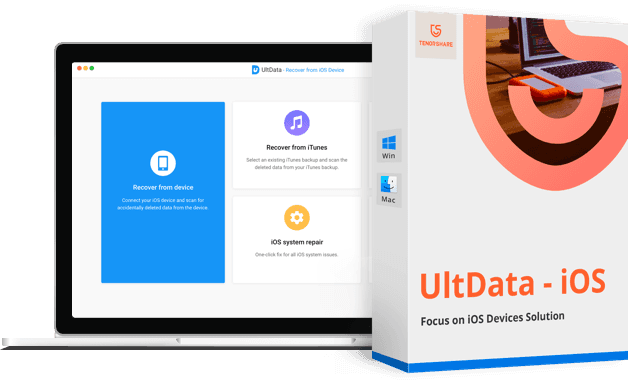
Download Tenorshare Ultdata - Full iOS Data Recovery Software for iPhone
This is a review of Tenorshare UltData, a software tool that can recover lost data from iPhone devices.
I have provided IT training and support for several decades and have written software reviews and guides for business users. I took an in-depth look at Tenorshare UltData to inform you about how likely you are to succeed in recovering lost data from your phone using this software.
I found Tenorshare UltData to be remarkably fast and efficient compared to its competitors. It was able to recover most of my lost data, and I couldn’t find an alternative that could do a better job, as it supports more types of data than others.
In this review of Tenorshare UltData, I will explore the types of data the application can recover, how long it is likely to take, and assess your chances of success. Let’s get started.
Overview of Tenorshare UltData

Supported Systems by Tenorshare UltData
There are two applications available for Windows users:
Tenorshare UltData for Android
Tenorshare UltData for iOS
There are also two applications available for Mac users:
Tenorshare UltData for Android
Tenorshare UltData for iOS
In this article, we will explain the iPhone version of the software on both Mac and Windows systems
The applications work on a single computer and can recover data from up to five devices.
The free trial version will show you if your data can be recovered before you pay for the application, but unfortunately, it does not allow you to preview all files.
I found it capable of recovering most of your lost data, and the same cannot be said for other mobile recovery applications. Tenorshare UltData - iOS outperformed all competitors in terms of recovery comprehensiveness and speed. Its scan was faster than any other application I tested.
This version also previews the lost file before recovery and can recover your data with a 99% success rate, which is better than any other program. It supports three categories of data recovery that can minimize data loss. It works on any Windows operating system and uses very little storage and RAM. User reviews for this software are very positive, which is why the number of users for this tool is increasing day by day. You should try this tool once, and you will never use another.
Below is a detailed guide on how to recover lost data from your iPhone directly using Tenorshare UltData iPhone Data Recovery.
In the following video, there is a quick explanation of the program's great capabilities. Watch the video to learn how to use the program.
Special thanks to the video source
Channel: Azmi Assad عزمي on YouTube.
Using the Program Explained with Images
Step One: Make sure to download and install the program on your computer. Launch it and select
"Recover Data from iOS Devices" in the main interface.
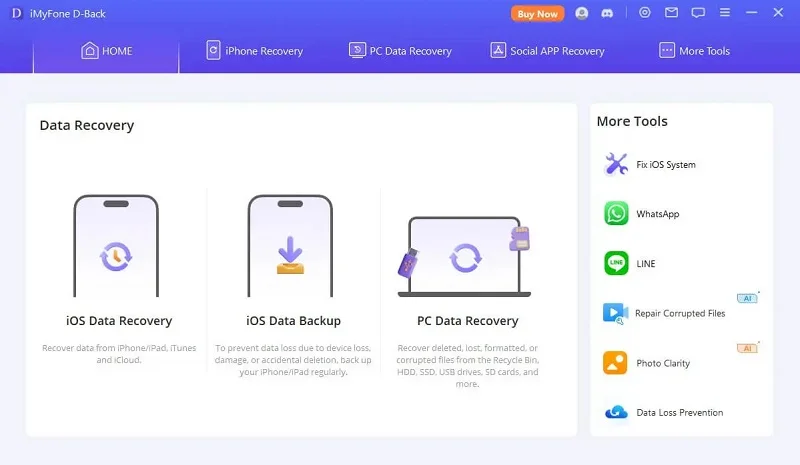
Step 2. Now connect your iPhone to the computer using the Apple charging cable. The program will automatically detect the device if it is connected and trusted.
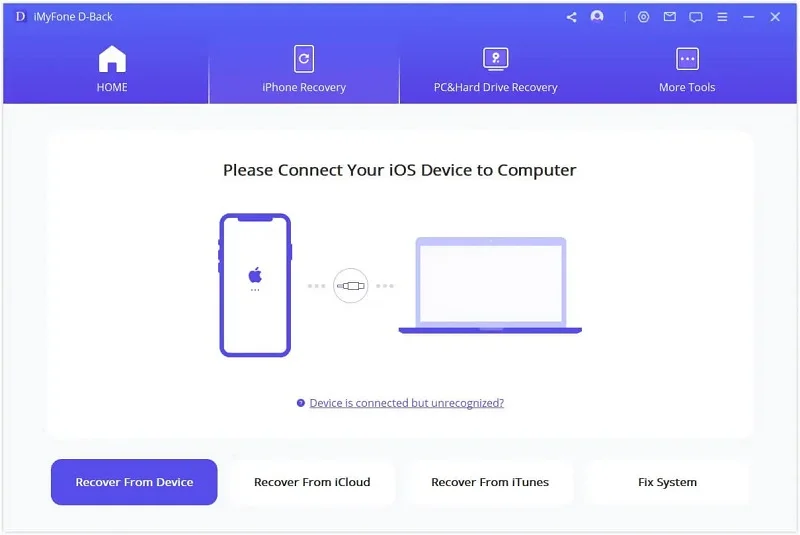
Step 3. The program will display all types of data that can be recovered here. Select the files you want to scan and recover, then click "scan" to start the scanning process.
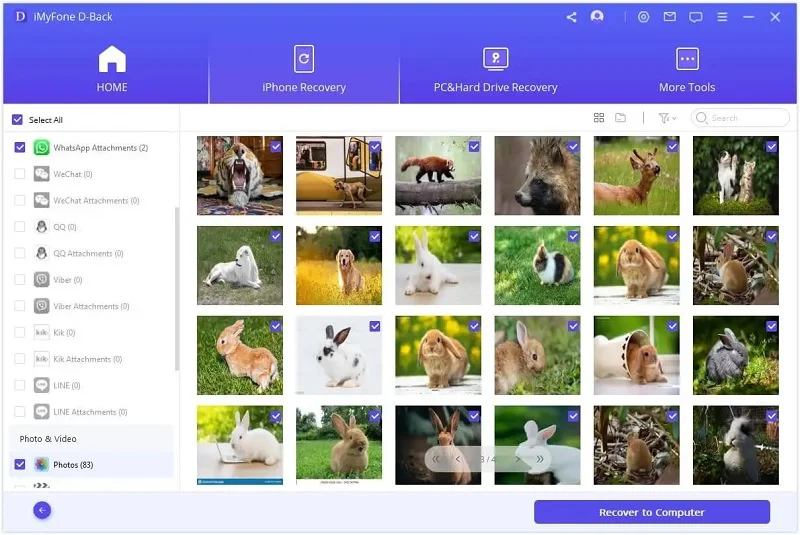
Step 4. Next, all scanned files will be listed by category. Just browse and check the data you need and click Recover to PC "Recover to PC" to save the recoverable files on your computer.
Features of Tenorshare UltData iOS
-
User Experience
Tenorshare UltData is easy to install and set up. Data recovery requires no technical knowledge and can be done in three simple steps:
- Connect your device to your computer
- Scan the device by running the program on your computer
- Preview the files and select the files you wish to recover
You may not need to root your Android phone to recover data from it. The Windows version can recover deleted photos and WhatsApp messages without rooting your phone. For other types of data (and all types when using the Mac version), you will need to root.
-
Performance of Tenorshare Ultdata - iOS
Can searching for lost files take a long time?
So I will answer your question with another question: How fast is Tenorshare UltData? The answer is in the following lines:
To find out, I added six test items to my personal iPhone 7 with 256GB capacity, then deleted them: a contact, a photo, an Apple note, a voice memo, a calendar event, and a Pages document. The scan took 49 minutes. You can specify the types of data to be scanned to reduce the time required.
How does that compare with other data recovery applications? I conducted the same test with nine competitors, and UltData was the fastest. Four other applications also took about an hour, while three applications took two to three hours, and two of them were significantly slower (6 and 21 hours).
[accordions]
[accordion title="Supported File Types by the Program" load="hide"]Contacts
Notes and attachments
Calendar
Reminders
Photos
Videos
Music
Voice memos
Books
App audio
App documents
Call history
Messages and attachments
Facetime
Facebook Messenger and attachments
WhatsApp
Viber
Tango
Line
WeChat
Kik
Safari bookmarks and history[/accordion]
[/accordions]
-
Effectiveness of Tenorshare UltData iOS
Do you have doubts that data recovery cannot be guaranteed?
How successful is Tenorshare UltData?
In the test I conducted, it was only able to recover five of the six items I deleted: the contact, the Apple note, and the photo. I could not recover the calendar event, the voice memo, or the Pages document.
I felt disappointed, but I couldn’t find a better alternative. Four other applications recovered three items, and the rest recovered only two items. Every program I tried succeeded in recovering the contact and the Apple note. Only four applications managed to recover the photo, and only Tenorshare UltData iOS was able to recover the voice memo.
-
Customer Support
The Tenorshare customer support center offers a searchable product guide and FAQs. You can contact the support team via a web form, and they have a great response time.
[accordions]
[accordion title="Supported Data Types: iOS" load="hide"]Contacts
Notes and attachments
Calendar
Reminders
Photos
Videos
Music
Voice memos
Books
App audio
App documents
Call history
Messages and attachments
Facetime
Facebook Messenger and attachments
WhatsApp
Viber
Tango
Line
WeChat
Kik
Safari bookmarks and history[/accordion]
[/accordions]
Conclusion:
I recommend Tenorshare UltData. Based on the results the program achieved in recovering all lost data in my test compared to other competitors, it outperformed them significantly in all criteria, whether speed, accuracy, or comprehensiveness. There was no other application that was better than this. It scanned my phone faster than the alternatives and located a remarkable amount of recoverable data.
We advise you to try Tenorshare UltData iOS so you don’t waste your time and effort with fake and ineffective programs.


