

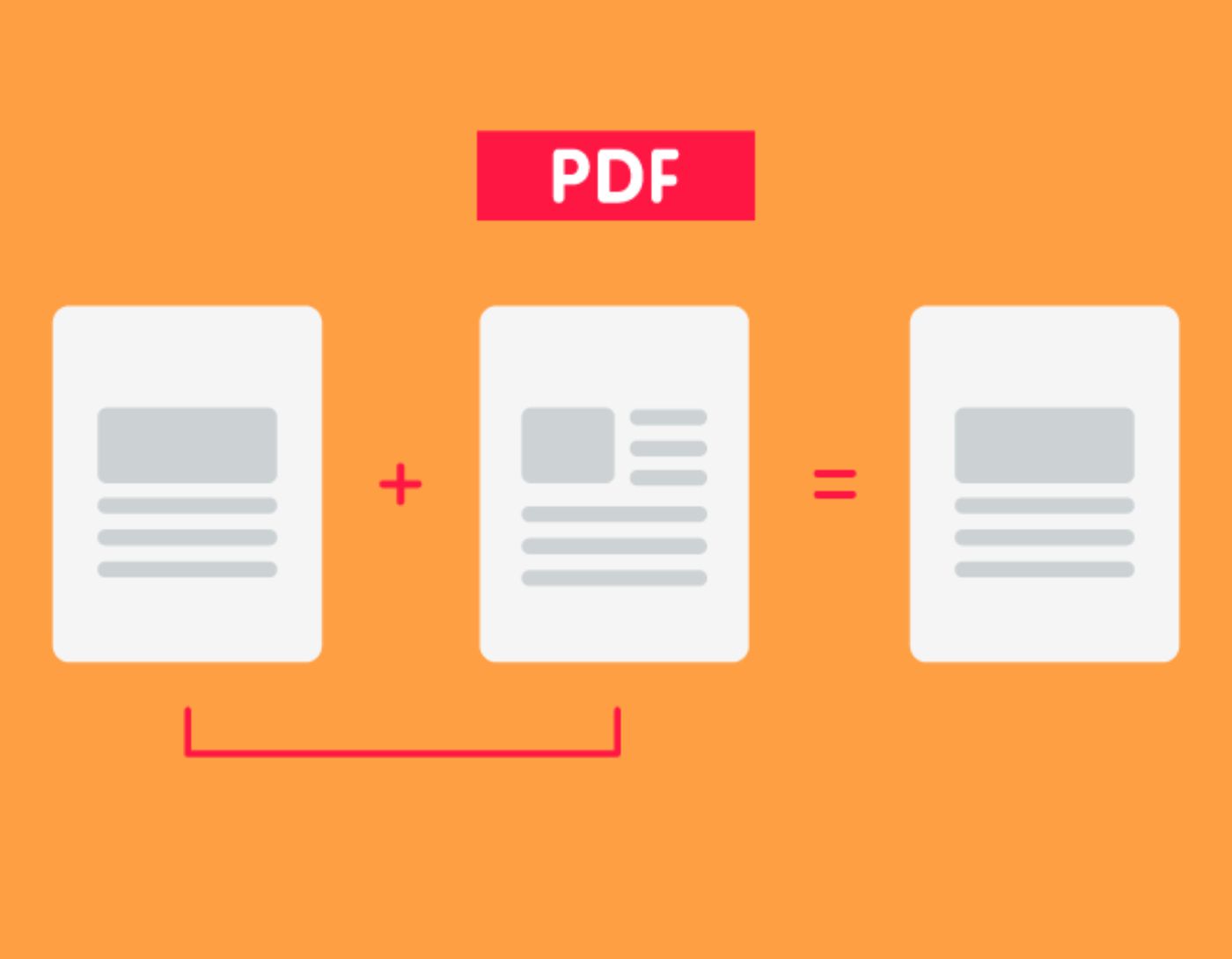
The Best PDF Merging Tools in 2025: The easiest way to merge a PDF file is through the best PDF editing software. For those who regularly use PDFs for storage and signing, these tools are the perfect choice.
The best free PDF editing programs offer online PDF merging for free, but they may be more limited. Often, additional tools outside the basic editor and viewer, as well as collaboration features, are locked behind a paid firewall.
Whether you're compiling invoices and reports or merging entire web pages into a single document, these are the best tools for merging PDF files.
The Best PDF Merging Tools in 2025
1. Soda PDF
Features
A versatile PDF program
Available for web and desktop
Free version available
Connects to cloud storage
Drawbacks
- No page rearrangement in the free version
- Does not include PDF encryption
Soda PDF is a comprehensive platform with an excellent application for merging PDF files. The great thing about this platform is that it is available both online and as a desktop application for Windows and Mac.
Both versions of the platform connect to Dropbox and Google Drive, allowing you quick access to your files in the cloud. This is particularly useful for remote work, where individuals often use multiple devices to manage their files. With Soda PDF's cloud options, you don't have to worry about where to save your PDF documents. You can also email merged PDF files directly from the program.
You have many tools at your disposal to merge multiple documents together, or insert, extract, replace, or move pages. There’s even a tool to export images embedded in a PDF file.
The program is incredibly accessible, offering all the tools you need to edit and process PDF files.
You can use Soda PDF for free, but this version is somewhat limited. You cannot rearrange individual pages or convert between file types. Paid subscriptions are available as annual fees or one-time licenses and come with customer support.
2. I Love PDF
Features
Connects to Google Drive and Dropbox
Drag and drop for rearranging
Up to 25 files for free
Includes other PDF tools
Drawbacks
- Expensive to merge more than 25 files
- Ads when using the free version
I Love PDF is a comprehensive store for working with PDF files and includes a simple tool for merging files. You need to upload your PDF files to the online platform to start the merging process, but this has become easy thanks to the drag-and-drop option. You can also link I Love PDF to your Google Drive or Dropbox accounts.
The tool offers many features for processing PDF documents - although you cannot change the existing content in the files. On the other hand, you can still add text boxes, shapes, additional images, and more. Overall, it’s an easy PDF merging program, and the outputs are of high quality.
Among the excellent features offered by this PDF merging program, you can merge, split, compress, convert, open, and watermark PDF files with just a few clicks. Once your files are connected to the internet, you can rotate pages or drag and drop PDF files to rearrange the merge order. The platform displays thumbnails for each page to make working with your files easier. When you're ready, just click "Merge PDF," and the new document will automatically download.
The I Love PDF program is free for merging up to 25 PDF files and a total of 100 MB. A premium account is available for a small monthly fee and allows you to merge up to 200 files or up to 1 GB of data. However, the inclusion of ads and the 25-file limit is not bad at all for a free solution. If you don’t want to pay to merge your PDFs, this is the tool you can use.
3. Apple Preview
Features
Free, designed by Apple
Pre-installed on Mac devices
Limited but powerful editing tools
Ability to merge, annotate, and sign PDF files
Drawbacks
- No optical character recognition software
- Not a full PDF editor like Acrobat
Apple Preview can be considered the best PDF merging tool for Mac - simply because it’s free and comes pre-installed on all modern Macs.
This Apple-designed program isn’t packed with features like its competitors such as Adobe Acrobat and Nitro PDF Pro.
The first-party PDF program includes many tools, including a sleek PDF merging feature that allows you to merge PDF files simply and smoothly.
When it comes to editing PDF files, Apple Preview lacks some features. It is mostly limited to rearranging, rotating, and removing pages from documents. There’s no way to edit PDF text here.
However, if you’re a Mac owner and need to quickly merge PDF files, Apple Preview makes the task incredibly easy.
4. PDFsam Basic

Features
Desktop PDF merging
Works on Windows, Mac, and Linux
No file limits
Easily rearrange individual pages
Drawbacks
- Does not connect to cloud storage
- No customer support
PDFSam Basic is a desktop PDF merging program for Windows, Mac, and Linux. Unlike many of its competitors, PDFSam imposes no limits on the number of files you can merge or how many times you can use the tool. The application also provides batch processing tools if you have multiple documents to handle.
Of course, you get what you pay for. This program has a fairly simple interface that can merge and split PDF files and allow you to quickly rearrange pages, but that’s about it. You cannot connect to your cloud storage or email merged PDFs via email or share them automatically from the tool. It also does not include file conversion, so you’ll need another tool or upgrade to PDFSam Enhanced if you want to mix and match file types.


