

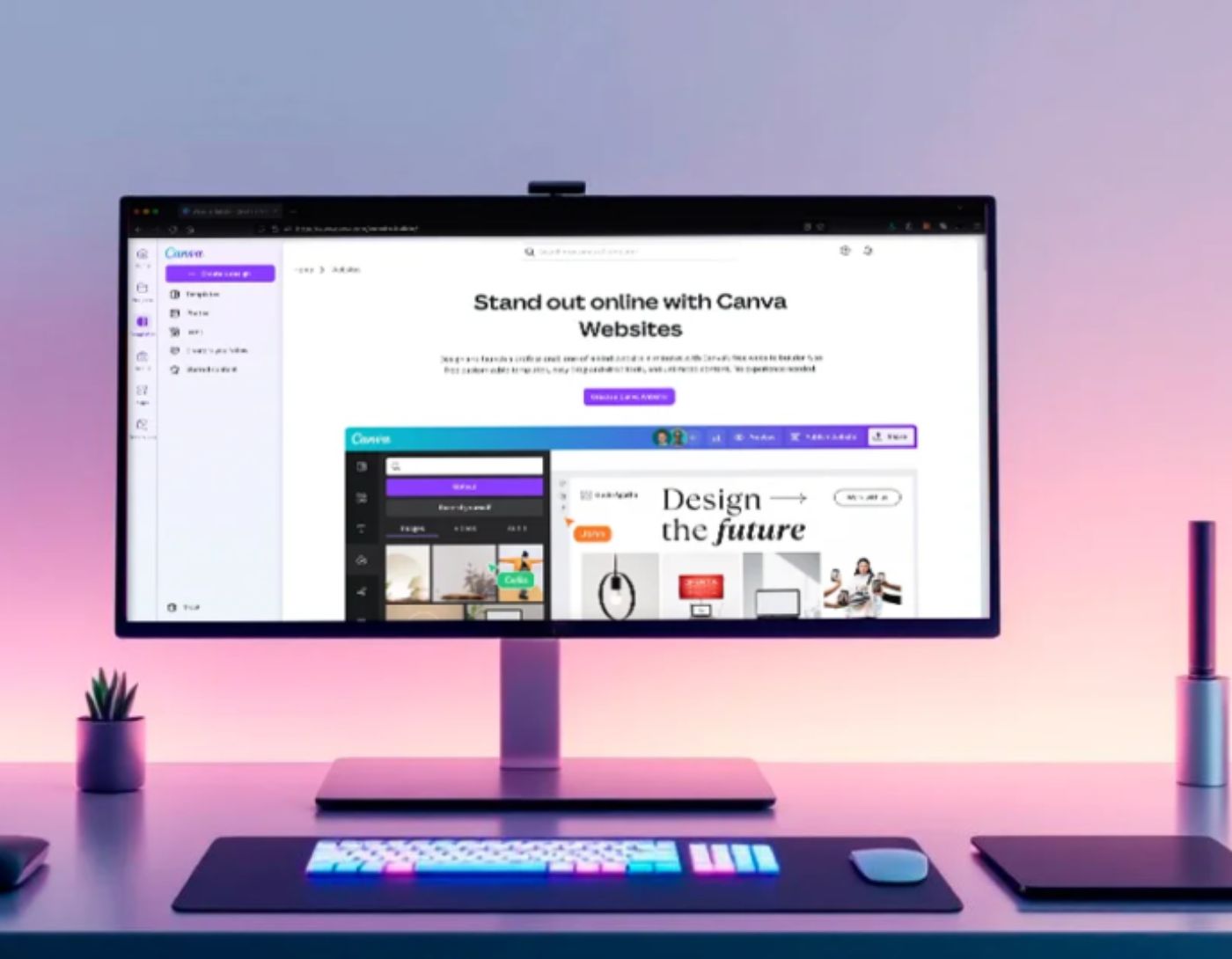
Are you looking for the best free website design software for 2025 that can help you create stunning designs for your website without any hassle? You're in the right place!
In the past, we had to spend a lot of time writing complex codes to create the simplest templates. Fortunately, with the powerful features of modern website design software, it's now possible to create amazing layouts with ease.
In this article, we will explore the best website creation programs that are feature-rich, user-friendly, and currently popular in the market.
Best Free Website Design Software 2025
1. Adobe Dreamweaver
Great integration options
High-quality web editor
Ability to edit both static and dynamic web pages
Free
Verdict: Adobe Dreamweaver is a fully-featured website builder that allows you to create high-quality websites and applications. It supports various web development technologies. Additionally, this software can easily edit individual pages for projects.
The functionality of Adobe Dreamweaver primarily focuses on creating HTML and CSS code, as well as working with website files. This program has a user-friendly interface, allowing you to organize your workflow easily. Moreover, you can see the result of your code. With Adobe Dreamweaver CC, every user can create an attractive and intuitive webpage effortlessly.
2. Sketch
Highly professional UI design tool
Ability to export graphics
User-friendly interface
Easy text handling
Poor accuracy for cloud-shared projects
Can be slow
Verdict: Since its market launch in 2009, Sketch has become one of the strongest alternatives to Adobe products, as evident from the comparison between Sketch and Adobe XD. Designed specifically for Mac OS, it has everything you need to create unique web layouts with high-resolution vector graphics.
Sketch works with vector images and provides users with high-quality results. The toolbar and functions are very user-friendly. You will have complete flexibility to create and modify your project. The program features a mirroring function that allows you to preview your layout on multiple web browsers and devices. Thus, you can see how your design will look on different screens.
3. Adobe Photoshop
Versatile software
Precise graphic design
Layer editing capabilities for video and animations
Ability to transfer files between multiple programs
Complex interface for beginners
Difficulty displaying high-quality graphics
Verdict: Adobe Photoshop is a premium web development software. With a wide range of options, it allows you to create and edit stunning website layouts. Since it works with images, it's possible to create precise graphics for your project. Photoshop features an infinite color palette and gradient options, allowing you to create a unique webpage. If you want a color scheme that perfectly matches your favorite image, use color palette generators.
Adobe Photoshop allows you to create a web design from scratch to express your unique vision. You can attach images, draw boxes, animate elements, crop edges, and modify the design according to your taste.
Since Photoshop works with layers, it can greatly simplify your workflow. You can show or hide layers to efficiently organize your web design elements. Adobe Photoshop is suitable for professional designs, so it may be challenging for beginners to master its features. However, once you try it in action, you'll be amazed by its exceptional capabilities.
4. OpenElement
Open source
User-oriented
A large number of free templates
Attractive GUI design
Ability to store files locally on your computer
Requires internet connection to start a new project
Configuration issues
Verdict: OpenElement is one of the most popular free web design tools that allows you to create high-quality and visually appealing websites. Editing elements, supporting HTML5 and CSS3, and image optimization - this is just a glimpse of what this software can offer.
OpenElement is a user-friendly and lightweight program. With its simple interface, it allows you to create stunning designs without resorting to professional agencies like Pagetraffic. In addition to being open-source and completely free, OpenElement provides a large number of tools and templates to express your creative vision.
5. Adobe XD
For graphic design icons
Works with all types of artboards
Many tutorials available
Simple and organized user interface
Prototyping tool
Object duplication feature does not work properly
Cannot design custom shapes
Verdict: Adobe XD is an ideal choice for designing graphical user interfaces (GUI). It allows you to create graphic design icons, prototypes, basic shapes, wireframes, and visual indicators. It's also possible to arrange tools and create full-size models for websites and screen designs for web pages or mobile applications.
Adobe XD is a powerful and easy-to-use tool that allows you to kickstart your web design experience, streamline your workflow, and create a responsive website with a custom layout for multiple screen sizes.
6. Visme
Free web design tool
Intuitive drag-and-drop interface
Design templates and elements
The free version offers basic design tools
Easy integration with various multimedia content
Supports both static and interactive designs
Does not require coding skills
Relies on internet connectivity
Verdict: Visme is an easy-to-use web design software with powerful tools for creating visually stunning websites, presentations, infographics, and other digital content. It is ideal for both beginners and professionals, enabling users to design and publish their work without needing coding skills.
With a wide range of customizable templates, drag-and-drop design features, and a rich asset library, Visme makes it easy to bring your creative ideas to life. Whether you're looking to create a personal website, a portfolio, or marketing materials, Visme provides you with the tools you need to design easily and efficiently. While the free version is somewhat limited, it still offers enough tools for basic design needs. Its cloud-based nature and strong integration capabilities make Visme a convenient choice for both individual users and teams.
7. GIMP
Completely free
Includes graphic design elements
Customizable user interface
Supports various file formats
Has fewer features compared to its competitors
Verdict: GIMP is a powerful free web-based software with raster graphics editing capabilities. Besides editing/retouching images, it can convert image formats and includes tools for hand drawing.
You can open GIMP in a multi-window mode


