

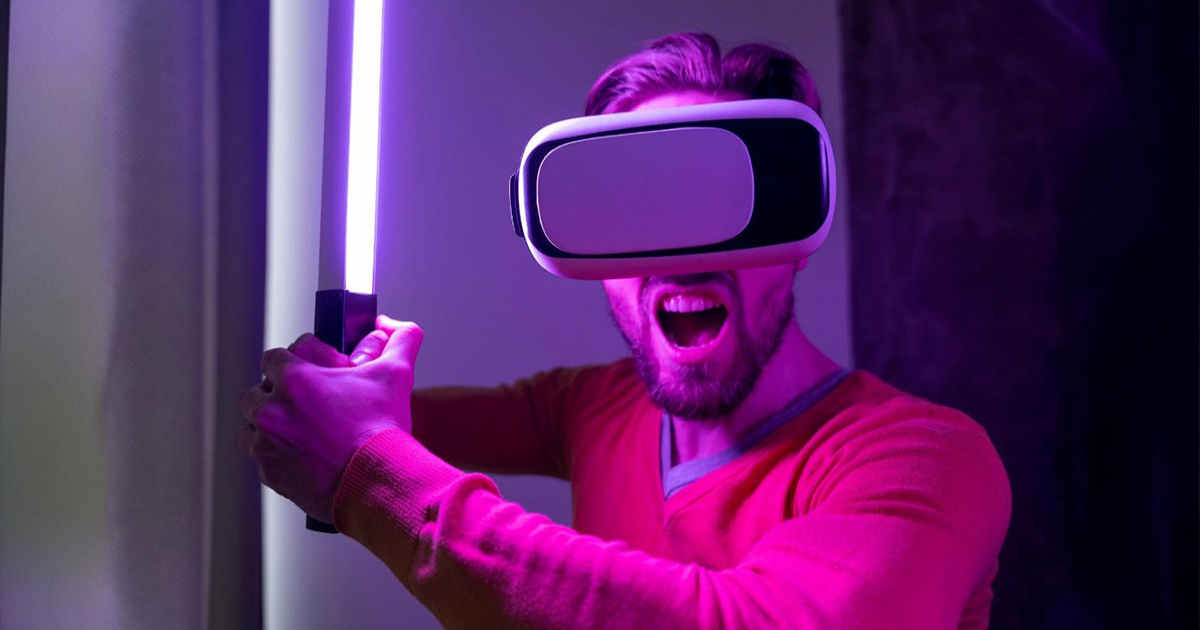
The Best Virtual Reality Software of 2025: Navigating the complex world of virtual reality can be overwhelming, but VR software creates unique digital experiences, allowing you to interact with an unprecedented simulated environment.
With this tool, you can unleash limitless possibilities, whether for gaming, design, education, or vocational training. What are the biggest challenges it addresses? The limitations of the physical world, the constraints of traditional digital interfaces, and the struggle to make content engaging and accessible. In fact, with the right software, you can overcome those challenges.
What is Virtual Reality Software?
Virtual reality software creates stunning digital environments that 3D replace or simulate real-world experiences. These programs are used by a range of users, from game developers designing complex virtual worlds for entertainment to educators simulating historical events for an interactive learning experience.
We will guide you through your best software options. Stay tuned.
Best Virtual Reality Software of 2025
1. STRIVR
STRIVR stands at the intersection of technology and education, offering virtual reality programs specifically designed for exceptional learning experiences. Its expertise in integrating virtual environments with educational modules makes it the top choice for those prioritizing in-depth learning.
Why I chose STRIVR: I selected this tool based on its unique approach to combining virtual reality content with interactive educational workflows, setting it apart significantly from other platforms. Its commitment to providing exceptional learning environments justifies its title as "the best for premium learning platforms."
Key Features and Integrations
STRIVR features real-time interactions in a 3D environment, effectively simulating real-world scenarios to enhance learning. Its compatibility with VR headsets, including Oculus Rift and HTC Vive, ensures a high-quality virtual reality experience for its users. Additionally, the platform integrates seamlessly with Windows and other major operating systems, providing flexibility for a wider audience.
Pros
Supports real-time interactions, allowing hands-on learning in a virtual space.
Compatible with leading VR devices, ensuring a smooth and rich experience.
Specifically designed for learning and targets educational outcomes.
Cons
Requires compatible VR hardware, which may increase the barrier to entry.
The specialized focus on education may limit its use for other VR applications.
May be confusing for beginners unfamiliar with VR technologies.
2. Daydream
Google's Daydream provides a dedicated platform for Android users to immerse themselves in virtual reality. Specifically designed for Android devices, it offers a seamless interface for VR content, justifying its reputation as a preferred solution for VR experiences on Android.
Why I chose Daydream: Daydream stands out due to its deep integration with Android, the most widely used operating system in the world. This integration, along with strong support from Google, makes it a clear winner for VR experiences on Android.
Key Features and Integrations
Daydream features a curated selection of VR content ranging from video game experiences to stunning virtual tours. Its development toolkit is enriched with an open-source SDK, allowing content creators to craft VR content specifically designed for Android. Furthermore, Daydream integrates seamlessly with the Google Play Store, making it easy for users to discover and install VR applications.
Pros
A wide range of VR content available, from virtual tours to high-quality video games.
Strong support and resources from Google, including tutorials and software development kits.
Deep integration with Android, ensuring a cohesive VR experience.
Cons
Lacks advanced development capabilities compared to platforms like Unreal Engine or CryEngine.
Device compatibility primarily with specific Android phones.
Limited to the Android platform, excluding iOS users.
3. VisualCamp

VisualCamp specializes in providing gaze tracking analytics for virtual reality environments. This tool offers insights into user focus areas, enabling content creators to adjust VR experiences accordingly.
Why I chose VisualCamp: I was drawn to VisualCamp due to its powerful features and user-friendly interface. Its ability to extract precise data on where users are looking in a virtual space sets it apart from competitors. Given this accuracy and comprehensiveness, it was clear to me that VisualCamp is "the best for gaze analytics and tracking."
Key Features and Integrations
One of VisualCamp's standout features is real-time gaze tracking, providing insights as they are created within the VR environment. Additionally, it boasts compatibility with leading VR headsets, including Oculus Rift and HTC Vive, ensuring comprehensive data capture. To facilitate workflow, VisualCamp easily integrates with popular game engines and development platforms.
Pros
Integrates with popular game engines and software development kits.
Wide compatibility with major VR headsets.
Accurate real-time gaze tracking within VR content.
Cons
May require frequent updates to maintain compatibility with evolving VR hardware.
Limited to gaze analytics and may need to pair with other tools for broader insights.
May require a learning curve for beginners.
4. Cardboard
Cardboard, an initiative from Google, is a simple tool that provides a low-cost entry into the world of virtual reality, perfectly suited for those seeking affordable VR solutions.
Why I chose Cardboard: In this vast landscape of VR tools, Cardboard caught my attention due to its sheer simplicity and cost-effectiveness. After evaluating multiple options and comparing them, it became clear that Cardboard's straightforward approach to delivering VR experiences is unmatched. Its accessibility and affordability convinced me that it is "the best for affordable VR experiences."
Key Features and Integrations
Cardboard offers an easy-to-use interface that allows users to dive into virtual reality using just their smartphones. Its compatibility extends to various VR content, from 3D animations to virtual tours. Cardboard integrates with a variety of VR applications on both iOS and Android, making it a versatile tool for many.
Pros
A vast library of VR applications available for both iOS and Android.
Compatible with a wide range of smartphones.
Incredibly affordable compared to other VR headsets.
Cons
Heavily reliant on the user's smartphone capabilities.
Limited in terms of advanced features or integrations.
Not as immersive as advanced VR headsets like HTC Vive or Oculus Rift.


