

The 7 Best Free Open Source Video Editing Software: If you want to enhance your video editing experience, try the best free open source video editing programs we'll discuss in this article, and create amazing videos with ease.
Individuals can create, edit, and modify video files using open source editing software, as anyone can examine, edit, and improve these programs since the source code is publicly available.
The free open source video editor offers advanced features without costing you anything. Although there are many options available, choosing among them can be challenging. Therefore, we will discuss the best programs currently accessible in 2024 in the following paragraphs.
These applications are not only free but also provide a comprehensive range of features suitable for both beginner and experienced users. So, let’s take a look at these truly amazing tools, stay with us.
List of the 7 Best Free Open Source Video Editing Software
In this article, we will present a list of the best free open source video editing software, so you can make an informed decision about which tool to use. Let’s get started right away.
1. VidCutter

Operating Systems: Windows, Mac, and Linux
VidCutter is the first open source video editing software on this list. While this program may not help you create stunning videos, it could be the tool you use when you simply need to perform basic tasks.
There are times when you only need to carry out some basic video editing activities; this program is perfect for such situations, and it is straightforward and easy to use.
2. VirtualDub
Operating Systems: Windows
The second best open source video editing software is VirtualDub. In addition to performing functions like cutting or resizing videos, it allows you to process videos in batches, helping you achieve results faster. Although this video editor is not capable of doing many things, it is an excellent choice for situations where you need to process a large number of videos in a short time for later use.
If you want to create a unique and stunning MP4 file, this open source video editor may not be for you. The purpose of this basic program is not to serve as a full-fledged editor; however, it works well as a limited-function video editor.
3. Kdenlive
Operating Systems: Windows, Mac, and Linux
Linux is the only operating system supported by this free open source video editing software. A full-featured and updated Windows version of the program is available, but unfortunately, the Mac version is no longer supported. However, technically skilled individuals can create a Mac version from the source code.
This program offers many features ranging from basic video editing functions to advanced capabilities. It has been around since around 2003. The goal of this top open source video editor is to meet all requirements, developed using the Qt framework and the KDE framework for the KDE desktop used on Linux.
4. OpenShot
Operating Systems: Windows, Mac, and Linux
When it comes to advanced features, this program is the ideal open source video editing software that provides a wide range of options, including the ability to create titles and 3D effects, as well as timing and speed adjustment capabilities. This program is compatible with devices running Windows, Mac OS X, and Linux.
In addition to being an open source video editor for desktop computers, this program is more than that. An API version of OpenShot is available for cloud video display, and there is also a C++ section for integrating video editing features into your program.
5. Pitivi
Operating Systems: Linux
Pitivi is truly the best free open source video editing software. Pitivi can be extended using GStreamer plugins and is capable of handling any video format.
This video editor is exclusively available for Linux. Pitivi is very straightforward, and since its creators understand that great video lacking good audio gives the impression of being unprofessional, they made sure to include a powerful waveform viewer in the open source video editor for easy visualization of audio actions.
6. Blender

Operating Systems: Windows, Mac, and Linux
This open source video editing program includes many features, including a game engine, 3D sculpting, texture painting, pencil drawing capabilities, as well as video compositing and non-linear video editing.
The Blender program is accessible for use on a variety of operating systems, including Windows, Mac, and Linux.
Blender initially started as a 3D graphics tool; however, it later expanded its capabilities to include video compositing as well as basic non-linear video editing. In its early days, the open source video editor was known for its difficulty of use and somewhat challenging interface. Over the years, this has seen some minor improvements, but version 2.8 introduced an interface that saw significant enhancements, which can greatly shorten the learning curve.
7. FFMpeg
Operating Systems: Windows, Mac, and Linux
This free program is used for encoding and decoding video. On the other hand, if you are a Mac or Windows user, you might feel more comfortable looking elsewhere, as there is currently no intention from the developers to provide support for these operating systems at this early stage.
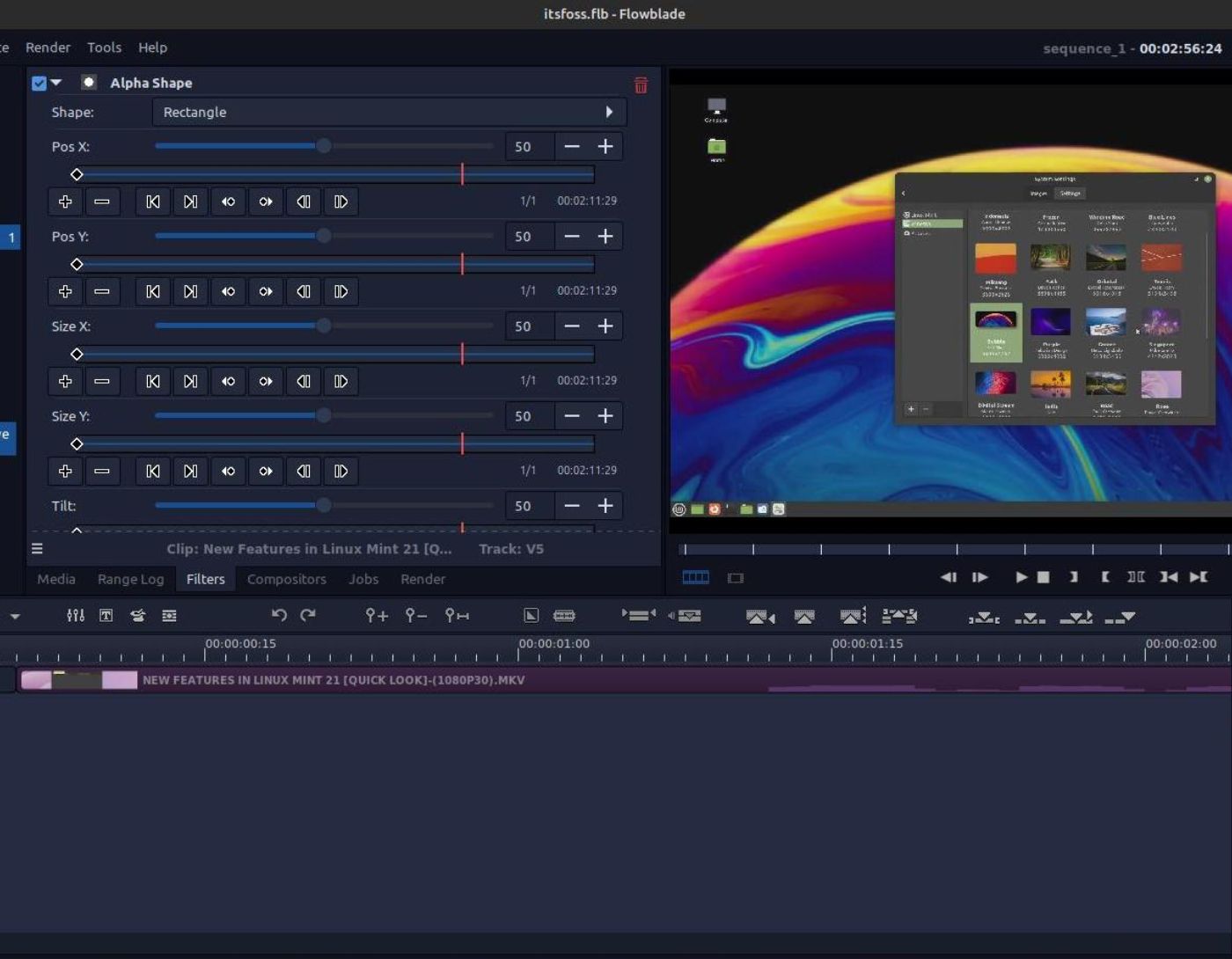
This open source video editor offers a much more appealing interface than most other open source applications. Both video compositing and non-linear editing have become easier through its extensive collection of built-in filters, and Flowblade is capable of working with almost any media file.
Conclusion
Your individual requirements, interests, and level of expertise will ultimately determine which open source video editing software is best suited for you to use. Check out these programs, explore the capabilities they offer, and identify the one that fits you best.
Using an open source video editor is an excellent alternative to applications that are often expensive and difficult to use. These alternatives are ideal for both beginner users and seasoned experts due to the wide variety of functions they provide. They not only offer a cost-effective solution but also encourage tech-savvy individuals to collaborate and make improvements. These programs are constantly evolving and becoming better over time due to ongoing updates and contributions from developers around the world.


