

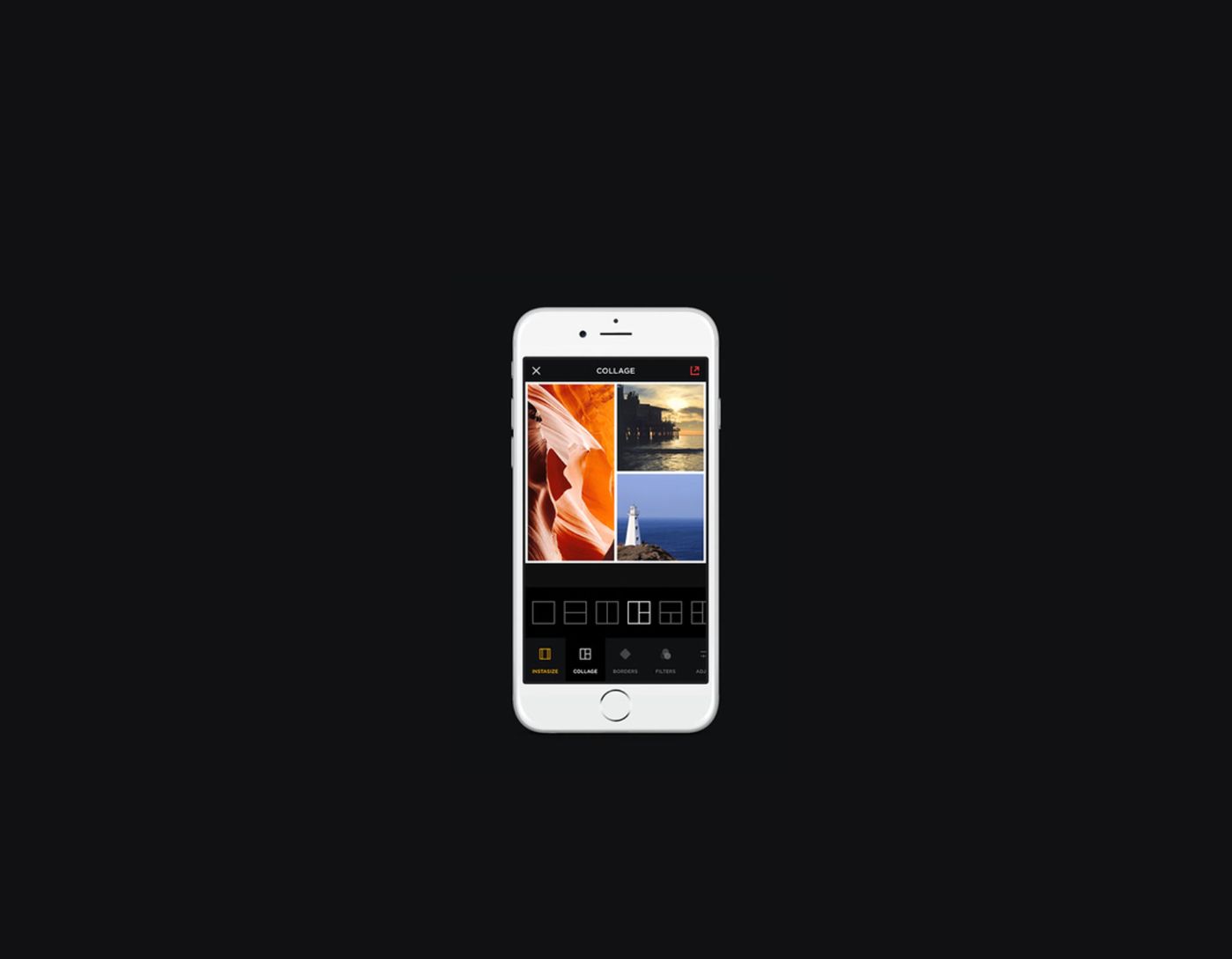
The 9 Best Alternatives to Instasize: If you often need to create content for Instagram, you may have started using Instasize to quickly edit your photos and videos. However, you might feel a bit disappointed with its free plan, as it only covers basic tools, while professional features are only available to premium users.
For instance, you won't be able to use advanced filters without paying for a subscription. Additionally, Instasize doesn't allow for precise adjustments, as it doesn't support layers. Although it has a pre-set library, all the filters are quite similar. For this reason, you need to discover an app that supports fine-tuning, allows you to customize your content, and has a variety of tools to make your photos stand out.
The 9 Best Alternatives to Instasize
1. Adobe Express
Pros
Customizable templates and a wide range of stock assets
Integrated scheduling tools
File conversion
Powerful editing tools
Cons
Limited free version
Compatibility: Web, Windows, Mac, iOS, or Android
When comparing Adobe Express and Instasize, it's clear that both apps are suitable for resizing images before uploading them to Instagram. With both, I can enhance images for your posts, stories, and profile pictures.
Both apps come with a set of basic editing tools that allow me to crop images, apply filters, and make various adjustments. These apps are often used for resizing images because they are very user-friendly and accessible from mobile devices, enabling you to enhance your photos on the go.
However, I believe Adobe Express has many significant advantages. You can use this Instasize alternative on both PC and mobile devices. While Instasize is designed to edit photos before posting them on Instagram, Adobe Express has broader uses. You can also prepare images for posting on other social media platforms. Additionally, Adobe Express offers more than just resizing tools. It allows me to add text, apply a variety of effects, and use available templates.
Instasize is a great option for quick and simple edits. However, Adobe Express has a free version with impressive functionalities, making it invaluable for your needs.
2. Canva
Pros
Large template library
Collaborative features
Drag-and-drop functionality
Easy-to-customize branding toolkit
Cons
Free version with limited functionalities
Expensive
Compatibility: Web, Windows, Mac OS, Android, and iOS
Both Canva and Instasize are known for their great filters, editing features, and resizing tools. Whether you need to crop your images for better composition, add text, or apply effects, both services have intuitive tools that can be used even by beginners.
However, what makes Canva so popular is its wider range of creative options. While Instasize has convenient editing and resizing tools, its functionalities are quite limited. Canva caters to users looking for a more comprehensive set of features. With this app, one can create a variety of projects, including content for social media, presentations, posters, and branding materials. Canva comes with a large catalog of templates and a variety of customization tools.
Using this Instasize alternative, Android users can work with layers, use various fonts and icons, or even animate their designs. Additionally, it has user-friendly collaboration tools, allowing me to quickly share your designs with clients and colleagues for feedback. Instasize does not support this option.
3. VSCO
Pros
Intuitive design
A range of editing tools
Over 200 presets
Regular updates
Cons
Most filters are paid
Can be difficult to master
Compatibility: Web, Windows, Mac OS, Android, and iOS
A quick comparison between VSCO and Instasize shows that both apps allow users to crop their images, adjust brightness, and use a variety of filters. They are both very intuitive and have sets of premium tools available for those who pay for a subscription.
However, I believe VSCO has some serious advantages. VSCO is known for its cinematic presets that have a natural look. They appear better than the trendy filters available in Instasize. This Instagram photo editor has many professional tools to choose from.
VSCO has AI-powered tools that make it easy to remove unwanted objects or text from images. In contrast, Instasize has AI features for smart photo enhancements that help photographers improve their framing techniques.
4. ACDSee Camera Pro
Pros
Fast performance
RAW format support
Real-time adjustments
<!-- wp


