

Are you looking for the best software to scan documents? Keep reading this article to discover the top free document scanning programs for Windows 10 in 2024.
In the world of the internet, with the proliferation of websites for almost every company and activity, converting paper files into digital files stored on various devices has become common. Paperless offices have become a general trend now, thanks to document scanning applications that have played a significant role in turning this dream into a reality we live today.
These applications make it easier for businesses to convert paper files into digital ones, allowing for easy storage and retrieval. Scanning software has changed the way we handle paperwork; it is incredibly user-friendly and keeps important records safe from prying eyes.
For instance, we can now convert client contracts into digital documents, thus keeping them secure. By transforming paper documents into electronic copies, companies can not only save space but also facilitate information retrieval and allow teams to collaborate even if they are not in the same location, which is undoubtedly fantastic.
There are many scanning programs available, and it can be challenging to choose the right one for your needs. The selected application should be able to convert papers into PDF files that anyone can read and work with various types of office files, such as Word, Excel, and PowerPoint, as well as image files like JPEG and PNG.
Today, we will shed some light on the best free document scanning software for Windows 10 in 2024.
Why Use Free Scanning Software?
There are numerous reasons to encourage you to use this fantastic technology, including:
The first and most important reason to install free scanning software is that it frees you from the burden of paper documents and the risks they may pose for any reason.
With free scanning software, you can securely keep documents that you cannot dispose of.
A PC or mobile scanning program will help you easily edit documents.
You can also share documents with others effortlessly using this application.
What are the best free document scanning programs for Windows 10?
There are many free document scanning programs for Windows 10 in 2024. Due to the extensive and varied features these applications offer, we have compiled a list of the best free scanning software that includes many features you might want to use in the future.
Free Document Scanning Software for Windows 10 in 2024
1. NAPS2
NAPS2 is an amazing free scanning program that provides you with a lot of convenience thanks to its unique features. For those who value their precious time, this application is perfect for them.
Key Features of NAPS2:
- This PDF scanning tool is compatible with all file formats.
- The OCR (Optical Character Recognition) tool supports over 100 languages.
- It supports WIA and TWAIN.
- It allows you to merge documents with adjustments in resolution, paper size, and more.
- It is open-source and makes the scanning process quick and easy.
Pros
- User-friendly interface
- Includes a built-in optical character recognition engine.
- Open-source.
- Available for free.
- Cons
Lacks advanced features
2. CamScanner

CamScanner is another free scanning program for Windows users that assists them with editing, converting, and even wireless printing tasks. It is one of the best document and image scanning software available.
Key Features of CamScanner:
- OCR (Optical Character Recognition) technology is supported by the document scanning tool.
- Allows you to sync, share, and merge data.
- You can go for wireless printing.
- Features automatic image correction.
- Has a user-friendly interface.
Pros
- Intuitive and clear user interface
- Combines multiple images.
- Advanced options.
- Eliminates background elements.
Cons
- Multiple in-app purchases
- Occupies a large amount of space
3. ScanSpeeder
The next alternative for free scanning software for Windows 10 is ScanSpeeder. Even if you are not tech-savvy, this tool will assist you in the smoothest and most efficient ways, whether it’s for editing documents and images or sharing them.
Key Features of ScanSpeeder:
- ScanSpeeder allows you to crop the overall composition of documents and images, straighten, and adjust them.
- It is easy to use and provides functionality at a glance.
- It has a free trial version that lets you explore its ultra-smooth service.
Pros
- Can be used for personal and professional purposes.
- Automatic backup to keep data safe.
- Notifies you if the automatic backup fails.
- Easy data recovery.
Cons
- Poor performance.
- Only basic features.
4. PaperScan
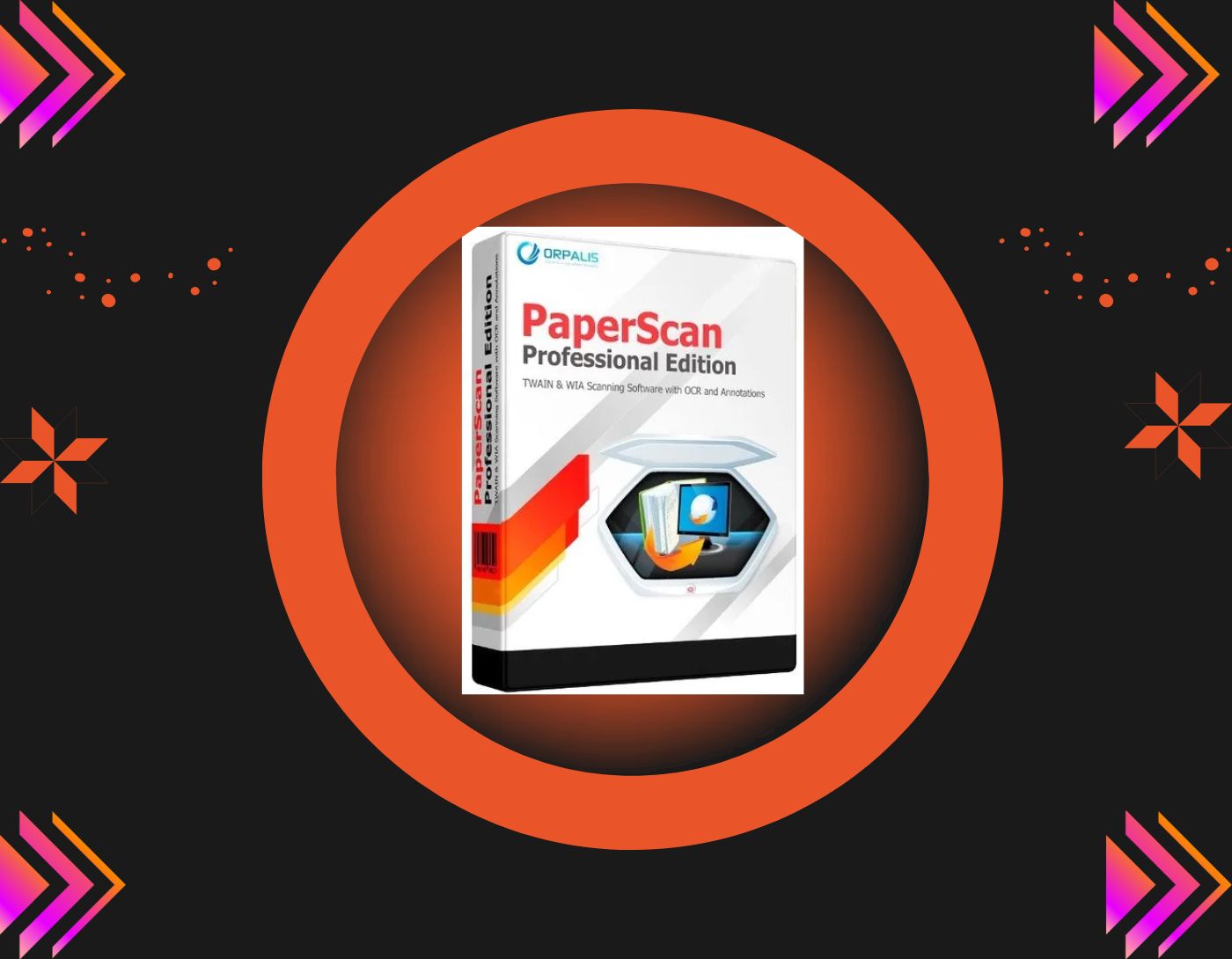
PaperScan is a user-friendly alternative with a graphical user interface that converts documents to PDF and supports multiple file formats. The program offers both free and paid versions.
Key Features of PaperScan:
- Supports multiple file formats including PDF, JPEG, PNG, JBIG2, and TIFF.
- Integrates with WIA and TWAIN.
- Features automatic image correction.
Pros
- Free version available.
- Encrypted PDF files.
- Supports multiple devices.
- Over 30 languages supported.
Cons
- Annoying ads.
- The free version offers only basic functions.
5. CloudScan
CloudScan is designed to assist you during troublesome times. This free scanning software for PCs features a user-friendly interface and allows you to share files with other networks.
Key Features of CloudScan:
- Features easy sharing with networks.
- Allows you to scan and convert files very quickly.
- Enables easy document editing.
Pros
- Beginner-friendly interface.
- Simple settings.
- No additional setup required.
- Reads invoice layouts for any document.
Cons
- Advanced features are missing.
- Price is somewhat high.
6. SimpleIndex
Equipped with a number of user-friendly features, it is one of the best document scanning software for Windows 10, 8, and 7.
Key Features of SimpleIndex:
- It is time-saving and affordable.
- Indexes documents sequentially.
- Supports ISIS and TWAIN.
Pros
- Easy interface.
- Reliable software.
- OMR option for marking checkboxes.
Cons
- Somewhat expensive
- Cannot be integrated with your mobile device.
- Compatible only with Windows devices.
7. HP Scan and Capture
The HP Scan and Capture tool allows you to convert documents to PDF and then save them to local storage. Let’s take a look at some of its other powerful features that make it one of the best free document scanning software available for Windows users.
Key Features of HP Scan and Capture:
- Features easy document management as it allows users to scan and edit documents.
- Compatible with other devices.
- Files can easily be saved to local storage.
Pros
- Scans a large number of documents.
- Can also scan handwritten documents.
- Simple user interface.
Cons
- Available only for Windows
8. Office Lens
Office Lens is known as the best PDF scanning app for Windows 10, allowing you to convert and share your documents as PDFs. It enhances productivity and is incredibly useful


