


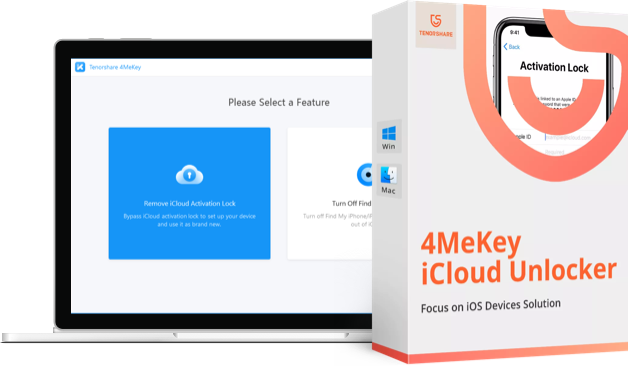
Bypass and Remove iCloud Activation Lock on iPhone Without Jailbreak
Are you looking for the perfect iCloud Activation Lock bypass tool? If so, your search ends here because we have the ideal solution for you.
This article will help you understand everything you need to know about Tenorshare 4MeKey.
What is Tenorshare 4MeKey? What are its features and how do you use it? Is it worth purchasing?
When searching for the perfect tool to bypass iCloud Activation Lock, there are several factors to consider.
These factors include ease of use, professionalism, simplicity, and more!
Have you thought about trying Tenorshare 4MeKey?
It’s user-friendly, requires no technical knowledge, and has a professional interface that is easy to understand and work with. The unlocking process does not delete any data on the device.
If you are facing an iOS Activation Lock, this tool might be the perfect solution to help resolve the issue.
Given its multiple uses, it could be an excellent choice for you.
If you are still unsure whether 4MeKey is right for you, this article will help you explore the features and various aspects of the program closely, allowing you to make an informed decision.
Features of Tenorshare 4MeKey
What I like about this program is that it is well-designed, easy to use, and has an impressive success rate.
Tenorshare 4MeKey offers several useful features, including:
- Instant removal of iCloud Activation Lock - This feature allows users to remove the iCloud Activation Lock faster without an Apple ID/password. It only takes a few clicks and no more than 10 minutes to complete.
- Unlock iCloud account anytime - With 4MeKey, you can unlock the activation lock anywhere and anytime if you forget your password or if the iDevice you purchased is locked to iCloud. You can do this on any PC, Mac, or laptop.
- Log into the App Store with a new Apple ID - After bypassing the iCloud Activation Lock, you can access the App Store on your iPhone or iPad using your new Apple ID.
- Supports a wide range of iOS versions and devices - 4MeKey is compatible with a wide range of iOS versions, including iOS 12 to 14.8 (including iOS 14 for iPhone 6s/6s Plus, iPhone SE1/iPhone 8/iPhone X, iPad 5 to iPad Pro 2, and iPod Touch 7). You should confirm your iOS version before using the program, especially if your iOS version is newer.
When Should You Use Tenorshare 4MeKey?
Tenorshare 4MeKey is a versatile tool that can be used for several reasons:
- When the iPhone you purchased keeps showing the activation lock every time you try to activate the phone.
- If you can't remember the original Apple ID or password you used to activate the iPhone.
- If you don't want to go through iCloud to unlock your iPhone's activation lock.
- If you don't want to use an Apple ID to activate your iPhone.
- If you can't reach the previous owner from whom you bought the iPhone.
How to Use Tenorshare 4MeKey?
Tenorshare 4MeKey uses a simple and intuitive interface that makes using the program straightforward.
It only requires a few steps, as outlined below.
Steps to Remove iCloud Activation Lock Using Tenorshare 4MeKey
How to Remove Apple Activation Lock Without a Password
Finally, let’s take a look at how to use this tool to remove iCloud Activation Lock without a password.
The steps are as follows:
# 1) Download and install Tenorshare 4MeKey on your computer.
Download and install Tenorshare 4MeKey on your computer from the following links.
# 2) Launch the program and select “Remove iCloud Activation Lock”.
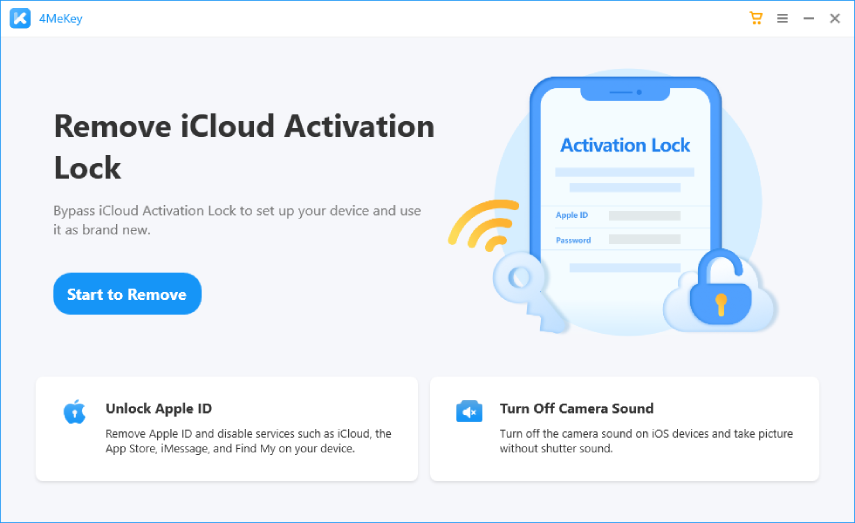
# 3) 4MeKey will now jailbreak your iPhone. To start this process, click on "start".
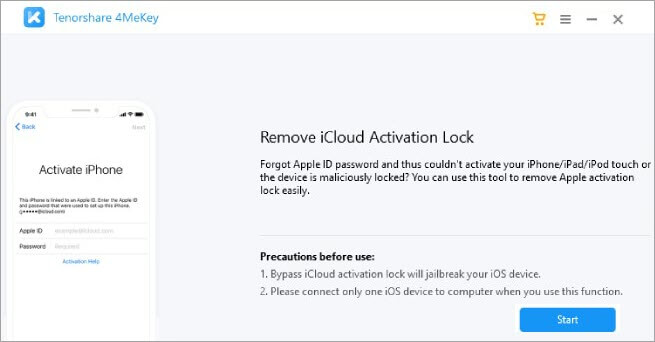
# 4) Next, there will be a risk warning before using this program; please read it carefully.
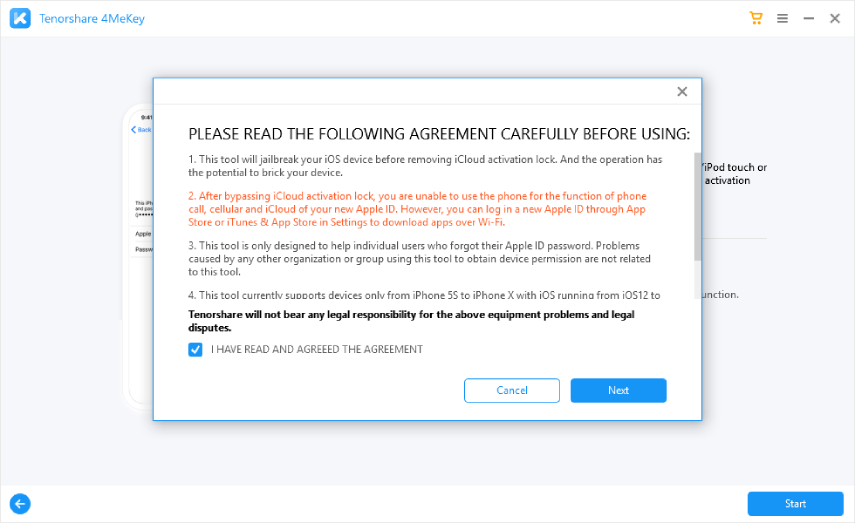
# 5) Now, connect your iPhone to the computer using a USB cable.
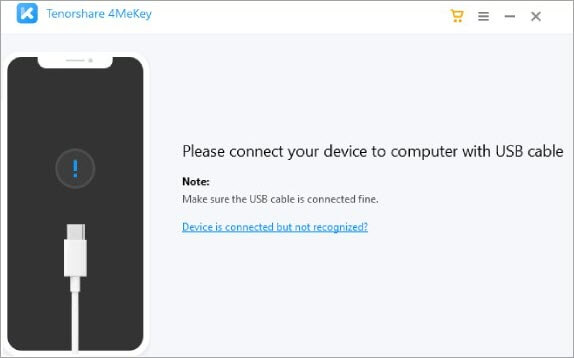
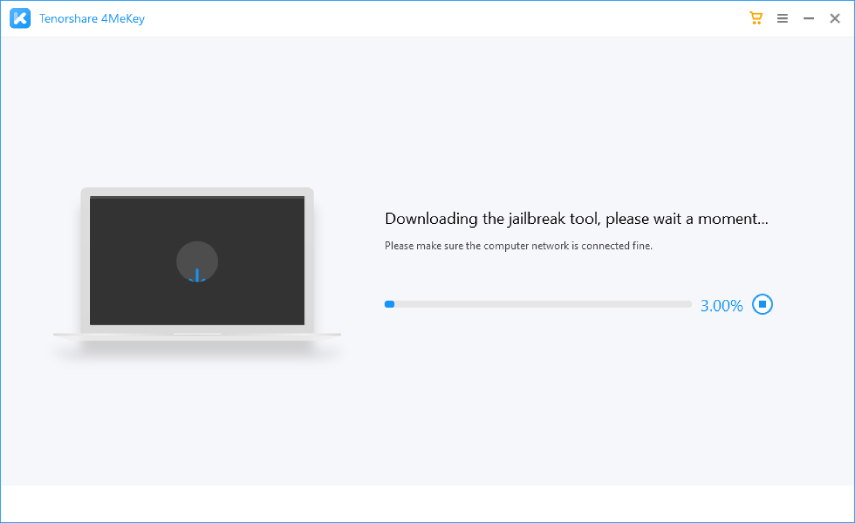 # 7) Next, the program will prompt you to copy the jailbreak environment to a USB flash drive. Please insert a USB flash drive into your computer and click "start".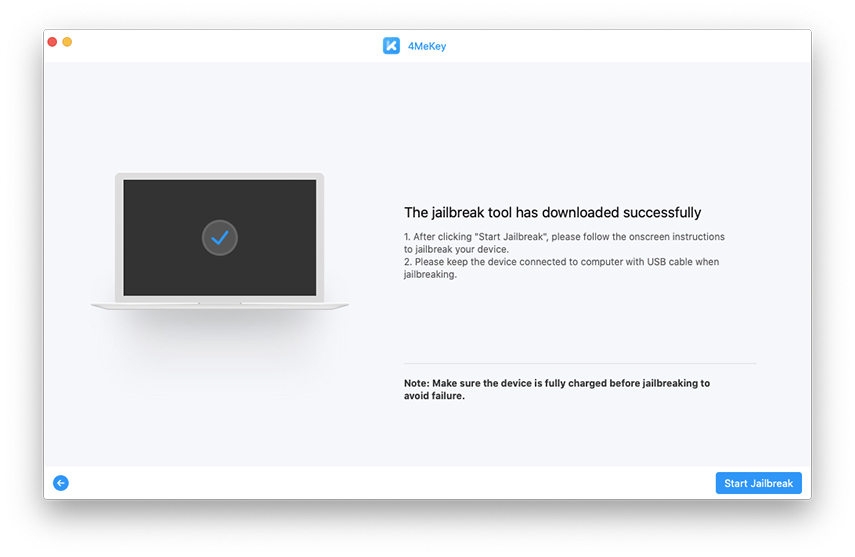
Note: Copy the jailbreak environment to the USB flash drive, as all data will be erased. Please use a USB flash drive (with a capacity of more than 2GB) that has no data or back up the USB flash drive.
# 8) After that, the program will start installing the jailbreak tool on the USB flash drive, which usually takes a few minutes to complete.
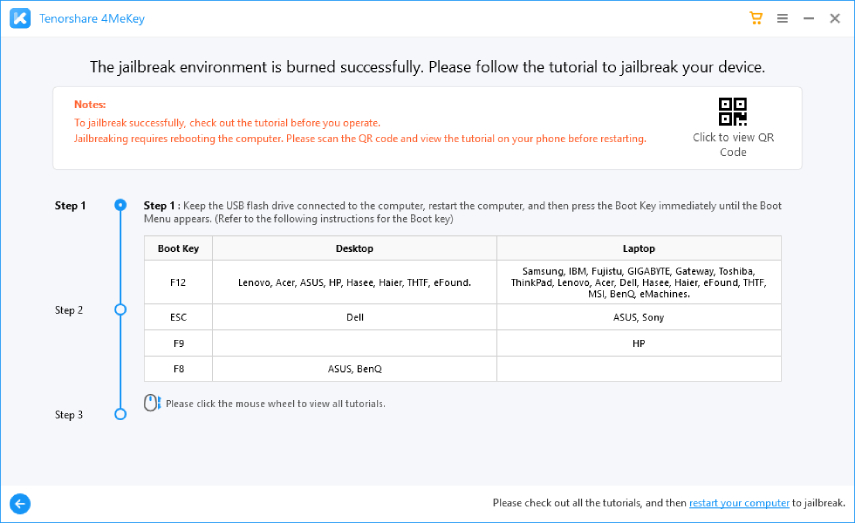
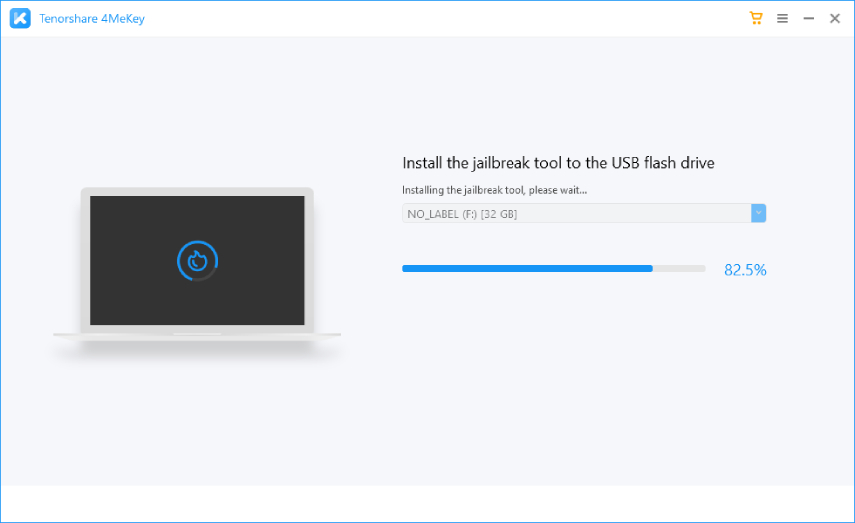 # 9) Now, you will reach the interface that tells you the copying has been completed successfully. There is a detailed guide below on how to boot into the jailbreak environment and jailbreak your device. Alternatively, you can scan the QR code to learn how to jailbreak your iOS device on Windows.
To explore all the features of the program and all the transfers it offers, visit the guide provided by Tenorshare on their official website.
Frequently Asked Questions About Tenorshare 4MeKey
- Is 4MeKey reliable?
Yes! Besides being a professional and reliable program, 4MeKey is effective and trustworthy in removing iCloud Activation Lock.
It can easily remove the lock from your iPhone or iPad.
Moreover, it is used by thousands of users worldwide, so we guarantee that the program can remove the activation lock if you have a used iPhone/iPad; additionally, you do not need an Apple ID or password. There’s nothing to worry about.
- Is


