


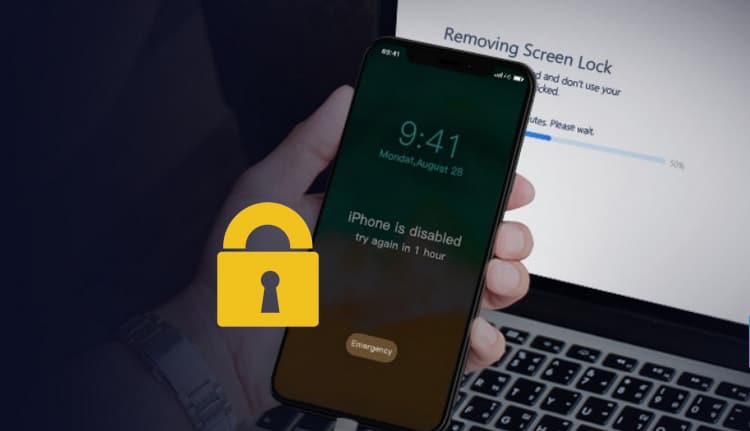
The iOS system is known for its strong security, making it challenging to access your iPhone. This situation often arises when you forget your passwords or purchase a used iPhone that is locked.
This can happen to any of us, so it's always wise to be prepared for the worst. Fortunately, technology has advanced, and what was once difficult is now much easier, especially with tools like iMyFone LockWiper.
What is iMyFone LockWiper?
iMyFone LockWiper is a handy tool that can unlock your iPhone in just a few minutes. There's no need for time-consuming and costly procedures anymore.
Its features include:
• Three simple steps to unlock iPhone passcodes, Face ID, Touch ID, and MDM Lock
• Directly remove Apple ID from your iPhone
• User-friendly interface
• Supports all iOS versions
• Available in Arabic
How to Use LockWiper to Remove iPhone Passcode?
You might be wondering how to use this excellent tool to unlock your iPhone's screen passcode. Let's follow the steps below:
First, download iMyFone LockWiper on your computer, and from the options, select "Unlock iPhone Passcode".
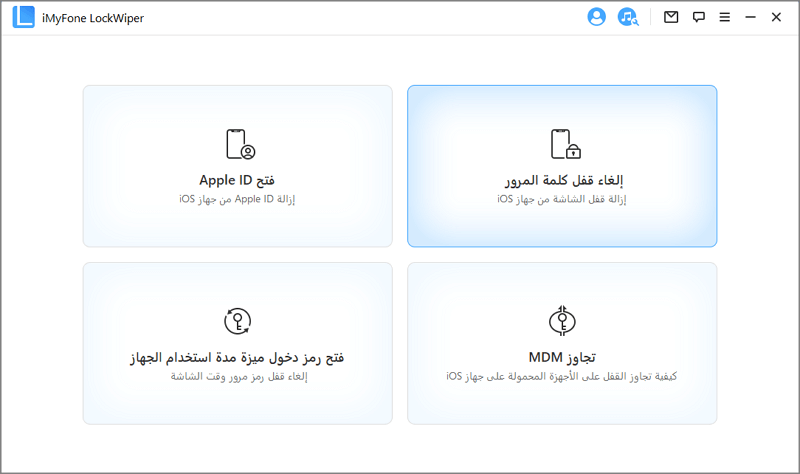
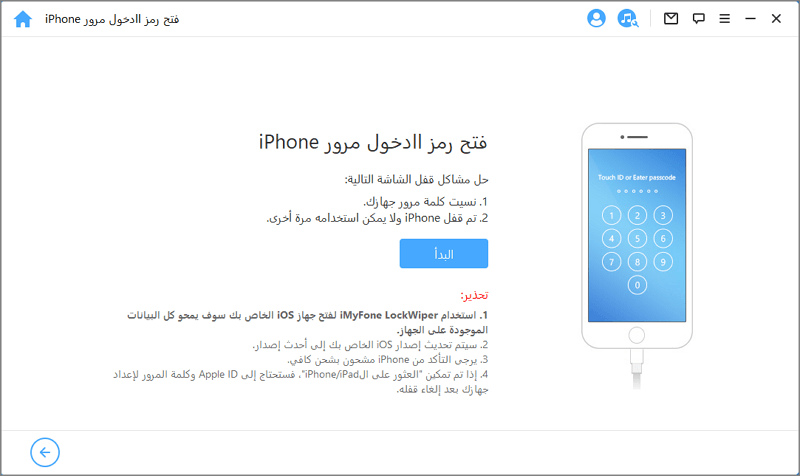
Second, to start the process, click "Start" and connect your iOS device to your computer using a lightning cable.
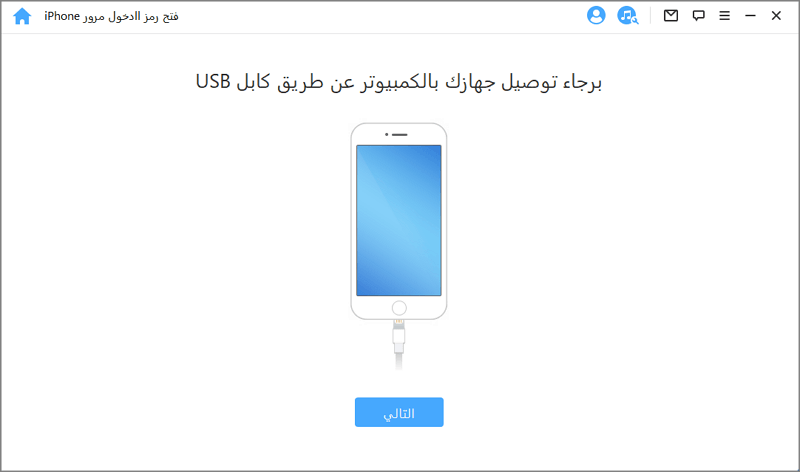
Third, click "Next" and let the tool detect the information on your device. If the device information is not detected, put the device into Recovery Mode or DFU Mode.
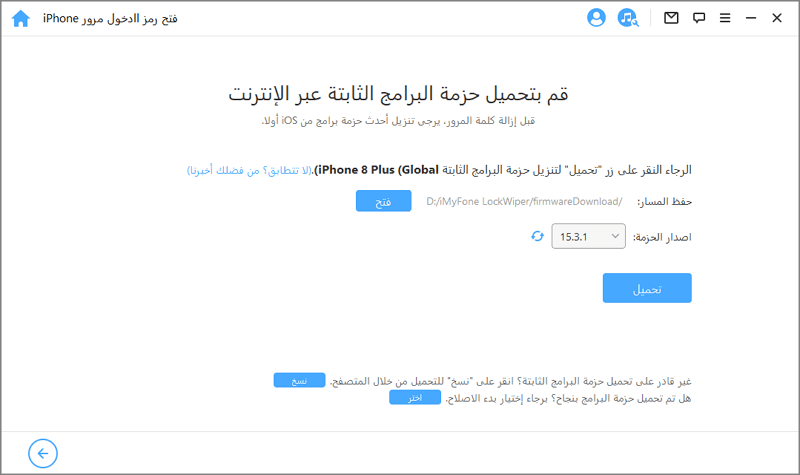
Fourth, find the firmware version and click "Download". This is a binary file and will take some time. Therefore, be patient for a while and let the file download successfully, ensuring it completes properly.
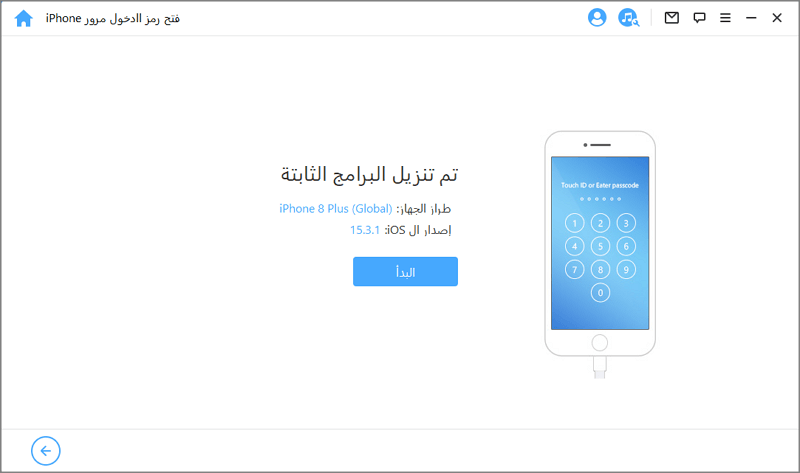
Fifth, click "Start" and wait for the process to complete.
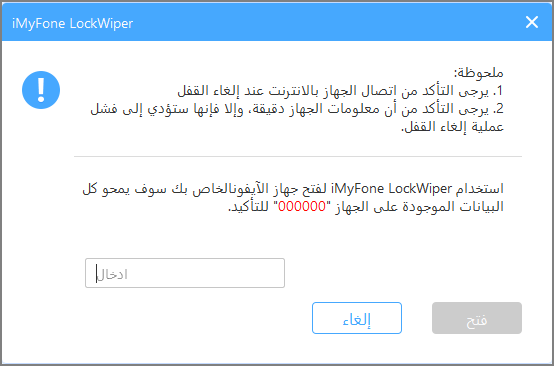
Sixth, there is an "Unlock" option; click it to begin the process. A notification will appear on the screen asking for confirmation. Do this by entering "00000" and clicking "Unlock".
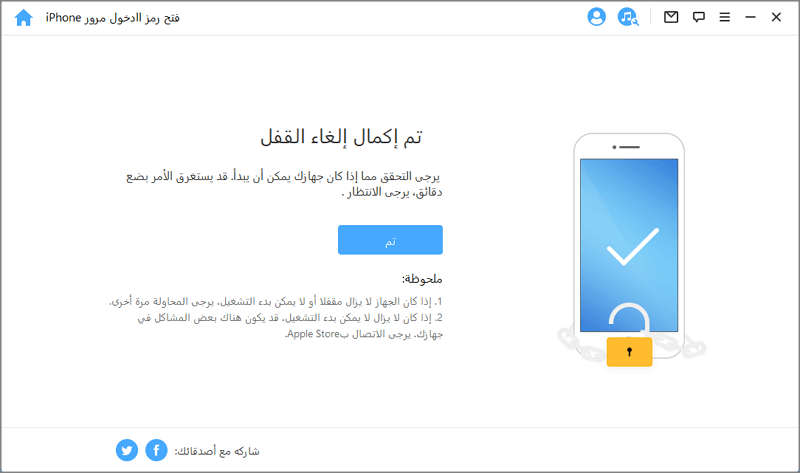
Seventh, within a few minutes, your device will be successfully unlocked.
You can also watch the official iMyFone Arabic tutorial video on YouTube for unlocking Apple ID.
Conclusion
iMyFone LockWiper is one of the best tools available for users today. I hope this article helps you successfully unlock your iPhone.


