


Why is Photoshop better than others at editing and modifying images? Photoshop remains, without a doubt, the best for photo editing. It boasts a wide array of fantastic features and is incredibly user-friendly. Its intuitive design makes photo editing and modification easy for everyone.
In addition to simple photo adjustments, it can also produce eye-catching images and designs. It's a great choice for individuals looking to edit photos professionally due to its reasonable cost. In this article, we will answer the question that has been extensively researched: “Why is Photoshop better than others at editing and modifying images?”
Investing in Photoshop is a great way to save time and achieve better results. Enhancing your website images significantly improves user experience on your site. Additionally, using smaller images on your WordPress site can speed up page loading times, boosting your search engine results. Furthermore, social media platforms like Twitter and Instagram prefer smaller image file sizes.
Why is Photoshop better than others at editing and modifying images?
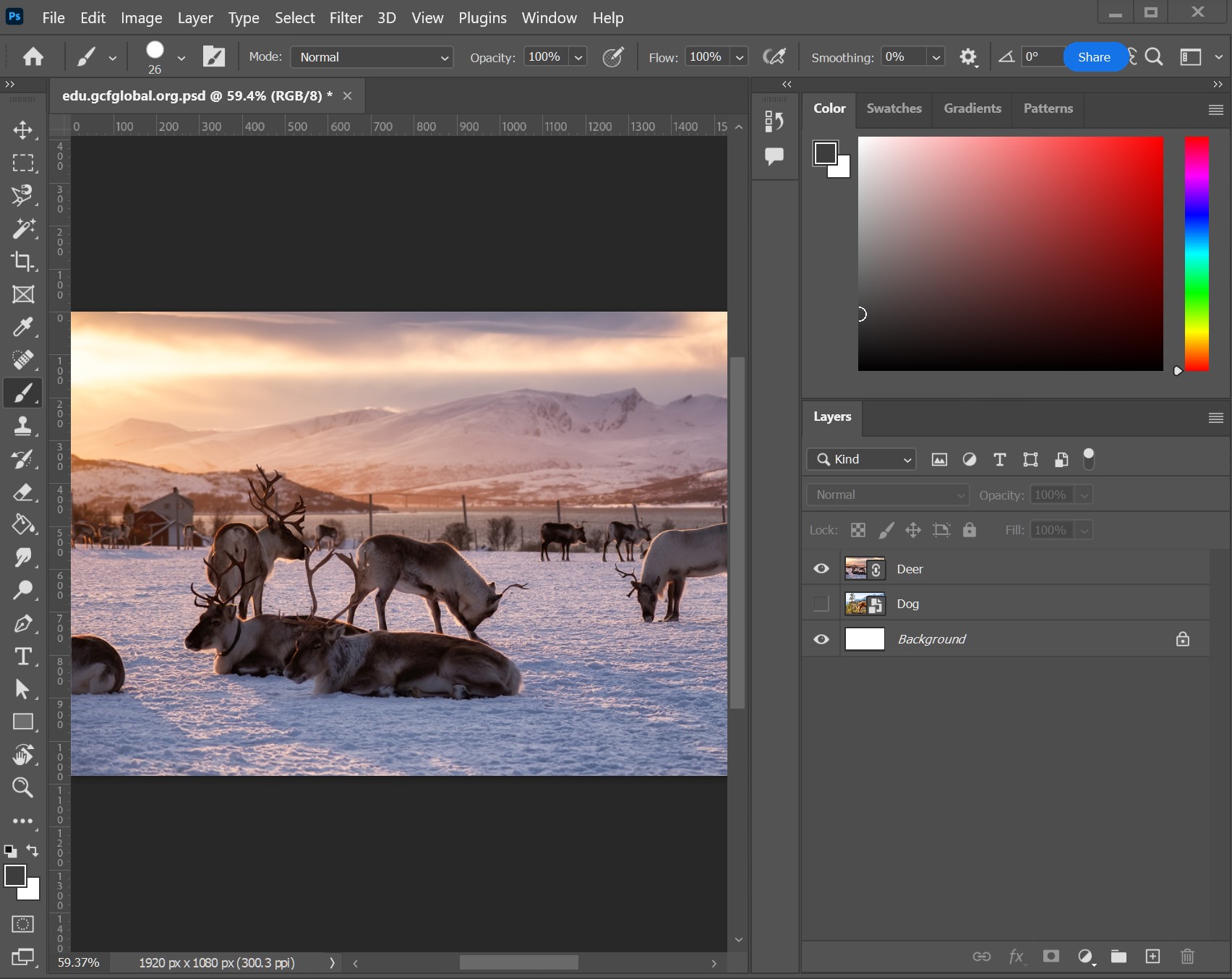
Photoshop is the preferred tool for enhancing digital images. Thanks to its comprehensive features, users can create stunning visual effects.
Let’s take a look at the key features of this leading software:
Effectiveness
Despite the many competitors, Photoshop continues to offer the most advanced editing capabilities for digital images. After years of continuous improvement, it now has an enormous range of features, making it possible to accomplish almost anything. You can use Photoshop daily for any project, as its photo editing features are unmatched.
Ease of Use
Photoshop may not be the easiest application, but once you master it, it becomes incredibly straightforward to use. Compared to other software, this program can be easily adjusted to meet your image needs.
Support
Since Photoshop is the best, there are plenty of learning resources available. With a large number of users, you can find solutions to any issues you encounter in forums or through a quick Google search.
Photoshop Features for 2021
Discover the key features of Photoshop for 2021:
1. Neural Filters
One of the most amazing new features in Photoshop 2021 is Neural Filters. This is essentially a special workspace within Photoshop with filters powered by Adobe Sensei. With simple sliders, you can achieve everything from changing your subject's expression or age to their appearance or pose, all using "AI technology."
To access Neural Filters, go to Photoshop and select Filters > Neural Filters.
2. Sky Replacement
The Sky Replacement feature in Photoshop allows you to quickly select and replace the sky in any image. There are plenty of options available to choose from, and you can also upload your own sky image and automatically adjust the scene colors to match the added image.
To enhance your sky, open Photoshop and select "Edit" > "Sky Replacement."
3. Pattern Preview
In Pattern Preview mode, you can create a design and then repeat it to see how it will look on anything from fabric to floor tiles.
Open Photoshop and select View > Pattern Preview.
4. Live Shapes
The Live Shapes tool, typically found in Adobe Illustrator, is now available in Photoshop, allowing you to create and edit shapes directly on your canvas. New controls for adjusting lines, triangles, rectangles, and more are available in the shape toolset in the toolbar. Improvements have also been made to the Line and Polygon tools in this version.
5. Plugins
For those who love plugins, you can discover third-party plugins in the Creative Cloud desktop app. These plugins can be installed and used directly and instantly in Photoshop. Other new features include enhanced cloud documents, hands-on Photoshop tutorials, and quick actions for in-app learning experiences available through the Discover panel.
Photoshop Features for 2022
Let’s explore the key features of Photoshop for 2022:
1. All Objects Masking in A Layer
This feature in the 2022 Photoshop list will catch your attention in an instant.
To use this feature, click on Layer > Mask All Objects. It will simply create masks for all objects in the layer with just one click.
2. Object Finder
In Photoshop 2022, you can simply hover over the object in the image that you want to select, and with one click, you’ll find all the objects together.
The Object Finder system works exceptionally well, capable of locating all selected objects in the image, so editors don’t need to click on every object in the image to select them for customization.
3. Auto Selection Feature
Adobe's Sensei AI machine learning models have seen further improvements, allowing you to discover additional categories of objects more easily, resulting in more accurate and faster selections using the Object Selection tool.
4. Harmonizer Filter
Photoshop 2022 includes many updated neural filters for the editor, with the Harmonizer Filter being the most significant among them.
5. Color Transfer Filter
This Color Transfer Filter will definitely help you achieve the perfect color palette. Each time you start a new project, you’ll find that adjusting the color of the image is time-saving and convenient.
To use this filter, you should use color overlays or gradients, and gradient maps can also assist you in this task.
6. Landscape Mixer Filter
With the Landscape Mixer Filter, you can now blend multiple landscape filters together to create a new filter.
This is an amazing tool for creative editors, allowing you to create an entirely new scene from an ordinary one. It works almost automatically, and you’ll find many available image presets here that you can use for any customization.
7. Enhanced Commenting and Sharing Tool
You’ll find that commenting on others' work and sharing your creativity with them is available with Photoshop 2022. This feature allows you to share your work with others and also make it public. To do this, you need to use PSD and PSDC Photoshop Documents cloud.
You can either share your creativity with specific people or make it available to everyone. You can also share your work with others via email, and to make it public, you need to create a public link for your work and share it with everyone. While viewing your work, people will comment on it.
8. Enhanced Interactivity with Illustrator
There’s no doubt that this feature will allow you to enjoy using useful applications as work becomes easier and more convenient. The AI files on layers and other fields will enable you to continue working on the project and make necessary customizations easily.
9. Improved Coloring Functionality
You can easily find many default colors that look better than before with the 2022 Photoshop version. Your user interface is also exceptionally rearranged, providing you with more manual control options.
Photoshop Features for 2023
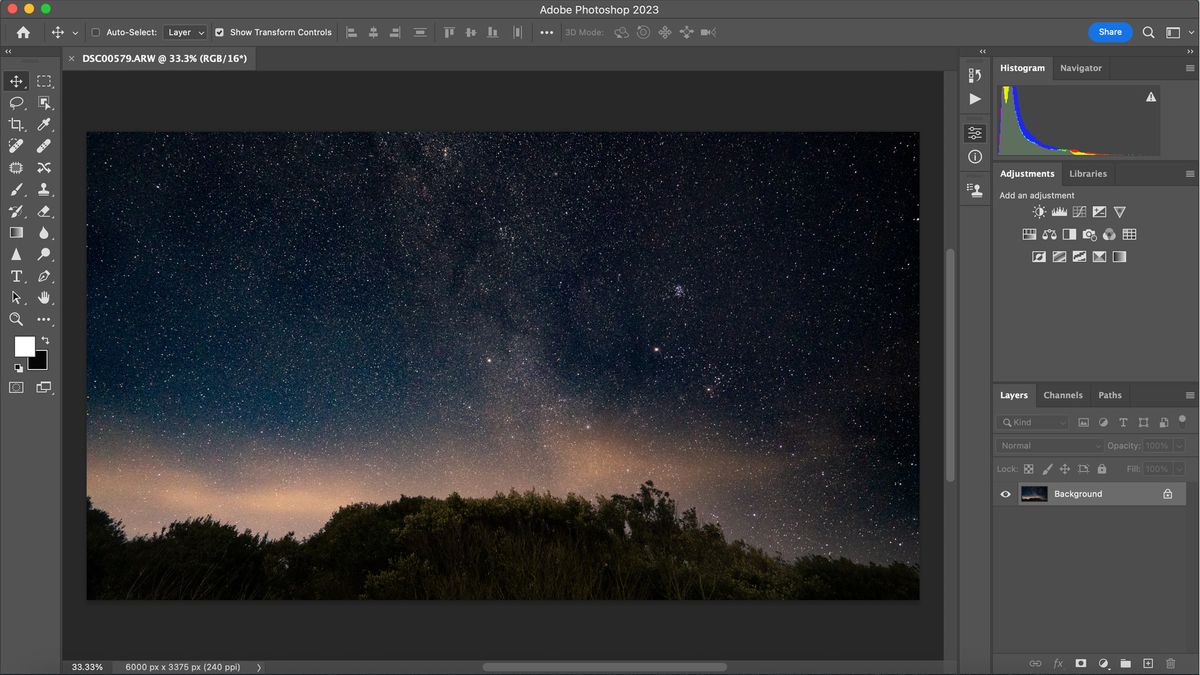
Discover the key features of Photoshop for 2023:
1. Background Generator
You can now use AI to create custom backgrounds for your photographs.
You can easily generate the background you want based on the description you enter in the prompt.
2. Substance Materials
The Substance Photoshop plugin allows you to access the power of Substance materials, originally available only in native 3D applications.
These materials can be used to enhance the realism of images in interior designs or as additional content options for more abstract digital creations.
You can think of these materials as Photoshop patterns, but with controls for limitless variations. You can adjust the sliders accordingly to achieve the desired results for your projects.
3. One-Click Remove and Fill
With the one-click "Remove and Fill" feature, you can easily remove objects or people from your images or refine them even when they have distinctive backgrounds.
Photoshop seamlessly blends the background as if the object never existed.
Simply use the Object Selection tool to make your selection and press Shift Backspace (on Windows) or Shift Delete (on macOS).
If you are working with the Lasso tool or any other Photoshop tool, right-click to access the context menu, select Delete and Fill Selection to remove unwanted objects from your image.
4. Photo Restoration
Restore your old family photos or prints using the AI-powered "Neural Filter."
Go to File > Neural Filters > All Filters.
Make sure to enable the Photo Restoration Beta filter.
This filter attempts to restore images with just a few clicks.
For better results, under adjustments, you can apply Photo Enhancement and Scratch Reduction to improve contrast, enhance details, and remove scratches.
The best part about this filter is that you can combine it with other filters.
5. Live Gradients
In Photoshop beta 2023, you can create and control gradient points on the canvas and perform gradient editing using the Live Gradients feature.
The gradient tool allows you to see how the gradient will look on your canvas, and you’ll also be able to adjust your gradient by adding color stops and opacity stops.
You can move those stops to make adjustments to color, density, opacity, and blending mode on the gradient.
Photoshop Features for 2024
Photoshop 2024 introduces all its new features:
1. Taskbar
The first new feature in Photoshop 2024 is the taskbar located at the bottom of the screen. This feature allows users to pin the taskbar position so it remains fixed while performing various tasks.
2. Generative Fill AI
The most significant addition to Photoshop 2024 is Generative Fill AI. This feature allows users to replace objects, expand images, and remove unwanted elements, creating licensed, high-quality content from Adobe Stock, making it suitable for commercial use.


