


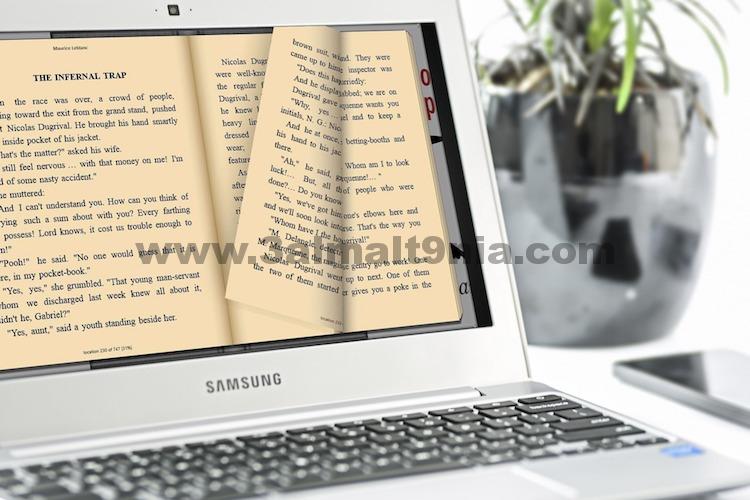
Best EPUB Reader Software for PC
While there are dedicated devices for reading EPUB books, you don't need to spend hundreds of dollars on a tablet to enjoy them. In fact, reading on a Windows device can provide a similar, if not better, experience. It's even better if you have a convertible or 2-in-1 Windows device like the Surface Pro or Lenovo Yoga, allowing you to hold the device in one hand and read EPUBs just like you would on a dedicated tablet. All you need is a good EPUB reader. Although there are several EPUB applications available for Windows, they are not all created equal. That's why we've compiled a list of the top 10 EPUB reading software options you can use on your Windows device:
Top 10 EPUB Readers for Windows
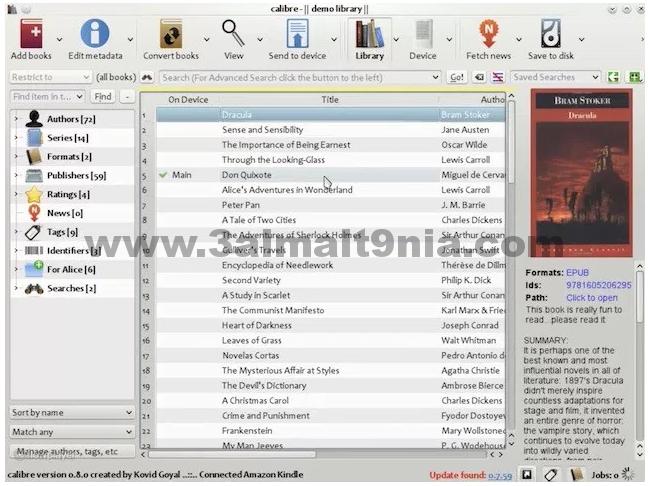
Calibre is one of the oldest EPUB readers for your Windows PC. The application is packed with features that allow you to do things like download EPUBs, manage metadata, load book covers, transfer books from one device to another, and even convert books from one format to another. Calibre is not only great for reading standard EPUB novels but also magazines, comics, and more. If you're looking for a solid EPUB reader for your Windows computer, Calibre is definitely a top contender for the position.
Supported Platforms: Windows 10, Windows 8, Windows 8.1, Windows Vista, Windows 7
Download: here
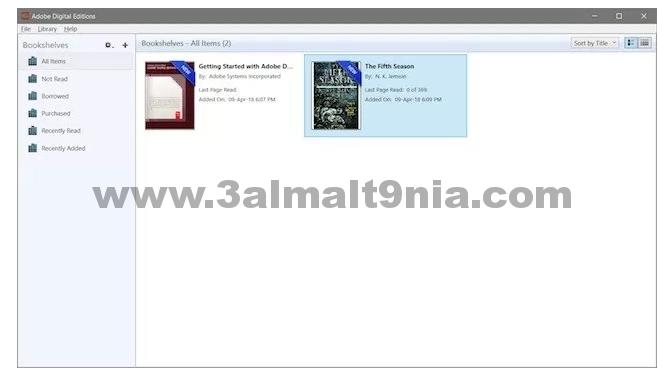
If there's one company that creates software for nearly every form of creative content creation and consumption, it's Adobe. Adobe Digital Editions is a fantastic EPUB reader for Windows PCs that allows users to enjoy their favorite titles. One of the best reasons to use Adobe Digital Editions is its support for the EPUB 3 standard, which provides users with a richer reading experience by enabling right-to-left reading, dynamic images that resize without losing clarity, interactive contests, enhanced math formula performance, and more.
Adobe Digital Editions also offers many other convenient features such as exceptional search capabilities, the ability to rent or borrow EPUB copies of books from local and public libraries, multi-language support, bookmarks, highlighting, notes, and more. If you're looking for a complete EPUB reading experience, Adobe Digital Editions is the app for you.
Supported Platforms: Windows 10, Windows 8, Windows 8.1, Windows Vista, Windows 7
Download: here
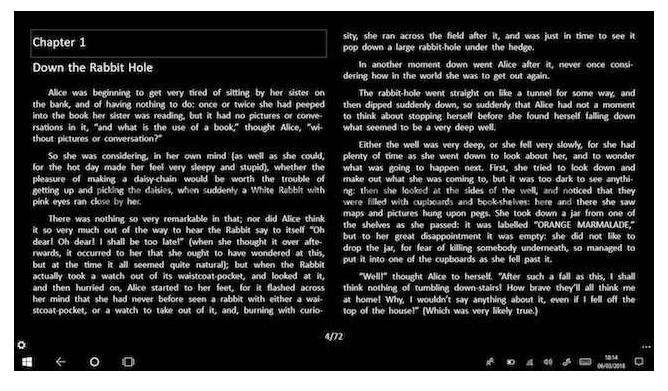
Freda is one of my favorite EPUB programs for Windows, simply because of its appearance. The app looks like a native Windows 10 application and makes EPUBs really stand out when you read them on it. One of my favorite features of this app is its customization options, allowing users to tailor the look and feel of the app to their liking. In addition to supporting EPUB, the app also supports several other formats including Mobi, FB2, HTML, and TXT. The app also gives you access to over 50,000 classic public domain books for free through Feedbooks, Gutenberg, and other online catalogs. If that sounds appealing to you, it offers a unique experience.
Supported Platforms: Windows 10 and Windows 8.1 (ARM, x86, x64)
Download: Free: with in-app purchases
Download Software to Open EPUB Files
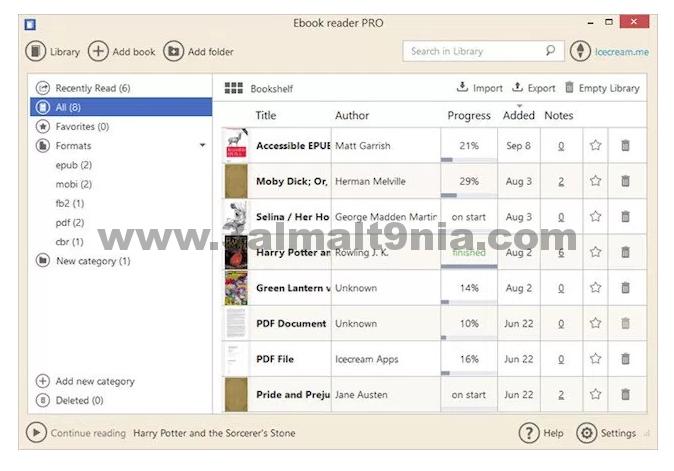
Icecream is a studio that has developed some really great applications for Windows PCs, and among all the apps from the studio, the EPUB reader is my favorite. Not only does the EPUB reader look good, but it also brings a lot of features, including support for full-screen mode, exceptional search capabilities, easy page-turning mechanics, reading progress tracking, multi-language support, and more. Besides all the mentioned features, I also love that the reader supports not only EPUB format but also other major eBook formats including Mobi, FB2, and more.
Supported Platforms: Windows 10, Windows 8, Windows Vista, Windows 7
Download: Free, or you can purchase it for $19.95
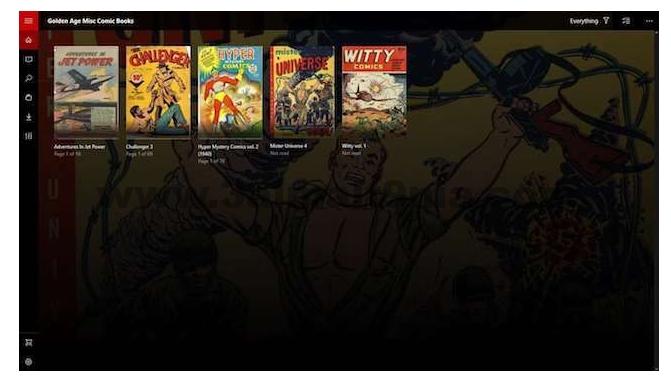
Cover is primarily an application designed for reading comics on your Windows PC, but since the app also supports EPUB format, it made its way onto the list. The main reason for including Cover is that, as the app is tailored for comic books, it is excellent for reading image-heavy books. While all the other apps on the list can handle images, they can't do it as well as Cover can. So, if you use books with lots of images, Cover will be a great fit for you. On the other hand, if you're into comics and manga, there's no better app you can get.
Supported Platforms: Windows 10, Windows 8.1 (ARM, x86, x64)
Download: Free: with in-app purchases
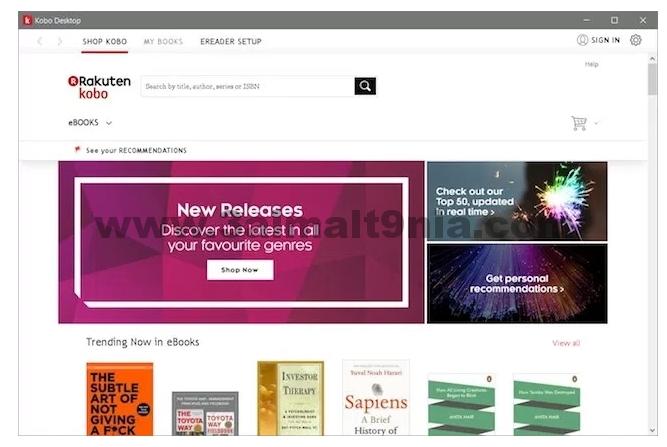
Like Kindle, Kobo is not just an eBook reader app but also a service that allows you to purchase books from its store. However, unlike Kindle, which does not support EPUB formats, Kobo supports both EPUB and EPUB 3 formats. The app brings all the usual features we expect from an EPUB reader, including search, bookmarks, progress tracking, and more. However, the biggest reason to get Kobo compared to other EPUB readers is its store, which allows you to browse and purchase from over 5 million free eBooks, comics, and children's books.
Supported Platforms: Windows 10, Windows 8.1 (ARM, x86, x64)
Download: Free
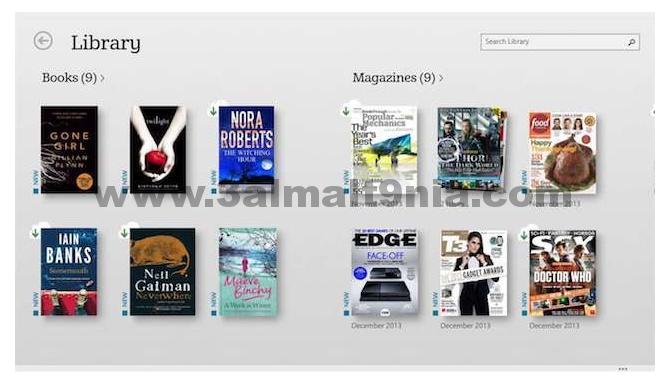
If you're into books, the chance that you haven't heard of Barnes & Noble is very slim as they are the largest bookseller in the world. Barnes & Noble is essentially a chain of brick-and-mortar stores, but Amazon's success with the Kindle platform prompted the book giant to launch its own online book service called Nook. With the Nook app, you not only get an EPUB reading app but also a store to purchase books, just like with Kobo.
When you subscribe to the service, you get a 14-day trial period during which you can test any book or magazine you want. After the trial period ends, you can purchase books or subscribe to magazines that interest you. Other features of the app include the ability to customize your reading experience to display books with different fonts, line spacing, themes, online device syncing, access to thousands of classics, and more.
Supported Platforms: (Windows 10, Windows 8.1, Windows 8 (x86)
Download: Free
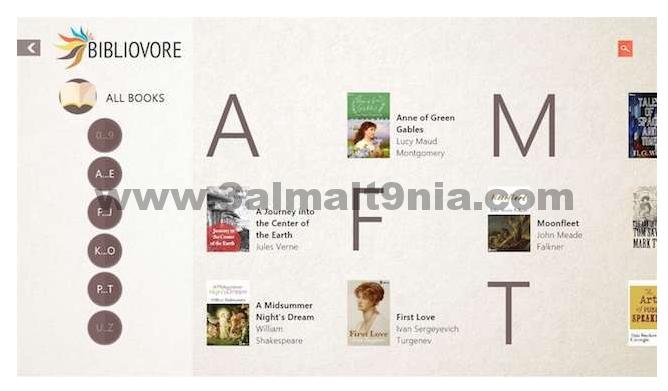
Bibliovore is another fantastic free EPUB reader for your Windows device. The app can be easily downloaded from the Windows App Store and is completely free to download and use. I love this app because it brings great organizational features that allow you to manage even a large library of books with ease. The app also lets you easily adjust font parameters, manage reading themes, modify book metadata, and use day/night reading modes, among other features. One of my favorite features of this app is that, despite being free, it syncs all your books across devices using OneDrive.
Supported Platforms: Windows 10 and Windows 8.1 (x86, x64)
Download: Free
<a class="f


