


DesignEvo - The Best Site for Creating a Free Professional Logo
 What is DesignEvo?
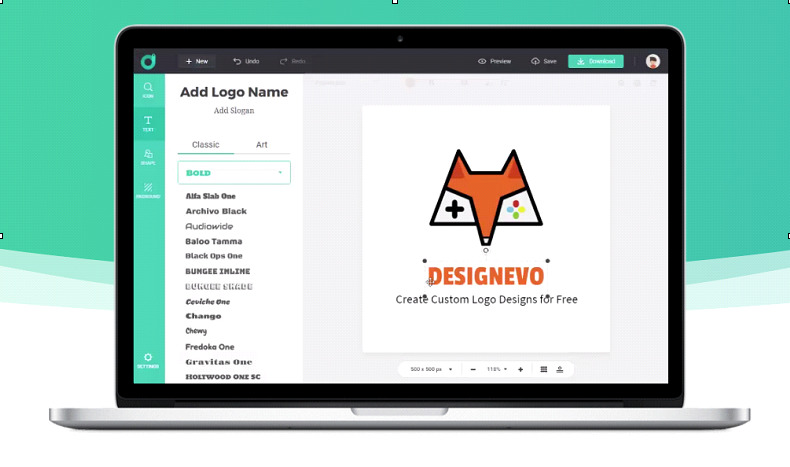
DesignEvo is a logo design platform developed by PearlMountain. It can be accessed across various platforms, including browsers, Android, iOS, and Mac. Whether you're starting a business, creating a website, launching a product, or building a personal brand, you typically need a representative logo. DesignEvo is a tool that allows everyone to easily handle logo design and enjoy the best design experience. With a unique and distinctive logo of your own, you won't have to worry about logo design anymore.
DesignEvo features a user-friendly interface, enabling most people to quickly get started and create the logo they want in just a few minutes.
If you're not skilled in design, the homepage of DesignEvo offers over 10,000 templates to choose from. Just select the relevant industry and pick the logo design you need, and you're good to go. Change the name and logo on the designed template, then adjust the logo color. You can even add any logo elements you desire. Soon, you'll have a logo that meets your requirements. In other words, all you need to do to design your logo is select a template for quick customization, or start from scratch, input your logo text, change the color, font, and size, then download the logo, and you'll be successful. If you want to fully design a unique logo by yourself, you can start designing from a blank canvas. DesignEvo provides a variety of icons and elements to achieve a professional and unique logo design.
Key Features of DesignEvo
Massive Templates: Over 10,000 logo templates available for use. Just click on different categories or enter keywords. You can find logo designs that meet your needs from more than 10,000 templates and customize them according to your preferences.
Extensive Stock of Fonts and Icons: Millions of professionally designed icons and over 100 different font styles at your disposal, which can easily elevate your logo design to the next level. Additionally, more than 100 fonts can be applied to your logo design.
Full Customization Support: Any logo can be easily handled at this time. Unleash your creativity and create a logo design just for you.
Cloud Saving: Save your logo to the cloud. You can easily access and edit it anytime, anywhere.
Support for Vector Graphic Files: High-resolution SVG and PDF files are available for easy download, so you don't have to worry about image distortion due to scaling, which can meet various requirements like printing and illustrations.
Powerful Editing Tools: Crop, resize, rotate, layer management, copy, undo, redo, etc.
Professional Logo Design: Every template is crafted by professional designers, so you'll find the logos to be more professional.
Fast, Time-Saving, and Labor-Efficient Production: From the start of design to logo download, everything is done very quickly. If you don't need to make adjustments, it will take about 5 minutes. Compared to designing a logo with other complex software, it saves time after using DesignEvo. Especially for those who are not skilled in design, as long as you choose a good template and adjust it, you can create your own logo, significantly improving efficiency.
Clear Categorization and Over Ten Thousand Designs: The type of DesignEvo is unmistakable. As long as you take a few minutes and look at the nature of the category and logo, there will be a wide variety of logos for you to choose from.
6 Steps to Create and Customize Your Logo Using DesignEvo
- Step 1: Google the Site
Access the DesignEvo website and click the 'Create Free Logo' button to enter the template gallery page.
- Step 2: Edit the Selected Template
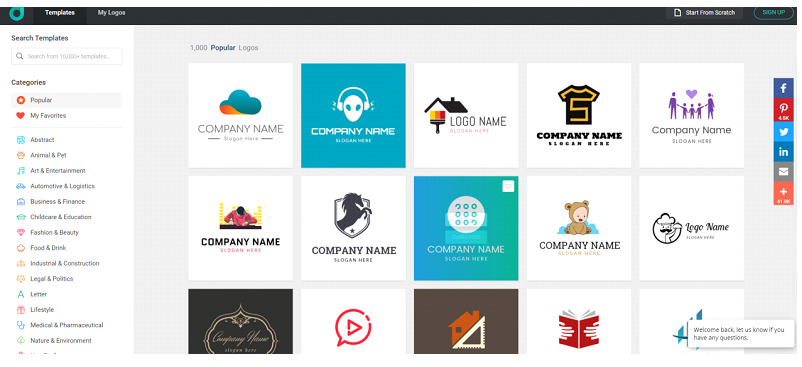
Add Template: To find your desired logo, you can enter relevant industry keywords in the search box. Then select your preferred template from the search results to add it to the canvas.
- Step 3: Edit the Text
Next, after selecting the template, you can add text. Click on 'Text' in the toolbar on the left to add your company name or logo, and choose your preferred font or artistic word from the font library.
If you want to change the text attributes, click on the text box you want to edit, and you can modify the text from the menu.
Color "Color": Change the text color.
Text Style Button "Text style button": Adjust bold, italic, and uppercase letters.
Effect Button "Effect button": Adjust special effects.
Text Format "Text format": Set alignment and word spacing.
- Step 4: Add Icons and Shapes
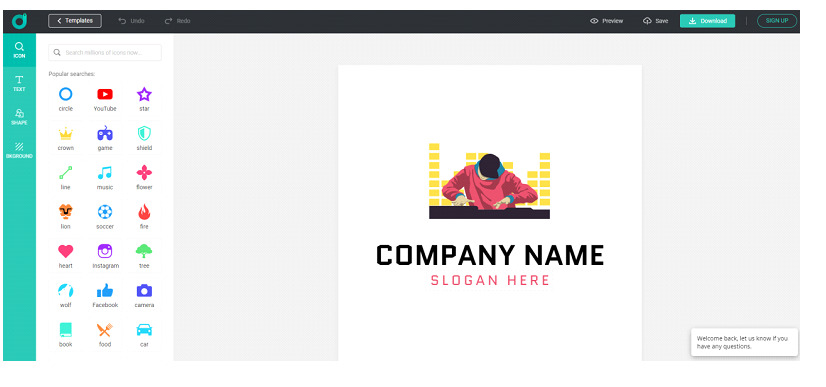 Add Icon: Click on 'Icon' in the toolbar on the left, then click on your favorite icon to add it to the canvas.
If you want to change the properties of the icon, click on the icon you want to edit.
Color "Color": Fill the icon with color.
Flip "Flip or flip": Flip the icon horizontally or vertically.
Effect Button "Effect button": Change the transparency of the icon.
- Step 5: Add Shapes and Customize
Add Shape: Click on 'Shape' in the toolbar on the left. There are seven categories, including solid shapes, outlined shapes, badges, banners, decorations, lines, and icons.
- Step 6: Download
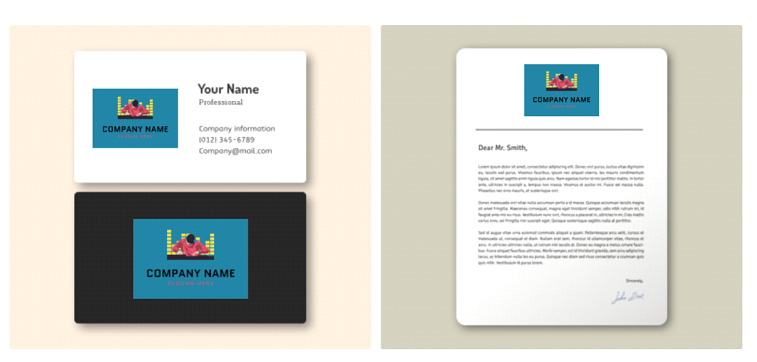 After successfully creating the logo, you can save and download it. Then you can click the download button in the top right to get your logo design file directly.


