


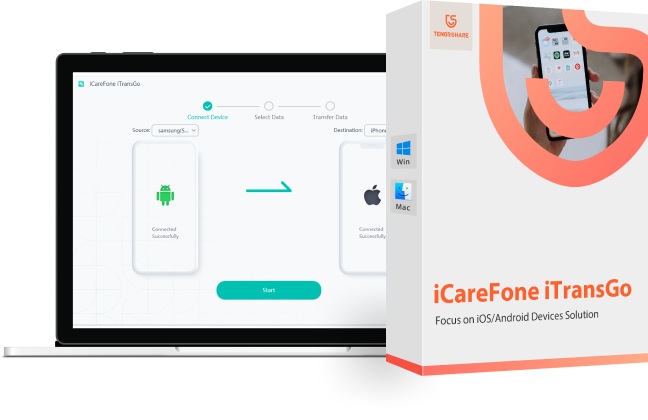
Overview of Tenorshare iCareFone iTransGo File Transfer Program
If you're an Android user, have you tried transferring contacts from Android to iPhone? While moving contacts between Android devices is straightforward, the process can be quite challenging when it comes to iPhone. Therefore, it's essential to be cautious and learn one of the best methods for transferring Android contacts to iPhone. One of the most effective ways to transfer data from Android to iPhone is by using the Tenorshare iCareFone iTransGo program.
What is Tenorshare iCareFone iTransGo?
When should you use Tenorshare iCareFone iTransGo?
When you want to save time and ensure a successful data transfer from Android to iPhone, are you looking for a hassle-free way to transfer data between phones but feel uncertain about how to proceed? Look no further than Tenorshare iCareFone iTransGo. This powerful tool allows you to effortlessly transfer data from one phone to another (Android to iPhone, Android to Android, iPhone to Android, and iPhone to iPhone) without any operating system restrictions. The best part is that you can start the transfer process without resetting your phone. With iCareFone iTransGo, data transfer is quick, easy, and efficient, saving you time and effort. This data transfer program from Tenorshare supports over 8000 Android devices and the latest iOS 16 and Android 13.
No matter the issue - a damaged screen, a malfunctioning system, a factory reset, accidentally deleted messages, jailbreaking, or a malware attack. This WhatsApp deleted message recovery program can restore a variety of data from WhatsApp accounts on Android and iOS devices, including photos, videos, audio, and files. Moreover, you can recover data not only from the device but also from an iTunes backup without resetting the device.
Why Choose Tenorshare iCareFone iTransGo for Data Transfer?
- Cross-Platform Compatibility: Tenorshare iCareFone iTransGo supports data transfer between Android and iOS devices, making it a great solution for users with multiple devices.
- High-Speed Data Transfer: iTransGo offers high data transfer speeds, ensuring users can quickly and easily transfer large files, including photos, videos, and music.
- Diverse Data Types Transfer: iCareFone iTransGo allows users to transfer all types of data, including contacts, messages, photos, videos, music, and more, with support for popular apps like WhatsApp.
- Safe and Secure: iTransGo uses advanced encryption algorithms to ensure that all data transfers are safe and secure, so you don't have to worry about data loss or privacy issues.
- User-Friendly Interface: iCareFone iTransGo provides an easy-to-use interface and intuitive guidance that simplifies the process of transferring contacts from Android to iPhone. This efficient program features fast transfer speeds that surpass similar transfer programs, allowing users to complete the process quickly and efficiently without compromising any data.
- Supports Various File Types: The program can transfer not only contacts but also other types of data, including photos, music, videos, and messages.
- Compatible with Different Operating Systems: The program is compatible with various operating systems, including Windows and macOS, making it accessible to more users. Its versatility extends to multiple devices, including iPhone, iPad, iPod touch, as well as Android smartphones and tablets.
- Trusted for Many Years: Tenorshare has a solid reputation in the tech industry, with 16 years of experience and over 10 million users worldwide. Tenorshare iCareFone iTransGo is 100% privacy-protected, meaning users can trust the tool to transfer their data safely without compromising privacy.
You can download Tenorshare iCareFone iTransGo from the following links for free and test everything yourself. This is the best way to get a hands-on experience of all the features.
Purchase or choose the free trial from the following links.
The program supports most Windows and Mac operating systems.
- "There are coupons and discounts for the 16th anniversary that you can find below this paragraph"

Note: The program supports Arabic 100% and you can switch between languages and select Arabic from the program settings
In the following video, there is a quick explanation of the program's great capabilities. Watch the video to learn how to use the program.
Special thanks to the video source (Channel: Azmi Assad عزمي on YouTube)
Using the Program with Images
After downloading and installing the program on your computer, follow these steps to complete the transfer process.
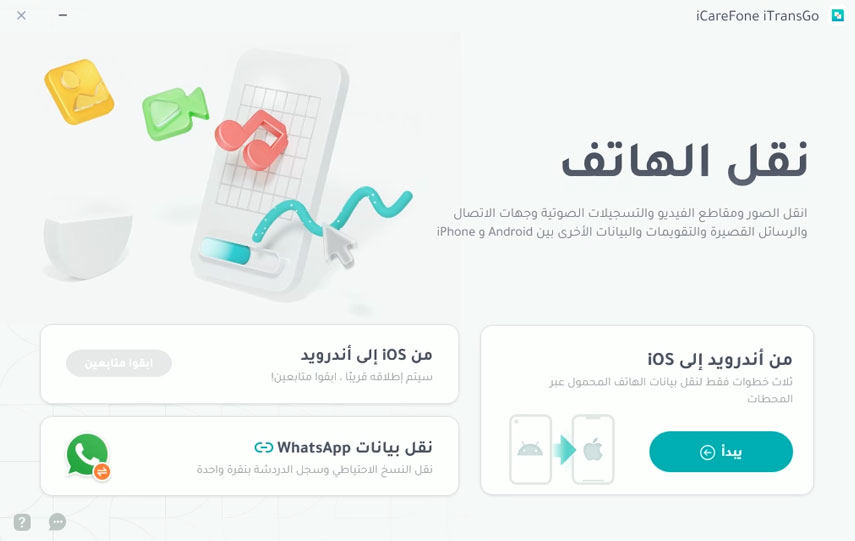
- Download and run iCareFone iTransGo on your computer. Select Android to iOS from the homepage.
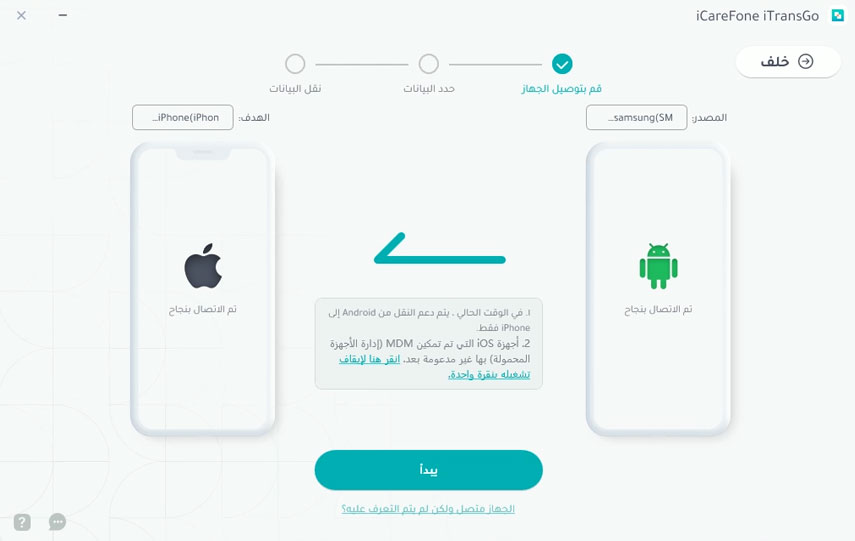
- Connect the Android and iOS devices to your computer using a USB cable. Click "Start" to confirm.
- Wait for the program to finish scanning and click "Transfer Data" to start the transfer.
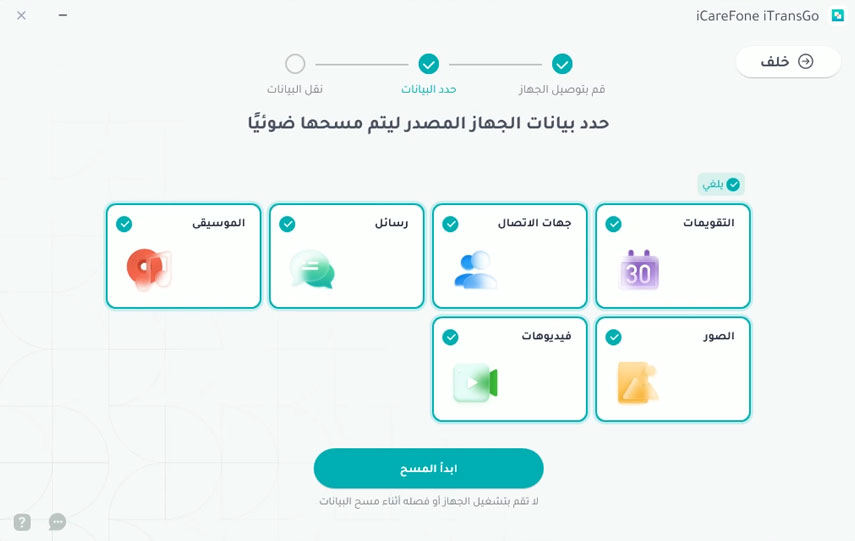
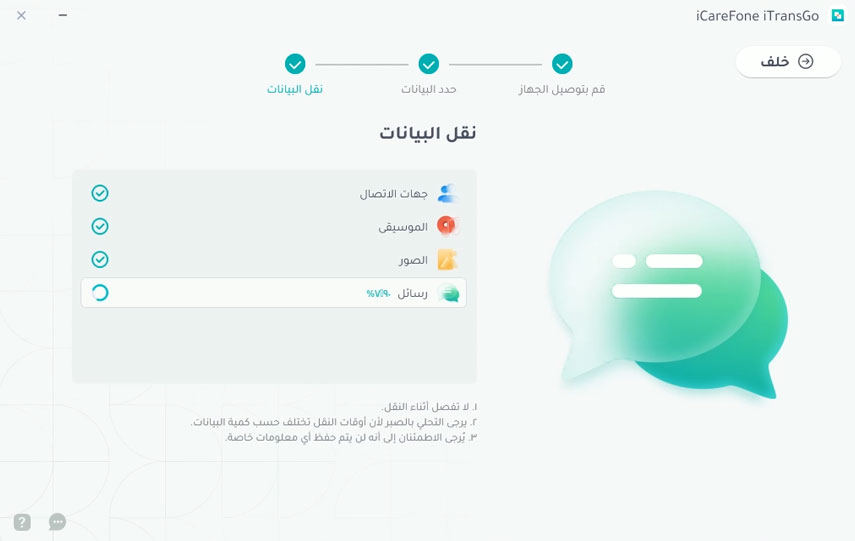
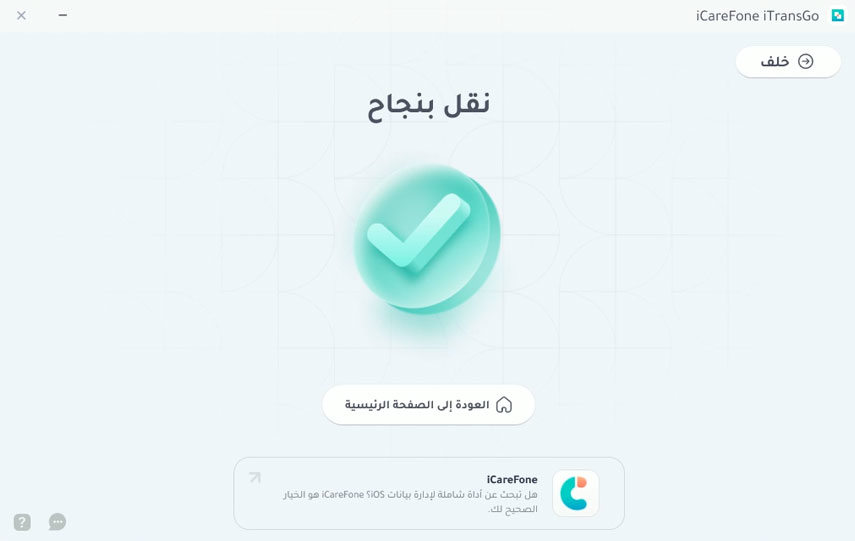
- The transfer time may vary depending on the amount of data, so do not disconnect the devices during the process.
The Best Time to Buy iTransGo is Now (16th Anniversary of the Company)
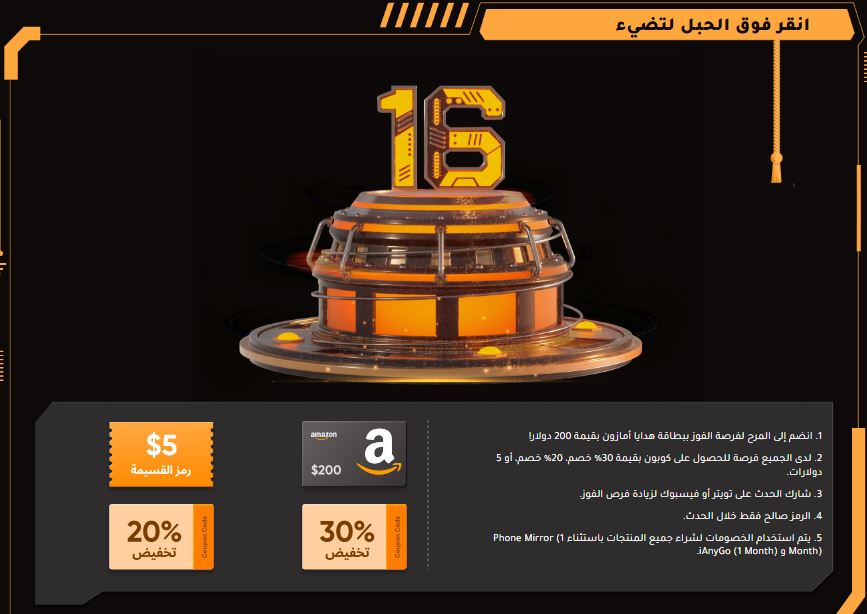
On the occasion of the 16th anniversary of the tech giant Tenorshare, users participating in the event can enjoy massive discounts, gifts, and surprises. Don't miss the opportunity; seize it


