


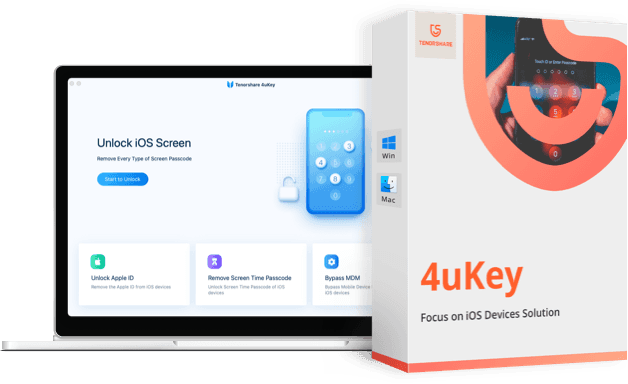
Overview of Tenorshare 4uKey
Tenorshare 4uKey is an incredibly user-friendly tool designed to unlock your phone's screen. No one intends to forget their passcode, whether it's numeric or alphanumeric. Additionally, in some cases, one may need to remove Face ID or even Touch ID from an iPhone, iPad, or any other iOS device. There are two types of software that can accomplish this task in just a few minutes, and Tenorshare 4uKey is one of them. In this helpful article, I will provide a review of Tenorshare 4uKey for iPhone.
Have you forgotten your iPhone passcode? Has your iPhone been disabled after entering the wrong password multiple times? Is your iPhone screen broken, preventing you from entering the passcode? 4uKey is a simple tool designed to unlock the iPhone screen without restoring via iTunes. It doesn't matter if it's a 4-digit or 6-digit passcode, a custom numeric code, an alphanumeric passcode, Touch ID, or Face ID information; Tenorshare 4uKey can remove it in just a few minutes. The software also supports the latest versions of iPhones.
- You might also like
Android Screen Unlocker | Tenorshare 4uKey for Android
If you've been wanting to learn more about 4uKey for a while now, you're in the right place. In this post, we will delve into the tool to see if it truly deserves your time.
Being a user of a digital device, like a smartphone, can sometimes put you in stressful situations. One of the best examples is when you forget your passcode and your device gets locked, or when your iPhone is unavailable.
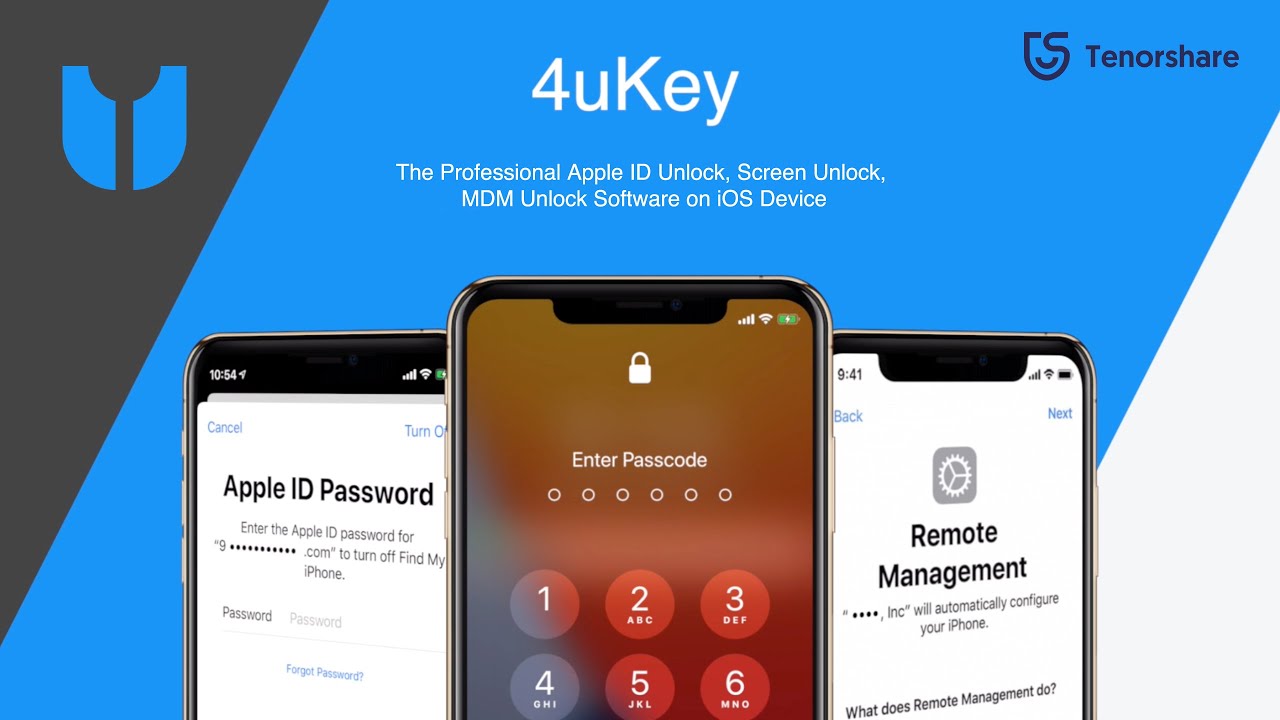
What do you do in this case? The usual answer would be to take it to a service center and let the technicians fix it for you. However, if you prefer to solve problems yourself instead of relying on others, the best solution for you is to use a tool like Tenorshare 4uKey.
It gives you control over many common issues that smartphone users regularly face.
Here are some scenarios where this software can be extremely useful.
# 1.When the iPhone is unavailable (you forgot your iPhone passcode)
This is probably the biggest issue in the room because it's so obvious, and I think most of us have experienced this. It's never a good feeling to forget your passcode because you don't know whether to blame your memory 🧠 or your boldness for setting a difficult passcode in the first place.
Did you forget your Apple ID password? How can I unlock my Apple TV without a password? 4uKey can solve all these issues. It can remove the Apple ID from all activated iPhone or iPad devices. With this professional Apple ID removal tool, you won't need to know any private information; you can enjoy all the features of your iPhone/iPad.
If you enter the wrong passcode multiple times, your iOS device will be disabled and will prompt you to restore it via iTunes.
If you don't want to do that, you can use 4uKey to bypass it and skip the iTunes restoration process, ending up with a working device again.
# 2.You bought a locked second-hand device
If you find yourself in this situation, I feel sorry for you because it's never good to struggle with something you've spent money on. It may not sound dramatic, but it feels like you've spent money to give yourself a bucket of stress. 😵💫
However, there is always a solution to problems. If you've bought a second-hand iPhone or iPad from someone else and realized it still has the previous owner's Apple ID, you can use Tenorshare 4uKey to bypass the Apple ID and activate it with your own credentials.
This way, you can start fresh without any trace of the previous owner. Of course, you'll also enjoy all the device's features.
# 3.You're a developer
As a developer or tech enthusiast, it's always important to test things, and one area you might want to put under the hammer is iOS security. We all know how good Apple's device security is, but it never hurts to test it.
With Tenorshare 4uKey, you can identify vulnerabilities in iOS and areas that can be easily bypassed.
You can download Tenorshare 4uKey for free from the following links and test everything for yourself. This is the best way to get a hands-on experience of all the features.
Purchase or choose the free trial from the following links.
The software supports most Windows and Mac operating systems.
- "There are coupons and discounts for the 16th anniversary that you can find below this paragraph."


Note: The program supports Arabic 100% and you can switch between languages and select Arabic through the program settings.
In the following video, there's a quick explanation of the program's great capabilities; watch the video to learn how to use the program.
Although this was my first time using 4uKey to unlock my phone, I didn't feel intimidated by the program and faced it head-on. Below, I've included a detailed guide on how to use 4uKey to remove the screen time passcode on an iPad or iPhone. Let's jump right in.
In the following video, there's a quick explanation of the program's great capabilities; watch the video to learn how to use the program.
Special thanks to the video source (Channel: Azmi Assad عزمي on YouTube)
Using the program explained with images
Download and install the program on your computer. If you haven't downloaded it yet, you can do so from the previous links.
"There are coupons and discounts for the 16th anniversary that you can find below this paragraph."
Despite


