

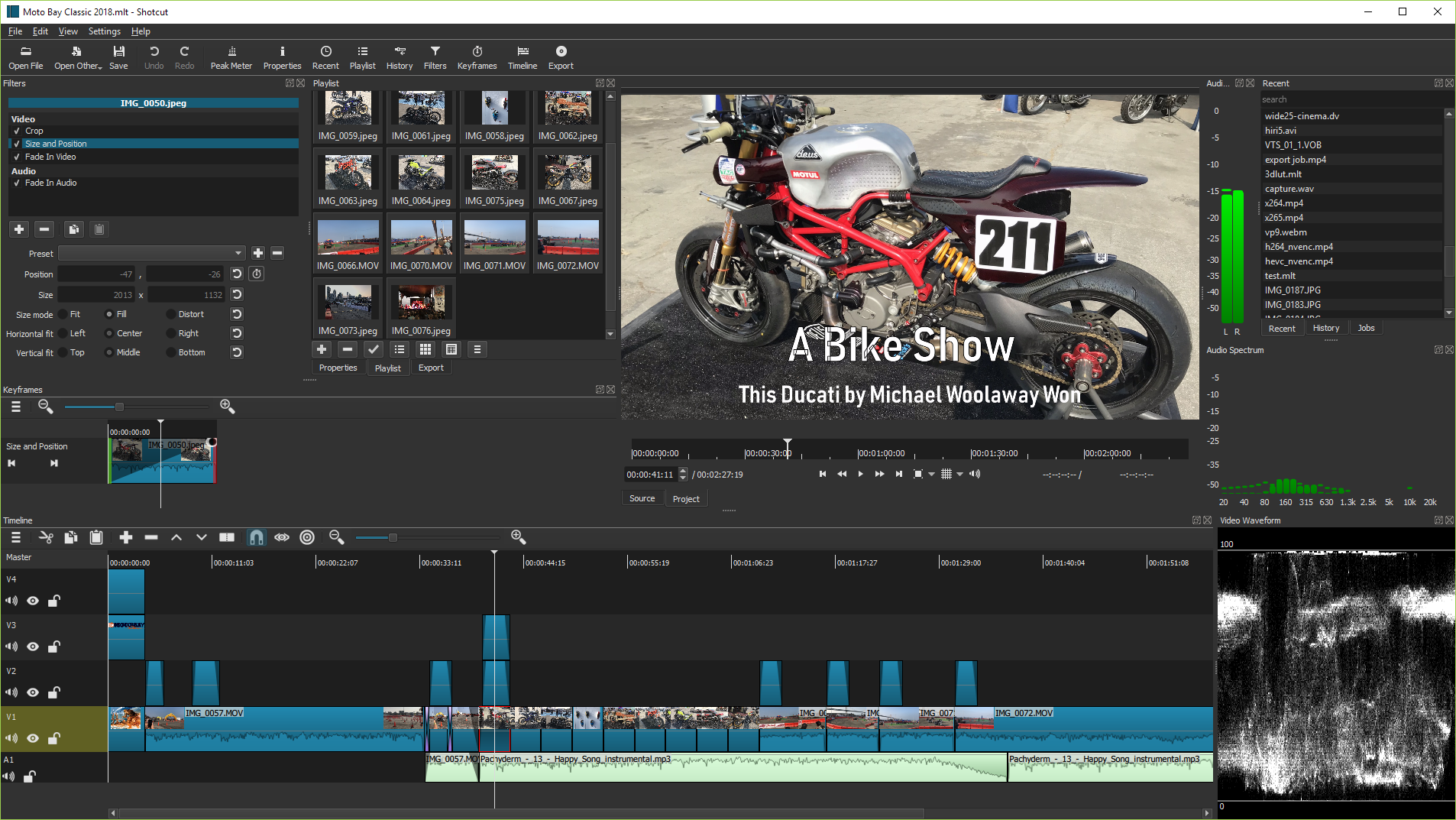
Shotcut Video Editing Software 2025: Shotcut is a fantastic video editing program that is user-friendly and intuitive, even if you are new to video editing. The interface is clear and straightforward, allowing you to focus on creating and editing videos without having to deal with complicated menus or options.
Overview and History of Shotcut
Shotcut was first released in 2004 and was later developed into its current form as a cross-platform video editor. This means users can switch between systems without compatibility issues, allowing for seamless project transitions, for example, between a Mac and a Windows computer.
Key Features of Shotcut
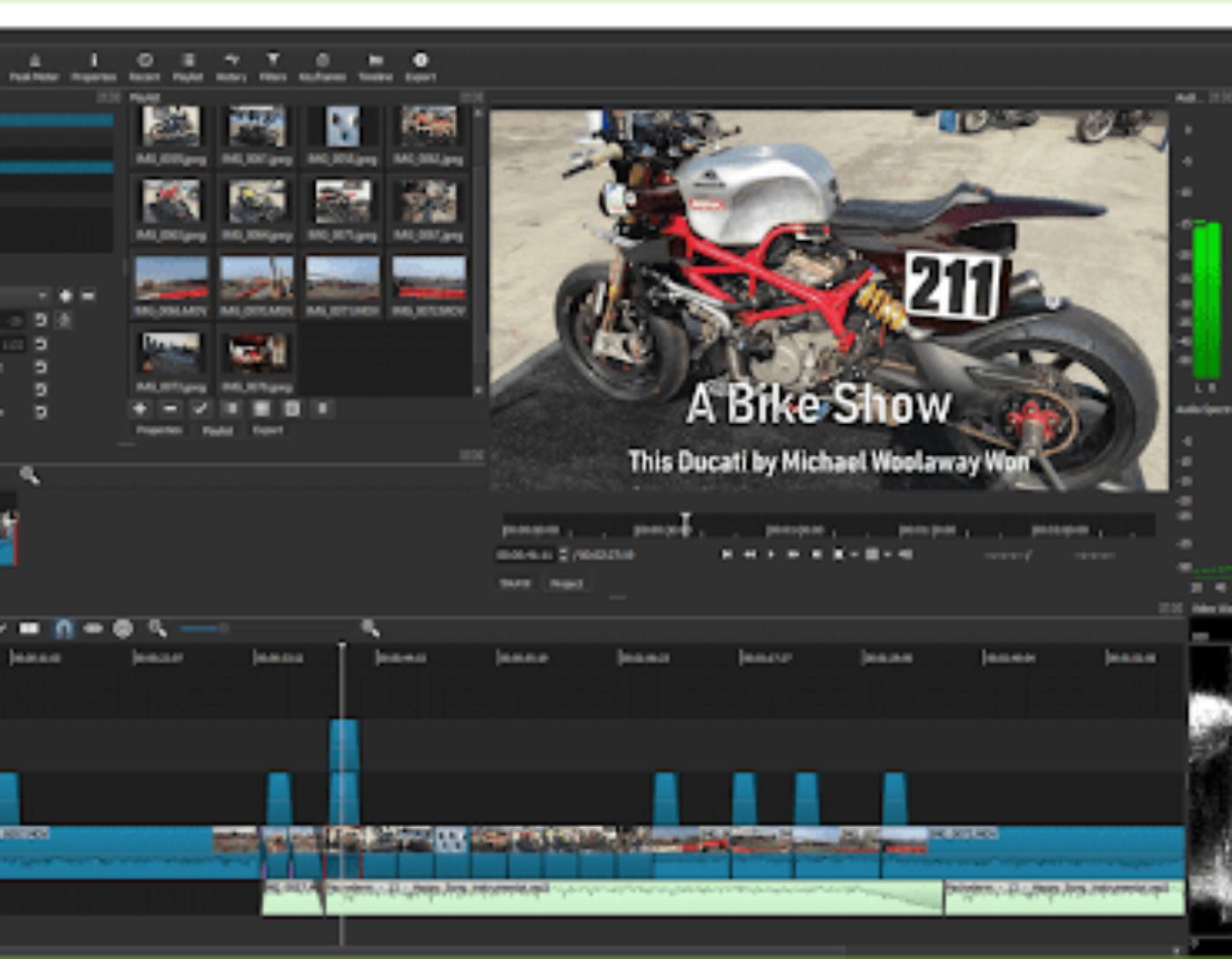
- Full color grading options available in the effects menu.
- Lightweight installation (237 MB on Mac), suitable for older or less powerful devices.
- User-friendly for those without experience in video editing software.
Pros
- Free to use
- Customizable interface
- Includes advanced effects and tools
Cons
- No previews for effects and transitions
- Applying effects like color grading may cause delays
Shotcut Video Editing Software 2025
Shotcut offers many advanced options that are typically only available in paid editing software. The effects menu includes a variety of effects such as blurring, hiding, and color grading. The drag-and-drop functionality makes adding source clips to the timeline straightforward, while the timeline itself supports multiple layers for complex editing.
Interface
The interface in Shotcut is practical and well-organized, adapting based on the selected view - recording, editing, effects, color, and audio, or player. While some elements may be hidden depending on the view, customizable tools allow users to create a workspace that fits their needs. Using full-screen mode is the best way to work, as elements can disappear when smaller windows are opened.
Source Files and Format Support
Shotcut supports all common image and video file formats. It also includes support for 4K at 60 frames per second.
Timeline Creator
Creating the timeline in Shotcut is user-friendly:
- Drag video/image files from the playlist to the timeline panel.
- Trim clips by moving the playhead or clicking within the black bar above the clip.
- Use the split button (or press S) to cut clips.
- Delete unwanted sections without affecting the source file.
- To add a new track, click on the three horizontal lines at the top of the timeline panel and select Track Operations.
Audio Features
Shotcut supports both audio embedded in video files and standalone audio files. Users can add voiceovers or sound effects by creating an audio track:
- Click on the three horizontal lines in the timeline menu.
- Select Track Operations > Add Audio Track.
- Drag and drop audio files onto the track and adjust their position for synchronization.
Video Effects
Shotcut includes a wide range of video effects. Users can access effects directly from the "Filters" menu:
- Color wheels for color correction.
- White balance using the eyedropper tool.
- Auto-rotation and deinterlacing.
- Various transitions such as wipe, radial, and gradient.
- Blending modes like overlay and soft light.
- Filters including blur, color key, and time remapping.
Adding Keyframes
Keyframes can be added to filters and effects for precise changes across the timeline. This feature allows for gradual adjustments like increasing blur or changing audio panning as an object moves across the screen. It is also useful for brightness adjustments during scenes that transition between light and dark.
Transitions
Shotcut transitions enhance the flow of the video. To create a transition:
- Drag one clip over another.
- The overlap determines the length of the transition.
- By default, this creates a clip; right-click and select "Properties" to change it.
Exporting a Project
Exporting is straightforward:
- Make sure you are in the editing layout.
- Press the export button. The default export format is H.264 AAC, but you can choose from other presets.
- Advanced export settings are available, but they may cause errors.
System Requirements
Shotcut works on Mac, Windows, and Linux systems. It is lightweight, so users do not need high-end devices.
Frequently Asked Questions
Is Shotcut good for beginners?
Shotcut may not be perfect for complete beginners due to its learning curve, but those willing to learn will find it a powerful tool for creative video projects. If you plan to edit videos regularly, Shotcut is a great option once you master the basics.
What new features does Shotcut offer in 2025?
In 2025, Shotcut introduced several enhancements, such as improved color grading capabilities, customizable layouts, and enhanced export settings. These updates cater to both beginners and professionals, making complex editing smoother and more intuitive.
Is Shotcut still free to use in 2025?
Yes, Shotcut remains a free, open-source video editing tool. It continues to be developed by enthusiasts, ensuring users have access to a powerful editor without any subscription fees.
Does Shotcut support 4K video editing in 2025?
Yes, Shotcut continues to support 4K video editing as well as higher resolutions. The improved processing and new encoding enhancements in 2025 provide smoother editing for high-definition projects.
What changes have been made to the timeline interface in 2025?
The timeline in Shotcut 2025 features an updated design with improved drag-and-drop functionality and real-time previews. These enhancements make navigating and organizing clips easier, facilitating a more efficient workflow.
Are there any new effects or filters available in 2025?
Shotcut added several new video and audio effects in 2025, including dynamic transitions and advanced audio filters. These updates aim to enhance creativity, allowing users to apply professional-grade enhancements easily.
How does Shotcut compare to premium video editing software in 2025?
While premium software like Adobe Premiere Pro offers some exclusive features, Shotcut maintains its position with a comprehensive suite of free tools.
Is it possible to add third-party plugins to Shotcut in 2025?
Yes, Shotcut 2025 supports third-party plugins, allowing users to expand its features. This flexibility helps users customize their editing experience according to their specific needs by integrating additional tools and effects.
Conclusion
Shotcut is an excellent video editing software with powerful features typically found in paid tools. Its support for multiple file types, comprehensive effects list, and cross-platform functionality make


