

If you're looking for a quick and easy tool to trim videos without downloading large software or dealing with complex interfaces, Cut Video Online is the perfect choice for you. This program offers a lightweight and straightforward solution that allows users to cut video clips accurately and swiftly, maintaining the original quality without needing advanced technical skills.
Cut Video Online Program
With the growing reliance on short videos and quick content, having a tool that lets you edit videos swiftly without sacrificing quality or diving into the complexities of professional editing software has become essential. Cut Video Online provides this seamless experience, giving you full control to select which parts to keep or delete, making it ideal for everyday use whether for work or leisure.
What is Cut Video Online?
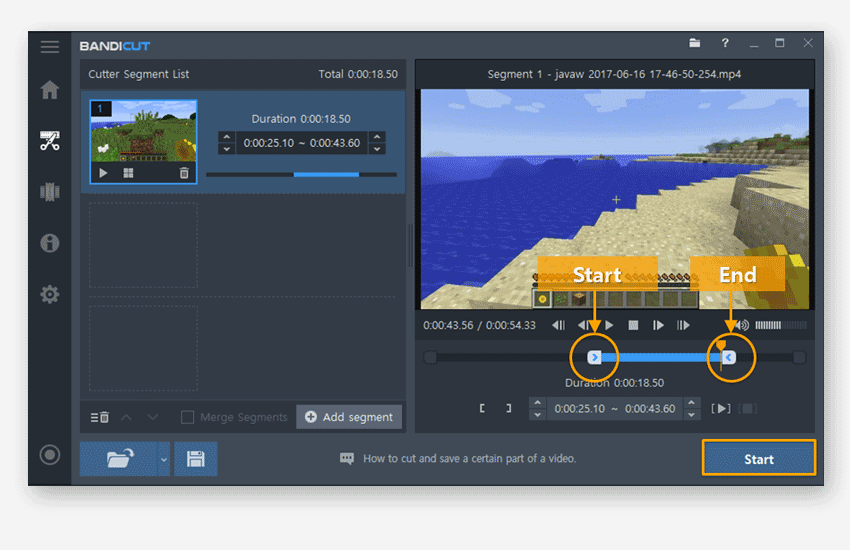
Cut Video Online is a free program that runs on Windows. It has been developed as a lightweight and easy-to-use tool for quickly and efficiently trimming videos. The program allows you to upload any video clip, set the start and end points, and save the desired section without needing to re-encode or lose quality.
The program features a simple interface based on a timeline to select the parts you want to cut. It also supports adding basic effects like fade-in or changing resolution, making it perfect for users who don't want to deal with complex or heavy editing software.
Popular Uses for Cut Video Online in 2025
By 2025, Cut Video Online has become an indispensable tool for many users, especially those looking for a fast and lightweight video editing solution without complications. Some of its prominent uses include:

- Editing short videos: Content creators use it to trim long videos into short clips for posting on TikTok, Reels, or YouTube Shorts, saving time and effort compared to using complex editing software.
- Preparing tutorials and educational lessons: Teachers and students rely on it to break down long lectures into more focused clips, making it easier to follow and understand.
- Marketing and promotional clips: Marketers use it to create concise promotional videos from product or service recordings for quick marketing on social media.
- Editing personal event videos: Such as trimming travel footage or wedding videos, removing unwanted parts before sharing with others.
- Supporting remote teams: Used to trim long meeting recordings and share key moments with the team.
A key feature of the program is that it works directly from the browser without installation, supports popular formats like MP4 and AVI, is easy to use, fast, and lightweight on the device, making it an ideal choice for users across various fields.
Features of Downloading the Full Cut Video Online Program
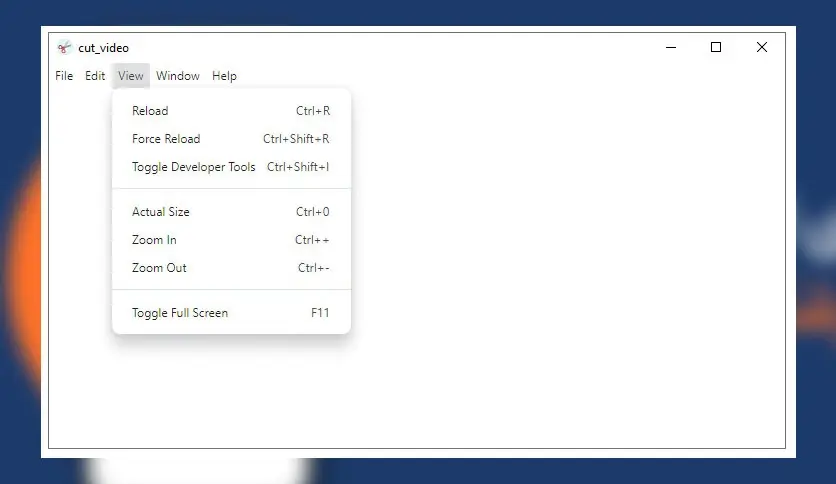
Core Features
- A simple and easy-to-use interface that requires no technical expertise, allowing any user to handle it with ease from the first use.
- Support for multiple formats like MP4, AVI, MKV, MOV, and more, allowing you to work with most video types.
- Ability to handle 4K files without lag or performance issues, making it suitable for high-quality videos.
- Precise cutting points using a timeline or manual time entry, giving you full control over the trimming process.
- Add simple effects like fade-in or resolution changes to give a professional touch to the video.
- Support for simultaneous processing and the ability to trim multiple files at once, saving time and effort.
- Very lightweight, not exceeding 75 MB, and doesn't heavily consume device resources.
New Version Features
- Enhanced support for high-resolution files: like 4K and HDR, ensuring smooth performance even with large videos.
- Faster processing performance: thanks to improvements in the internal cutting engine.
- User interface improvements: to facilitate tool navigation and make the experience smoother.
- Fixes for previous errors: such as compatibility issues with certain video formats or unexpected crashes.
- Added drag-and-drop support: to speed up the process of adding files to the program.
How to Download via Direct Links
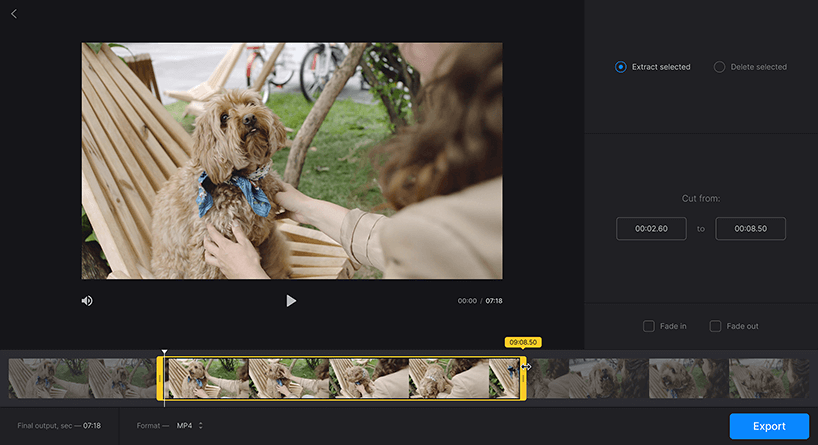
Step-by-Step Download Instructions
- Go to the download page on Softpedia.
- Click the Download Now button.
- Choose the appropriate version for your operating system (preferably Windows 10 or 11).
- Wait for the download to complete (the file size is about 73 MB).
- Save the file somewhere easy to access, like the desktop.
Tips to Avoid Issues During Download
- Use a reliable browser like Google Chrome or Firefox to avoid download failures.
- Ensure a stable and fast internet connection to prevent file corruption or download interruption.
- Temporarily disable antivirus programs if they block the download, then re-enable them after installation.
- Avoid using unofficial links to prevent malware or fake versions.
- Check for sufficient hard drive space before starting the download.
- Save the file in a clear folder for easy access during installation.
Installation and Activation After Download

Installation Method
- Open the downloaded installation file (cut_video-Setup-.exe).
- Select the appropriate language and click "Next".
- Agree to the terms of use.
- Choose the installation folder or leave it as default.
- Click "Install" and wait for the process to complete.
- Once finished, click "Finish" to launch the program.
How to Activate the Full Version
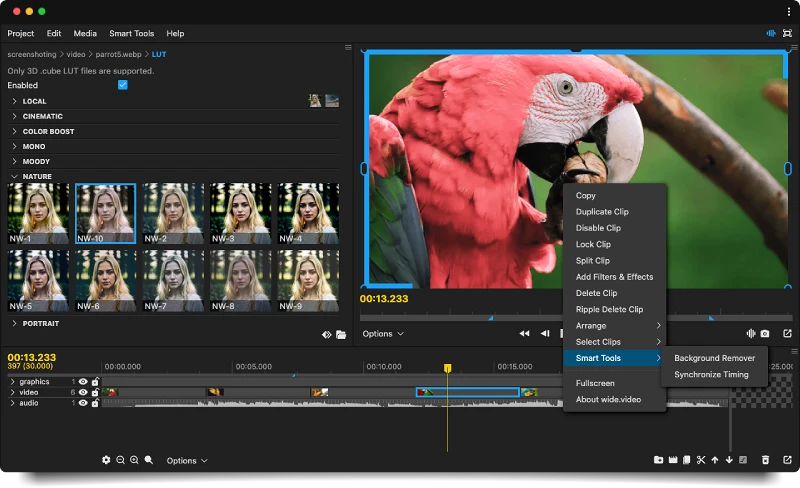
- The program is completely free and does not require paid activation.
- There are no restrictions on usage frequency or video

 File Name:
 Downloads:
 Version:
 Full Version:
 Created By:
 License Type:
 Release Date:
 Languages:
 Tags:
Tags:


