

Looking for a seamless and flexible office experience on your Mac? Microsoft Office is here to revolutionize performance and integration, offering powerful enhancements in Word, Excel, PowerPoint, and Outlook. The new version is designed to align with the modern macOS environment, providing a smoother interface, built-in AI tools, and faster responsiveness. Whether you're a student, a professional, or a business owner, this version equips you with advanced productivity tools that meet your daily needs with efficiency and style.
Overview of Microsoft Office Download
Microsoft Office began in the late '80s, with Microsoft launching its first versions to meet users' office needs. The program evolved to become the leading digital productivity tool worldwide. Today, the Office version for Mac continues this legacy with significant updates that align with the modern macOS environment, offering a more seamless and effective experience.
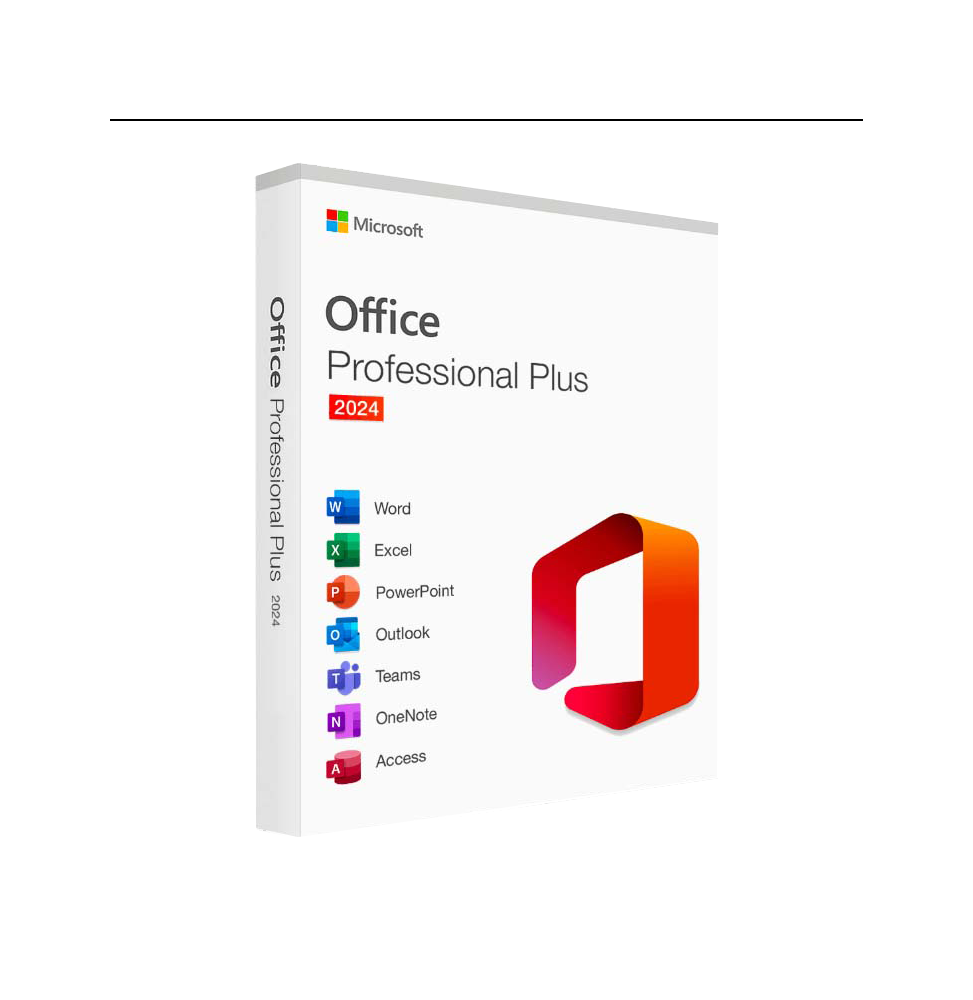
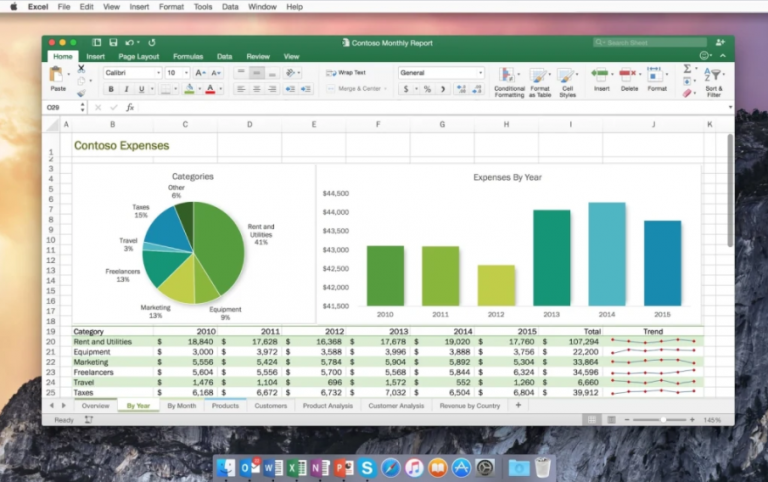
This version includes a suite of essential applications like Word, Excel, PowerPoint, Outlook, and OneNote, each designed to meet specific needs. Word helps in professional document editing, Excel allows for data analysis and table creation, PowerPoint offers tools for designing engaging presentations, Outlook simplifies email and calendar management, and OneNote provides a flexible space for jotting down and organizing ideas.
Office 2024 is versatile for a wide range of users. Students will find it ideal for completing research and academic presentations, while employees and professionals benefit from its capabilities in organizing projects and reports. Business owners rely on it for data management and internal communication, while everyday users can efficiently handle daily tasks.
Technically, this version boasts noticeable improvements in performance, startup speed, and full support for macOS Ventura design and beyond. Integrated AI tools enhance writing and data analysis, alongside continuous security updates to protect files and personal information. Seamless integration with Microsoft 365 services adds a new dimension to collaboration and teamwork.
Features of Microsoft Office for Mac
- Features an improved user interface that aligns with macOS Ventura's design, supporting dark mode for a more comfortable experience.
- Faster performance and instant responsiveness when opening and switching between apps, boosting productivity.
- Smart integration with Microsoft 365 services for easy collaboration and file sharing via the cloud.
- Built-in AI tools to enhance writing in Word, data analysis in Excel, and presentation design in PowerPoint.
- Significant improvements in Outlook include organizing emails, managing calendars, and scheduling meetings accurately.
- Continuous security updates to protect files and personal information from breaches or damage.
- Multi-language support to meet the needs of users worldwide.
- Full compatibility with modern Apple devices, including those with Apple Silicon processors.
- Automatic updates ensure you receive the latest features without manual intervention.
- A flexible design that suits students, professionals, and business owners alike.
- Includes advanced collaboration tools that allow users to work on the same document in real-time, enhancing group productivity in both work and study environments.
- Supports auto-save and cloud synchronization, ensuring no data is lost during work, even if the connection drops or the program closes unexpectedly.
- Offers a unified experience across different devices, whether you're using it on a Mac, iPad, or phone, making task-switching seamless.
- Improved accessibility tools for users with special needs, such as screen readers and text magnification, providing a more inclusive experience for all users.
- Allows customization of the interface and tools according to user needs, offering greater flexibility in work style and task organization.
- Supports multiple file formats, making it easy to exchange with other programs without compatibility issues or format loss.
- Includes a library of ready-to-use templates in Word and PowerPoint, speeding up creation and saving time.
- Provides regular updates that add new features and security improvements, keeping it always in line with the latest technologies and market demands.
Technical Details and System Requirements
- Operating System: macOS Monterey 12 or later (macOS Ventura or Sonoma preferred for optimal performance)
- Processor: Apple Silicon (M1, M2, M3) or Intel Core i5 and above
- Memory: Minimum 4GB RAM.
- Storage: 10GB available disk space for full package installation
- Display: 1280×800 pixel resolution or higher
Additional Features of Microsoft Office for Mac
- Supports offline mode with the ability to sync changes automatically when connected to the internet.
- Includes a library of professional templates ready for use in Word and PowerPoint, saving time in design and writing.
- Offers multiple export options like PDF, HTML, CSV, making file sharing across different platforms easy.
- Allows integration with third-party apps like Zoom, Trello, and Slack to expand productivity scope.
- Supports voice dictation and automatic speech-to-text conversion, helping users complete tasks quickly.
- Contains advanced linguistic review tools supporting spell and grammar checks in multiple languages, including Arabic.
- Provides smart usage analytics to help users track time spent on tasks and improve personal performance.
- Supports direct cloud printing without the need to download files locally.
- Offers interface customization options like rearranging tools and adjusting colors to suit user preferences.
- Includes Focus Mode in Word to minimize distractions while writing.
Conclusion
Microsoft Office for Mac is the perfect choice for anyone seeking high productivity and a comprehensive office experience on Apple devices. With its enhanced interface, smart tools, and cloud integrations, working has never been more flexible and professional. Don't miss out on these advanced features—start now, download the program today, and enjoy superior performance that fits your daily needs, whether you're a student, a professional, or a business owner.


 File Name:
 Downloads:
 Requirements:
 Version:
 Full Version:
 Created By:
 License Type:
 Release Date:
 Languages: