

Tired of endlessly searching for a reliable version of PDF Reader Pro? Tech World has got you covered. You can download the program directly without any hassle or fake links, allowing you to start using a powerful tool for reading and editing PDF files. Whether you need it for studying, work, or organizing personal documents, PDF Reader Pro offers a seamless and comprehensive experience that includes editing, converting, signing, and printing in high quality, all available through a direct link from a trusted source.
Overview of PDF Reader Pro Download
PDF Reader Pro is developed by PDF Technologies, Inc, a company specializing in PDF file management solutions and smart tools to boost productivity. They offer a wide range of products like PDF conversion tools, developer SDKs, and custom services for enterprises, standing as a strong competitor to programs like Adobe Acrobat.
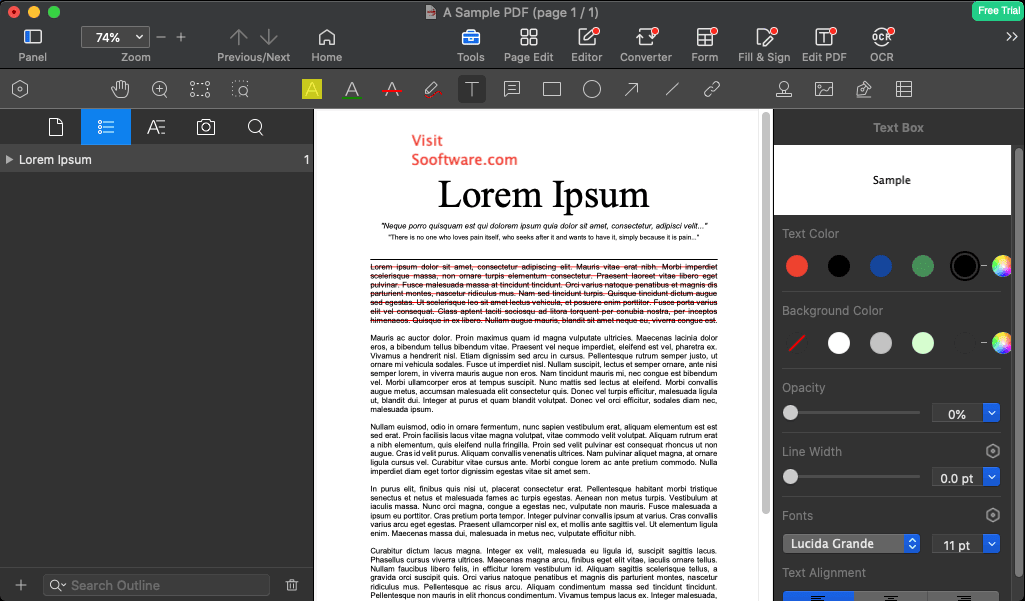
PDF Reader Pro is a comprehensive solution for managing PDF files, combining power and flexibility in an easy-to-use interface. It’s designed to meet the needs of individuals and organizations, working efficiently on macOS, Windows, iOS, and Android, with a special version for Linux called LynxPDF.
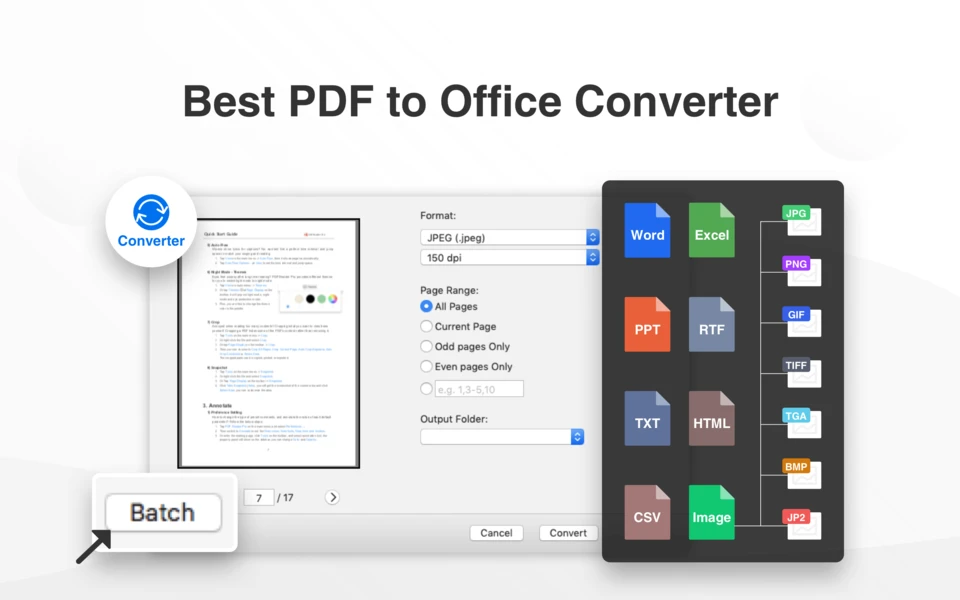
The program allows you to view, edit, convert, annotate, sign, and fill forms in PDFs effortlessly, making it suitable for various industries like education, law, healthcare, and banking. It also supports AI tools like translation, proofreading, summarizing, and rewriting, enhancing productivity and simplifying workflows.
PDF Reader Pro excels in saving, syncing, and accessing files, supporting advanced features like Optical Character Recognition (OCR), document protection, page organization, and file compression. It offers powerful conversion tools to and from PDF, including Word, Excel, PowerPoint, HTML, and image and text formats.
The program is available with a free trial version and offers a one-time purchase option without a monthly subscription, with special discounts for the education sector. Trusted by over 90 million users worldwide, it is used daily by professionals across various fields.
Features of PDF Reader Pro
- Quickly and easily read PDF files, even large ones.
- Provides tools to edit text and images directly within the document.
- Supports converting PDF files to various formats like Word, Excel, PowerPoint, and images.
- Allows merging multiple PDFs into one or splitting a file into separate parts.
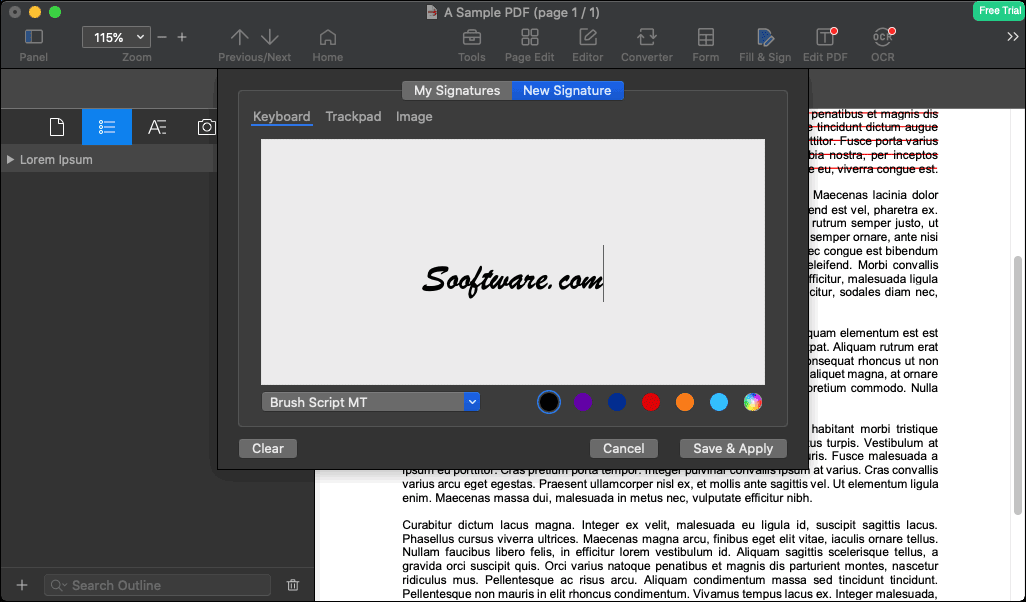
- Features electronic signing, either manually or using a saved signature.
- Offers options to protect files with passwords and set permissions for editing and printing.
- Enables adding comments, notes, and highlighting text within the file.
- Includes a night reading mode to reduce eye strain.
- Supports audio reading of texts within the file.
- Available in multiple languages, including Arabic, for easier use.
Additional Functions of PDF Reader Pro
- Supports OCR (Optical Character Recognition) to convert scanned images into editable text.
- Allows filling interactive forms within PDFs, like surveys and electronic contracts.
- Advanced tools for page editing, such as rearranging, rotating, or deleting pages easily.
- Supports working on multiple files simultaneously through a flexible tab interface.
- Compatible with storage services like Google Drive and Dropbox for easy file access from anywhere.
- Allows adding timestamps, watermarks, and digital signatures to protect and authenticate documents.
- Tools for extracting text and images from within the file and saving them separately.
- Supports advanced printing with options to customize pages and sizes.
- Audio reading feature for text within the file, useful for users who prefer listening.
- Customize the user interface as needed, including changing colors, font size, and display style.
System Requirements for Running PDF Reader Pro
- Runs on macOS 10.13 High Sierra or later versions.
- Supports both Intel processors and Apple Silicon like M1 and M2.
- Requires at least 4GB of RAM, with 8GB or more recommended for better performance.
- Needs at least 500MB of storage space for installation, plus additional space for saving files and projects.
- Operates on a screen resolution of at least 1024×768, with higher resolution screens recommended for a more comfortable experience.
- The program is designed to work efficiently on modern Mac devices, providing an easy experience for reading and editing PDF files with high quality.
In conclusion, PDF Reader Pro offers a comprehensive experience for anyone seeking a reliable and fast tool to handle PDF files. With its advanced features and ease of use, it’s an ideal choice for students, employees, and business owners who need to organize their documents efficiently. Available through Tech World with a direct link, accessing this program no longer requires extra time or effort. Just download it and start using it right away to take advantage of high-quality editing, signing, and conversion tools.

 File Name:
 Downloads:
 Requirements:
 Version:
 Full Version:
 Created By:
 License Type:
 Release Date:
 Languages:
