

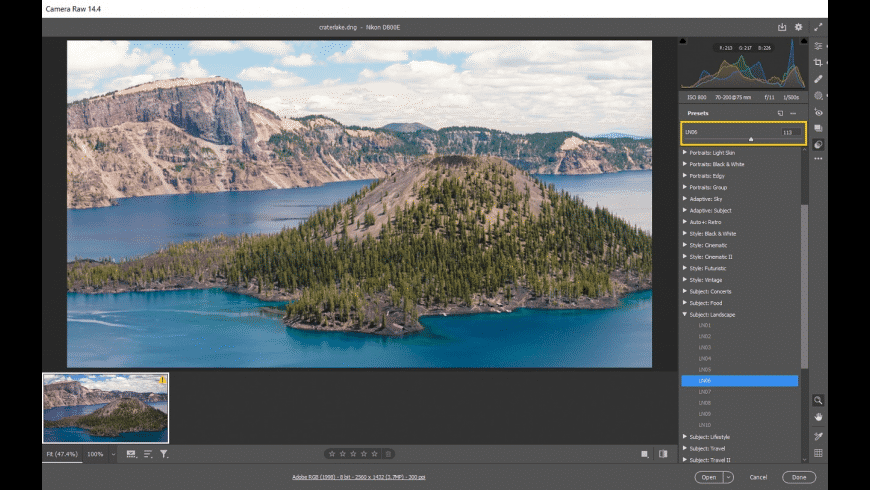
Adobe Camera Raw is a delightful surprise for photography enthusiasts and image editors who need a powerful tool to enhance RAW images without losing quality. Adobe Camera Raw steps in to allow you to adjust lighting, colors, and fine details before importing the image into Photoshop or Lightroom. This version is essential for any professional or amateur photographer aiming for professional results. If you're seeking a program that offers an enhanced editing experience, Adobe Camera Raw is your go-to, combining fast performance with the ability to handle RAW files.
Overview of Adobe Camera Raw
Adobe Camera Raw for Mac is a crucial extension developed by Adobe for its popular programs like Photoshop and Lightroom. It allows users to import and professionally process RAW files from various camera types. The new version features noticeable improvements in performance and color processing, making image handling faster and more accurate. It is compatible with the latest cameras on the market and updates lens profile files, simplifying optical corrections. For photographers who rely on high-quality work, the program provides a comprehensive environment for image editing without complex steps, giving you full control before the final output stage.
Key Features of Adobe Camera Raw
When discussing Adobe Camera Raw, there are numerous features to highlight:
- Offers a comprehensive editing experience with numerous options that simplify image handling.
- Extended support for the latest cameras and RAW files.
- Advanced tools for adjusting lighting, contrast, and shadows.
- Precise color enhancement with integrated profile usage.
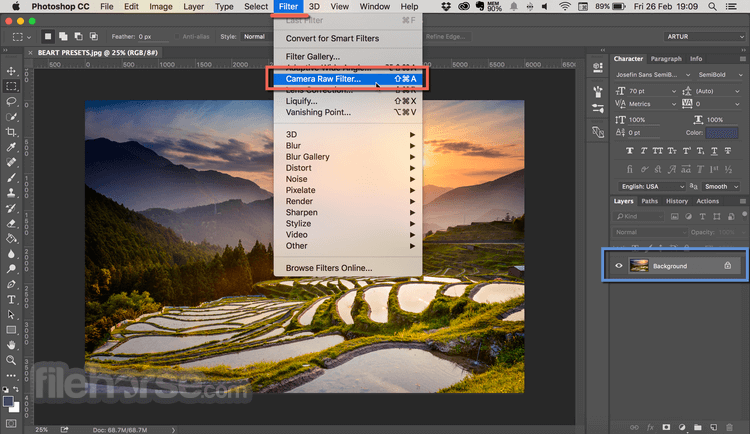
- Full compatibility with Photoshop and Lightroom.
- Improved performance with the new Apple Silicon processors.
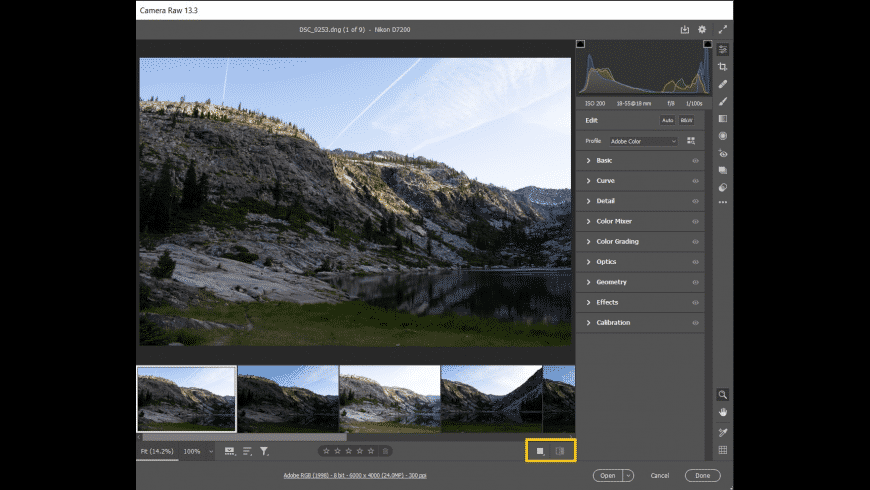
- User-friendly interface that makes it easy even for beginners.
Technical Details and System Requirements for Adobe Camera Raw
To run Adobe Camera Raw on your device, you need to be aware of the basic requirements to ensure a smooth and stable experience, especially since the program is aimed at Mac users with support for Adobe's latest hardware:
Processor:
- Minimum: Multi-core Intel processor (2GHz or faster with SSE 4.2 and 64-bit support) or Apple M1.
- Recommended: Apple M1 or newer.
Operating System:
- Minimum: macOS Ventura (version 13).
- Recommended: macOS Sonoma (version 14).
Memory (RAM):
- Minimum: 4 GB.
- Recommended: 16 GB.
Storage:
- 4 GB of free disk space + additional space during installation.
Screen Resolution:
- Minimum: 1024×768.
- Recommended: 1920×1080 or higher.
Graphics Card (GPU):
- Minimum: Metal-compatible card + 2 GB GPU memory.
- Recommended: Integrated GPU with Apple Silicon (M1 or newer) + 16 GB unified memory to support GPU acceleration and AI features (like noise reduction, lens blur, reflection removal).
Advanced Features of Adobe Camera Raw
Alongside the basic tools, Adobe Camera Raw offers a range of advanced features that enhance user experience and set it apart from traditional photo editing tools:
- Allows merging multiple RAW files into a high-resolution panoramic or HDR image.
- Enables the use of smart masks for partial adjustments on specific image areas.
- Additionally, it provides automatic control over lens details, color fringing, and optical distortion, making it easier for photographers to produce flawless images suitable for professional use.
Conclusion
In conclusion, Adobe Camera Raw for Mac is not just an additional tool but an essential component for anyone aiming to enhance their image quality professionally. The new version meets photographers' needs by providing practical tools that allow full control over every image detail before importing them into main programs like Photoshop or Lightroom. If you're looking to improve your skills and achieve high-quality results, downloading this program is a smart move. It's not just for professionals; amateurs can also benefit from it to enhance their photos quickly and easily. With Adobe's continuous support and regular updates, Adobe Camera Raw remains a standout choice for every Mac user.

 File Name:
 Downloads:
 Requirements:
 Version:
 Full Version:
 Created By:
 License Type:
 Release Date:
 Languages: