

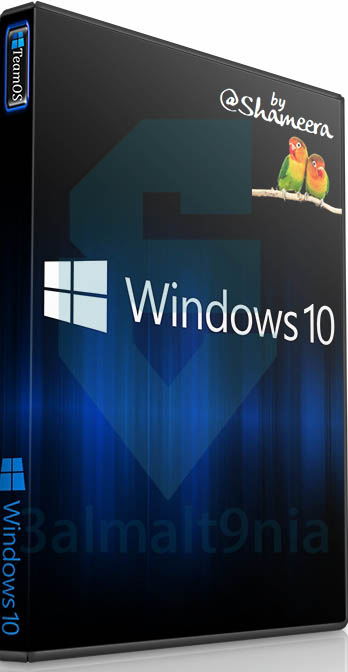
Windows 10 21H2 (build 19044) Nov 2021 Update ISO Free Download
Data and information about the release:
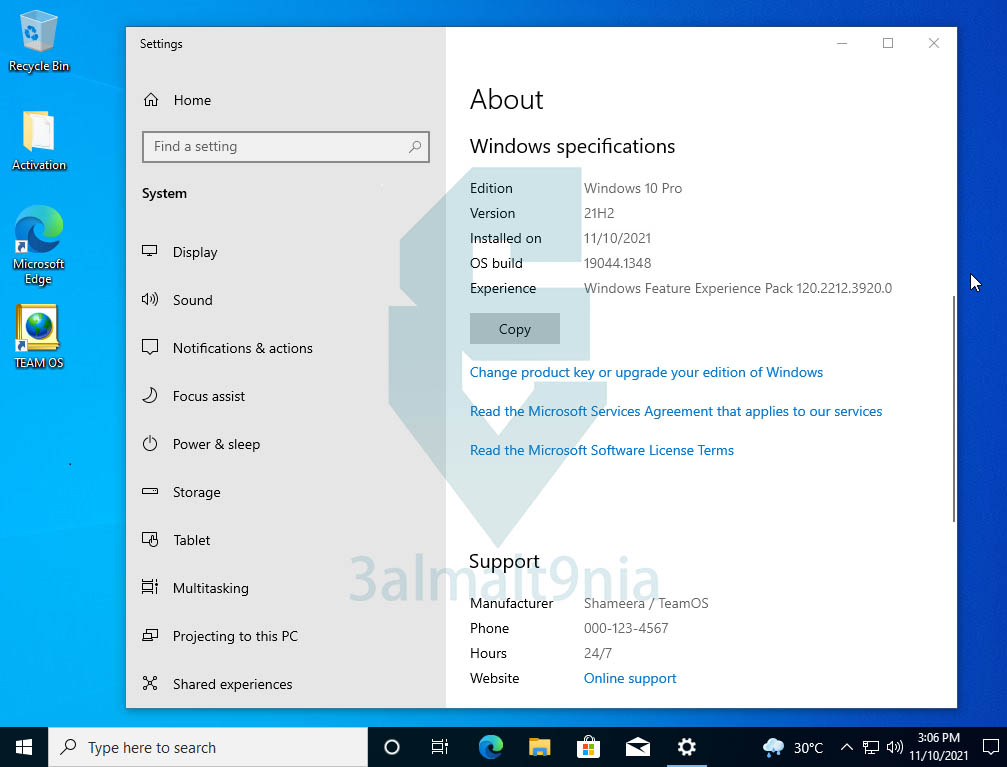
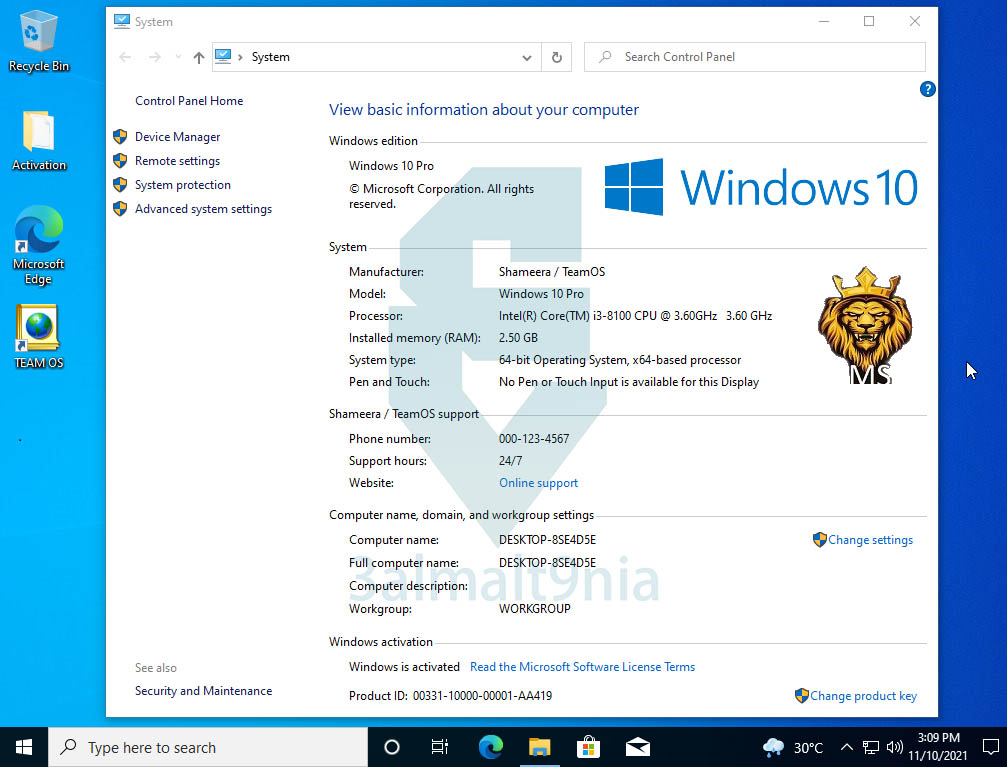
Edition: Windows 10 Professional
Version: 21H2
OS Build: 19044.1348
Kernel: x64
Language: English-US
Windows description:
Download the Windows 10 Ultimate Edition
The ISO file contains both Home and Professional editions for 32-bit and 64-bit systems. We provide a direct, one-click link to download the Windows 10 21H2 ISO file. You can use this link to get the ISO file for the latest version of Windows 10 21H2 to create a bootable USB drive and install it on your computer.
Windows 10 Update 20H2 November 2021
It is important to note that the November 21H2 update is not a major Windows 10 update, but rather a continuation of the approach of previous updates such as 20H2 and 21H1. Therefore, you can install 21H2 as a monthly security update and not a full system upgrade.
Windows 10 21H2: Release Date and Update Size
Microsoft released Windows 10 update 21H2 on November 16, 2021. If you have the previous update, 21H1, installed, it will be less than 500 MB when downloaded via Windows Update. If you require the ISO file, the download size will be approximately 5 GB.
Windows 10 21H2: New Features
This year's latest update, November 21H2, includes enhanced features for enterprises and bug fixes. These improvements from Microsoft contribute to making Windows 10 more stable. The user experience and features are likely to remain the same. Here's an overview of the new features in version 21H2:
- Support for WPA3 H2E standards has been added to enhance Wi-Fi network security.
- Windows Hello for Business introduces a new deployment method called Cloud Trust to support simplified passwordless deployments and achieve deployment and operation status in just a few minutes.
- Support for GPU computing in the Windows Subsystem for Linux (WSL) and Azure IoT Edge Linux-on-Windows (EFLOW) applications for machine learning and other high-computational workflows.
Should I upgrade to Windows 10 version 21H2?
Upgrading to Windows 10 21H2 isn't always necessary. It's an optional update, meaning you're not obligated to install it immediately. Microsoft won't force this update on your PC until support for your current version of Windows 10 ends or it becomes obsolete.
How to download Windows 10 21H2 ISO files for 32/64-bit systems from Softlay.
The recommended method is to obtain the official Windows 10 ISO files via Microsoft's Media Creation Tool, Windows 10 21H2. Microsoft has updated the Media Creation Tool to version 19044.
However, downloading via Windows Update doesn't always work, causing problems and errors during the update process. Furthermore, download speeds using the Media Creation Tool can be very slow. Additionally, you cannot download the Windows 10 ISO file from the MSDN website without an active subscription.
Is it safe to upgrade to Windows 10 version 21H2 using an ISO file?
Windows 10 21H2 build 19044 is the new November update release, and it is stable and safe to install on devices running versions 2004, 20H2 and 21H1.
How to install Windows 10 update from a USB drive
Microsoft provides its free tools to create bootable DVDs or USB flash drives from ISO files, which in turn can be used to install the updated Windows 10 operating system directly onto a new device.
Operating requirements - System requirements:
64-bit (x64) processor with a clock speed of 1 gigahertz (GHz) or higher;
2 GB (64-bit) random access memory (RAM);
32 GB (64-bit) hard disk space;
DirectX 9 graphics device with WDDM 1.0 or higher driver.
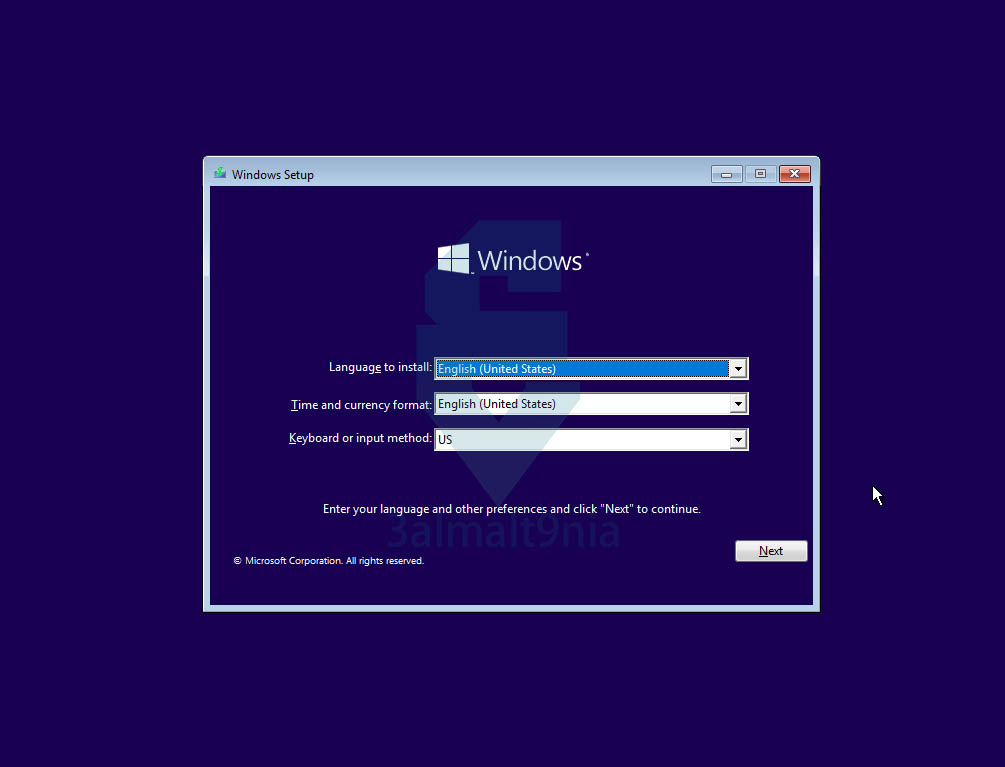
Release images:
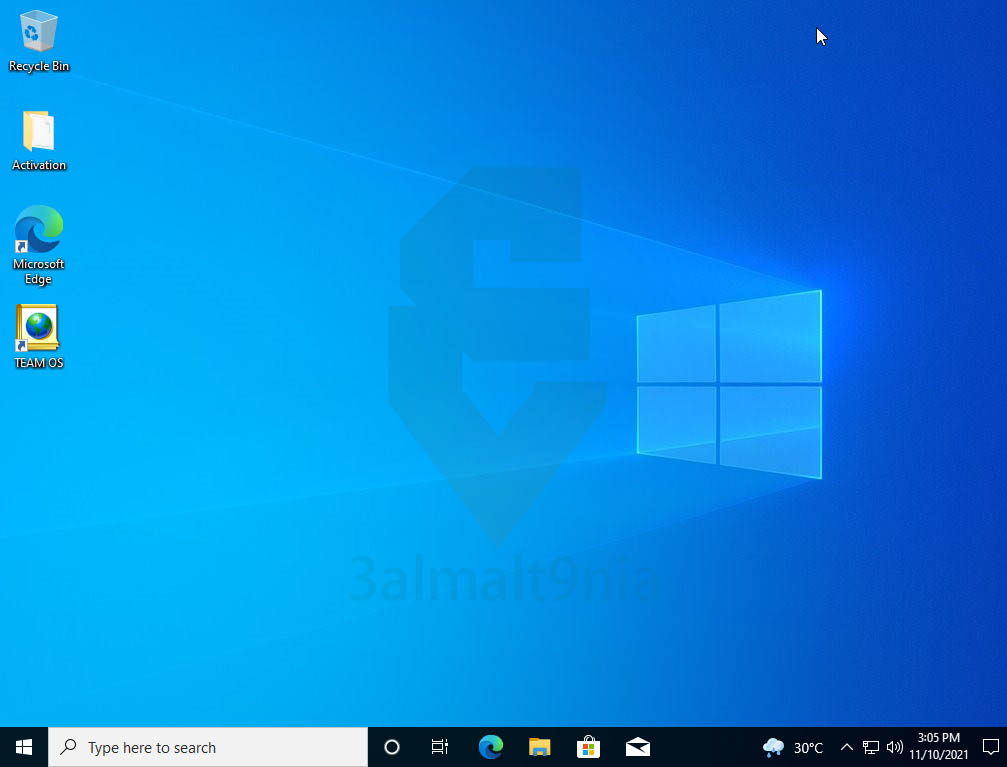
Edition: Windows 10 Professional
Version: 21H2
OS Build: 19044.1348
Kernel: x64
Language: English-US
Windows description:
Download the Windows 10 Ultimate Edition
(build 19044) for 32-bit and 64-bit PCs. Get the latest version of Windows 10.
The ISO file contains both Home and Professional editions for 32-bit and 64-bit systems. We provide a direct, one-click link to download the Windows 10 21H2 ISO file. You can use this link to get the ISO file for the latest version of Windows 10 21H2 to create a bootable USB drive and install it on your computer.
Windows 10 Update 20H2 November 2021
It is important to note that the November 21H2 update is not a major Windows 10 update, but rather a continuation of the approach of previous updates such as 20H2 and 21H1. Therefore, you can install 21H2 as a monthly security update and not a full system upgrade.
Windows 10 21H2: Release Date and Update Size
Microsoft released Windows 10 update 21H2 on November 16, 2021. If you have the previous update, 21H1, installed, it will be less than 500 MB when downloaded via Windows Update. If you require the ISO file, the download size will be approximately 5 GB.
Windows 10 21H2: New Features
This year's latest update, November 21H2, includes enhanced features for enterprises and bug fixes. These improvements from Microsoft contribute to making Windows 10 more stable. The user experience and features are likely to remain the same. Here's an overview of the new features in version 21H2:
- Support for WPA3 H2E standards has been added to enhance Wi-Fi network security.
- Windows Hello for Business introduces a new deployment method called Cloud Trust to support simplified passwordless deployments and achieve deployment and operation status in just a few minutes.
- Support for GPU computing in the Windows Subsystem for Linux (WSL) and Azure IoT Edge Linux-on-Windows (EFLOW) applications for machine learning and other high-computational workflows.
Should I upgrade to Windows 10 version 21H2?
Upgrading to Windows 10 21H2 isn't always necessary. It's an optional update, meaning you're not obligated to install it immediately. Microsoft won't force this update on your PC until support for your current version of Windows 10 ends or it becomes obsolete.
How to download Windows 10 21H2 ISO files for 32/64-bit systems from Softlay.
The recommended method is to obtain the official Windows 10 ISO files via Microsoft's Media Creation Tool, Windows 10 21H2. Microsoft has updated the Media Creation Tool to version 19044.
However, downloading via Windows Update doesn't always work, causing problems and errors during the update process. Furthermore, download speeds using the Media Creation Tool can be very slow. Additionally, you cannot download the Windows 10 ISO file from the MSDN website without an active subscription.
Is it safe to upgrade to Windows 10 version 21H2 using an ISO file?
Windows 10 21H2 build 19044 is the new November update release, and it is stable and safe to install on devices running versions 2004, 20H2 and 21H1.
How to install Windows 10 update from a USB drive
Microsoft provides its free tools to create bootable DVDs or USB flash drives from ISO files, which in turn can be used to install the updated Windows 10 operating system directly onto a new device.
After downloading and saving the Windows 10 ISO file to your computer, you'll need to copy it to a USB flash drive. Follow these instructions: How to create a bootable USB flash drive for Windows 10 if you want to install Windows 10 from a USB drive.
Operating requirements - System requirements:
64-bit (x64) processor with a clock speed of 1 gigahertz (GHz) or higher;
2 GB (64-bit) random access memory (RAM);
32 GB (64-bit) hard disk space;
DirectX 9 graphics device with WDDM 1.0 or higher driver.
Release images:

 File Name:
 Downloads:
 Requirements:
 Version:
 Full Version:
 Created By:
 License Type:
 Release Date:
 Languages: