

OpenJS Electron 42.5.0 Free Download - 3almalt9nia
Free Download OpenJS Electron 42.5.0 Latest Offline Installer for Windows - Build cross-platform desktop apps.
If you're looking for a robust development environment to build desktop applications using web technologies (HTML, CSS, JavaScript), OpenJS Electron is the perfect solution. Electron is an open-source framework that allows you to develop applications for Windows, macOS, and Linux using familiar web tools without needing to learn new programming languages or complex environments. The new release offers significant improvements in performance and security, along with support for the latest versions of Node.js and Chromium, making it the ideal choice for desktop application developers in both startups and large enterprises.
What is OpenJS Electron?
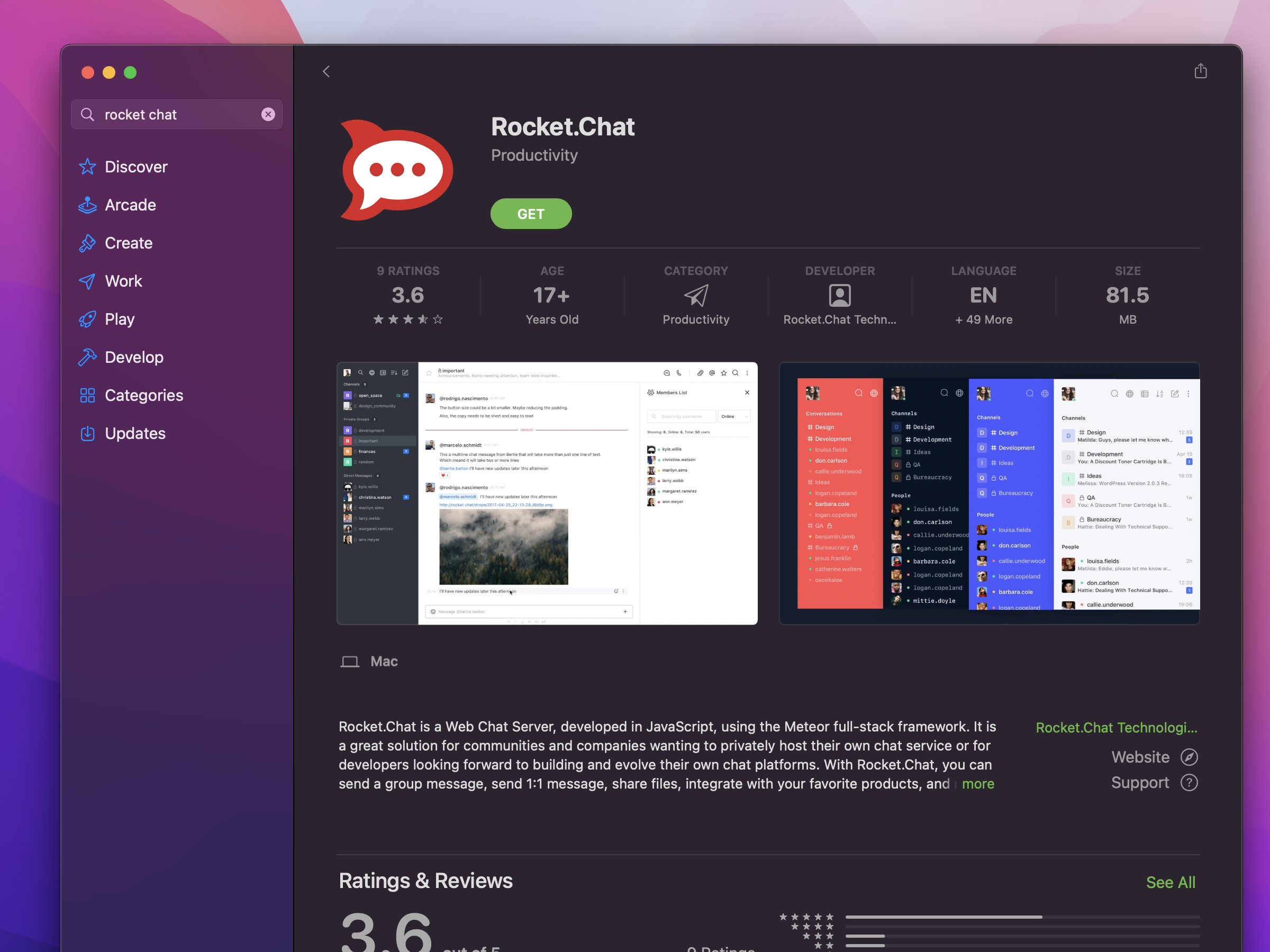
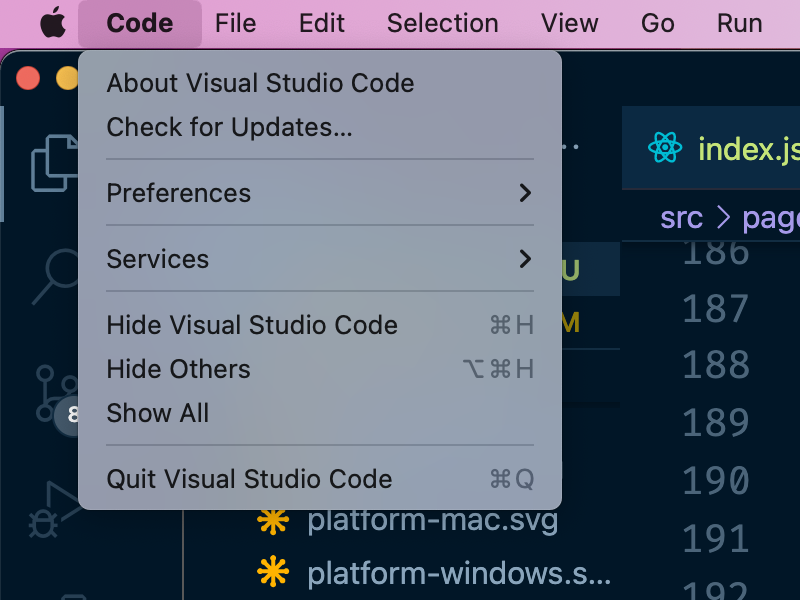
Electron is a framework for developing desktop applications using JavaScript, HTML, and CSS. Originally developed by GitHub, it is now managed by the OpenJS Foundation and relies on integrating the Chromium browser and Node.js engine to create flexible cross-platform applications. The latest stable release of Electron offers high compatibility with modern web libraries and more efficient application performance, with significant improvements in resource consumption. It is used by thousands of developers worldwide, including major companies like Microsoft (Visual Studio Code), Slack, and Discord, proving its effectiveness and reliability.
Top Uses of OpenJS Electron
As the app market expands and developers' needs diversify, reliance on Electron for building advanced and integrated applications has increased. Here are its key uses:
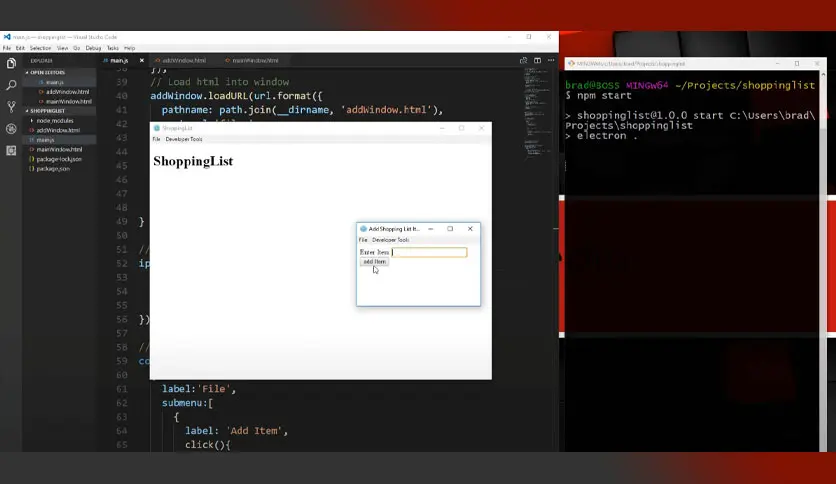
Developing Cross-Platform Desktop Applications
- Used to create applications that run smoothly on Windows, macOS, and Linux without needing to modify the code.
- Ideal for companies wanting to offer the same application to a large number of users across different systems.
Converting Web Applications to Desktop Apps
- Companies can easily convert their website into a downloadable and installable application on a computer.
- Used to turn SaaS tools into offline versions that work without an internet connection.
Developing Internal Tools for Companies
- Relied upon to build tools for project management, productivity tracking, network monitoring, and data analysis in the workplace.
- Gives developers the ability to use their favorite web technologies to develop powerful and fast tools.
Developing Messaging and Multimedia Apps
- Thanks to its strong integration with operating system interfaces, Electron is used in developing chat applications like Slack and Discord.
- Also used for developing photo or music editing apps, or media players.
Software Testing and Automation
- Can be used to create graphical interfaces for automation applications or software testing tools, making engineers' work more effective.
Education and Training
- Many academics and educational institutions use Electron to deliver interactive educational applications that can run locally on students' devices.
Benefits of Downloading the Full OpenJS Electron
If you're a developer looking for a powerful platform that combines the flexibility of web technologies with the strength of desktop applications, downloading the full version of OpenJS Electron is an ideal choice. This development environment allows you to build cross-platform applications using JavaScript, HTML, and CSS without needing to learn programming languages specific to each operating system. The full version opens up access to all of Electron's advanced tools, including automatic updates, smart crash reports, and seamless integration with npm libraries, providing a professional and smooth development experience that meets the demands of the digital age.
Key Features
- Cross-platform development from a single codebase with no need to write separate code for each operating system, as the same code works on all systems.
- Support for modern web technologies, including the latest versions of HTML5, CSS3, and ES6, with full compatibility with libraries like React, Vue, and Angular.
- Integration of Node.js and Chromium, giving developers the ability to easily handle file systems, networks, and background processes.
- Built-in automatic updates, providing self-updating capabilities for created applications, reducing the effort required from the end-user.
- A strong development environment with powerful debugging tools, an advanced error log, and support for plugins and external libraries.
- Support for plugins and multiple windows, allowing more than one window to run in the same application, with tasks separated as needed.
New Version Features
- Faster performance and improved memory consumption, with enhancements to the initial loading mechanism reducing memory usage by up to 30%.
- Support for the latest versions of Chromium and Node.js, providing full compatibility with browsers and modern web technologies.
- Enhanced application security, with improved sandboxing and execution permission restrictions.
- Better support for WebAssembly and Service Workers, enabling more complex applications to run on Electron using WebAssembly, including design and engineering tools.
- Comprehensive bug fixes and security updates, addressing dozens of previous issues in performance, interface, and connectivity.
How to Download via Direct Links
Step-by-Step Download Instructions
Step-by-Step Download Process
- Visit the official Electron website.
- From the download page, select the version from the list of releases.
- Choose your operating system (Windows / macOS / Linux) and the appropriate format (.zip / .exe / .tar.gz).
Click the Download button and wait for the download to complete. - Save the file in an easily accessible location to begin the installation process.
Tips to Avoid Issues During Download
- Ensure you use the official website only to avoid fake or pirated copies.
- Check your internet connection speed and network stability.
- Consider using download management tools if the connection is slow.
- Avoid running any security programs that might block external connections.
Installation and Activation After Download
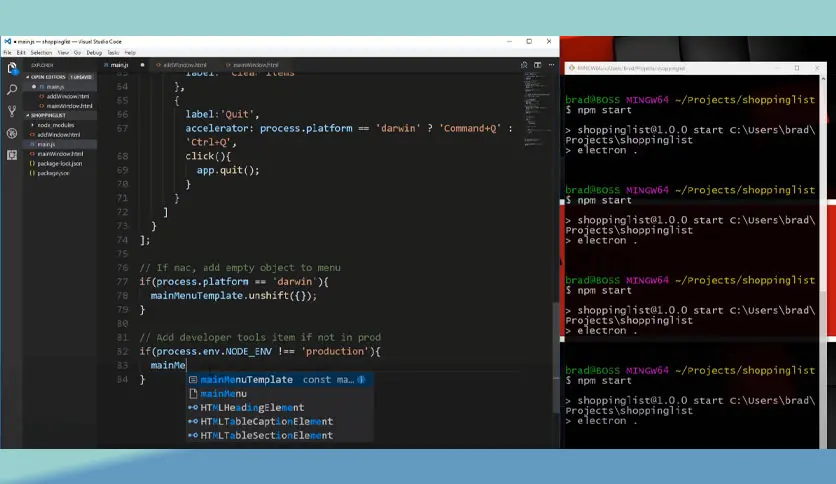
Installation Method
- Electron doesn't require a traditional installation as it is a development environment.
- <span style="font

 File Name:
 Downloads:
 Requirements:
 Version:
 Full Version:
 Created By:
 License Type:
 Release Date:
 What's New:
 Languages:
 Tags:
Tags:

