

Today, we are discussing a powerful and user-friendly tool for web design, namely Adobe Dreamweaver. This is the best tool that combines ease of coding with simple visual design, making it a favorite among both beginners and professionals. The program allows you to create web pages that comply with the latest global standards, in addition to supporting popular programming languages like HTML, CSS, and JavaScript. It provides users with a complete experience for coding and previewing results in real-time. So, if you're considering building a professional website or updating your current site, downloading Dreamweaver on your Mac is a smart first step that gives you greater power and freedom in design.
Overview of Adobe Dreamweaver
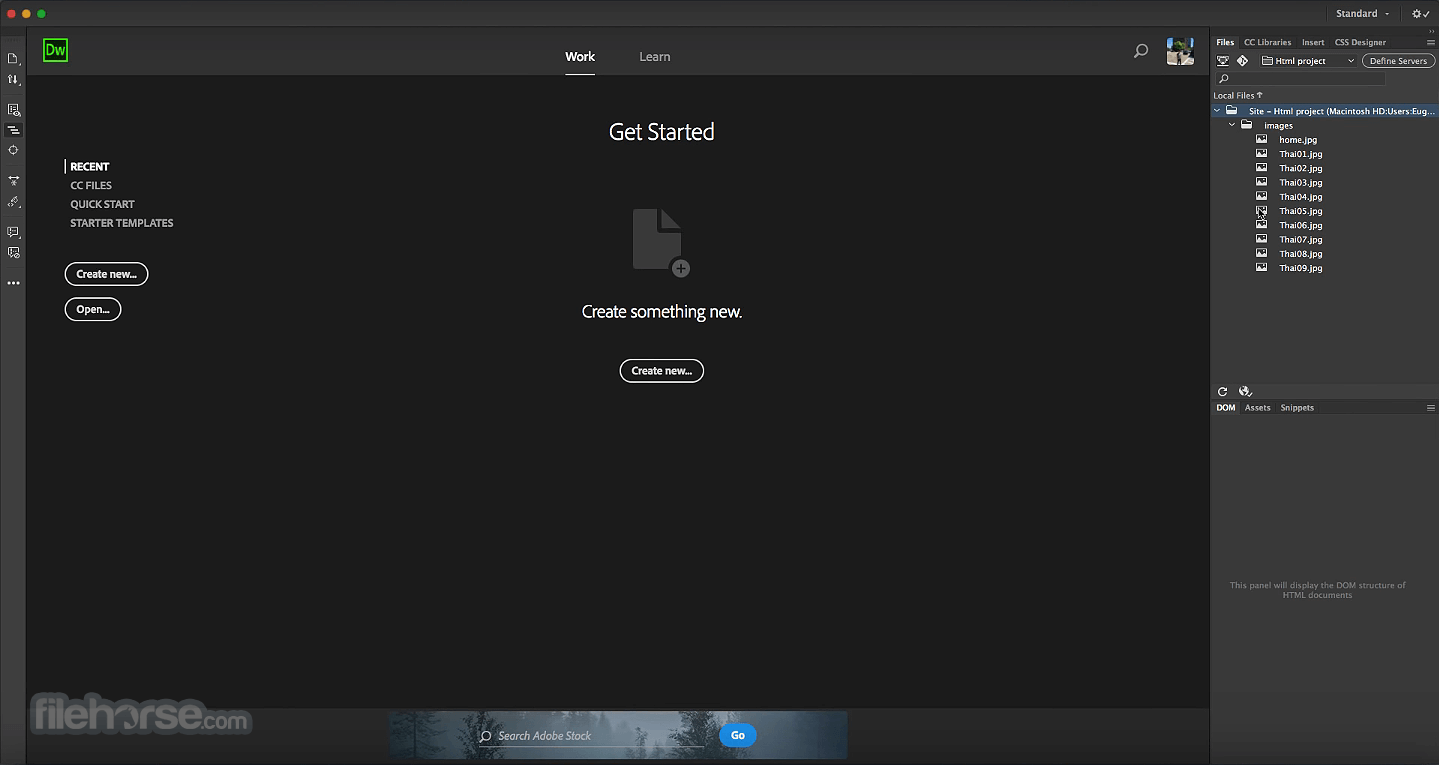
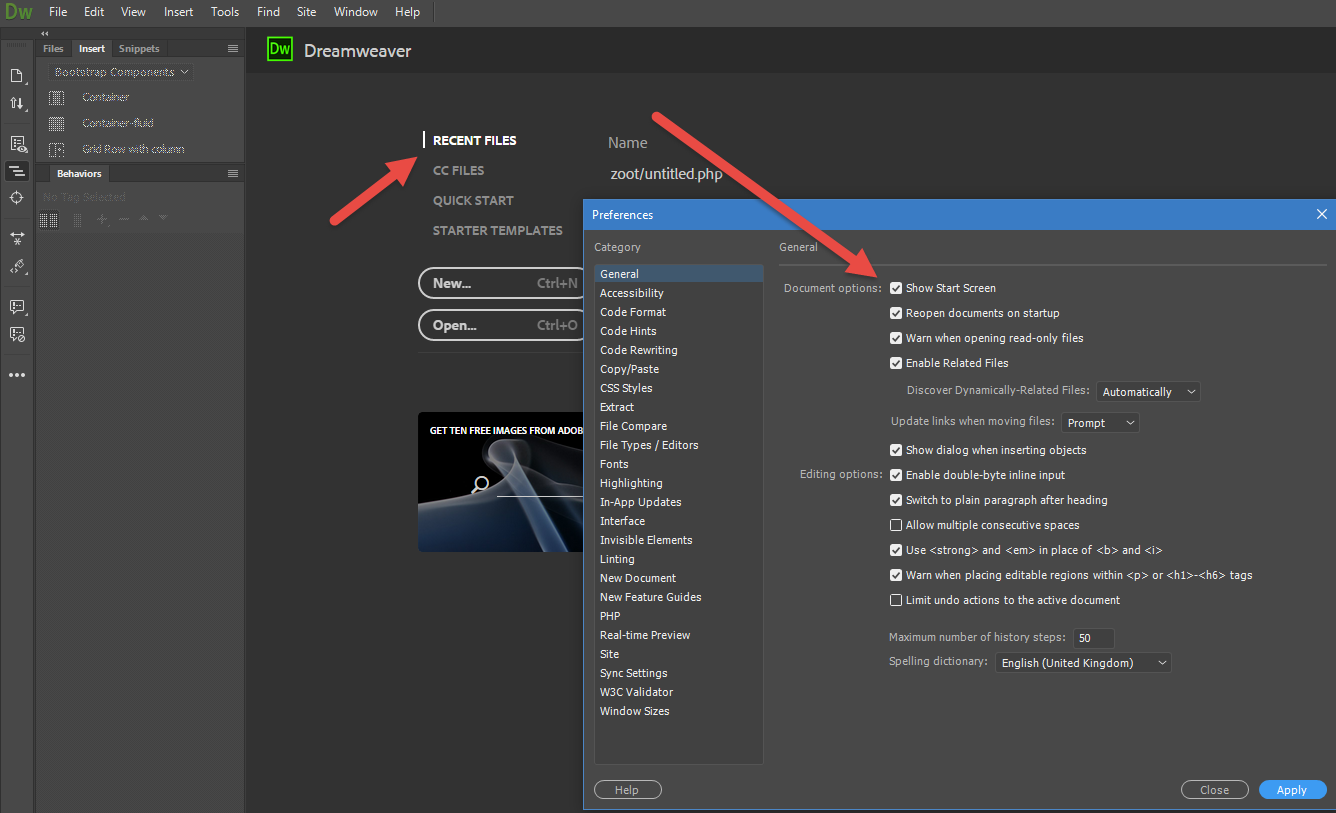
Adobe Dreamweaver is one of the most important web development tools, as it combines an advanced programming environment with visual design capabilities that help build responsive and modern websites. This version is tailored for Mac users and offers faster performance and a more stable experience compared to previous versions. With its updated interface, developers can edit code directly or work through a drag-and-drop interface. The program supports various popular programming languages such as PHP, ASP, and JavaScript, and is compliant with the latest W3C standards, ensuring that the websites created function efficiently across all browsers and devices. Therefore, Dreamweaver is not just a text editor; it is a comprehensive environment that helps you turn your ideas into real websites more quickly.
Key Features of Adobe Dreamweaver
Before we start using Adobe Dreamweaver, it might be helpful to familiarize ourselves with the key features that set it apart from other web development programs:
- Full support for the latest HTML5 and CSS3 technologies
- User-friendly interface with the ability to switch between design and code modes
- Live preview feature to see changes immediately after implementation
- Integration support with other Adobe products like Photoshop and Illustrator
- Tools for designing responsive websites that work seamlessly on mobile and desktop.
- Ready-made templates to speed up the design process for beginners.
Technical Details and System Requirements for Adobe Dreamweaver
Before downloading the program on your Mac, it is important to ensure compatibility with your system specifications to guarantee a smooth and stable experience.
Minimum Requirements
Processor
- Multi-core Intel processor with 64-bit support
- Apple Silicon M1 processor based on ARM with Rosetta.
Operating System
- macOS v12 (Monterey)
- macOS v13 (Ventura)
- macOS v14 (Sonoma)
- macOS v15 (Sequoia)
RAM
2 GB of RAM (4 GB recommended)
Hard Disk Space
3 GB of free disk space is required for installation, and additional free space is needed during installation. Dreamweaver cannot be installed on removable storage devices.
Screen Resolution
A screen resolution of 1280 × 1024 with a 16-bit video card
Internet
An internet connection is required for activation, subscription verification, and access to online services.
Advanced Features of Adobe Dreamweaver
Beyond the basics, Adobe Dreamweaver offers a range of advanced features that add greater value for professional developers. It supports integration with content management systems like WordPress and provides automatic code error checking, which helps improve code before publishing. It also supports a collaborative work environment where projects can be shared with the team and worked on simultaneously. Additionally, it allows direct linking of the site to the hosting server for a seamless file upload experience and real-time tracking of changes. All these additions make it a powerful tool for managing both small and large projects.
Conclusion
Adobe Dreamweaver is a comprehensive solution for anyone looking to build a professional website quickly and easily. Whether you are a beginner seeking a learning tool or a professional looking for an advanced development environment, this version offers everything you need, from coding to live preview and ensuring your site is compatible with various devices and browsers. Its compatibility with modern Mac systems makes it an ideal choice for Apple users. If you're looking to enhance your web development skills or launch a new project, downloading Dreamweaver will be a fundamental step for you.


 File Name:
 Downloads:
 Requirements:
 Version:
 Full Version:
 Created By:
 License Type:
 Release Date:
 Languages: