AVG Clear 26.6.11050 Latest Free Download - 3almalt9nia
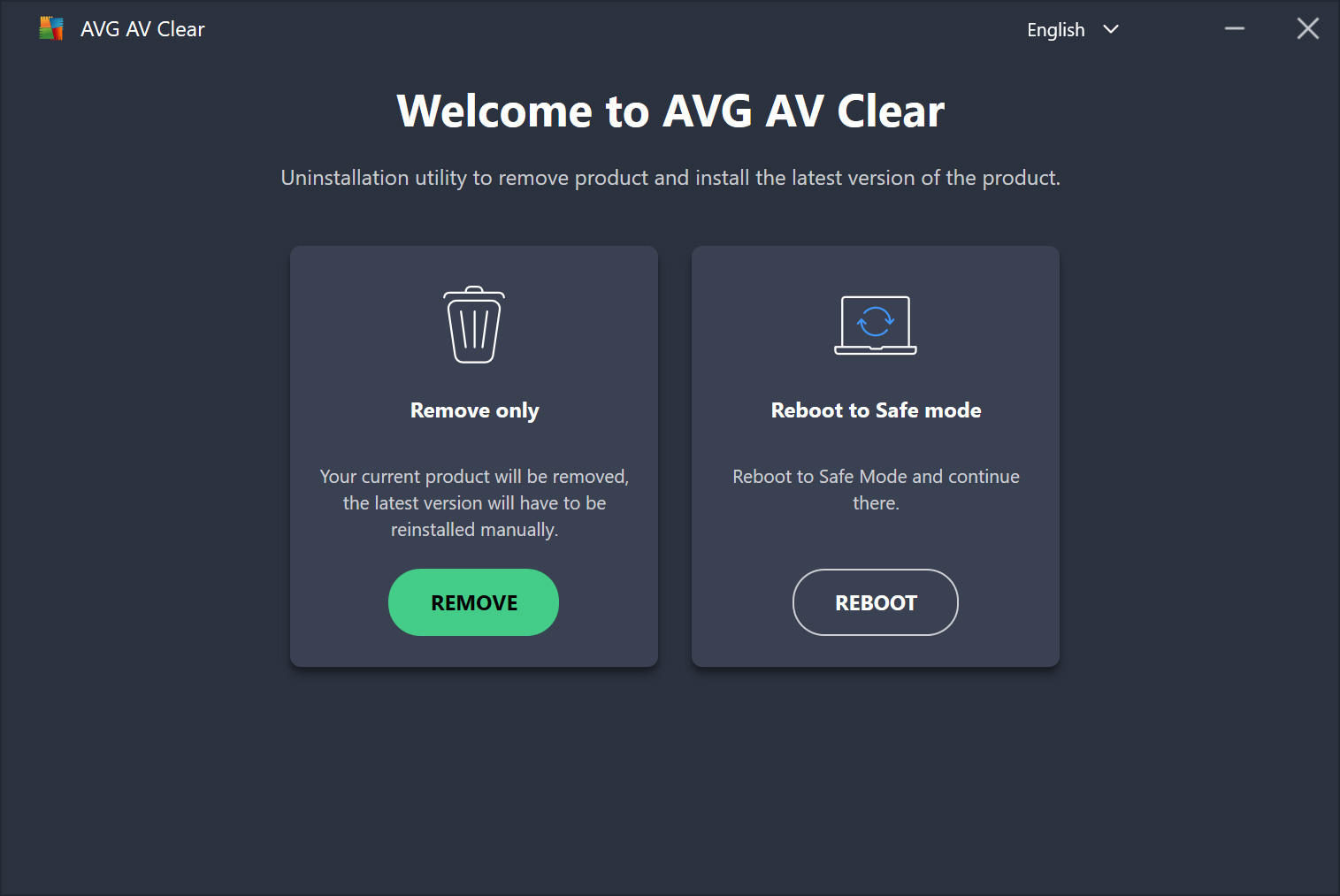
Free Download AVG Clear 26.6.11050 Latest Offline Installer - Completely delete everything from AVG installation.
An Overview of AVG Clear
The full version of AVG Clear with activation is used to completely delete AVG security products from your computer. This program goes beyond a standard uninstall by removing leftover files and settings associated with the deleted programs. Many users encounter issues when trying to remove security software, so AVG provides a powerful and safe tool for this task.
What makes this tool truly special is that it doesn't require installation. You can run it immediately after downloading from the official site. Even in Safe Mode, the tool operates efficiently, meaning you can rely on it even in the toughest situations.
AVG Clear offers a straightforward user experience. Once you open the tool, it starts scanning for installed programs. You then select what you want to remove and begin the process with a click. In just a few minutes, your device will be free of any remnants.
How to Use
- Download AVG Clear from our site
- Run the downloaded AVG Clear executable file
- Restart your computer in Safe Mode
- Run AVG Clear and select the AVG product you want to remove
- Click "Uninstall" and confirm when prompted
- Wait for the process to complete
- Restart your computer normally
AVG Antivirus is one of the most robust antivirus programs available today. It's free and offers more than just device protection. It includes highly useful add-ons like AVG Zen and AVG TuneUp Utilities. By installing AVG Antivirus Free once, you can benefit from the aforementioned add-ons. However, the program automatically installs all these in the background. If, for any reason, you wish to uninstall the antivirus, you might be stopped by a system message asking you to uninstall some programs linked to AVG Antivirus. For beginners, this uninstallation process can become quite tedious.
For example, AVG Antivirus can't be uninstalled while AVG Zen is installed on your device. Some users may encounter errors when trying to uninstall the antivirus for various reasons. To address these issues, AVG has provided a very simple tool to permanently remove all AVG programs from your device. This tool should be used in very specific cases. Let's see how AVG Remover works.
How Does It Work?
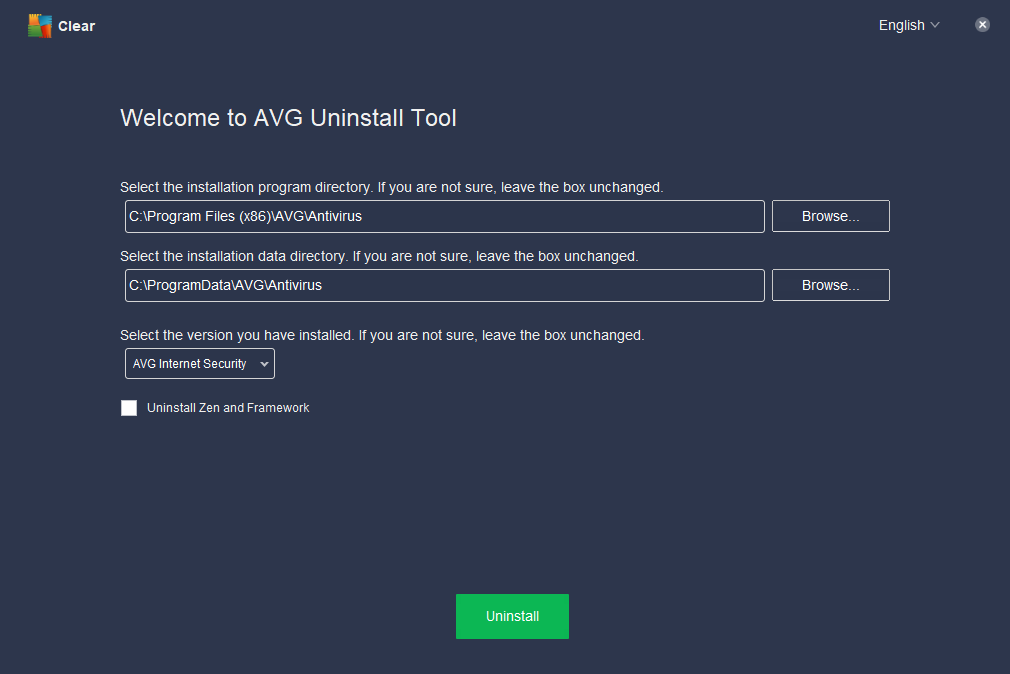
This program is available for almost all Windows versions, is just a few megabytes in size, and downloads very quickly. Once the download is complete, double-click to start the process. At this point, you won't need to do anything else; the program takes care of everything. However, it's important to note that this program should be used as a last resort, i.e., after several failed attempts to remove it. If you haven't faced any difficulties with uninstallation, this program won't be of use to you. But what makes this program stand out?
What Makes AVG Remover So Powerful?
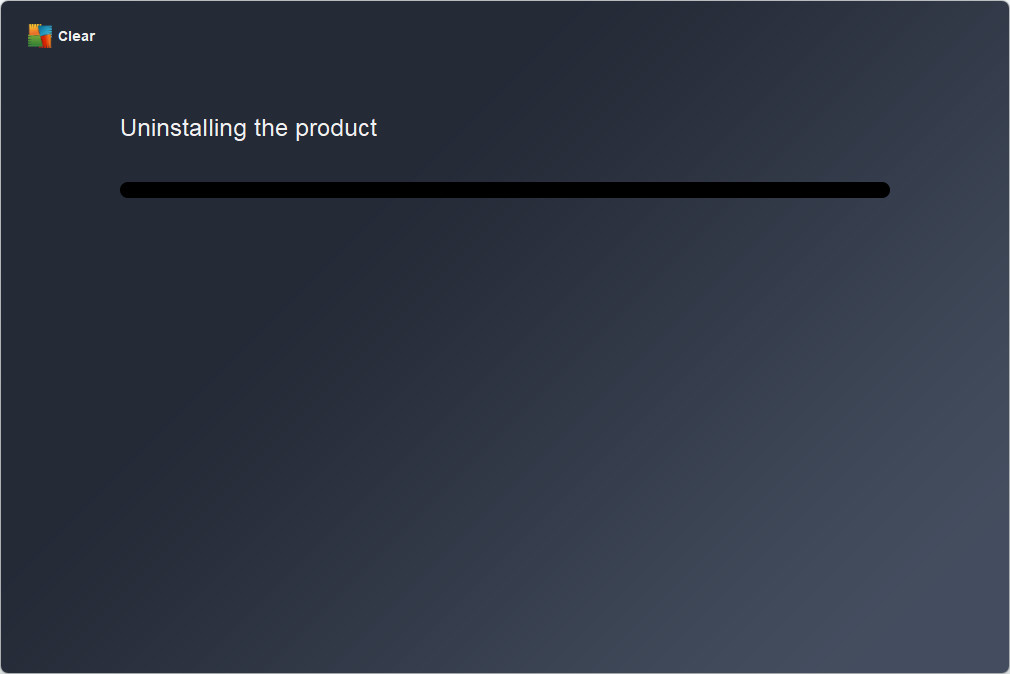
Downloading the full version of AVG Clear with activation doesn't just perform a standard uninstall; it also deletes all user settings, registry entries related to AVG, and all traces of the antivirus program from your computer. Please note that all quarantined files will also be deleted after the uninstallation process. You will be prompted to restart your computer at the end of the process.
To avoid losing your data, it's recommended to back up your important files before running AVG Remover. Finally, it's worth mentioning that the program doesn't have a graphical interface for executing actions. Everything happens in the background, and if any issues arise, a log file is automatically created to provide you with more details about the results. The file is saved in the same location as the AVG Remover executable.
Simple Interface
The full version of AVG Clear with activation relies on a simple interface, making it suitable for beginners. All the user needs to do is run the tool, agree to the warnings, and start the deletion process. The tool displays a list of installed products, and the user can choose which product to remove. With clear steps and direct instructions, the process can be completed in minutes. No advanced technical expertise is required, making it ideal for all users.
No Installation Required
One of the key strengths of downloading the full version of AVG Clear with activation is that it doesn't require installation. Once you download the tool from the official site, you can run it immediately. This is useful if AVG programs aren't functioning properly or are hindering the traditional removal process. The tool also works in Safe Mode, enhancing its effectiveness in situations where programs can't be uninstalled by normal means.
Improved System Performance
When leftover files from deleted programs remain, they can affect system performance. Conflicts may arise between different versions or other security programs. Using AVG Clear, you can permanently remove these files, contributing to:
- Improved device speed.
- Reduced unexpected crashes.
- Ensured smooth installation of new programs.
- This step helps keep the system clean, organized, and free from digital clutter.
Safe Tool
Since the tool is officially provided by AVG, using it is completely safe. It doesn't contain malware or third-party tools. The tool is regularly updated to ensure compatibility with the latest versions. Therefore, users don't need to worry about personal data or system security when using it.
Supports Multiple Products
AVG Clear's functionality isn't limited to just one product; it supports a range of products like:
- AVG AntiVirus Free.
- AVG Internet Security.
- AVG TuneUp.
- And other AVG solutions.
Multiple Use Cases
There are many scenarios where AVG Clear becomes an indispensable tool, such as:
- Inability to remove the program by conventional means.
- Issues after updates or upgrades.
- Desire to install a new security program without conflicts.
- Cleaning the system of old version remnants.
Completely Free
AVG offers this tool completely free of charge. It doesn't require registration or purchasing a license. You can download it directly from the official site and use it without restrictions. This policy reflects AVG's commitment to supporting users and providing helpful tools at no additional cost.
Pros
- Completely removes all traces of AVG
- User-friendly and lightweight tool
- Works even if AVG uninstallation fails
- Supports multiple AVG products
- No installation required
Cons
- Requires manual restart in Safe Mode
- No recovery or undo option
- Not suitable for beginner users
- No multi-language support
- Cannot uninstall non-AVG programs
Technical Details and System Requirements
- Supported Operating Systems: Windows 11, Windows 10, Windows 8.1, Windows 7
- RAM: 2 GB RAM (4 GB recommended)
- Free Hard Disk Space: 200 MB or more

 File Name:
 Downloads:
 Version:
 Full Version:
 Created By:
 License Type:
 Release Date:
 Languages:
 Tags:
Tags: