Many people are on the lookout for a way to run Windows applications on their Mac without needing to install an additional system or use heavy emulation software. Enter CrossOver, the perfect solution with its advanced technology that allows you to run Windows programs and games easily and directly, as if they were native to macOS. The new version offers faster performance and greater compatibility with applications, providing you with significant flexibility to make full use of your device without facing restrictions or complications. Let's dive into the program's details, functions, and features in the following lines.
Overview of CrossOver for Mac
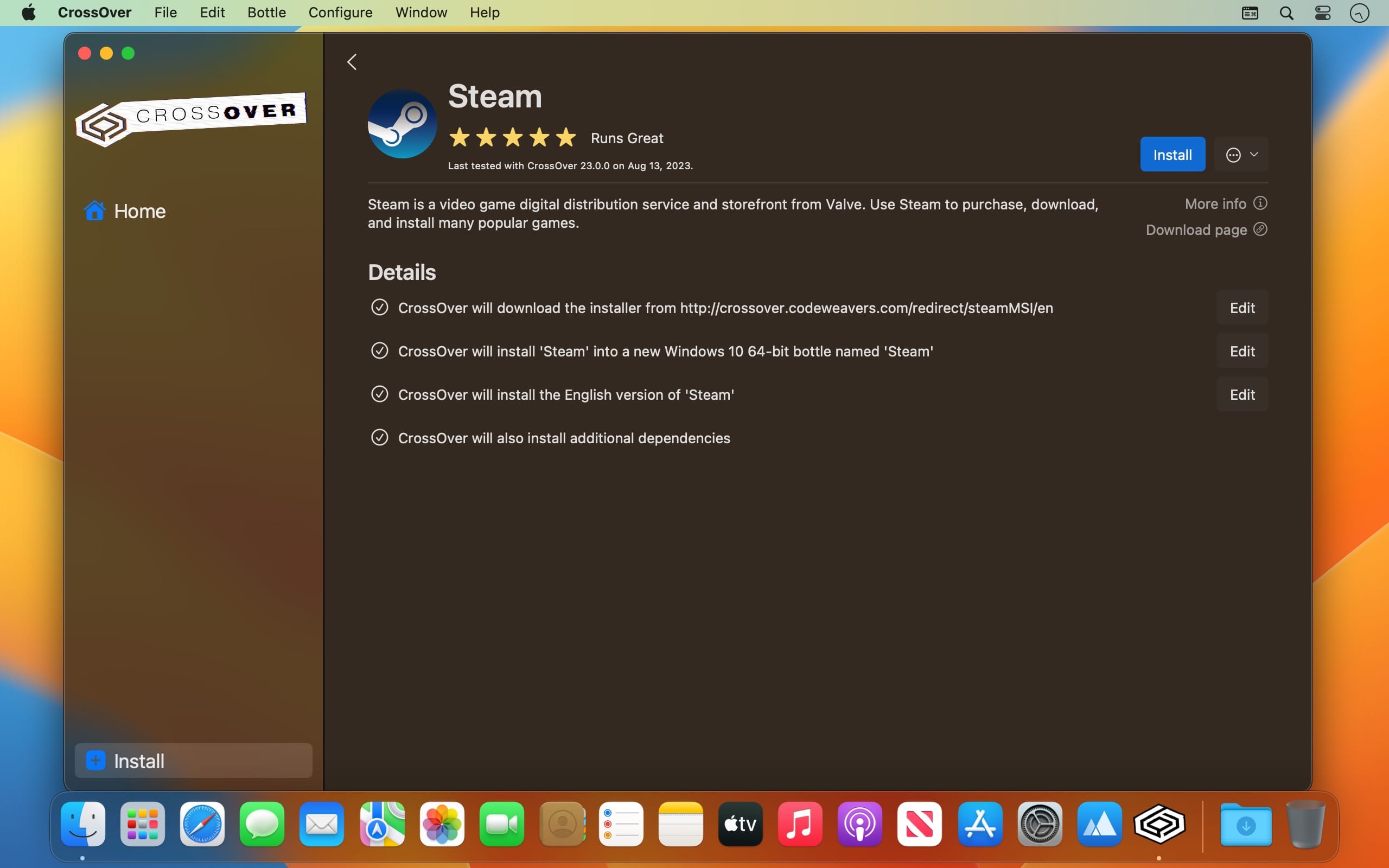
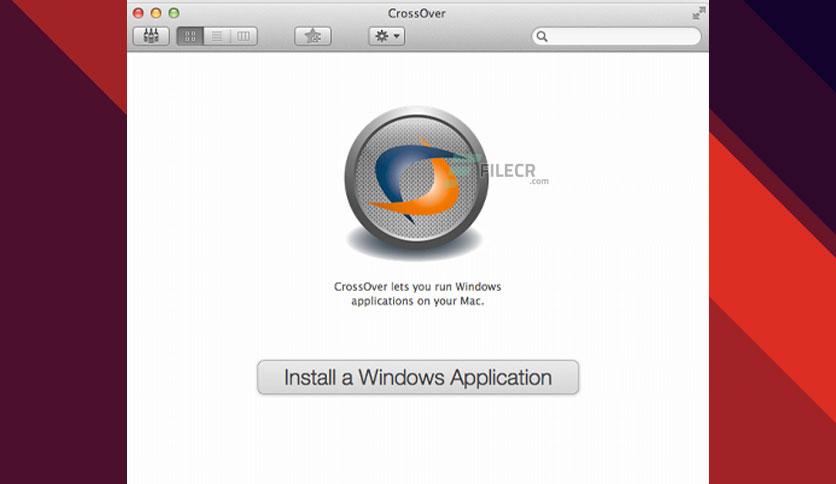
CrossOver is one of the most powerful tools developed by CodeWeavers to enable macOS users to easily run Windows applications and games without needing to install a full Windows version or use resource-heavy virtual machines. The program provides a comprehensive Windows-like environment integrated within the Mac system, allowing you to run programs directly from the Dock and use copy-paste features between both systems, along with easy file sharing capabilities.
CrossOver also features a simple interface that supports CrossTie technology, making it easier to install programs or games with just one click. The program automatically configures all necessary settings, offering a straightforward and fast user experience.
Key Features of CrossOver
Before downloading CrossOver for Mac, you'll notice it offers a range of features that enhance the user experience, as outlined below:
- Runs Windows programs on Mac without needing to reboot the system.
- Integrates applications with the macOS interface for seamless operation.
- No need for a virtual machine or full Windows license.
- Supports various Windows desktop applications and games.
- Offers startup speeds comparable to running programs on native Windows.
- Allows easy installation of applications via the CrossTie compatibility database.
Technical Details and System Requirements for CrossOver
CrossOver is designed to operate efficiently on Mac devices, requiring:
- A Mac running macOS with an Intel or Apple Silicon (M1 or better) processor.
- The program will not run on iPad or iPhone devices.
- At least 1GB of free space plus additional space for installed Windows applications.
- Supported macOS versions:
- macOS 10.15 (Catalina)
- macOS 11 (Big Sur)
- macOS 12 (Monterey)
- macOS 13 (Ventura)
- macOS 14 (Sonoma)
- macOS 15 (Sequoia)
- macOS 26 (Tahoe) – requires CrossOver 25.1.1 or higher
- Apple Silicon devices require at least macOS 11.1 or higher and CrossOver 21 or newer.
- Beta or unreleased versions of macOS are not supported.
Advanced Features of CrossOver
CrossOver is more than just a regular emulation tool; it offers additional capabilities that make it even more beneficial for users, as highlighted below:
- Runs applications at native speeds without consuming significant resources.
- Features extensive integration with macOS, including notifications and the Dock interface.
- Supports direct file sharing between systems.
- Can automatically install or update programs through a database.
- Capable of running most modern games with enhanced performance.
- Considered a powerful tool for businesses to run essential Windows applications on a Mac environment.
Conclusion
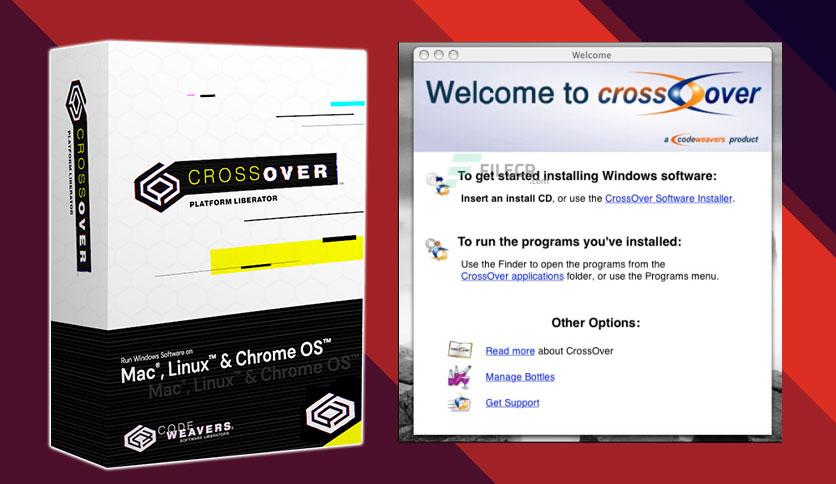
CrossOver for Mac is an ideal choice for anyone needing to run Windows applications or games without hassle. The program eliminates the need for additional operating systems or complex virtual machines, supporting applications with strong performance that many users, both personal and professional, rely on. If you're searching for a simple and easy way to benefit from Windows programs on your Mac, this new version of CrossOver is the best solution, offering a smooth and trouble-free experience.

 File Name:
 Downloads:
 Requirements:
 Version:
 Full Version:
 Created By:
 License Type:
 Release Date:
 Languages:
 Tags:
Tags: