

MatchWare MindView has empowered over five million users to bring their ideas to life with its ever-evolving mind mapping capabilities. Thanks to strong integration with Microsoft Office, comprehensive project management features, and a wide array of options, MindView stands out as a leader in mind mapping software.
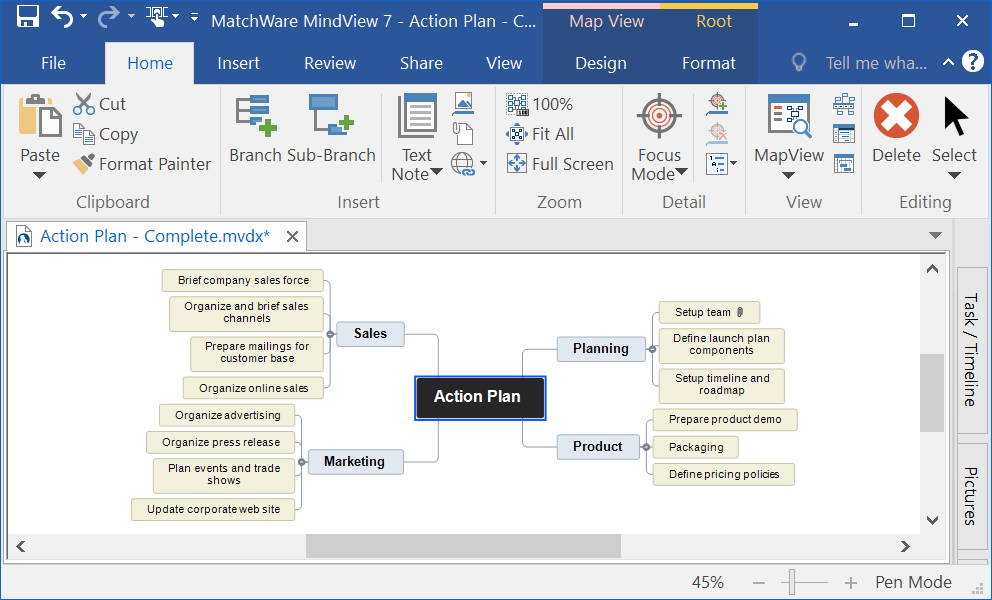
Overview of MindView
Enhance your meetings with MatchWare MindView. Quickly jot down ideas and concepts using mind maps, attach unlimited documents, and connect to sites like SharePoint, Google Drive, Dropbox, and more. Go beyond traditional PowerPoint presentations by illustrating concepts and strategies with mind maps, making it easier to understand and present ideas to clients and colleagues.
Professionally designed Word, PowerPoint, and Excel templates allow you to export your mind maps into a polished document with just one click, eliminating the need to retype any information.
You can add images, videos, notes, or links to SharePoint, OneDrive, and Google Drive to your mind map, and everything gets exported. Export to Word and use customizable, ready-to-use professional templates to produce fully formatted Word documents. The exported documents from MindView come complete with a table of contents, page numbers, headers, and more. Add citations and a bibliography in the required academic format when writing a paper. The quality speaks for itself.
Features of MindView
- Create professional mind maps with an easy-to-learn interface
- Organize ideas and information visually in a clear, customizable way
- Add text, images, notes, links, and attachments within the map
- Instantly switch between multiple views like mind map, outline, Gantt chart, and timeline without losing data
- Manage tasks and projects by setting deadlines, progress percentages, and resources
- Track work progress using Gantt charts, calendars, and Kanban views
- Full integration with Microsoft Office programs like Word, Excel, PowerPoint, and Project
- Export maps to various formats for use in presentations and reports
- Support for teamwork and easy file sharing
- Create sub-maps for organizing large, complex projects
- Support for accessibility with tools for special needs
- Suitable for students, teachers, project managers, and professional teams
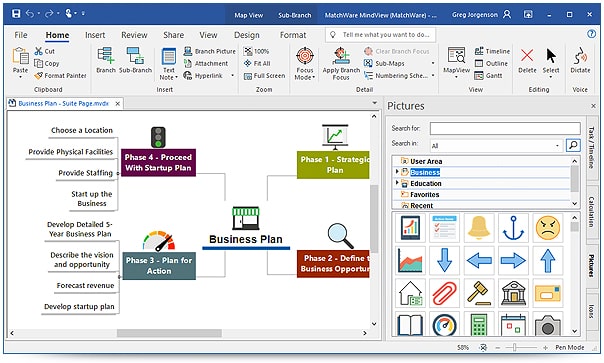
Additional Features
Complete Customization of Mind Maps
MindView offers a high level of customization, allowing users to control branch colors, fonts, icons, and display styles to match the project nature or work style. This customization enhances focus and understanding, especially when dealing with large projects or complex ideas.
Flexible and Professional Project Management
The software supports advanced project management by linking ideas directly to tasks. You can set deadlines, progress percentages, resources, and priorities for each task. It also allows you to view the project as a Gantt chart or timeline, making it easier to track progress and identify delays early.
Smart Switching Between Views
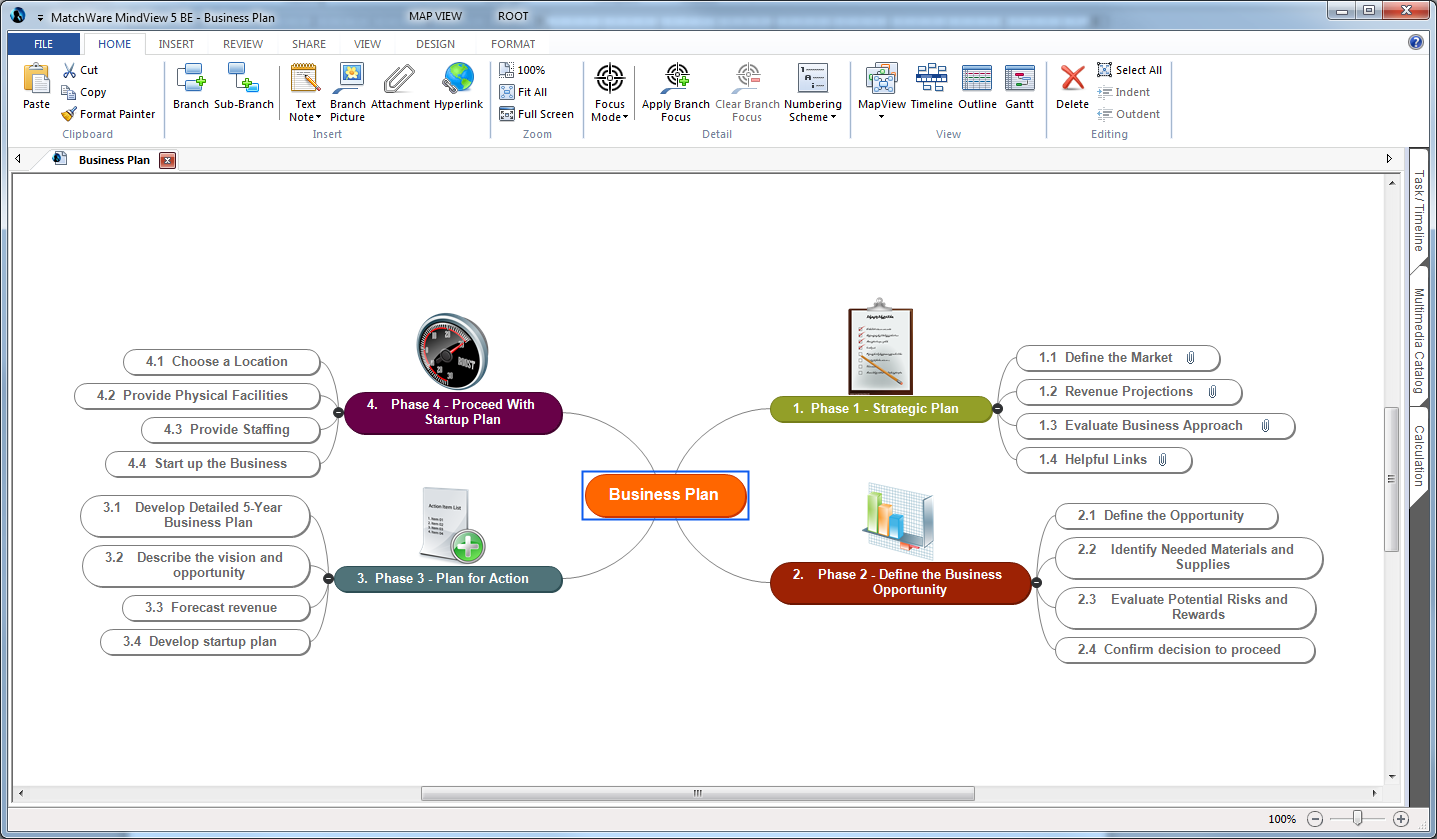
One of MindView's strengths is its ability to instantly switch between multiple views without losing any data. Users can move from a mind map to an outline, timeline, or Gantt chart with one click, providing great flexibility in displaying information for planning, presenting, or executing.
Strong Integration with Other Software
The software integrates excellently with the Microsoft Office suite, allowing direct export of content to Word, PowerPoint, Excel, or Microsoft Project. This feature saves a lot of time and reduces errors from manual data re-entry.
Support for Teamwork and Collaboration
MindView enables file sharing and teamwork on the same project, making it suitable for teams and organizations. Every member can view the map, update tasks, and track progress, enhancing coordination and achieving shared goals.
Support for Education and Special Needs
The software provides tools tailored for students and teachers, such as organizing lessons, notes, and research. It also supports accessibility features for special needs, like text-to-speech and organizing content in a clear, easy-to-read manner.
Suitable for Various Fields
With these additional features, MatchWare MindView is used in various fields such as education, business management, strategic planning, content writing, and project development. This versatility makes it an ideal choice for individuals and professional teams seeking a powerful and flexible tool.
Technical Details and System Requirements
- Supported Operating Systems: Windows 11 / Windows 10 / Windows 8.1 / Windows 7
- Processor: Intel multi-core processor from the Intel series or higher, or Xeon processor or equivalent from AMD
- RAM: 4 GB (8 GB or more recommended)
- Free Hard Disk Space: 2 GB or more recommended

 File Name:
 Downloads:
 Requirements:
 Version:
 Full Version:
 Created By:
 License Type:
 Release Date:
 Languages:
 Tags:
Tags:


