

If you are tired of repeatedly searching for a reliable source to download the software, we have provided a solution on the Tech World website with a direct and fast link to download Topaz Photo AI. This program is one of the strongest image enhancement tools, utilizing artificial intelligence techniques to remove noise, increase sharpness, and restore facial details with stunning accuracy. The new version comes with noticeable improvements in performance, an easy-to-use interface, and the use of external servers for image processing, ensuring faster and more accurate results.
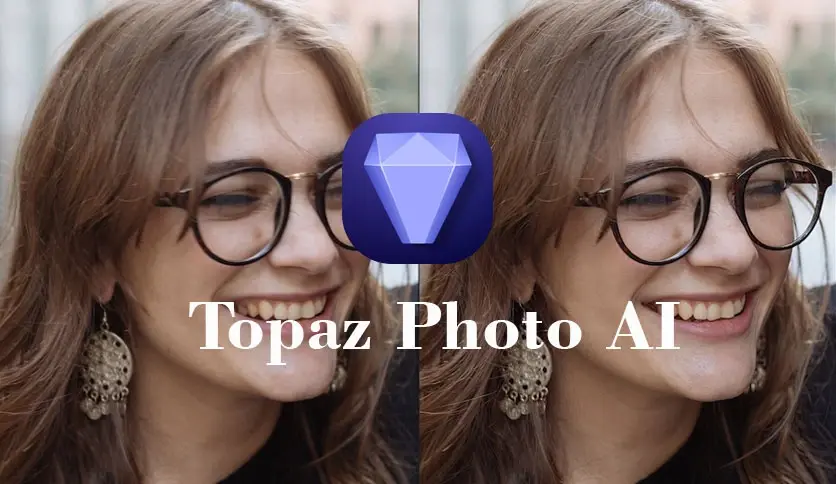
Overview of Downloading Topaz Photo AI - Direct Link
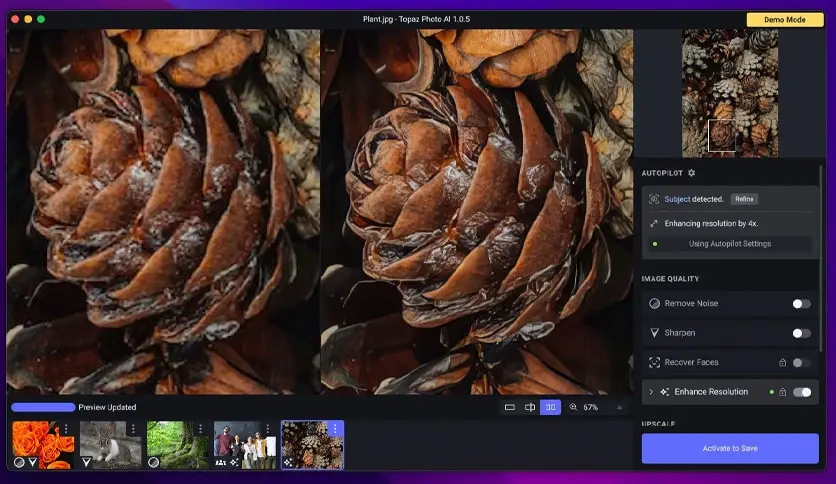
Topaz Photo AI 4 is a professional tool for enhancing images using artificial intelligence techniques. It combines several advanced functions such as noise removal and facial detail restoration, making it an ideal choice for photographers looking for high-quality results without the need for complex manual adjustments. The fourth version of the software offers significant performance improvements and adds new features like dust and scratch removal, lighting adjustments, and text recovery from images.
The first version of Topaz Photo AI was launched on September 15, 2022, while the fourth version was released in May 2025. This version marks a leap in the program's capabilities, with enhanced AI tools and an expanded processing range that includes old photos and RAW images.
The program is developed by Topaz Labs, an American company based in Texas, specializing in developing photo and video editing software using artificial intelligence. The company was founded by a team of engineers led by Eric Yang, and the product development is currently overseen by a technical team led by Lingyu Kong, who is working on integrating the latest machine learning technologies into image editing tools.
Topaz Photo AI 4 caters to a wide range of users thanks to its advanced capabilities and ease of use. It is perfect for professional photographers who need to enhance images quickly and efficiently while improving quality, as well as for beginners in photography seeking professional results through a simple interface and smart tools.
Features of Topaz Photo AI 4 for Mac
- Automatically enhances image quality using artificial intelligence.
- Removes noise from images, especially in low light or high ISO photos.
- Increases image sharpness and restores lost details due to motion or blurriness.
- Restores facial features with high accuracy using Face Recovery Gen2 technology.
- Automatically removes dust and scratches from old photos.
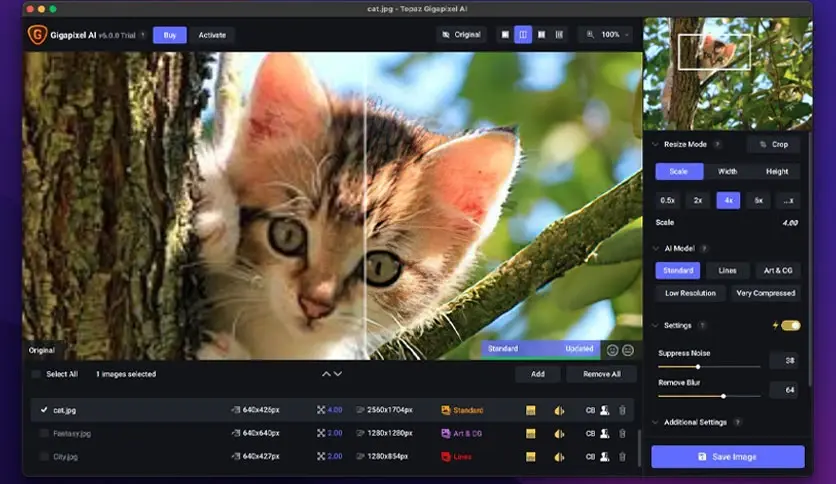
- Upscales images with high quality without losing details.
- Adjusts lighting and color balance within the program without needing additional software.
- Supports RAW images and processes them with superior quality.
- User-friendly interface suitable for beginners and professionals.
- Processing capabilities to speed up performance and improve results.
- Maintains text within images without distortion during processing.
- Compatible with macOS and works efficiently on modern Apple devices.
- Integrates with other photo editing software like Adobe Lightroom and Photoshop.
- Provides continuous updates to enhance performance and add new features.
- Allows batch processing of images at once to save time.
- Utilizes deep learning techniques to analyze image content and automatically apply appropriate enhancements.
- Preserves the original image quality during processing without losing details.
- Allows saving preferred settings to easily apply them to multiple images.
- Supports working on high-resolution Retina displays.
- Offers a seamless experience on Apple Silicon devices (like M1 and M2).
- Enables exporting images in professional quality for printing or digital display.
- Suitable for photographers working on projects that require high precision and speed.
System Requirements for Topaz Photo AI
- macOS Catalina or any later version.
- Processor supports Intel processors as well as Apple Silicon like M1, M2, and M3.
- At least 8 GB of RAM is preferred, with 16 GB or more recommended for better performance.
- Graphics card supports GPU acceleration for improved processing speed.
- At least 37 GB of free storage space is preferred for installing and running the program efficiently.
- Internet connection is essential for downloading the program, activating the license, and receiving updates.
- The program does not work on Linux systems, virtual machines, or unsupported processors like Snapdragon.
Conclusion
Topaz Photo AI is an ideal choice for anyone looking to enhance images with professional quality and speed without complexity. Thanks to advanced artificial intelligence technologies, you can now restore details in old photos, remove imperfections, and achieve stunning results with just one click. Whether you are a professional photographer or a beginner, this program will change the way you work with images. Don't miss the opportunity; download Topaz Photo AI 4 now and start your journey towards clearer and more beautiful photos.

 File Name:
 Downloads:
 Requirements:
 Version:
 Full Version:
 Created By:
 License Type:
 Release Date:
 Languages: