

Free download for Windows 7 SP1 All in One (September 2019) - a new and updated version for compatible devices. This is a complete offline ISO file for installing Windows 7 SP1 All in One (September 2019) compatible with operating systems. The Windows version has been manually checked and installed by our team before being uploaded, and it works perfectly without any issues.
Overview of Free Windows 7 SP1 All in One (September 2019) Download
Windows 7 arrived just three years after Vista to address its shortcomings and possibly offer additional features. With many users considering Windows 7 a good choice, the main question remains: why? Windows 10 offers significant improvements in almost every aspect, so why haven't users upgraded yet? You can also download.
Windows 7 maintains the traditions of previous versions like Windows XP and Windows 98, featuring a familiar, simple, and user-friendly interface. Fortunately for Microsoft, Windows 7 is not just an update; it's a stable, smooth, and highly refined system. It offers new graphical features, a new taskbar that rivals the Mac OS X dock, along with device management and security improvements that make it easier and safer to use.
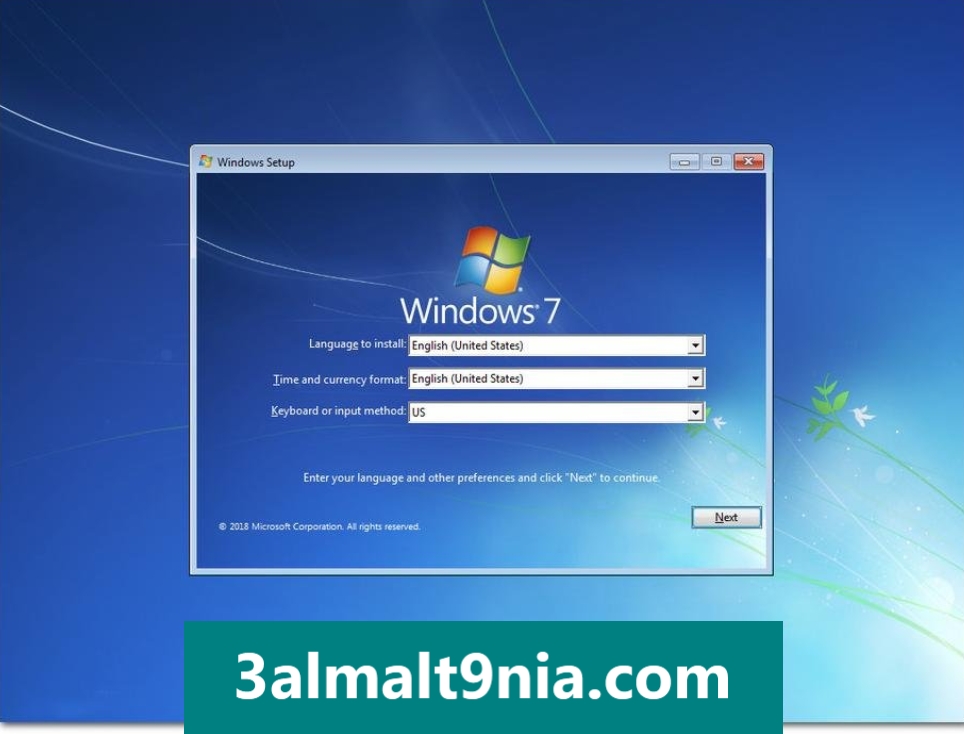
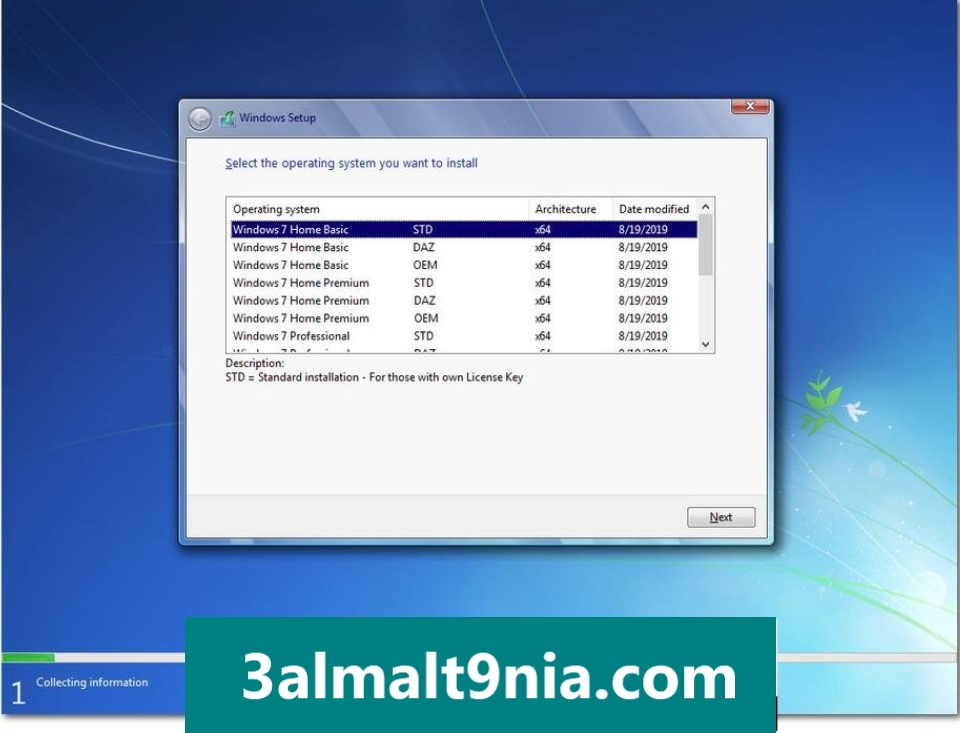
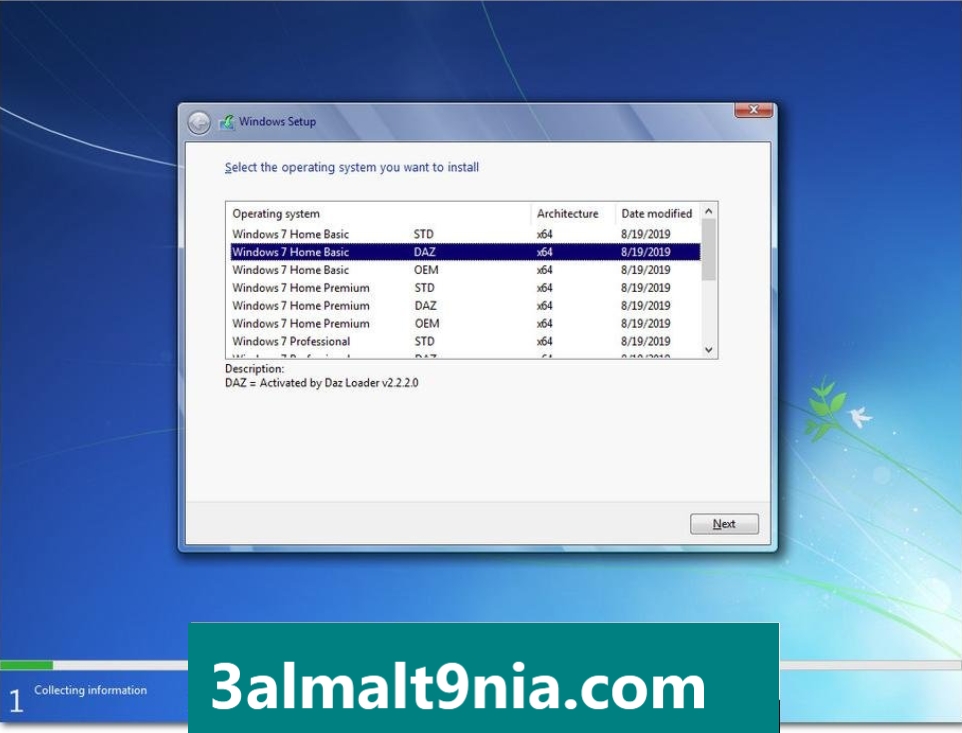
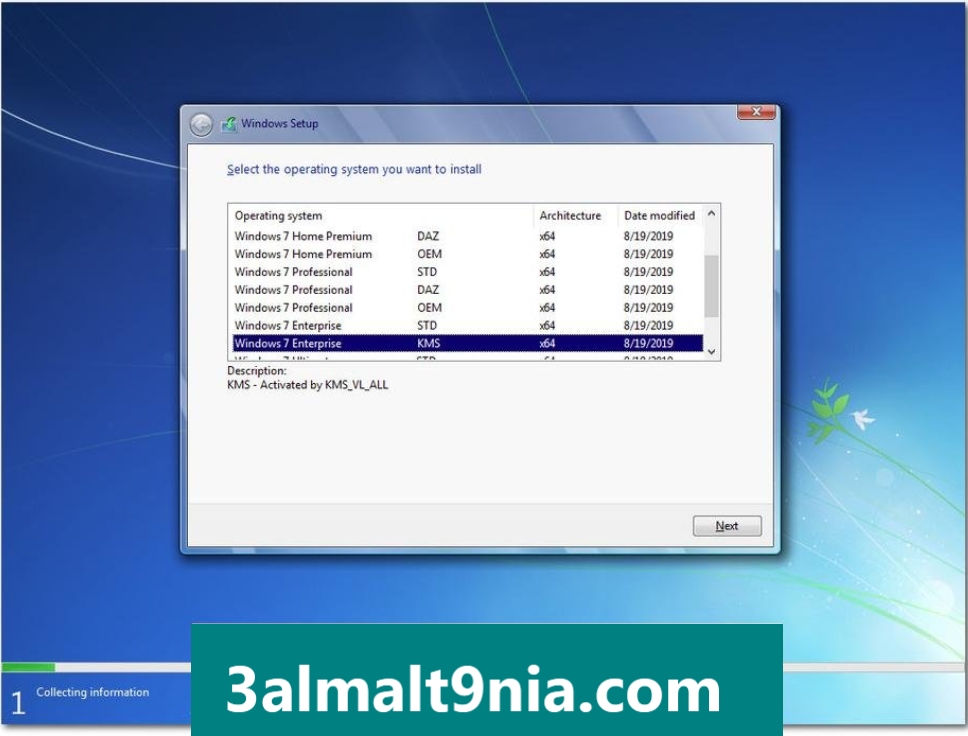
Features of Windows 7 SP1 All in One (September 2019) - Free Download
Here are some fantastic features you can experience after installing Windows 7 SP1 All in One (September 2019) - Free Download. Please note that features may vary and depend entirely on whether your system supports them.
Additional Support for Third-Party Federation Services
- Additional support has been added to enable Windows 7 clients to effectively communicate with third-party identity federation services (that support the WS-Federation passive profile protocol). This change improves cross-platform interoperability and enhances the ability to exchange identity and authentication information between organizations.
Improved HDMI Audio Device Performance
- A small number of users reported issues with connectivity between Windows 7 PCs and HDMI audio devices after restarting the system. Updates have been integrated into the SP1 package to ensure continuous connectivity between Windows 7 PCs and HDMI audio devices.
Corrected Behavior When Printing Mixed-Orientation XPS Documents
- Before the SP1 release, some customers reported difficulties printing mixed-orientation XPS documents (documents containing both portrait and landscape pages) using the XPS viewer, resulting in all pages being printed either in portrait or landscape. This issue has been resolved in SP1, allowing users to correctly print mixed-orientation documents using the XPS viewer.
Change in "Restore Previous Folders at Logon" Functionality
- The SP1 update changes the behavior of the "Restore previous folders at logon" function available in the "Folder Options" dialog box in File Explorer. Before SP1, previous folders were restored in a sequential order based on the most recently active folder location. In SP1, this behavior has changed so that all folders are restored to their previous locations.
Enhanced Support for Additional Identifiers in RRAS and IPsec
- Support for additional identifier types has been added to the identification field in the IKEv2 authentication protocol. This allows the use of a variety of additional identification forms (such as email address or certificate subject name) when authenticating using the IKEv2 protocol.
Advanced Vector Extensions (AVX) Support
- With the increasing need for greater computing power and changing usage models, processor instruction set architectures are evolving to support these growing demands. Advanced Vector Extensions (AVX) is a 256-bit processor instruction set extension. AVX is designed to improve the performance of applications that rely heavily on floating-point calculations. AVX support is part of the SP1 package to enable applications to fully leverage the new instruction set and register extensions.
Improved Support for Advanced Format Storage Devices (512e)
- SP1 introduces several key enhancements to improve support for modern storage devices with a 4KB physical sector size (known as "Advanced Format"). These enhancements include functional fixes, performance improvements, and updated storage drivers that enable applications to retrieve information about the physical sector size of the storage device. For more information on these improvements, please refer to Microsoft Knowledge Base article number 982018.
Integrated / Pre-installed:
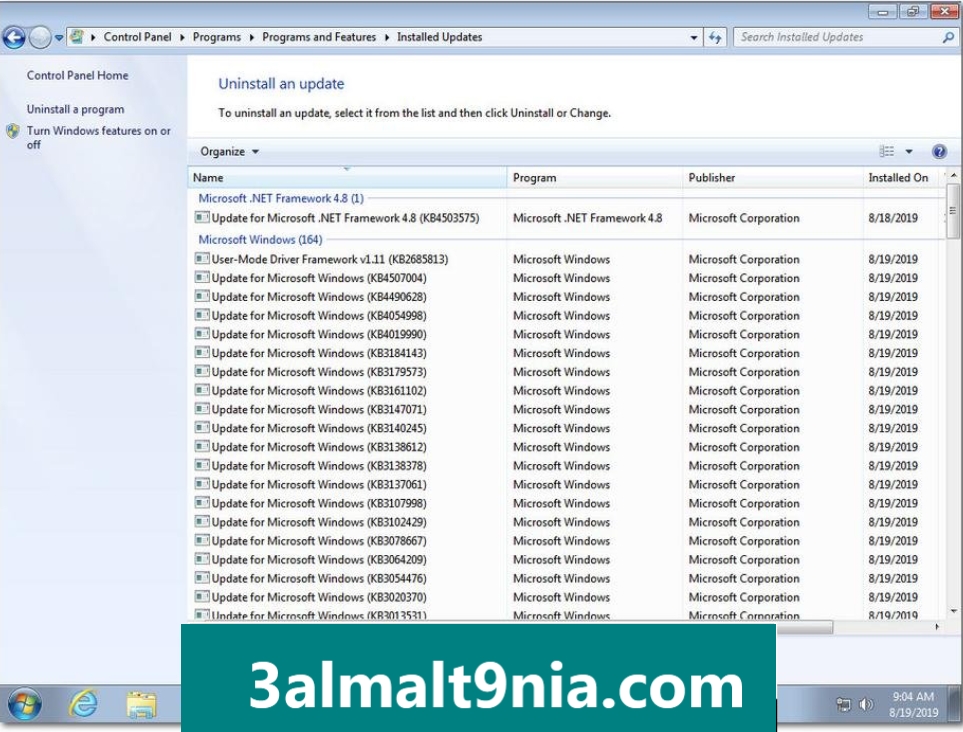
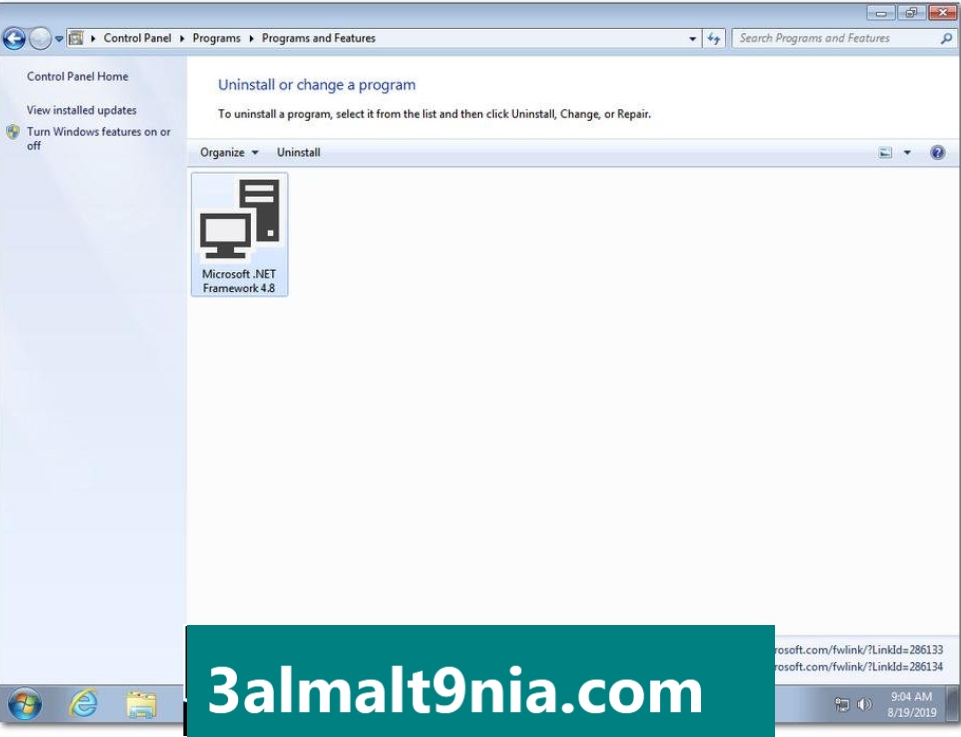
- .NET Framework 4.8
Internet Explorer 11
DirectX End-User Runtimes (June 2010)
Important & Security Only Updates – 2019-09-01
Windows Defender Updates
Included Editions
- Windows 7 Starter
Windows 7 Home Basic
Windows 7 Home Premium
Windows 7 Professional
Windows 7 Enterprise
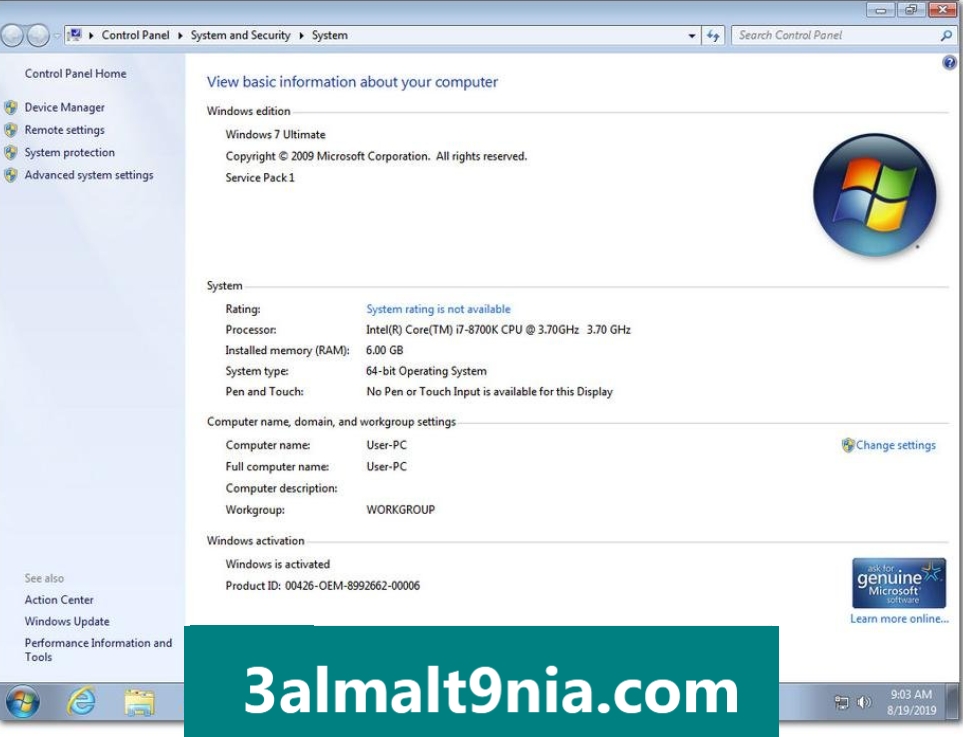
Windows 7 Ultimate
Language:
- English (United States)
Features
- UEFI Ready
- (Use the included Rufus USB tool to make the disk bootable in UEFI mode)
- Diagnostics and Recovery Toolset 10.0 (Microsoft DaRT)
- Compress the install.wim file to recovery format (install.esd). Create a bootable USB drive (highly recommended) using the included Rufus software or burn it to a DVD-R at a slow speed.
You can use Rufus to create a bootable USB drive for installing Windows.
Create a bootable USB drive (highly recommended) using Rufus or burn it to a DVD-R at a slow speed.
System Requirements for Windows 7 SP1 All in One (September 2019)
Before installing Windows 7 SP1 All in One (free September 2019 edition), you need to know whether your computer meets the recommended or minimum system requirements:
- Processor: 1.11 GHz CPU or faster
- Memory: 1 GB RAM or 4 GB (recommended)
- Hard Disk Space: 16 GB of free space required
- Graphics: DirectX 9 or later with WDDM 1.0 driver
- Display: 800×600
How to Install Windows 7 SP1 All in One (September 2019) - Free Download
- Extract the compressed file using WinRAR or WinZip or by using the default Windows command.
- Open the installer, accept the terms, and then install the program.

 File Name:
 Downloads:
 Version:
 Full Version:
 Created By:
 License Type:
 Languages: