

If you're looking for an advanced educational program that supports visual and easy programming, then mBlock web is your best choice. This fantastic educational application enables users to learn programming, artificial intelligence, and robotics in an interactive way. It is based on the popular Scratch environment, which has been specifically developed for children and beginners. The mBlock web program does not require complex downloads or installations; it works directly through the browser, making it an ideal platform for both students and teachers, thanks to its visual environment and support for modern technologies like Python, it has become a powerful tool in contemporary education.
Download mBlock Web
Downloading the mBlock web program or accessing it online is very easy and does not require complicated setups. You can either use the browser-based version directly or download the program to your device to work offline.
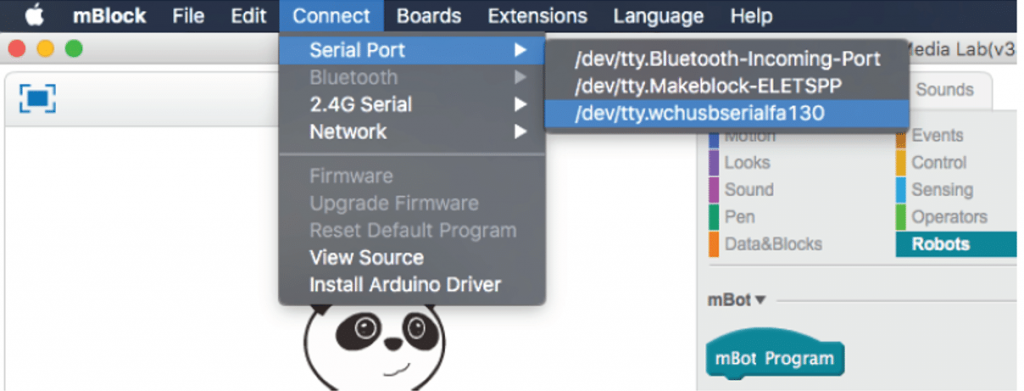
What is mBlock Web?
mBlock web is a free educational platform that supports programming using block-based or text-based coding. It was developed by Makeblock and aims to simplify the learning of programming, robotics, and artificial intelligence techniques for children, beginners, and even advanced students.
This program allows the creation of interactive educational projects and supports smart devices and robots like mBot and Codey Rocky. It can operate through a web browser without the need to download or install software on the device, making it a flexible and easy-to-use option for schools or homes.
Most Popular Uses of mBlock Web in 2025
By 2025, mBlock web has become one of the essential tools in education and training worldwide, thanks to its innovative and smart educational solutions that cater to various age groups and educational levels. Here are the main areas where this application is widely used and downloaded:
Supporting the Educational Process in Schools and Universities
The program has become a preferred choice for many schools and educational institutions seeking to implement modern STEM curricula. It is used in classrooms to teach programming and robotics in a simplified and interactive manner, helping students easily understand complex technical concepts through visual projects.
Training on Artificial Intelligence Techniques
With the increasing importance of artificial intelligence in the job market, it has become essential to provide suitable training tools for students and enthusiasts in the field. Here, mBlock web offers a safe and easy environment to experiment with concepts such as data analysis, facial recognition, text-to-speech conversion, and other AI techniques, making it an advanced educational tool without complexity.
Teaching Programming to Beginners and Children
The program serves as an excellent gateway to teaching programming to those without any technical background, especially children, thanks to its block-based programming design, which allows them to execute real projects like games and interactive stories through simple steps, gradually transitioning to more advanced languages like Python.
Participating in Innovation and Robotics Competitions
mBlock web is used to prepare and equip student teams for participation in international robotics and innovation competitions, allowing them to program educational robots like mBot and Ranger effectively and easily. This enhances their logical thinking and teamwork skills, preparing them to face modern technical challenges.
Enhancing E-Learning and Collaborative Work
Since the program operates directly through the browser or by downloading it on personal devices, it has become an ideal means for remote learning, where students and teachers can collaborate on developing projects, easily sharing them through direct links and working on them from anywhere in the world.
Developing Interactive Content and Educational Games
Many digital content creators have benefited from the program in designing educational applications and interactive games that serve both educational and entertainment goals. Thanks to drag-and-drop tools and the integrated graphics engine, users can build exciting educational scenarios that creatively combine sound, image, and movement.
Features of Downloading mBlock Web
mBlock web offers a wide range of advanced features that have made it one of the best educational programming programs in recent years. Here are the most notable features:
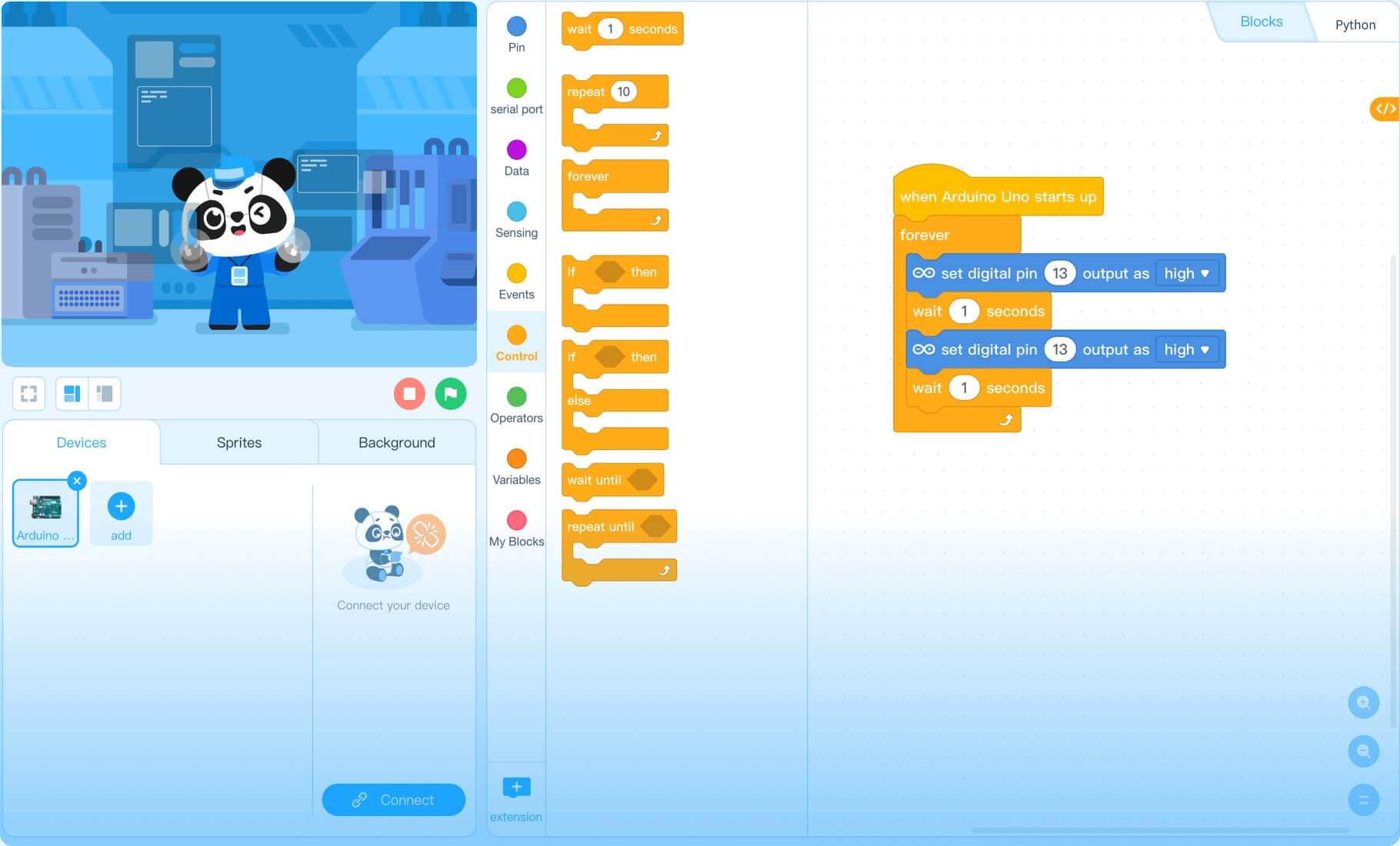
Key Features
- A visual programming environment that is easy to use and based on drag-and-drop, ideal for children and beginners.
- Strong support for artificial intelligence and machine learning.
- Integration with educational robots like mBot, enhancing interaction and practical application.
- A simple user interface that supports Arabic and many other languages.
- The ability to download projects or save them to the cloud for later work.
- Works directly from the browser without the need to download traditional software.
New Version Features
- Improved performance of the programming engine to increase response speed.
- Wider support for more devices, such as Arduino and micro:bit.
- New AI tools added (image analysis, text-to-speech conversion, sentiment analysis).
- Enhanced user experience across tablets and mobile phones.
- Improved integration of direct links to facilitate project sharing.
How to Download via Direct Links
For those who prefer to work offline, mBlock web can be downloaded to the computer. Here’s how to download via guaranteed direct links:

Step-by-Step Download Instructions
- Visit the official mBlock website or search Google for "Download mBlock Web".
- Choose the version suitable for your operating system (Windows, macOS, Linux).
- Click the Download button or "تحميل برنامج" depending on the language.
- Wait until the program is fully downloaded.
- Keep an activated and complete copy of the file in a clear folder on your device.
Tips to Avoid Issues During Download
- Ensure you download the program from the official site or trusted sources to avoid harmful files.
- Check that the device has enough storage space.
- Temporarily disable antivirus programs that may block the download.
- Use a modern browser to ensure compatibility with the download page.
- Check your internet connection to avoid download failures during the process.
Installation and Activation After Download
After completing the download, the next step is installation and activation to ensure you can use the full version with all its features.
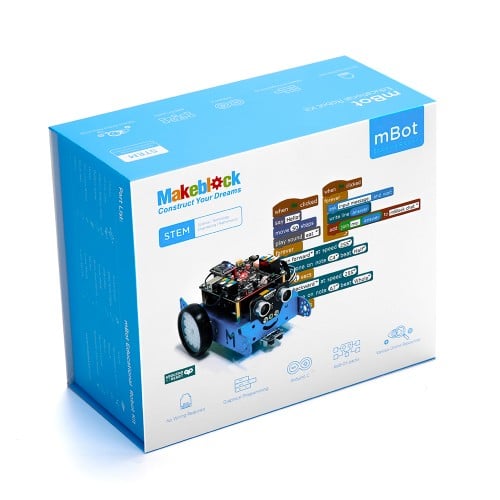
Installation Method
- Double-click on the installation file you downloaded.
- Follow the on-screen instructions.
- Agree to the terms of use.
- Select the path where you want to install the program, then click "Next".
- Wait for the installation process to complete.
How to Activate the Full Version
- After installation, open the program.
- If you have a Makeblock account, log in.
- Some features are activated automatically upon logging in.
- If you need additional features, you can purchase an activation key or subscribe to the premium plan from within the program.
In light of the rapid digital transformation and the global shift towards smart education, having tools like mBlock web has become essential for teachers and students. Whether you are a beginner learning the first steps of programming or a teacher looking to create interactive lessons, this program provides you with the tools you need to excel.
With an easy interface, support for advanced technologies, and options to work from the browser or download the full

 Downloads:
 Created By:
 Release Date:
 Languages: