

Microsoft Office Suite is currently the best choice for handling all office tasks across various industries, businesses, and more.
That's why you're looking for a place to download Microsoft Office 2021 for Mac with a direct link, so you can start using it quickly. No more pop-up screens or complicated download methods; in the tech world, all it takes is a simple click, and the download is immediate.
Download Microsoft Office 2021 for MacOS
Overview of Microsoft Office 2021 for macOS
Microsoft Office 2021 for MacOS is another version of Microsoft Office, specifically designed for Mac, not Windows.
The differences between the 2021 version and previous ones boil down to three things:
- Microsoft Office 2021 can open OASIS OpenDocument files with extensions like (odt - ods - odp).
- Some functions for creating equations have been enhanced, such as the LET, XMatch functions, and most dynamic arrays like XLOOKUP, VLOOKUP, HLOOKUP.
- Outlook and PowerPoint have been upgraded, allowing you to write with a tablet pen, which is great for signing or drawing.
Features of Microsoft Office 2021 for macOS
- Full support for the latest Mac devices, including Retina displays and full-screen mode.
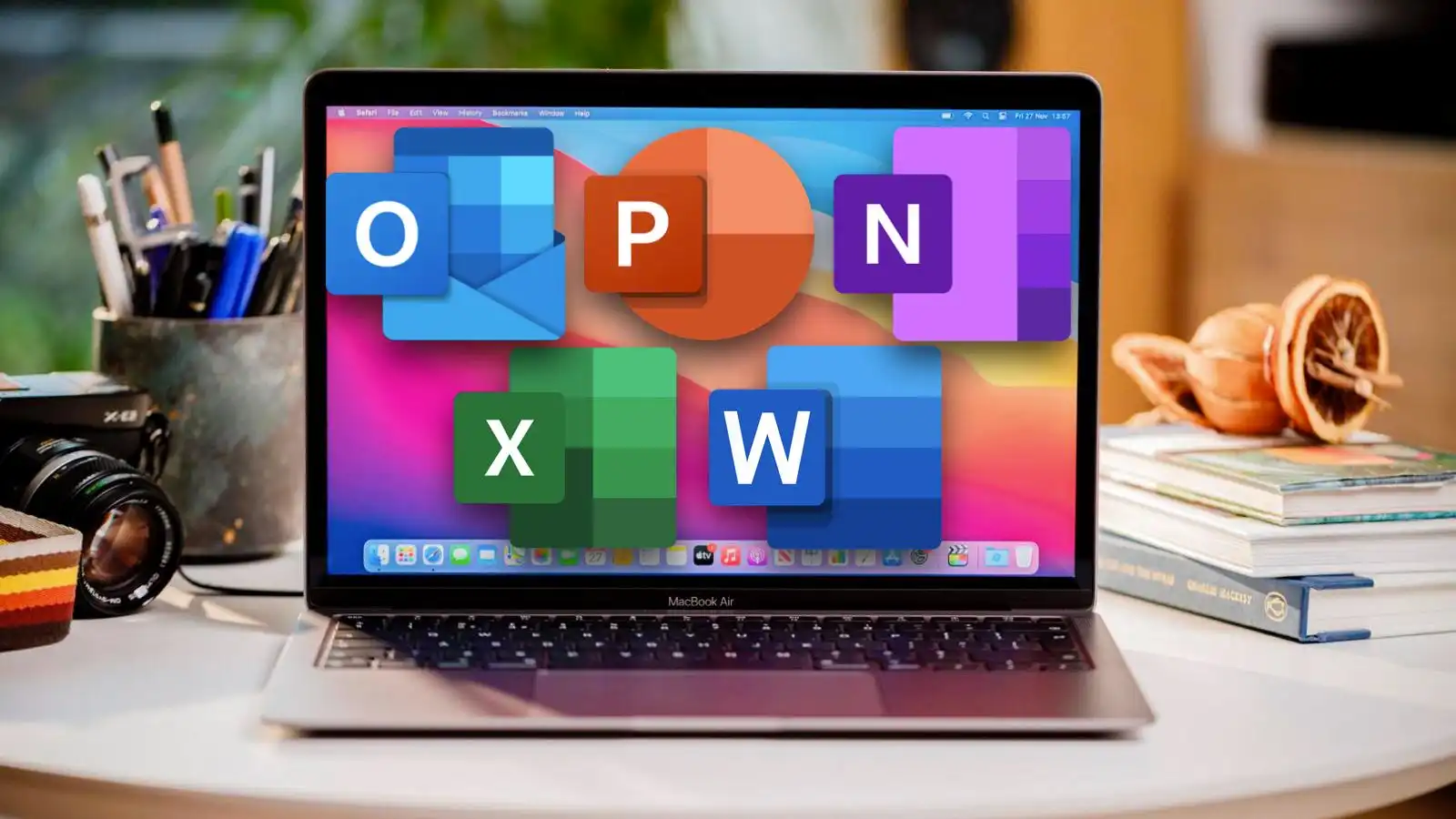
- Microsoft Office 2021 for MacOS includes essential programs: Word, Excel, PowerPoint, Outlook.
- The program comes with performance improvements and compatibility with Apple Silicon processors (M1 and M2).
- Smart Lookup tool to bring information directly from the web into Word.
- The new design is intuitive, making document formatting faster and easier.
- Enhanced animation pane in PowerPoint.
- You can share files and collaborate on them in real-time with others.
- Improved security and better data protection compared to previous versions.
- Support for Dark Mode to ease eye strain during work.
- Faster opening of large files in Excel and quicker data processing.
- New formulas and charts in Excel for professional data analysis.
- New options in PowerPoint to add icons, 3D images, and a larger media library.
Technical Details and System Requirements
- Office 2021 for Mac: Compatible with the latest three versions of macOS.
- The product is not supported on older versions outside the latest three releases.
- Office 2021 for Mac requires macOS Catalina or newer as a minimum.
Note: With each major macOS release, Microsoft drops support for the oldest version and adds support for the latest.
Additional Features
Faster and More Stable Performance
Thanks to compatibility with Apple Silicon processors (M1 and M2), the program runs faster while using fewer resources. You'll notice quicker loading times for large files in Word and Excel, and smoother performance in PowerPoint.
Advanced Document Creation Tools
Word 2021 offers features like Smart Lookup, which brings information from the internet directly into your document.
PowerPoint Enhancements
Take advantage of modern transitions and an enhanced animation pane to present your ideas more professionally. Presenter mode lets you see your notes on your device while your audience views the presentation on the big screen.
New Formulas in Excel
New formulas and modern charts have been added to help users analyze data more effectively. Handling large tables and data is now faster and more efficient than in previous versions.
Easy Email Management
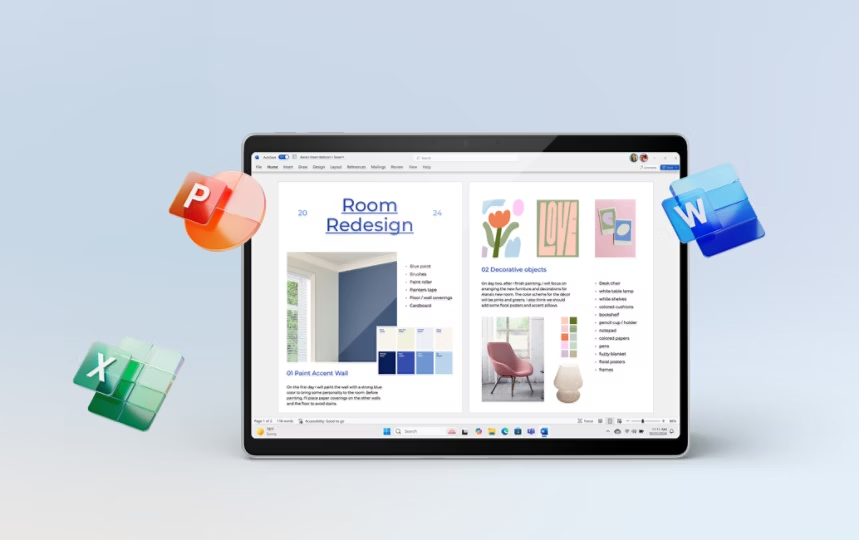
Outlook offers an improved experience for managing emails and calendars. You can easily organize your appointments and messages, with better support for attachments and integration with other Microsoft services like Teams and OneDrive.
Collaboration and Sharing
Share your files and work on them with others in real-time. This makes collaboration with classmates or colleagues smoother, especially when using OneDrive or SharePoint.
Better File Format Compatibility
Office 2021 offers enhanced support for handling PDF files, allowing you to save or convert your documents directly to this format without the need for additional software.
Conclusion
In conclusion, Microsoft Office 2021 for MacOS delivers excellent performance with smooth operation, modern tools, and great compatibility with Mac devices. Whether you're a student writing papers, a professional managing data and projects, or a presenter aiming to impress your audience, this suite provides everything you need to work efficiently and professionally. With advanced security features and collaboration capabilities, Office 2021 is the perfect solution for anyone seeking productivity and creativity on Mac devices.


 File Name:
 Downloads:
 Requirements:
 Version:
 Full Version:
 Created By:
 License Type:
 Release Date:
 Languages:
 Tags:
Tags:


