

If you frequently work with PDF files on your mobile, you definitely need a practical and easy-to-use app to open, read, and manage these files. Enter Adobe Acrobat Reader, the most popular and powerful app for managing PDF files on Android devices. This app not only displays files but also lets you add comments, sign documents electronically, and share them quickly with others. It supports file synchronization with cloud storage services like Google Drive and Dropbox, so you can access your documents from anywhere. It's an excellent tool for opening and editing PDF files easily, whether you're a student, an employee, or someone who uses files in daily life. The app helps you keep your documents organized and easily accessible.
An Overview of Downloading Adobe Acrobat Reader: Edit PDF for Android – Direct Link
Adobe Acrobat Reader is widely used around the world for reading and editing PDF files, with over 635 million downloads. This impressive number reflects the trust users place in this app for their daily activities, whether for work, study, or personal use.
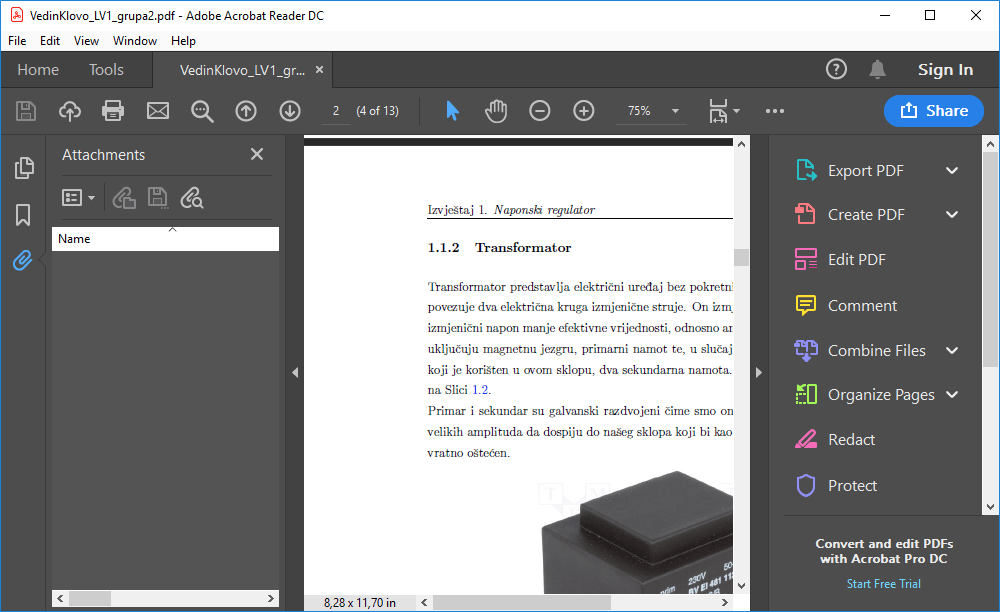
The app does more than just display files; it offers a comprehensive experience that includes high-quality file reading, easy content editing, adding comments and notes, electronically signing documents, and sharing files with others. All these tasks are performed within a single app, eliminating the need to use multiple tools or switch between different programs.
Whether you're at the office or traveling, you can manage your files flexibly. All you need is your device and an internet connection to start working immediately, without any wait or hassle. Acrobat Reader allows you to browse your files, add notes, and sign documents anytime and anywhere. Acrobat Reader also offers a great opportunity to try the premium version for free for 7 days.
Features of Adobe Acrobat Reader: Edit PDF for Android
- Edit text and images directly within a PDF file.
- Easily correct typos or add new paragraphs.
- Insert, delete, or rotate images as needed.
- Use signing and editing tools to customize documents as you wish.
- Convert scanned PDFs into editable and searchable text.
- Export text to other formats for use in different documents.
- Merge multiple files into a single PDF or split them as needed.
- Full control over pages: add, delete, crop, rotate, or reorder.
- Easily create PDFs from Google Docs, Microsoft documents, or images.
- Export PDFs to Word, Excel, PowerPoint, or images in various formats (JPG, PNG...).
- Convert web pages into PDFs for saving and sharing.
- Reduce PDF file size for easier sharing or storage.
- Secure documents with a password to ensure privacy and security.
- Access all features via mobile or online.
- Support for working on documents anytime and anywhere.
- Fill out forms and sign documents electronically without any additional tools.
- Send filled-out files directly from within the app.
- Enjoy a comfortable and smooth reading experience, with text automatically reformatted to fit your phone screen.
- Easily search within text, and adjust fonts and spacing to your preferences.
- Share PDFs with others for browsing or commenting.
- Tag specific people within the file and track all comments in one place.
- Receive instant notifications of any changes or activities on your files.
- Add short notes, comments, or highlight text within PDFs.
- Use annotation tools to facilitate content review or collaboration with your team.
- Create PDFs from Google Drive documents, edit, merge, compress, and export them easily.
- All available through subscription, with seamless integration between platforms.
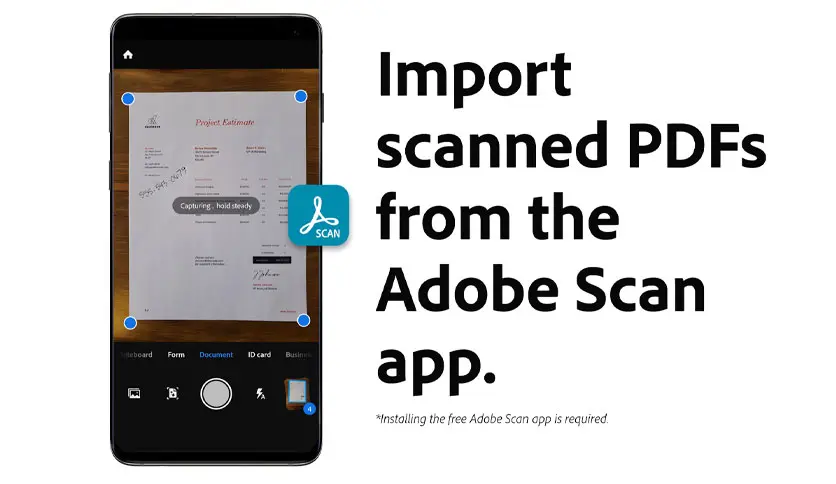
- Open scanned PDFs using the free Adobe Scan app.
- Fill out, sign, and share scanned documents directly from within Acrobat Reader.
- The app is designed to be compatible with enterprise mobility management (EMM) systems, allowing its use in professional work environments.
- Benefit from AI features within Adobe Acrobat, requiring an additional subscription for individual users.
System Requirements for Running Adobe Acrobat Reader: Edit PDF
Required Operating System:
- (APK): Android 7.0 or later.
- (Official App): Android 7.0 or later.
Conclusion
After everything we've discussed, it's clear that Adobe Acrobat Reader on Android devices is not just for viewing PDF files but is a comprehensive tool that helps you manage your documents with ease. Whether you need to read a file, edit it, add a signature, or share it with someone, you'll find all of that in one place within the app. The experience is simple and helps you work efficiently anytime and anywhere. The app offers free features to get you started, and if you want to enhance your usage, there are paid features that unlock professional tools without complexity.

 File Name:
 Downloads:
 Publisher:
 Requirements:
 Version:
 Full Version:
 Created By:
 Release Date:
 Languages: