

If you often work with PDF files on a Mac, you’ve probably faced challenges like editing, adding signatures, or merging files at some point, right? This is where Nitro PDF Pro comes in, making all these tasks easy with just a few simple steps, as if it was designed just for you. The program gives you complete freedom to edit any PDF file, add images, correct errors, sign documents, and handle forms as if you were using Word instead of PDF. It’s a must-have for anyone working on a Mac who frequently deals with documents and paperwork.
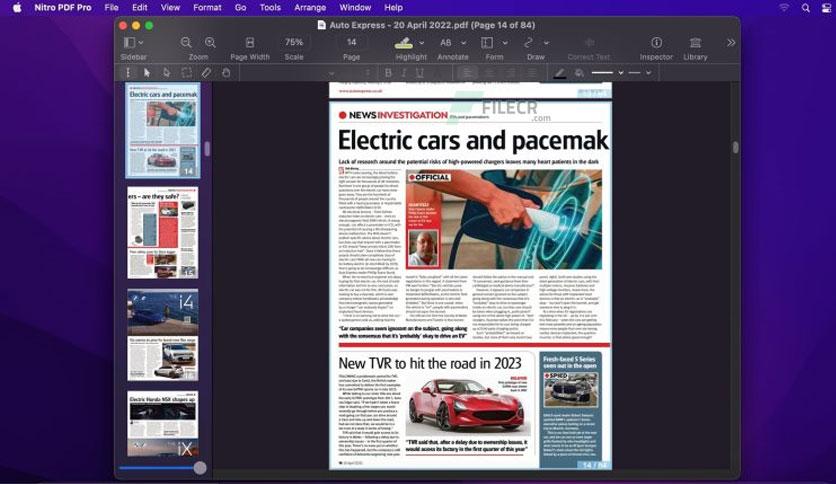
Overview of Nitro PDF Pro
The program is called Nitro PDF Pro, and it’s one of the most powerful PDF editing tools available for macOS. Its concept is simple yet incredibly effective, giving you full control over your documents whether you want to edit text, add images, or electronically sign your files. The great thing about it is that you don’t need extensive experience, as the interface is clear and user-friendly, with a design that’s easy on the eyes.
The software is designed for those who appreciate organized work, whether you’re a student, employee, or business owner. Nitro PDF Pro allows you to complete your tasks quickly and without hassle, and you can open large files, merge multiple PDFs into one, or even convert them to Word or Excel files without losing the original formatting.
Key Features of Nitro PDF Pro
Honestly, the features are numerous and set the program apart from others. Let me share some of them with you:
- You can easily add text, images, and signatures within PDF files.
- It supports OCR technology, which converts images or scanned documents into editable text.
- Create interactive forms with text fields, options, and signatures.
- Protect your files with a strong password and completely remove sensitive information.
- You can save your files in various formats like Word, Excel, or PowerPoint.
- It includes drawing, highlighting, and note-taking tools directly on the pages.
- Merge multiple PDF files into one organized document.
- Sync your files effortlessly via iCloud or Dropbox.
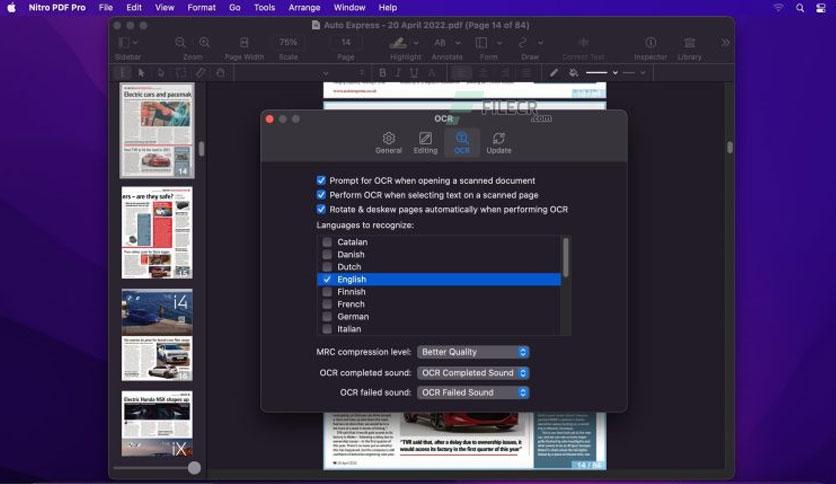
Technical Details and System Requirements for Nitro PDF Pro
Before you download it to your device, we need to ensure that your system is ready to run it smoothly.
- Compatibility: macOS v10.14 or later, Intel or Apple Silicon.
- Operating System: macOS v10.14 (Mojave) or any later version.
- Processor: Compatible with Intel and Apple Silicon processors.
The program is fully integrated with the macOS environment and supports drag-and-drop functionality, meaning you can simply drag your file and start working immediately without complications.
Advanced Features in Nitro PDF Pro
- If you’re someone who loves intricate details, you’ll be amazed by the advanced options available because the program
- allows you to search within texts in large files easily.
- You can also add bookmarks and edit tables without affecting the formatting.
- Additionally, you can save your files in PDF/A archival format if you need them for long-term purposes.
- If you have a collection of files, the program lets you create a PDF Portfolio to gather them all in one neat and organized file.
- Moreover, the integrated AppleScript feature allows you to automate tasks, saving you time and reducing repetition.
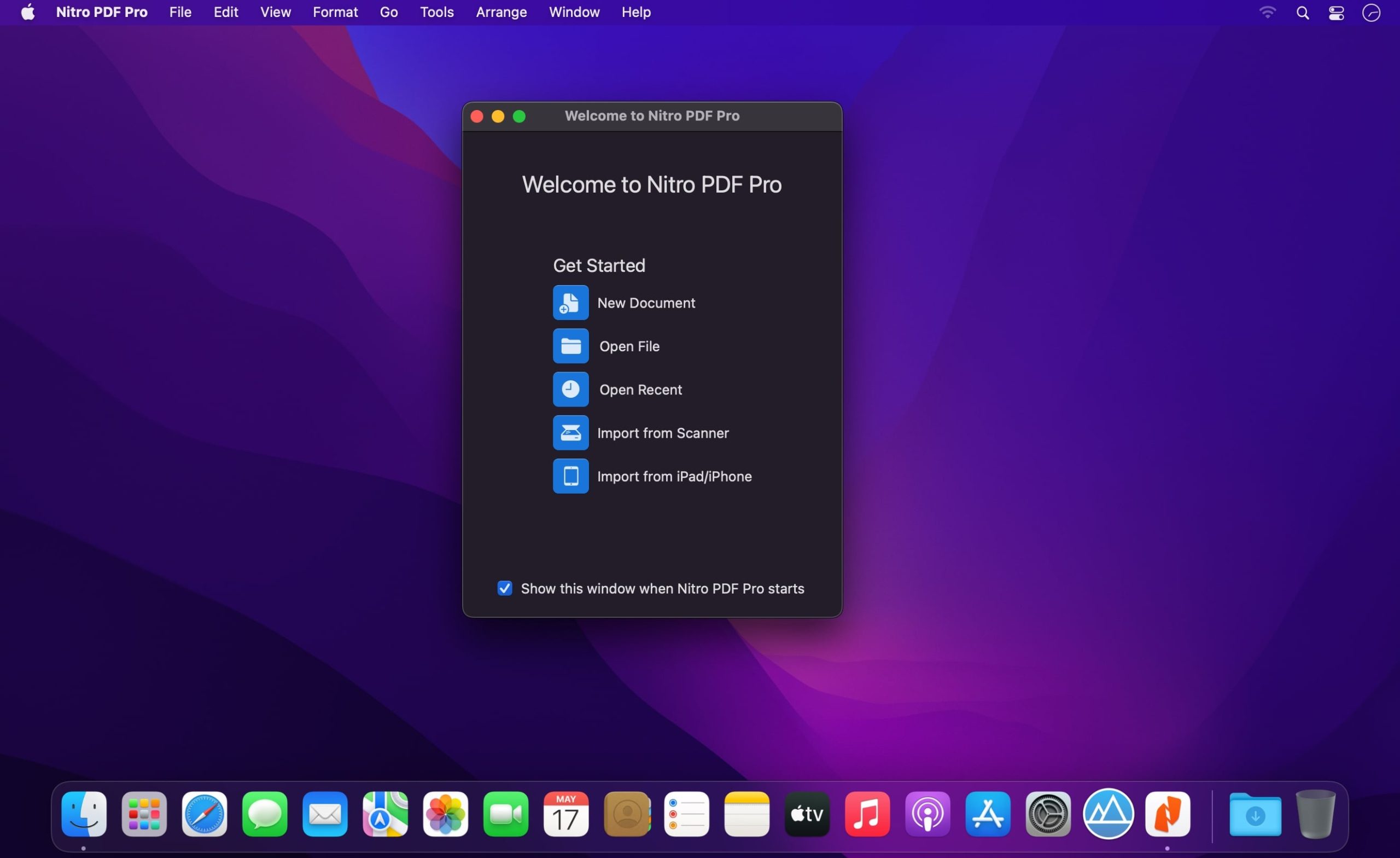
Conclusion
In conclusion, Nitro PDF Pro truly deserves a spot among your daily tools if you work on a Mac, as it simply provides everything you need to handle PDF files in a professional and easy manner. There’s no need for complicated tutorials; everything is clear and straightforward, and the results are always excellent whether you want to sign a contract, correct a report, or prepare a presentation. The program is ready to assist you in all these steps without any hassle. In short, it’s the perfect solution for any Mac user who deals with documents daily and appreciates quick and clean work.

 File Name:
 Downloads:
 Requirements:
 Version:
 Full Version:
 Created By:
 License Type:
 Release Date:
 Languages: