

If you work in the field of visual effects or 3D animation and are looking for a powerful tool that combines the flexibility of Houdini with the quality of Arnold for producing realistic images, then Solid Angle Houdini to Arnold is the best choice for you. This advanced version of HtoA allows you to create high-resolution cinematic scenes directly from within the Houdini interface, with full support for lighting, materials, motion, atmospheric effects, and particle systems. Developed by Solid Angle SL, the creators of the renowned Arnold renderer, it is widely used in global studios. Whether you are designing a complex scene filled with smoke and liquids or working on a massive animation project, HtoA provides you with the tools you need to accomplish your work efficiently and professionally.
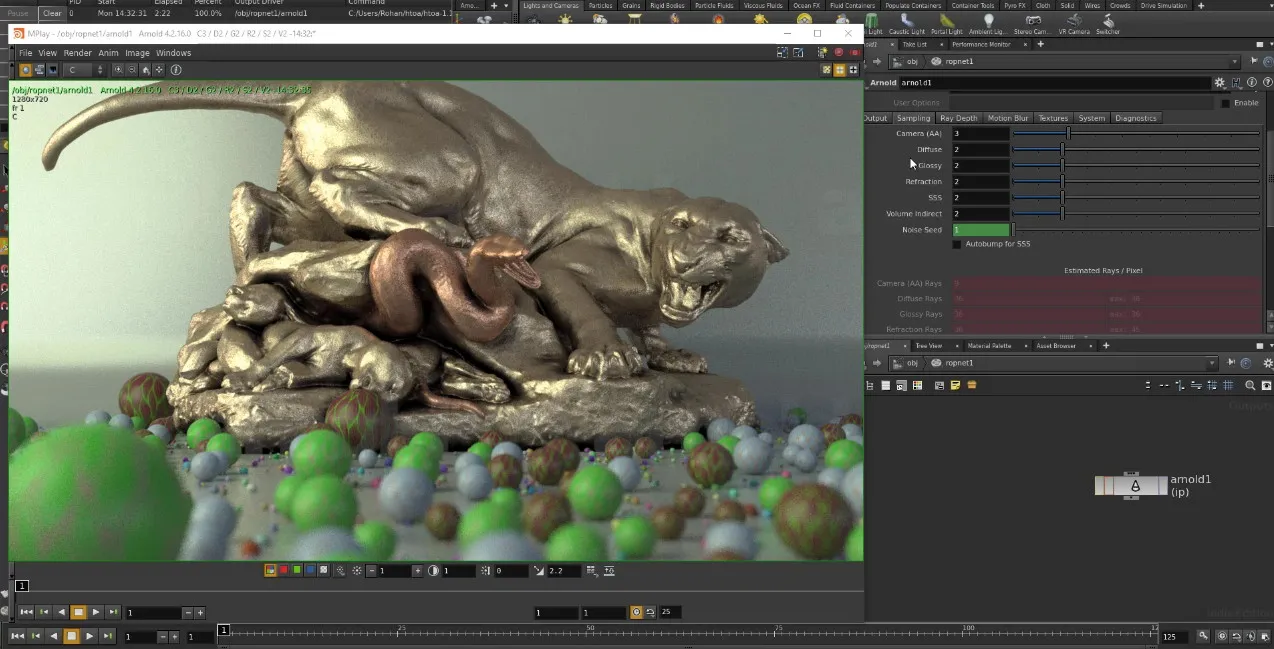
Overview of Solid Angle Houdini to Arnold Download
Solid Angle Houdini to Arnold is the advanced version of the official plugin that connects Houdini with the Arnold rendering engine, used to produce realistic 3D scenes with cinematic quality within the Houdini environment.
The version of Houdini to Arnold (HtoA) represents a significant leap in rendering tools within Houdini, providing compatibility with the famous Arnold engine and giving artists and designers precise control over lighting, materials, motion, and atmospheric effects.
This software was developed by Solid Angle SL, a technology company specializing in animation tools, with global clients such as DreamWorks, ILM, and Sony Pictures Imageworks.
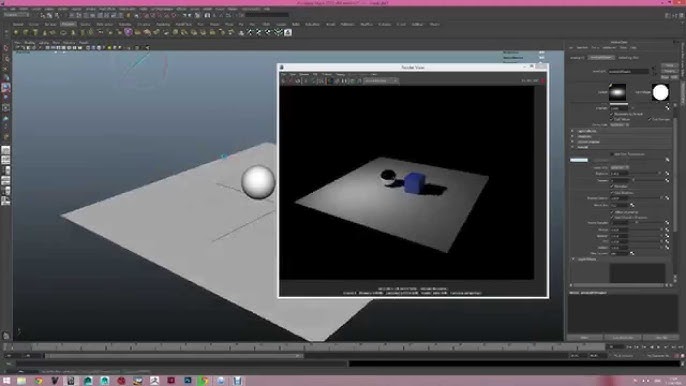
Arnold was designed from the ground up to efficiently handle complex geometric data, making it ideal for producing long animations and massive visual effects.
HtoA is designed to be a direct bridge between Houdini and the Arnold engine, allowing users to produce realistic 3D scenes with high cinematic quality without leaving the Houdini environment.
It started as an experimental component and was later adopted in production by global studios such as Milk VFX, Prime Focus World, and Framestore NY in projects like Sherlock, Doctor Who, and Hercules.
The software is primarily used to enhance lighting and materials within the scene, accurately rendering fluids, smoke, and particles, outputting multiple image layers (AOVs), and supporting motion, atmospheric effects, and dynamic blurring. Thanks to its deep integration with Houdini, HtoA is the best choice for visual effects artists seeking powerful performance and high flexibility in their workflow.
HtoA was developed by Solid Angle SL, a company specializing in creating tools for converting digital models into realistic images or high-performance final scenes, with the Arnold engine being at the forefront, used in major Hollywood productions.
Features of Solid Angle Houdini to Arnold
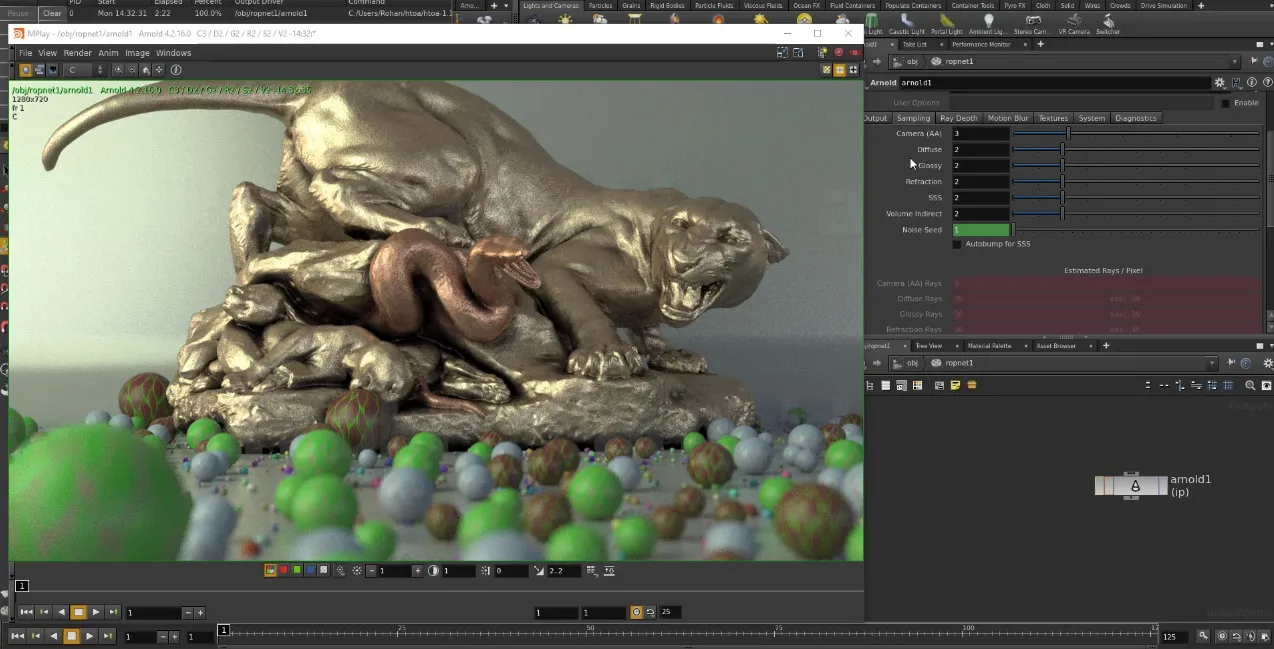
- Compatibility with Houdini means you can convert digital models into realistic images or final scenes directly from within the program without additional steps.
- Supports rendering to realistic scenes via CPU or GPU, allowing you to choose the method that suits your device, whether CPU or GPU.
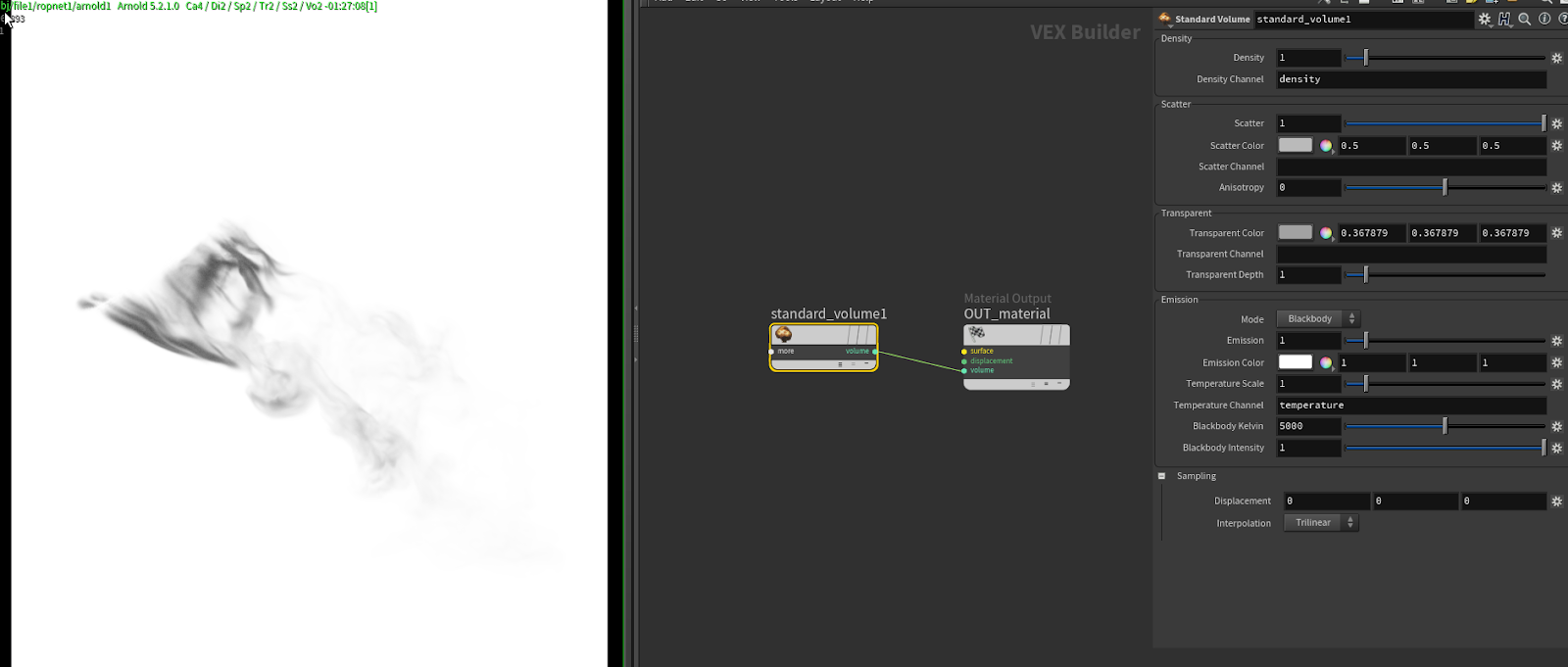
- Converts fog, smoke, and liquids using OpenVDB files, providing high realism in scenes.
- Compatible with USD and Hydra formats to facilitate work on large, multi-software projects.
- Professional material editor allows you to design textures using a node-based system, giving you control over every detail.
- Handles motion, lighting, and cameras, ensuring all scene elements work smoothly when converting digital models into realistic images or final scenes.
- Supports instancing to reduce memory consumption and speed up the final image output from the design.
- Outputs multiple image layers (AOVs) such as shadows and reflections, making it easier to edit in compositing software.
- Provides performance and error-checking tools to help you identify the causes of slowdowns or issues in the final image output from the design.
- Supports scripting, allowing you to program and replicate your settings easily using Python or API.
- You can preview changes in lighting and materials in real-time while working, saving significant time in experimentation and adjustments.
- Allows you to control light groups and output them separately for easier adjustments later.
- Handles motion, transitions, and material changes over time smoothly within Houdini.
- Compatible with other rendering tools like Arnold Standalone and Kick, expanding options for final image output from the design.
- Supports exporting in multiple formats such as .ass and .usd to facilitate scene transfer to other software or archiving work.
- Performance is continuously optimized, and new features are added regularly, with comprehensive support and documentation.
- Supports various camera types: perspective, orthographic, spherical, and fisheye.
- Includes precise controls for optical blurring (depth of field) and shutter speed to produce realistic cinematic scenes.
- Offers all types of light sources: point, distant, spot, area, disk, cylinder, sky dome, and mesh.
- Supports light filters to modify effects, with precise control over lighting outputs.
- Includes a comprehensive shading system with over 106 types of materials and helper tools.
- Supports displacement, bump mapping, and subdivision for fine details on surfaces.
- Supports fog, smoke, and dynamic backgrounds to add realism to the scene.
- Can produce scenes containing liquids, fog, and particles using OpenVDB files.
- Supports importing external files such as Alembic and mandelbulb to expand the scene.
- Accurately displays motion including translation, deformation, speed, and acceleration, with the ability to customize these effects for each element individually.
- Allows converting object properties into controllable data.
- Supports specific settings for each element or camera within the project.
- Allows outputting the scene in multiple layers (AOVs) within a single file or separate files.
- Compatible with all view methods in Houdini such as: window, mplay, COP, interactive view, and push view
with support for multi-camera viewing and control over image parts (buckets). - Supports the DeepEXR format that saves depth information within the image to facilitate editing in effects software.
System Requirements for Running Solid Angle Houdini to Arnold
To run Solid Angle Houdini to Arnold (HtoA) on a Windows system, you need a device with strong specifications that meet modern requirements, including the following:
- Operating System:
Windows 10 or Windows 11 (64-bit only) - Processor (CPU):
Multi-core processor that supports SSE4.2 instructions, such as Intel Core i7, Xeon, or AMD Ryzen, with CPU rendering being the primary option, so a powerful one is preferred. - Memory (RAM):
At least 16 to 32 GB, depending on the size and complexity of the projects. - Graphics Card (GPU)
To support GPU rendering, a modern NVIDIA RTX card that supports CUDA 11.0 or higher is required, with at least 8 GB of memory, and updated NVIDIA drivers must be installed. - Storage:
An SSD to speed up file and project loading, with at least 10 GB of free space for installing the software and plugins.
Conclusion
We wish everyone using Solid Angle Houdini to Arnold a smooth and creative experience filled with professional results. This software not only provides advanced technical tools but also offers a compatible working environment that helps you turn your ideas into realistic scenes. We hope this version serves as a new starting point for your projects and that you find the support you need to deliver stunning works that reach a global production level.
<p style="text-align: justify

 File Name:
 Version:
 Full Version:
 Created By:
 License Type:
 Release Date:
 Languages: