Xender For Windows 5.1.0 Free Download - 3almalt9nia
Free download Xender For Windows 5.1.0 Latest version - Transfer files from PC to your phone or other devices.
In this article on Tech World, we're diving into Xender for Windows, an app that makes transferring and sharing files between devices incredibly fast and almost cable or internet-free. Xender stands out for its user-friendly interface and allows you to transfer all types of files, be it photos, videos, documents, or apps, between your computer and smartphones with high efficiency. With support for cross-platform file transfers across Windows, Android, and iOS, you can easily share files with colleagues or between your personal devices without any hassle. In the following lines on Tech World, we'll explore the key features of Xender for Windows and how you can use it to transfer files quickly and easily in your daily work or between different devices.
Overview of Downloading Xender for Windows - Direct Link
Xender for Windows is one of the best solutions for transferring and sharing files between devices quickly and easily without needing cables or connections. The app is designed to simplify the process of exchanging files between computers and smartphones, whether they're photos, videos, music, documents, or even apps.
Xender for Windows supports file transfers between different operating systems like Windows, Android, and iOS, giving users complete freedom to share files with any device easily and swiftly.
One of the program's key features is its reliance on Wi-Fi Direct technology for file transfers, which offers much higher speeds than traditional Bluetooth and reduces internet dependency.
The program also provides a simple and easy-to-use interface, allowing anyone without technical expertise to handle all its functions effortlessly, whether for sending, receiving, or even organizing transferred files.
Xender for Windows allows you to transfer large files quickly without straining device resources, with the ability to transfer an entire folder at once to save time and effort.
Overall, Xender for Windows is the ideal solution for anyone looking for a fast, secure, and efficient way to share files between different devices, whether for personal use or in a work environment.
Features of Xender
- High-speed file transfer and sharing between computers and smartphones
- Supports all file types like photos, videos, music, documents, and apps
- File transfer between different operating systems like Windows, Android, and iOS
- Utilizes Wi-Fi Direct technology for file transfers without internet or cables
- Simple and clear user interface for all users
- Ability to transfer an entire folder at once to save time and effort
- Much higher transfer speed than traditional Bluetooth
- Supports transferring large files without straining device resources
- Ability to organize transferred files within the program for easy access
- Allows simultaneous sending and receiving of files between multiple devices
- Easy file sharing with friends and colleagues
- Provides a log of transferred files for easy tracking later
- Supports direct connections between devices without needing an external Wi-Fi network
- Data protection during transfer to ensure no loss or alteration
- Continuous updates to improve performance and support new devices and operating systems
- Suitable for personal use and small businesses for fast data transfer
- No need to install additional software on other devices when connecting

Technical Details and System Requirements for Xender
Program Requirements:
- Processor: 1.6 GHz or faster, 2-core.
- RAM: 4 GB RAM
- Graphics Card: 1280x720 or higher screen resolution.
- Program Space After Installation: 1GB of available hard-disk space for installation
- Operating System: Windows 10 or higher.
- Network Card: Wi-Fi capability is essential for wireless transfer
- DirectX Version: Version 9
Advanced Features of Xender
- Transfer Manager: A tool to control transfer operations, allowing you to track sent and received files, pause and resume transfers, and know the actual transfer speed for each file
- Multi-Device Connection: Connect to multiple devices simultaneously, enabling you to send files from your computer to multiple phones or other computers without reconnecting each time
- Wi-Fi Direct Transfer: Uses Wi-Fi Direct technology for extremely fast file transfers without needing the internet, making it much safer and faster compared to Bluetooth
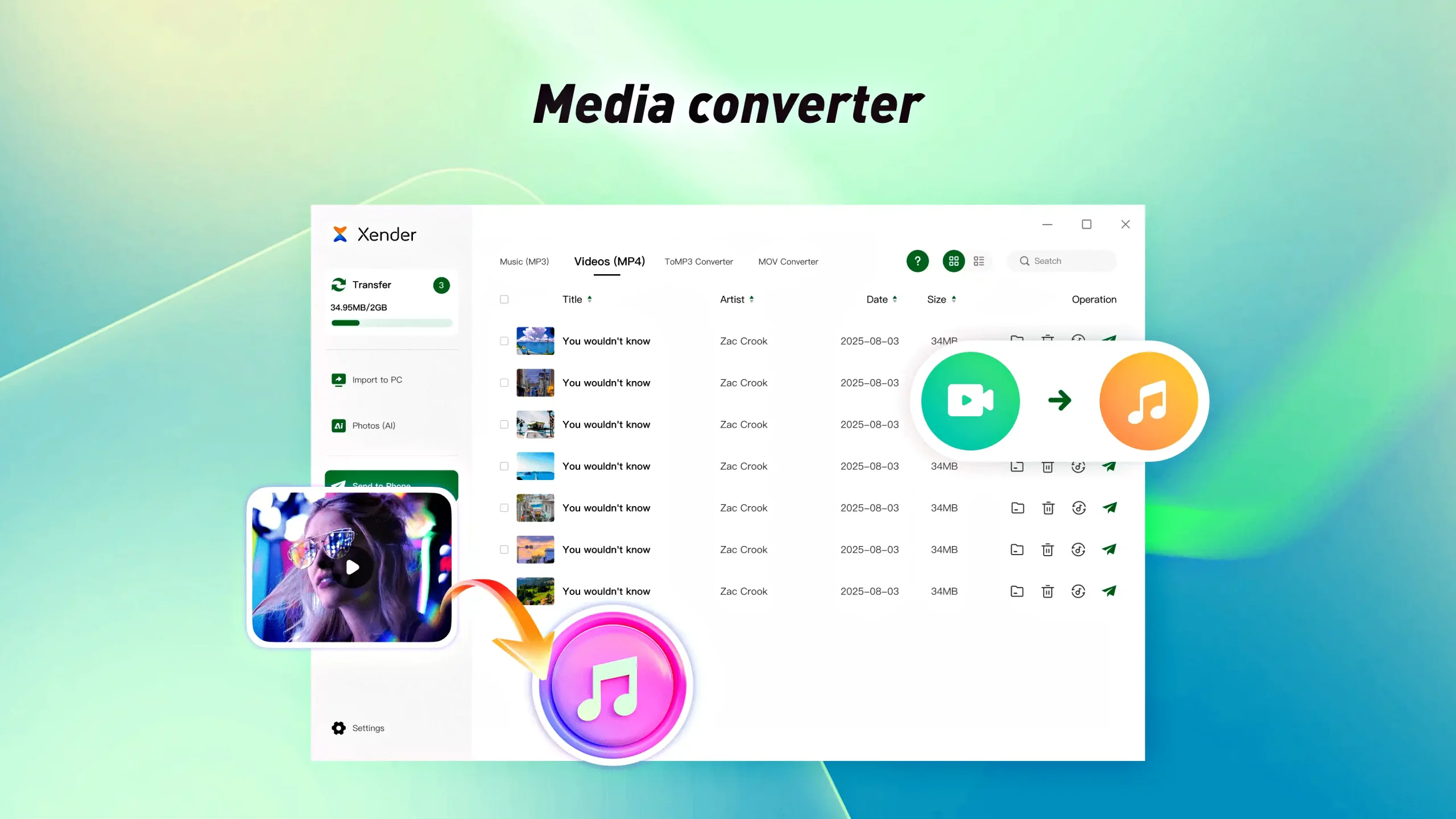
- File Preview & Organizer: Preview files before sending and organize them within the program by type, size, or file name for easy access later
- Cross-Platform Support: Full support for different operating systems, allowing file transfers between Windows, Android, and iOS without compatibility issues
- Large File Transfer: Transfer large files without size restrictions, whether they're long videos or large folders, ensuring fast transfer without interruptions
- Batch Transfer: Transfer a group of files or an entire folder at once to save time and effort instead of sending each file individually
- History & Logs: A complete record of transferred files showing transfer time, sending device, and receiving device, with the ability to resend files easily
- Drag & Drop Interface: Easily select files and folders to send from anywhere on your device by dragging and dropping
- Share Link Generator: A tool to generate file links that you can send to anyone to receive the file without needing to install Xender on their device, ideal for quick or external sharing
- Security & Privacy Tools: Secure file transfers by encrypting data during transfer to prevent unauthorized access or file modification
- Fast File Searching: Quickly search within the program to locate files before sending them
Conclusion
In conclusion, Xender for Windows is the perfect solution for anyone needing to transfer and share files quickly and easily between different devices. The program combines high speed, ease of use, and support for transferring all types of files, whether small or large, while ensuring data security and privacy. Whether you're working on a personal computer or want to send files to your smartphones, Xender makes the process smooth and uncomplicated.
Don't waste your time with traditional methods; download Xender for Windows now and start transferring files and folders between your devices quickly and professionally. Enjoy the advanced tools that make every file transfer easier and faster than ever before.

 File Name:
 Downloads:
 Version:
 Full Version:
 Created By:
 License Type:
 Release Date:
 Languages:
 Tags:
Tags: