

Overview of Polarr Photo Editor Pro 5 Features
It provides everything you need and more in the simplest way possible, while still giving you the professional look you're aiming for, all for free.
Beginners will appreciate that Polarr offers advanced auto-enhancement tools and complex filters to edit every detail of your photo. Professional photographers will look forward to layer support, curve tools, local adjustments, and more.
A new feature called the Border Tool has been introduced. This tool allows you to quickly and easily add borders to your photos. It's a smart tool that suggests a border color based on the colors in your photo. Of course, you can choose any color you like.
Exporting your photos with the app is easy yet powerful with built-in controls. When exporting, you can do things like change image quality settings, image dimensions, and even add a watermark. Here's a quick overview of what you can do when exporting your photos with the program.
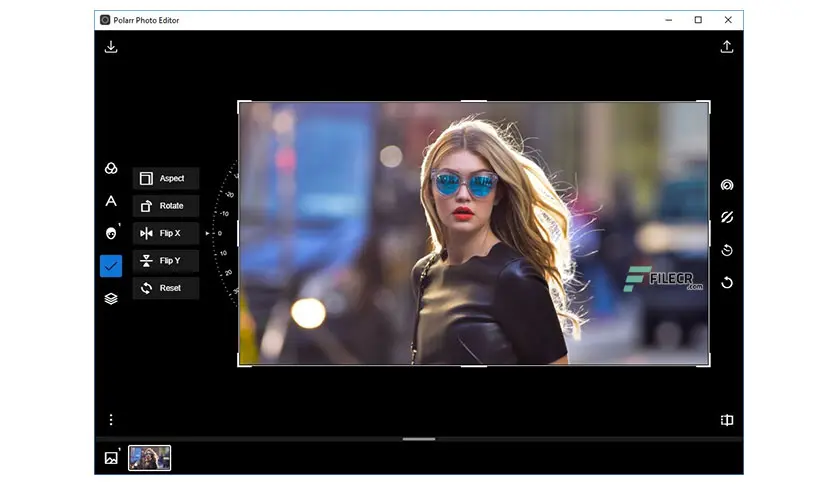
You can use the gradient mask whenever you want to edit sections of your photos in straight lines. This is particularly useful in landscape photography with flat horizons. The gradient mask makes it easy to adjust the sky in those photos. But as with most tools, the gradient mask is only limited by your creativity. Here's a quick overview of the gradient mask in the app.
Whenever you apply an adjustment to a photo in Polarr Photo Editor, a slider will appear for you to control it. This slider appears when you do things like make an overall adjustment or smooth skin tones. But here's a pro tip for mobile users who want to make adjustments faster: use the adjustment panel itself.
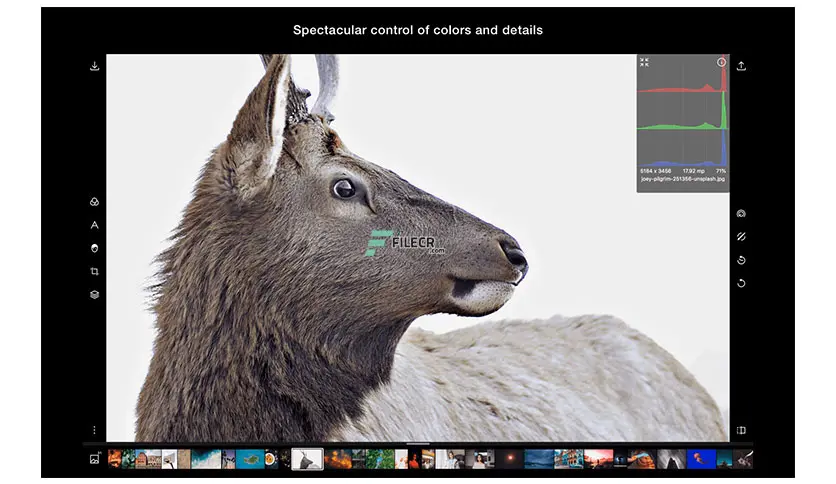
Features of Polarr Photo Editor Pro
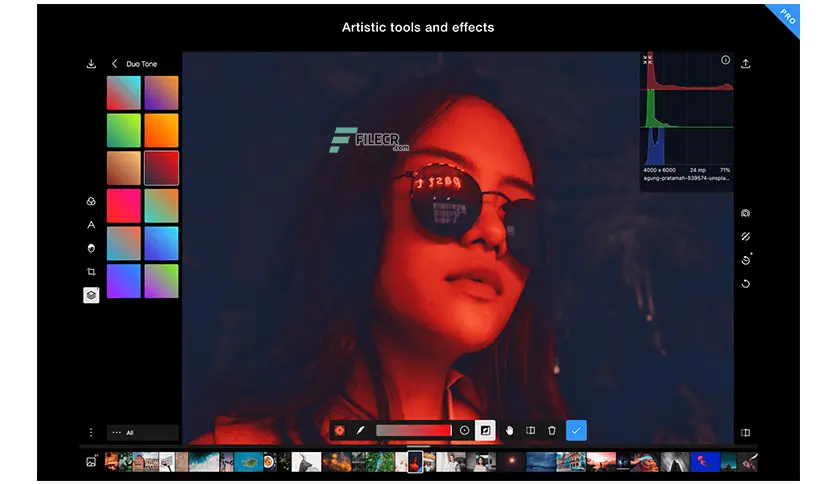
Custom overlays and complex blending modes
Dual lens effects and depth adjustments
A full set of masking and local adjustment tools
Advanced face editing tools with smart detection
Create, customize, and share your own filters
Batch export
Custom overlays and complex blending modes
Dual lens effects and depth adjustments
Create and share your custom filters
Blend images with 10 blending modes and more
Adjust the image based on depth using dual camera
Smart auto-enhance technology for exposure and white balance
Choose from dark or light color themes or create and share your own themes
System Requirements for Polarr Photo Editor Pro
Supported Operating System: Microsoft Windows 10 version 16299.0 or higher (64-bit)
Processor: Intel multi-core series or higher, Xeon or AMD equivalent
RAM: 4GB (8GB or more recommended)
Free Hard Disk Space: 2GB or more recommended

 File Name:
 Downloads:
 Version:
 Full Version:
 Created By:
 License Type:
 Release Date:
 Languages:
 Tags:
Tags:


